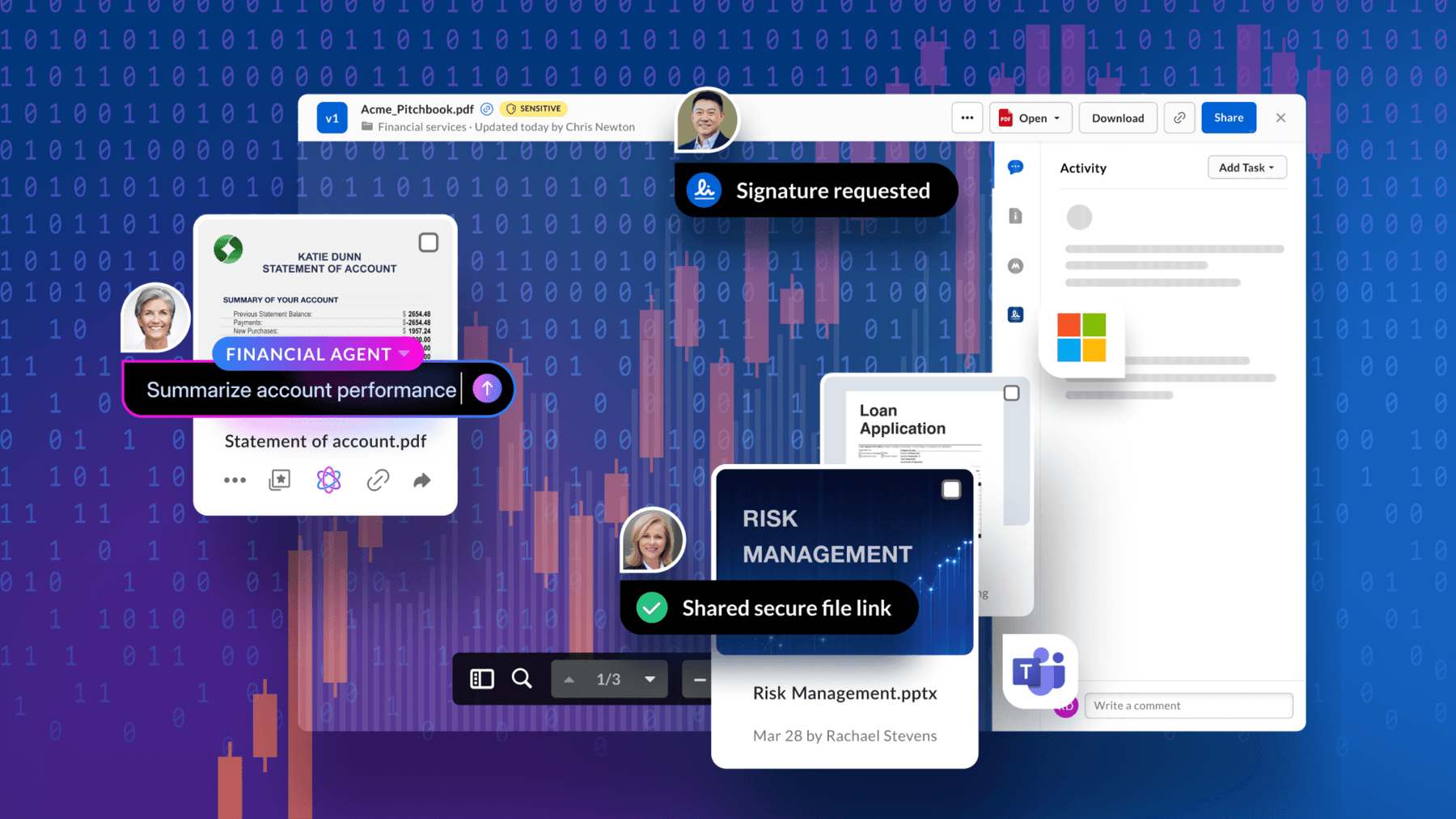
OCR invoice processing is the use of optical character recognition (OCR) technology to automate the extraction of data from invoices. OCR captures text from document scans, PDFs, or images. The technology then converts the captured data into structured, machine-readable information.
Instead of forcing you to manually enter details like invoice numbers, vendor names, dates, or line items, OCR pushes the extracted data directly into your financial system. The result is faster, more accurate, and scalable invoice handling compared to manual data entry.
Key highlights:
- OCR invoice processing converts unstructured text from images and PDFs into structured, machine-readable data for seamless financial system integration
- Benefits of OCR invoice automation include increased efficiency, data accuracy, significant cost savings, and a secure, compliant audit trail for every transaction
- Box, the leading Intelligent Content Management platform, combines OCR and AI to streamline your invoice management
How OCR technology works in invoice processing

OCR invoice automation moves invoices through a seven-step workflow to turn them into structured, usable data. Each stage builds upon the last to keep information accurate and accessible.
- Invoice digitization: OCR brings every invoice into one system, whether it arrives as a scan, PDF, email, image, or electronic file
- Image preprocessing: The tool cleans files so the text is ready for accurate recognition
- Text recognition: OCR reads printed or handwritten characters and identifies key fields such as invoice number, vendor, and totals
- Data extraction: The software translates the identified fields into structured data, using templates for uniform layouts and AI data extraction for variable ones
- Validation and verification: OCR, powered by artificial intelligence, checks the invoice details against the approved information
- Data export and integration: Validated data flows straight into ERP, accounting, or AP systems through APIs, eliminating the need for manual re-entry
- Archiving and retrieval: The system stores invoices securely with role-based access, searchable metadata, and audit-ready records

Benefits of implementing an invoice OCR workflow
Manual invoice processing is slow and resource heavy. Ardent Partners reports that an accounts payable team takes an average of 9.2 days to process one invoice manually. The processing cycle time drops down to 3.1 days with tools like OCR.
The main benefits of OCR invoice automation include:
- Better compliance and audit readiness: Digital archiving creates a document audit trail, making every invoice searchable so auditors and regulators can access records instantly with full traceability
- Actionable intelligence: AI-powered OCR helps create intelligent content from invoice data for forecasting, reporting, and spend analysis
- Scalability: Cloud data storage supports your invoice volume growth without overloading accounts payable workflow
- Faster processing: Document workflow automation speeds up invoice cycle times and approval workflows
- Higher accuracy: Reduce human errors in data entry with validation rules that catch mismatched or missing information
- Cost savings: Document automation for financial services prevents late payment penalties and helps you process higher invoice volumes without having to hire more people
- Stronger vendor relationships: Faster approvals and timely payments support supplier collaboration and reduce vendor disputes
- Adaptability: AI-powered OCR adjusts to new invoice layouts, formats, and languages without manual reconfiguration, for increased flexibility across vendors and regions

Common OCR invoice automation challenges (with solutions)
Using OCR in invoice processing brings these six challenges.
Challenge #1: Compliance requirements demand oversight
Even with invoice OCR automation, it’s the finance teams with the ultimate responsibility for compliance. Regulators expect accurate, traceable invoice data. But errors from mismatched totals, duplicates, or incomplete fields have the risk of slipping through without proper controls, setting you up for audit failures and penalties.
Solution
Look for automation tools that embed cloud compliance into the process. OCR can manage routine invoices, while built-in validation checks, audit trails, and security controls ensure sensitive data remains accurate and protected. Human review, then, focuses only on complex or high-value cases, strengthening compliance without slowing down the workflow.
Learn how to protect financial data.
Challenge #2: Handwritten content is hard to process
While OCR excels with typed invoices, it struggles with cursive handwriting or annotations added in pen. The result is gaps in the data and delays when invoices require manual review. If the data is being used for other AI projects, the stakes are higher. According to an IDC study, when organizations struggle with data quality and/or accessibility, their generative AI projects are far less likely to succeed.
Solution
Encourage vendors to provide digital or typed invoices wherever possible. For those who still use handwritten documents, route them into an AI-powered content workflow so they can be reviewed without clogging the main processing stream.
Challenge #3: Vendor invoice formats vary widely
No two suppliers format invoices the same way. Logos, table structures, and field placements shift from vendor to vendor, which increases errors when OCR relies on rigid templates.
Solution
Use an adaptable OCR that learns vendor-specific layouts over time. When combined with AI, OCR turns unstructured data into intelligence you can use instantly for reporting or forecasting. Validation rules also ensure invoices with unusual formats are automatically flagged for review instead of slipping through with errors.
Understand the differences between structured data and unstructured data in the age of AI.
Challenge #4: Exceptions slow down the process
Even the best OCR setups produce exceptions — missing invoice numbers, mismatched totals, duplicate submissions. If these aren’t managed properly, they pile up and create payment delays.
Solution
Have AI flag common errors so the system routes only problem invoices to AP staff. Define clear exception-handling workflows and use automation to support productivity. Data from Box’s 2025 State of AI report shows that companies project 30% productivity gains over the next three years as automation replaces manual work.

Challenge #5: Low quality scans reduce accuracy
Inferior and unreadable invoice scans confuse the OCR engines. The automated invoice processing software may misread characters or miss fields entirely, forcing AP staff to step in. Over time, poor scans drive up exception rates and slow approvals.
Solution
Standardize the way you scan and submit invoices: Use preprocessing image tools before OCR runs to improve recognition accuracy.

Challenge #6: Integration with existing systems is not seamless
Extracting data is only half the job. If OCR doesn’t connect smoothly with ERP, AP, or accounting platforms, teams still need to re-enter invoice details manually. Lack of integration creates bottlenecks, duplicates effort, and erodes many of the time savings automation promises.
Solution
Map out your invoice workflow from end to end before deploying OCR. Make sure the tool you choose offers cloud app integrations that let invoice data flow directly into your core financial systems. This way, OCR becomes part of the process — not another isolated step.
Streamline invoice processing with Box
Implementing OCR in invoice processing is a good start, but you need more than data capture — you need intelligence, compliance, and scalability. Box, the leading Intelligent Content Management platform, turns unstructured invoice data into usable intelligence with security and governance built in.
With Box’s suite of intelligent solutions for financial services, you get:
- Agentic automation: Classify invoices and extract metadata without manual work
- Security and compliance: Speed up invoice intake and deliver validated, audit-ready information that finance teams can rely on
- Scalable cloud storage: Handle increasing invoice volumes without adding complexity
- Content management: Create, store, and manage documents on a trusted platform without sacrificing governance or compliance
Ready to implement OCR invoice processing? Contact us to see how Box can help.
Frequently asked questions
What types of invoices can OCR process?
An OCR process can support these different types of invoice inputs:
- Paper: Digitize and process scanned or photographed invoice copies
- Digital: Upload PDFs, Word docs, and image formats directly
- Email: Extract invoice data from email attachments and embedded text
What are the top use cases of OCR in finance?
OCR in finance supports multiple business scenarios where manual invoice handling slows teams down:
- Invoice processing at scale: High invoice volumes overwhelm accounts payable processes and teams when managed manually. OCR streamlines it, keeping accuracy consistent and reducing backlogs.
- Digitizing paper-heavy workflows: Paper invoices create storage, retrieval, and compliance challenges. OCR allows invoices to flow directly into AP systems, helping with digital file management.
- Streamlining purchase order matching: Two-way matching is a time-consuming process for the AP team. OCR compares invoices against purchase orders automatically and flags only discrepancies for review.
- Handling diverse formats and languages: Advanced OCR adapts to variations of global vendors.
- Supporting compliance and audits: Manual record-keeping slows down audits. OCR archives invoices with metadata, making them instantly searchable and audit-ready.
- Improving vendor relationships: Late or inconsistent payments erode trust. Faster, automated processing helps vendors get paid on time and reduces the likelihood of disputes.
Is invoice OCR technology reliable and accurate?
Yes, modern invoice OCR technology is reliable and accurate. According to AIMultiple, printed text has an accuracy greater than 95% accuracy. However, there are cases in which this technology becomes less reliable because it’s hard to read (for example, handwritten invoices and poor scans).