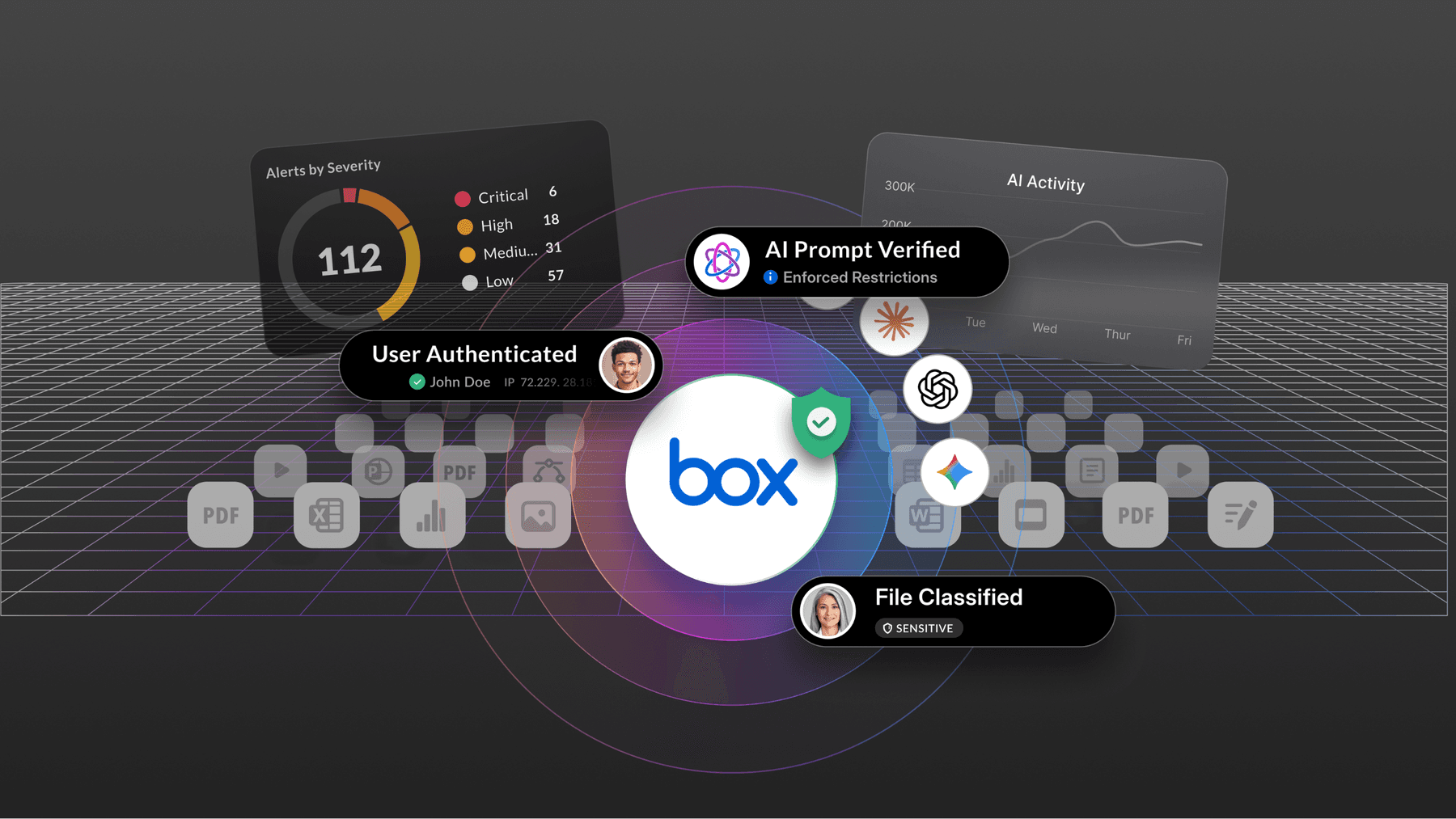
When it comes to creating new cloud-based workflows for your business, the first approach that should come to mind is how to make them more efficient, cost effective, and secure. Thanks to advancements in cloud infrastructure and technologies like artificial intelligence (AI), it’s much easier to achieve all these goals at once by implementing intelligent cloud solutions that automate tasks, extract insights from your data, and more.
Cloud app integration serves as the foundation for this process, enabling seamless connection and data exchange between software — saving you time and minimizing the burden of switching between dozens of tools.
In this guide, we put together everything you need to know about integrating cloud apps, from understanding the key benefits and types of integrations to best practices for success.
What is cloud integration?
Cloud integration is the process of connecting cloud-based software applications, platforms, on-prem systems, and data sources to facilitate data exchange and interoperability. This integration allows you to simplify business operations by creating a cohesive digital ecosystem.
Imagine running a retail company that demands inventory be synchronized in real time. While a manual approach would require checking and updating stock levels across platforms, integrated cloud applications (that automatically sync inventory across channels) eliminate errors, delays, and the frustration of team members and customers.

Your business can use cloud integration services to:
- Link a visual collaboration tool to video conferencing software
- Expand the use of AI for business applications
- Combine HR software with a payroll system
- Sync project management software with communication tools
- Unify finance applications with payment gateways
Types of cloud platform integration
Understanding the types of cloud integration helps you align your business needs with the right solutions, whether your goal is to simplify data syncing between applications or enhance document collaboration.

Let’s take a look at the most common cloud integration types and how they fit into modern workflows.
- Cloud application integration connects different software applications to ensure smooth integration flows, eliminating the need for manual data entry
- Cloud data integration consolidates information from multiple sources into a unified system — such as integrating marketing campaign data with customer behavior analytics
- Cloud-to-cloud integration links two or more cloud-based platforms, a common practice when using SaaS solutions like a CRM system and cloud collaboration tools
- Cloud-to-on-premises integration bridges the gap between the cloud and traditional on-prem systems, which allows effective data backup and recovery without manual intervention
- API-based integration facilitates interaction between apps by defining rules for exchanging data — helping integrate third party applications and expand their capabilities with minimal disruption
Top business benefits of cloud integration services
When you connect two cloud applications, and data flows freely between them, you open up opportunities for experimentation and innovation. Pluralsight’s State of Cloud shows that 94% of leaders use cloud services for their technology initiatives, and 51% invest in cloud technology to develop new ideas, approaches, and methodologies.
But how exactly does cloud integration software make an impact? Here’s a breakdown of its benefits.

- Data accessibility and quality: Cloud integration centralizes and synchronizes data, ensuring it’s up to date and easy to access. For example, you can use an Intelligent Content Management platform to securely organize documents and integrate AI to retrieve accurate information instantly.
- Digital workflow automation: Integrating apps to handle routine activities — such as analyzing documents, generating content, and entering data — gives teams more time to focus on strategic work. It helps speed up processes and minimize errors without the constant back-and-forth of manual updates.
- Enhanced collaboration: Even in a distributed workforce, cloud platform integration facilitates team communication and resource sharing. For example, connecting a content management platform with communication apps allows team members to access, co-edit, and share files in real time, speeding up review and approval processes.
- Information security and compliance: Especially in sectors with strict compliance needs, like healthcare and financial services, strong security measures are critical to maintaining stakeholder trust. By connecting tools that encrypt files, control access to files, and track regulatory requirements, you protect sensitive information from cyber threats while enforcing industry standards and legal obligations.
Review the basics of information security and its best practices for businesses.
Best practices for successful cloud application integration
Before implementing a cloud integration platform, you should assess your current tech stack to identify integration needs and compatibility issues. But when you already have several tools in place, you can still take the time to map out workflows and prioritize integrations based on business needs to ensure the most critical systems connect first.
Follow these four best practices to make the most of your applications.
- Choose solutions with robust API capabilities
Grand View Research forecasts that the global application integration market size will reach $55.22B by 2030, growing by 196% compared to 2024. One of the reasons is the demand for platforms that can effectively manage and integrate APIs across apps and services.
APIs serve as the connectors between cloud applications, allowing them to “talk” to each other without requiring extensive custom development. When evaluating cloud app integration solutions, prioritize those with strong API support and pre-built connectors to reduce the complexity of manual configuration, coding, and troubleshooting.
- Plan before scaling
As your business grows or adds new technologies like AI, your integration solutions must keep up. According to a report by MuleSoft in collaboration with Deloitte, 95% of organizations say that integration issues impede AI adoption.

If you don’t have a plan to automate workflows, increase cloud storage capacity, and manage larger volumes of data, it’s time to build one. Make sure that your software can handle growing workloads, new applications, and evolving business needs without hitting its limits.
- Implement data security protocols
No business is completely immune to data breaches, leaks, or cyberattacks. As you integrate different platforms, sensitive data often moves between them, making information vulnerable to unauthorized access and exploitation. When evaluating cloud-based integration platforms, look for features that protect your content, sensitive or not, from security risks.
Examples include:
- File and folder permissions: Define who can view, edit, or share specific content, reducing the risk of unauthorized access
- Multi-factor authentication (MFA): Add an extra layer of security to your authentication process by requiring multiple forms of verification to access applications
- Password protection: Safeguard sensitive information with strong passwords, limiting access to documents
- Link sharing: Control how you share links to files or folders by setting expiration dates, passwords, or permissions

- Enable real-time cloud syncing
Cloud syncing eliminates delays and errors by instantly reflecting changes made in one system across all integrated platforms.
For example, synchronizing files between your document editor and cloud storage reduces the risk of team members working on outdated files — a mistake that can cost time and damage your business’s reputation, especially when collaborating with clients.
Box Integrations FAQs
How many integrations does Box support?
Box connects with 1,500+ applications and open APIs — including Microsoft 365, Google Workspace, Salesforce, Slack, ServiceNow, and more. Whether your teams work in productivity suites, CRM platforms, or IT service management tools, Box fits into the workflows they already use. You don't have to change how your people work; Box meets them where they are.
What is Box for Microsoft 365, and how does it work with Teams and Office?
Box for Microsoft 365 lets your teams create, edit, and co-author Word, Excel, and PowerPoint files directly in Box — without moving content to OneDrive or SharePoint. Files stay in Box throughout the editing lifecycle, so your permissions, governance, and compliance settings apply automatically.
Box also works inside Microsoft Teams and Outlook, so employees can share, preview, and collaborate on Box content without switching apps. Box provides seven permission levels across all content, giving IT admins finer control than Microsoft's native sharing model. Box doesn't replace Microsoft — it amplifies it.
Does Box work with Google Workspace?
Yes. Box for Google Workspace lets your teams create and edit Google Docs, Sheets, and Slides directly in Box — and content never leaves Box to live in Google Drive.
Box's seven permission levels apply to all Google-format files, giving IT admins finer control than Google Drive's native sharing model. You can also open and edit Microsoft Office files using Google editors in Box, with changes saved back in the original file format. One content repository. Both editor ecosystems.
How does Box integrate with Salesforce?
Box for Salesforce is a native, managed package integration — built and maintained by Box — that connects Box directly to Salesforce without duplicating content storage. Your teams get secure file sharing, previews, and search via Box Embed inside Salesforce records.
Box AI generates content insights, Box Sign handles e-signatures, and Box Doc Gen automates document creation — all without leaving Salesforce. Salesforce record data syncs automatically to Box metadata, keeping everything in one connected pipeline. The package is free to use for customers and receives regular updates to ensure compatibility with new Box features as they are released.
Can I use Box with AI tools like Salesforce Agentforce or Google Gemini?
Yes. Box connects directly with both. Box for Salesforce is available on the Salesforce AgentExchange and provides 41 pre-built agent actions that allow Salesforce agents to interact with unstructured content in Box — covering AI-powered extraction, document workflows, e-signatures, metadata management, and more.
Box for Gemini Enterprise uses the Box AI API and the Agent-to-Agent (A2A) protocol to surface the full suite of Box AI Agents — including Global, Search, and custom Box AI Studio agents — directly inside Gemini. Users can securely search across Box files, extract structured data, and generate new content without leaving the Gemini interface. In both cases, Box's permissions and governance apply — so AI only accesses what it's authorized to see.
How does Box handle security and compliance across integrations?
Every Box integration inherits Box's enterprise-grade security and compliance framework. That means your permissions, access controls, and governance policies apply whether your teams are working in Salesforce, Microsoft Teams, Google Workspace, or ServiceNow — not just inside Box itself.
Box is FedRAMP High authorized, HIPAA compliant, SOC 2 certified, and meets FINRA, GxP, GDPR, and other regulatory standards. AI responses are based only on content users and agents are authorized to access, preventing shadow AI and data leakage. Box classification labels, retention policies, and access controls are attached to the content itself — so the same rules apply whether content is accessed by a human, a Box-native agent, or a third-party AI tool connected through the Box MCP Server.
What is Box for ServiceNow, and what can it do?
Box connects to ServiceNow through multiple integration touchpoints — giving your teams the right level of integration for each workflow. Box AI Agents for ServiceNow provide AI-powered data extraction and content insights directly inside ServiceNow NowAssist, so teams can summarize product documentation, find contract terms during vendor discussions, extract requirements from RFPs, and identify root causes in post-incident reviews.
The Box Spoke provides low-code, no-code workflow actions for automating file and folder management inside ServiceNow. The Box External Content Connector makes Box files and metadata searchable in ServiceNow AI Search. And teams can build custom agents by connecting the Box MCP Server to any agent built in ServiceNow AI Agent Studio. Box's permissions, file classifications, legal holds, and retention policies apply automatically across all touchpoints — supporting standards including FINRA, HIPAA, SOC 2, ISO 27001, and FedRAMP.
Does Box require middleware or custom development to integrate with other tools?
No. Box provides native, maintained integrations for the most widely used enterprise platforms — Salesforce, Microsoft 365, Google Workspace, ServiceNow, Slack, and more. These integrations are built and maintained by Box, so they stay compatible with new Box features automatically.
You don't need Zapier, Workato, or custom-coded connectors to get started. For teams that want to build custom workflows, Box also offers a RESTful API, webhooks, SDKs for every major language, and the Box MCP Server — a standard, secure bridge between Box content and AI agents (including Claude, ChatGPT, and Microsoft Copilot Studio) that requires no custom connectors, no data movement, and no re-indexing.
How does Box AI work across integrations?
Box AI is built into the Box platform and travels with your content wherever it goes. When you use Box for Salesforce, Box AI can generate insights from files linked to Salesforce records and extract structured data from complex documents like contracts and invoices. When you use Box for ServiceNow, Box AI Agents can summarize documents and extract key data inside NowAssist.
When you use Box for Gemini Enterprise, Box AI agents surface directly in the Gemini interface via the A2A protocol. In every case, Box AI works within your existing permissions framework — so responses are grounded in your content and limited to what each user is authorized to access. Box AI does not train on your content, helping protect proprietary business information while still delivering intelligent outputs.
What's the difference between Box and using OneDrive or Google Drive for content management?
Box is vendor-agnostic. It supports both Microsoft Office and Google Workspace editors without fragmenting your content repository or locking you into one ecosystem. OneDrive and Google Drive are designed to keep content inside their respective ecosystems — Box is designed to be the single, secure content layer across all of them.
Box also offers seven granular permission levels (compared to the more limited sharing models in OneDrive and Google Drive), enterprise-grade compliance certifications, and AI capabilities that work across your entire content library regardless of file type. Box AI does not require content to move out of Box — so governance, permissions, and compliance controls stay intact whether your teams are using Microsoft tools, Google tools, or third-party AI agents.
Can Box integrate with Slack?
Yes. Box integrates with Slack so your teams can securely share and collaborate on Box content directly in Slack conversations — with Box AI available to generate insights from shared files.
Box for Salesforce also connects Box, Salesforce, Slack, and Agentforce into a single automated content pipeline, so content moves seamlessly from prospect to active project without manual re-uploads or permission errors. The Box MCP Server also acts as a secure interoperability bridge, allowing external platforms including Microsoft Teams, Slack, and Salesforce to call upon Box AI agents and enterprise content without data ever leaving Box's governed environment.
How do I get started with Box integrations?
Most Box integrations are available directly from the Box App Center or through the relevant platform's marketplace — such as the Salesforce AppExchange for Box for Salesforce, or the Salesforce AgentExchange for Box for Agentforce. Enterprise admins can enable integrations org-wide or configure them at the individual user level depending on your plan.
Box's open APIs and SDKs are available to developers who want to build custom workflows or connect Box to tools not covered by native integrations. The Box MCP Server is available for teams that want to connect third-party AI agents — including Claude, ChatGPT, and Microsoft Copilot Studio — to Box content securely. To explore what's available, visit our Integrations page or contact your Box account team.
Integrate your cloud applications seamlessly with Box
Box allows you to create and manage all your content in one single, secure platform. The Intelligent Content Management equips your business with flexible storage, file sharing, collaboration tools, and advanced AI models to supercharge your workflows, from automation to data insights. You can also:
- Integrate Box with over 1,500 applications, such as Adobe, Apple, Cisco, Cloudflare, CrowdStrike, Google, IBM, Microsoft, Okta, Oracle-Netsuite, Salesforce, ServiceNow, Slack, and Zoom
- Make Box your content hub while protecting sensitive data with enterprise-grade security features like file encryption, advanced authentication, and granular access controls
- Leverage the intelligence of Box Platform to extend advanced capabilities to other apps with rich APIs and developer tools — keeping content easy to share, access, and collaborate
Contact us today and discover how our cloud app integration solutions simplify your workflows.
*While we maintain our steadfast commitment to offering products and services with best-in-class privacy, security, and compliance, the information provided in this blog post is not intended to constitute legal advice. We strongly encourage prospective and current customers to perform their own due diligence when assessing compliance with applicable laws.