Your content is your greatest asset, and keeping it secure and compliant requires a robust approach to data protection that builds trust with partners, employees, and customers. But how do you maintain regulatory compliance when you rely on external systems to store your content?
Cloud compliance ensures that your documents, sensitive files, and digital assets remain protected and adhere to industry laws and standards, even when stored offsite. Whether you’re developing or optimizing your compliance strategy, you should follow our best practices to meet regulatory requirements and safeguard your most valuable information in the cloud.
What is cloud compliance?
Cloud compliance is the adherence to a set of laws, regulations, and standards required for cloud-based services. These rules are often set by governmental bodies, industry groups, or internal policies, certifying that data stored and managed in the cloud is secure and used responsibly.

Achieving cloud compliance is the responsibility of your company’s compliance and legal teams, which assess readiness. Compliance is typically verified by a reputable third party auditor who reviews and confirms the effectiveness of relevant controls, ensuring adherence to regulations and security standards after data is stored in the cloud.
Additionally, your IT, legal, and business teams must work together to create and enforce internal policies that align with regulatory requirements and business goals.
Understanding the compliance process in a cloud environment
Let’s review how the process of cloud compliance for enterprises typically works:
- Identify relevant compliance regulations: Your business analyzes industry-specific regulations, data protection laws, and internal policies that apply to its operations
- Assess current practices: The IT team evaluates existing security measures and identifies any gaps in compliance with the identified standards — for example, detecting the need for cloud compliance tools that enable encrypted document sharing
- Develop a strategy: The compliance team then typically creates a detailed plan that outlines the steps required to address the gaps and ensure ongoing compliance
- Implement compliance measures: Teams across IT, security, engineering, and other departments deploy technical and administrative controls to protect your content against cyber threats or data loss, such as restricting permissions to access documents and implementing policies to retain content for specific periods
- Monitor and maintain compliance: A security or compliance officer conducts regular audits, stays updated on regulatory changes, and responds promptly to incidents
This framework helps you understand where your business currently stands and evaluate the maturity of your cloud compliance strategy.
How enterprises benefit from cloud security and compliance
Sensitive data exist in many forms, from personally identifiable information (PII) to copyright-protected documents. Enterprise cloud security and compliance practices safeguard your data throughout its lifecycle, ensuring its confidentiality, integrity, and availability from creation to disposal.

By meeting cloud compliance regulations, your business can achieve:
Mitigation of potential legal risks
Cloud compliance helps your business steer clear of legal penalties, especially as laws and regulations change frequently. Efficient cloud providers offer tools that ensure your data stays where it’s supposed to and automate tasks like retention policies, legal holds, and disposition. These tools help you avoid potential lawsuits for violating data protection and privacy rules.
Data integrity and protection
If someone tries to access, edit, or share sensitive documents without permission, whether accidentally or intentionally, security features like granular access controls and password protection step in to safeguard your information. These measures keep your data accurate and secure, preventing issues like accidental deletion or loss.
Trust and accountability
According to a PwC survey, customers, employees, and businesses all agree that safeguarding data and cybersecurity is the top element for building trust. By sticking to compliance regulations, your enterprise shows a strong commitment to protecting sensitive data. This not only keeps your information practices transparent but also upholds high standards of security and privacy — key factors in gaining the confidence of your stakeholders.
Cost savings from avoiding breaches and fines
IBM’s Cost of a Data Breach Report 2024 shows that the average global cost of a data breach is $4.88M. Non-compliance with regulations can increase this cost by $237,118. By following regulations and putting security measures in place, you can avoid costly breaches and fines, protecting your enterprise’s financial well-being.

Common cloud compliance standards, laws, and regulations
Before developing your enterprise cloud compliance strategy, identify the specific requirements your business needs to ensure legal adherence and protect sensitive information in the cloud.
Let’s review some common cloud compliance standards, laws, and regulations.
| Regulatory framework | Description |
| General Data Protection Regulation (GDPR) | EU law that sets strict standards for the protection of personal data and applies to any organization that processes information of EU residents |
| California Consumer Privacy Act (CCPA) | California state law that enhances privacy rights and consumer protection for residents of the state, requiring companies to report the types of personal data they collect |
| Health Insurance Portability and Accountability Act (HIPAA) | US federal law that provides data security and privacy provisions for protecting medical information, applying to health plans, healthcare providers, and their business associates |
| Health Information Technology for Economic and Clinical Health (HITECH) Act | US law that promotes the adoption and meaningful use of health information technology, especially electronic records |
| Federal Risk and Authorization Management Program (FedRAMP) | US government-wide program that provides a standardized framework for the security assessment, authorization, and ongoing monitoring of cloud products and services |
| Payment Card Industry Data Security Standard (PCI DSS) | A security standard for financial services that handle credit card transactions, ensuring that cardholder data is protected |
| ISO 27001 | An international standard that provides a framework for establishing, implementing, maintaining, and improving an information security management system (ISMS) |
| Service Organization Control 2 (SOC 2) | A standard for managing customer data based on five principles — security, availability, processing integrity, confidentiality, and privacy |
Box security & compliance FAQs
What security certifications should I look for in an enterprise content management platform?
When evaluating an enterprise content management platform, look for certifications that match your industry's regulatory requirements. At a minimum, enterprise-grade platforms should hold SOC 2 Type II, ISO 27001, and GDPR compliance. For government and public sector organizations, FedRAMP High authorization is essential. Healthcare organizations should require HIPAA compliance, while financial services teams need to verify FINRA, SEC 17a-4, and PCI coverage. Life sciences teams should look for GxP and 21 CFR Part 11 support.
Box holds all of these certifications — including FedRAMP High authorization — and maintains compliance across more than 20 global standards, so your team can work confidently regardless of industry or geography.
How does Box protect enterprise data?
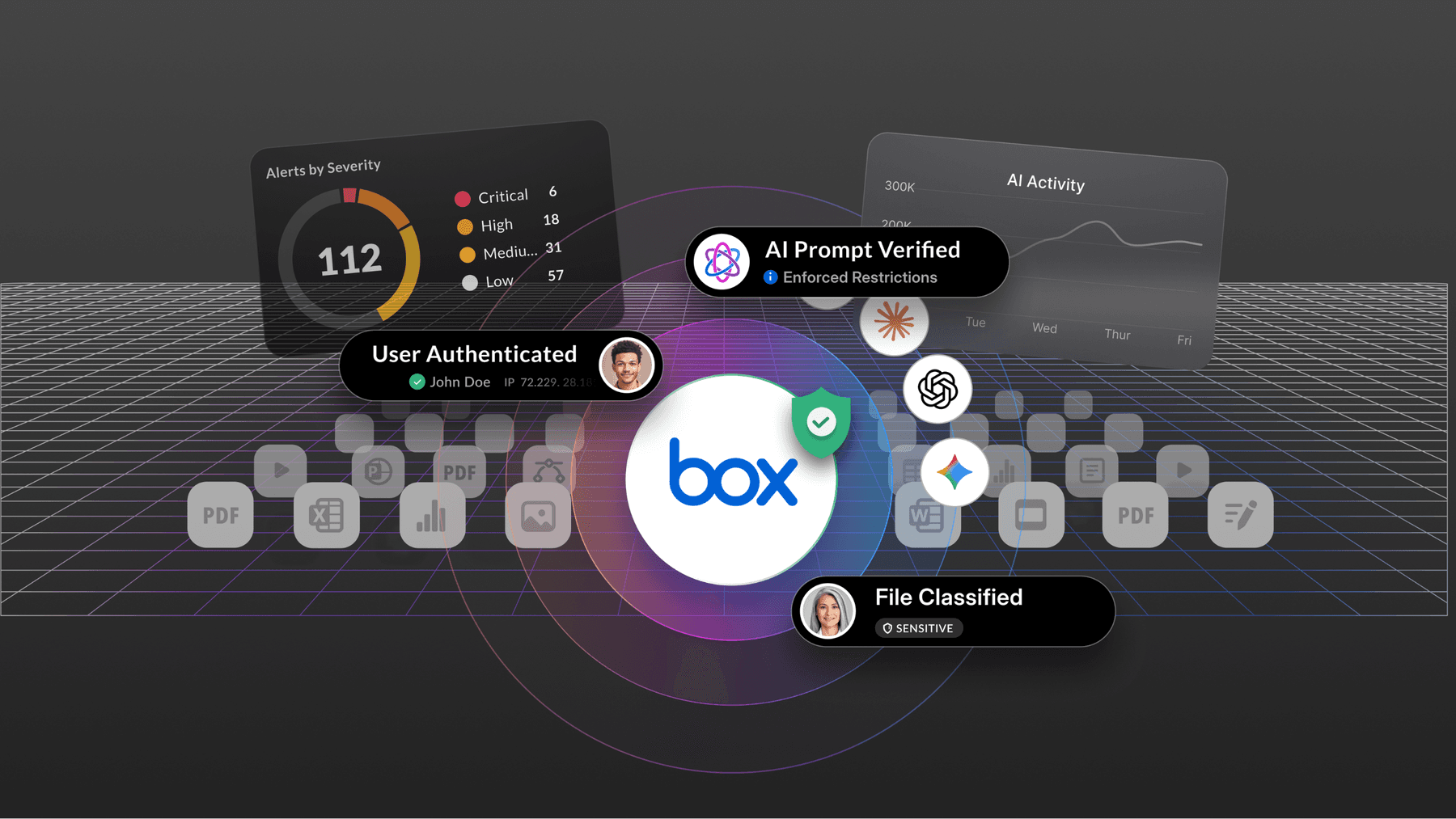
Box protects enterprise data through a layered security architecture that's built into the platform — not added on top of it. Every file stored in Box is protected with end-to-end encryption, and access is governed by role-based permissions, multi-factor authentication, and Zero Trust architecture principles. Every action taken on content is logged in immutable audit trails, giving your security and compliance teams full visibility.
Box Shield uses intelligent classification and security controls to help identify sensitive content and apply protection policies at scale — including malware detection and anomaly detection. Box Shield Pro extends these capabilities with AI-powered classification, ransomware activity detection, and AI-generated threat summaries, so your team can identify and respond to threats before they escalate. And because Box AI operates within the same permissions framework, AI-generated responses are based only on content users are authorized to see, preventing data leakage from AI interactions.
How do I prevent AI tools from exposing sensitive company data?
The most common way AI tools expose sensitive data is by operating outside your existing access controls — surfacing content that users shouldn't see, or taking actions on content without governance guardrails. This is often called "shadow AI."
The safest approach is to use an AI platform that inherits your existing permissions framework rather than bypassing it. That means AI-generated responses are scoped to content the requesting user is actually authorized to access. You should also look for platforms that provide audit trails for AI interactions, automated content classification to label sensitive data before AI touches it, and the ability to set agent-level permissions that restrict what AI agents can read, write, share, or delete.
Box AI is built this way by design. It operates within Box's compliance and permissions framework, so every AI interaction is governed, logged, and limited to authorized content. Box Shield Pro's AI Classification Agent automatically classifies sensitive content at scale so the right protections are in place before AI agents interact with it. And Box's agent security capabilities let admins define exactly what each agent is permitted to do — blocking destructive or exfiltrating actions like external sharing or bulk deletion.
Is Box compliant with HIPAA, GDPR, and FedRAMP?
Yes. Box is compliant with HIPAA, GDPR, and holds FedRAMP High authorization — one of the most rigorous security standards in the US federal government. Box also supports DoD IL4, FINRA, SEC 17a-4, PCI, CCPA, GxP, 21 CFR Part 11, SOC 1/2/3, ISO 27001, PCI-DSS, and more than 20 additional global compliance standards.
For government agencies, Box's FedRAMP High authorization means it meets the security requirements for handling sensitive federal data. For healthcare organizations, Box supports HIPAA-compliant workflows. For global enterprises, Box's GDPR compliance and regional data residency options via Box Zones let you keep data in the geography your regulations require.
What's the difference between content security and content governance?
Content security focuses on protecting data from unauthorized access, threats, and breaches — through encryption, access controls, threat detection, and classification-based policy enforcement. Content governance focuses on managing content throughout its lifecycle — defining how long it's retained, when it's disposed of, and how it's preserved for legal or regulatory purposes.
Both are essential for enterprise compliance, and the strongest platforms handle them together. With Box, Box Shield handles security — intelligent classification, threat detection, DLP, and smart access controls that automatically enforce policies when content is classified.
Box Shield Pro extends this with AI-powered classification at scale and ransomware activity detection. Box Governance handles the lifecycle side — retention schedules, legal hold, defensible disposition, and audit trails. Box Archive supports compliant long-term retention for critical business records. Together, they give your organization a complete picture of where sensitive content lives, who can access it, and how long it needs to be kept.
How does Box Shield detect and respond to security threats?
Box Shield uses machine learning to detect unusual behavior across your content environment — including anomalous download activity, suspicious location access, impossible travel detection, and malware. When Shield identifies a threat, it alerts your security team with context-rich notifications so you can investigate and respond quickly. All Shield alerts are available as structured events via the Box Events API, enabling forwarding to SIEM platforms like Splunk, Microsoft Sentinel, and QRadar.
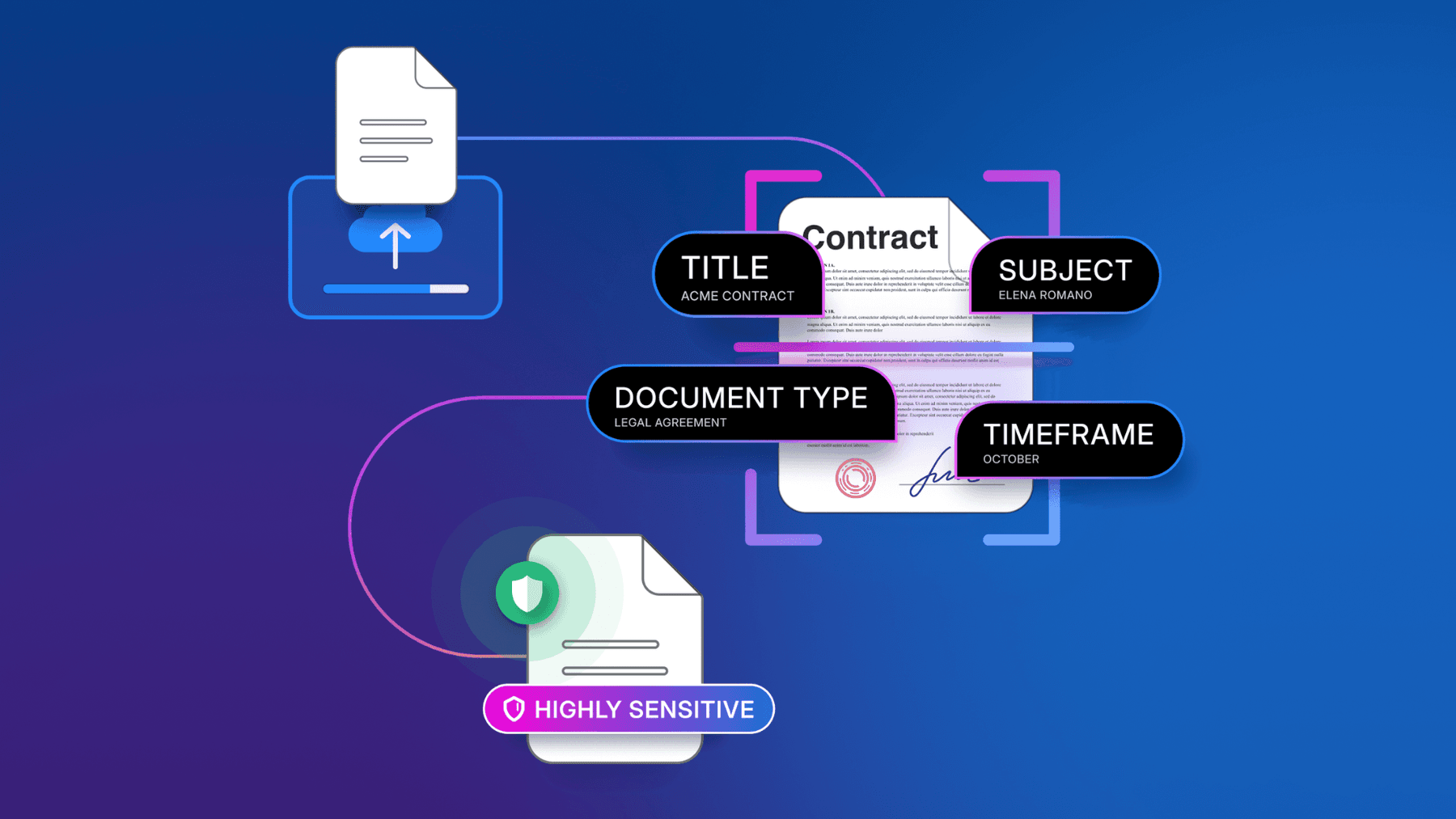
Box Shield Pro extends these capabilities with three AI-powered additions: the AI Classification Agent, which automatically classifies sensitive content at scale using context-aware analysis rather than rigid keyword rules; Ransomware Activity Detection, which identifies mass file encryption patterns through Box Drive sync clients and enables one-click session termination and guided content recovery; and the AI Threat Analysis Agent, which generates concise summaries within each threat alert so security teams can triage faster without adding headcount.
How is data encrypted in cloud content management platforms?
Enterprise cloud content management platforms should encrypt data both in transit and at rest. In transit, data should be protected using TLS (Transport Layer Security). At rest, AES-256 encryption is the industry standard. For organizations with strict regulatory requirements, the ability to manage your own encryption keys — rather than relying solely on the vendor's keys — is an important additional control.
Box encrypts all content in transit and at rest, and offers Box KeySafe for organizations that need to manage their own encryption keys. With Box KeySafe, your team retains full control over the keys that protect your content, so Box cannot access your data without your authorization.
Can I control where my data is stored with Box?
Yes. Box Zones lets you choose the geographic region where your content is stored, so you can meet data residency requirements for GDPR, local data sovereignty laws, and industry-specific regulations. Box Zones supports secure, scalable in-region storage across 10 regions worldwide, all managed from a single Admin Console. Admins map users to their designated zone and content automatically follows — no action required from end users.
This is especially important for multinational organizations that need to ensure data about EU residents stays within EU borders, or for government agencies and regulated industries with data localization requirements. Box Zones gives you that control without sacrificing the collaboration and security features your teams rely on. Box Zones is included in Enterprise Plus and Enterprise Advanced plans.
What is Zero Trust security and does it apply to cloud content management?
Zero Trust is a security model built on the principle of "never trust, always verify." Instead of assuming that users inside a network perimeter are safe, Zero Trust requires every access request — from any user, device, or application — to be authenticated, authorized, and continuously validated before access is granted.
For cloud content management, Zero Trust means every file access is verified against identity, device trust, and permissions — not just network location. Box is built on Zero Trust architecture principles, with identity-based access controls, MFA enforcement, granular permissions at the file and folder level, and full audit logging of every access event. For developers and AI use cases, Box Platform includes Zero Trust capabilities such as ephemeral downscoped tokens, dynamic scoping, and server-side secret management — so even AI agents operate with least-privilege access rather than broad credentials.
How does Box support compliance for regulated industries like financial services, healthcare, and government?
Box is purpose-built for regulated industries. For financial services, Box supports FINRA, SEC 17a-4, MiFID II, PCI, GLBA, CCPA, and Dodd-Frank requirements — including immutable audit trails and retention policies that satisfy recordkeeping mandates. For healthcare, Box supports HIPAA-compliant workflows. For life sciences, Box supports GxP and 21 CFR Part 11 for electronic records and signatures.
For government, Box holds FedRAMP High authorization and DoD IL4 — making it one of the most credentialed content platforms available to federal agencies. Box is trusted by 67% of the Fortune 500 and 100,000+ organizations worldwide, including organizations across every major regulated sector.
How do I maintain compliance when using AI to process sensitive documents?
Maintaining compliance when using AI on sensitive documents requires three things: access controls that govern what content AI can see, audit trails that log every AI interaction, and classification policies that identify and protect sensitive data before AI processes it.
Without these guardrails, AI tools can surface content that users aren't authorized to see, take unauthorized actions on files at machine speed, or create compliance gaps that are difficult to detect and harder to remediate.
Box AI is designed to operate within your existing compliance and permissions framework. AI-generated responses are scoped to content the requesting user is authorized to access. Every AI interaction is logged. Box Shield Pro's AI Classification Agent can label sensitive content like PII and PHI before AI agents interact with it, ensuring your governance policies apply to AI workflows the same way they apply to human ones. And Box's agent security capabilities let admins define action guardrails — restricting what agents can do based on content classification, folder scope, and metadata — so a single injected prompt can't cascade into unauthorized file sharing, deletion, or external collaboration.
Why do enterprises choose Box for security and compliance over other cloud storage platforms?
Enterprises choose Box because security and compliance aren't features added on top of the platform — they're built into every layer of it. Box governs at the content layer, not the network or identity layer. That's an architectural advantage: Box is the only platform that knows what an AI agent touched, what was in the file, who classified it, what retention policy applies, and whether that action was in or out of policy.
Unlike general-purpose cloud storage tools, Box offers a unified security and compliance stack: Box Shield for threat detection, classification, and DLP; Box Shield Pro for AI-powered classification at scale, ransomware activity detection, and AI-generated threat summaries; Box Governance for retention and legal hold; Box KeySafe for customer-managed encryption; and Box Zones for data residency — all within a single platform that 67% of the Fortune 500 trusts. Box AI operates within the same permissions framework, so your AI transformation doesn't create new compliance gaps.
And with FedRAMP High authorization, SOC 2 Type II, HIPAA, GDPR, ISO 27001, and 20+ additional certifications, Box meets the requirements of the world's most demanding regulatory environments.
Protect your data and meet cloud regulatory compliance with Box
Box is an AI-powered cloud platform where you can create, store, organize, and collaborate on content. It offers robust security and compliance with laws and regulations like GDPR, CCPA, HIPAA, PCI DSS, FedRAMP, SOC, and more.
With the Intelligent Content Management from Box, you get peace of mind that your sensitive information is safe with MFA and SSO support, granular access controls, and AES 256-bit encryption in transit and at rest. This way, you protect every file in cloud storage and simplify enterprise cloud compliance. In addition to enterprise-grade security built into our Intelligent Content Management platform, Box offers several specific security and compliance solutions.
- Box Governance offers content lifecycle management, allowing you to customize retention policies to fit your specific needs and maintain compliance
- Box Shield empowers your IT team to configure data classification and monitoring in minutes — protecting sensitive content while getting work done
- Box KeySafe allows for securely managing your encryption keys from anywhere without compromising your enterprise security
- Box Zones helps meet data residency requirements, allowing you to store content in the geographic region of your choice
Contact us and let’s discuss all you can do with a compliant content management platform.
Note: The information provided in this article is for general informational purposes only and should not be considered legal advice or relied upon to make any legal or compliance decisions. The content of this article is not intended to create an attorney-client relationship, and readers should consult with a qualified attorney or compliance professional for specific legal or compliance advice tailored to their individual circumstances.
Box Shuttle FAQs
What is Box Shuttle?
Box Shuttle is Box's expert-guided content migration service, built to move your files, folders, permissions, metadata, and version history into Box — completely intact. It's part of Box's Intelligent Content Management platform, so once your content lands in Box, it's ready for AI, automation, and secure collaboration from day one.
What is enterprise content migration, and why does it matter?
Enterprise content migration is the process of moving your organization's files, data, and documents from legacy or fragmented systems into a modern, centralized platform. Getting it right means your teams don't lose access to critical information, permissions stay intact, and you avoid the productivity loss that comes with a messy cutover. When you migrate to Box, your content doesn't just move — it becomes the foundation for Box AI, automated workflows, and 1,500+ integrations from day one.
Which source systems does Box Shuttle support?
Box Shuttle migrates content from SharePoint, network shares, legacy ECM systems (including OpenText, Documentum, Hyland, and IBM FileNet), and other on-premises or fragmented repositories. If your content is scattered across any combination of these systems, Box Shuttle is built to bring it all together — with user and permission mapping and migration of existing governance controls.
How do I migrate from SharePoint to Box?
Box Shuttle handles SharePoint migrations end to end — moving your files, folders, permissions, metadata, and version history so nothing gets left behind. You don't have to manually recreate folder structures or reassign access rights, which means your teams can get up and running in Box faster and with far less disruption.
Does Box Shuttle preserve permissions, metadata, and version history?
Yes. Box Shuttle is designed to carry over your existing permissions, metadata, and full version history during migration — including existing governance controls. Your teams pick up right where they left off, with the same access controls and document context they had before — no rebuilding required.
Can Box Shuttle be used for M&A and post-merger integration?
Absolutely. Post-merger integration is one of the most common and time-sensitive use cases for Box Shuttle. When two organizations come together, content is often scattered across incompatible systems. Box Shuttle consolidates that content into a single, secure platform quickly — preserving permissions, metadata, version history, and audit trails so your newly combined teams can collaborate without delay.
How does Box Shuttle support legacy ECM modernization?
If you're running on OpenText, Documentum, Hyland, IBM FileNet, or similar legacy ECM systems, Box Shuttle gives you a clear path to modernization. You can retire expensive, aging infrastructure and move your content into Box's Intelligent Content Management platform — where it's immediately accessible to Box AI, automated workflows, and 1,500+ integrations.
What scale of content migration can Box Shuttle handle?
Box Shuttle is built for the largest enterprise environments. One customer migrated 100TB of SharePoint and physical server content using Box Shuttle — resulting in a streamlined tech stack, meaningful cost reduction, and enhanced productivity across their teams.
How does Box Shuttle accelerate post-merger timelines?
Speed matters in M&A. Box Shuttle has helped customers reduce content migration cycles that previously took 18 months down to as quickly as 2 months — consolidating content across acquisitions while preserving permissions, metadata, version history, and audit trails. That means your teams can focus on integration, not infrastructure.
How does Box protect content during and after migration?
Security doesn't pause during migration. Box is built on enterprise-grade security — with compliance certifications including FedRAMP, HIPAA, FINRA, GDPR, and SOC 2 — so your content is protected from the moment it moves. Once migrated, your content inherits Box's full governance framework: granular permissions, audit trails, retention policies, and advanced threat detection.
How does Box Shuttle fit into Box's broader Intelligent Content Management platform?
Box Shuttle is the on-ramp to Box's full Intelligent Content Management platform. Once your content is migrated, you get immediate access to Box AI, 1,500+ integrations, enterprise-grade security and compliance, and workflow automation — all from a single, centralized content layer. Migration isn't the end goal — it's how you build one file system, one source of truth, fully connected and fully protected.
How do I get started with Box Shuttle?
The best first step is to connect with a Box migration expert. Tell us what systems you're moving from, how much content you have, and what your timeline looks like — and we'll build a plan around your needs.