Modern organizations relying on multiple software applications often deal with isolated pockets of data trapped within these systems, creating data silos. The problem is, as long as these apps remain disconnected, teams can’t easily analyze customer behavior or identify growth opportunities. Without a single source of truth, information remains fragmented, creating blind spots that might hide valuable insights.
Mulesoft’s 2025 Connectivity Benchmark Report found that nine out of ten companies face challenges due to siloed data. If your business is part of this group, this guide offers ways to bring your data together and make it work for you.
Key highlights:
- Data silos are fragmented sets of information stored independently across different business departments or systems, restricting data visibility and integration
- Siloed data hinders collaboration, leads to inconsistent information, and delays decision-making by keeping critical information out of reach
- Centralizing storage and mapping out information silos are essential steps to reduce data fragmentation
- As the leader in Intelligent Content Management, Box helps you centralize and protect your content, enabling secure collaboration across your organization
What is a data silo?
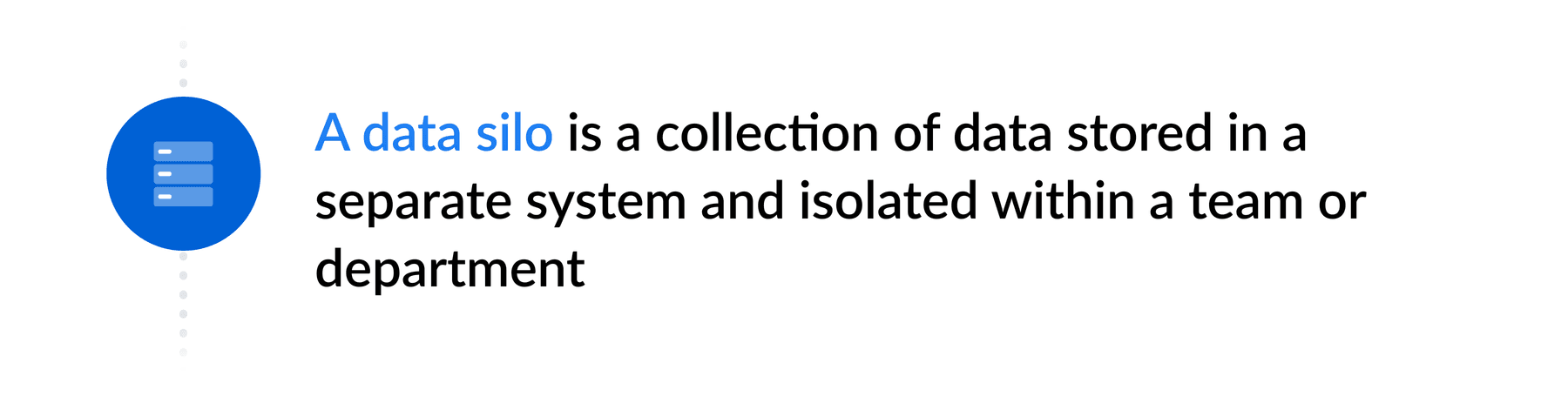
A data silo is a collection of data stored on a single platform or app that doesn’t share information with other systems. Like a farm silo that preserves grains by keeping them isolated from external risks, this fragmented information isn’t accessible to every team or department.
A common example of data silos is when sales and marketing use separate tools that don’t share customer information. Without a unified view of the customer journey, teams struggle to collaborate and often create workarounds, leading to duplicate files or errors in documents due to manual copy-pasting.
How are data silos created?
Data silos occur for many reasons, including:
- Legacy systems and apps that don’t integrate well with modern platforms
- Departments with no centralized strategy for content management
- Business units operating as independent profit centers
- Protective behavior, where teams hold their files as a competitive advantage
- Limited IT budget for complex data integration projects
- Unstructured data formats and unclear file and folder structures
- Mergers and acquisitions that bring together disparate systems
Whether you’re dealing with one of these factors or a combination of them, one thing is clear: the more software applications your company works with, the more challenging it is to integrate silos of information.
An Airtable report shows that organizations use an average of 259 software apps and systems, while teams use 45 different applications every day. If you don’t connect your systems to a centralized content repository, you might be missing critical context. Let’s understand why.
Free 14-day trial. No risk.
Box free trial includes native e-signatures, lets you securely manage, share and access your content from anywhere.

Why are data silos problematic for an organization?
Data silos limit an organization’s ability to make informed decisions because they create duplicate or inconsistent information and keep critical content inaccessible. Think about the potential hidden in isolated CRM tools and analytics dashboards that could uncover market trends or cross-selling opportunities your teams haven’t noticed yet.
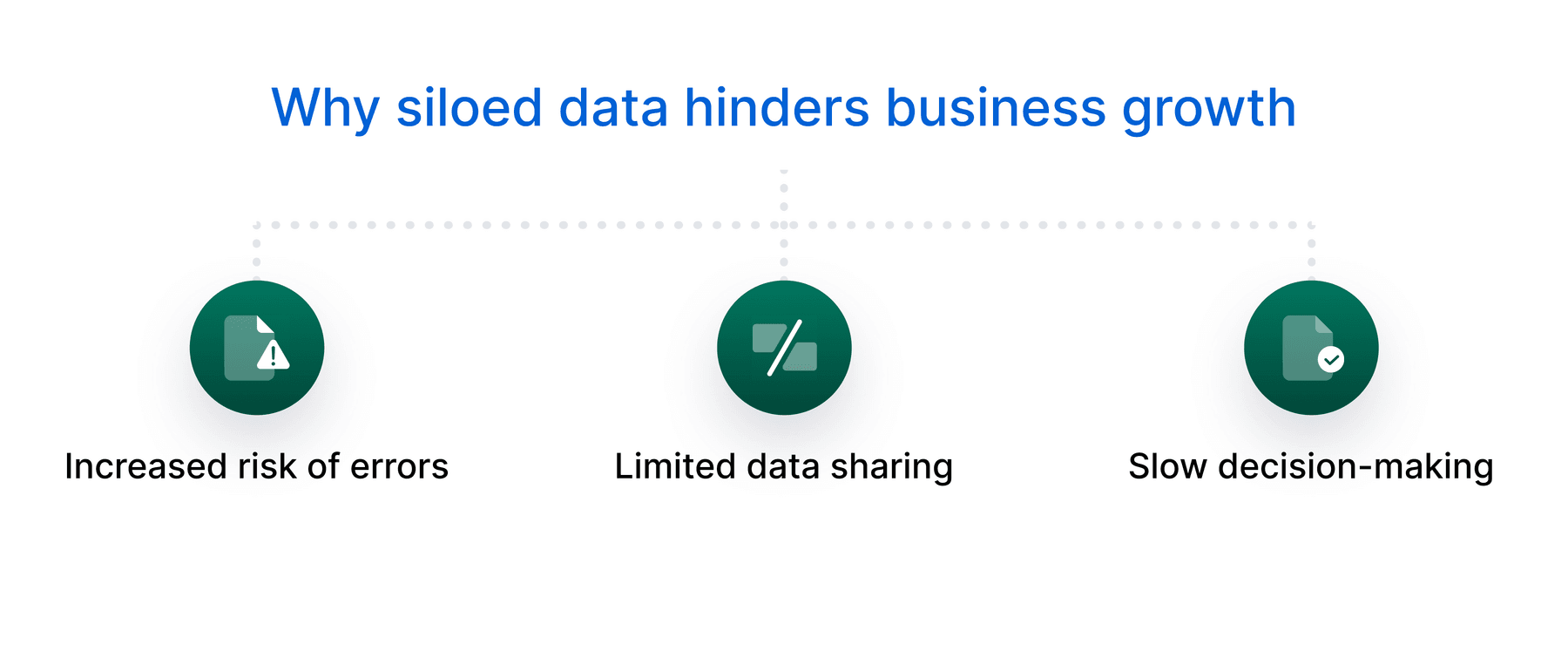
To prevent data silos from getting in the way of your growth, let’s look at three obstacles to consolidating your information.
1. Increased risk of errors
A study by XPLM revealed that 75% of organizations still exchange data through email. Imagine the back-and-forth between teams trying to get approvals for a financial performance report — with multiple versions of the same file circulating. This practice increases the risk of delays and errors.
With database silos, the potential for errors is even higher, as duplicated records and copies containing outdated information often spread across systems. And if your data gets harder to track and protect, it increases the likelihood of data breaches and compliance gaps that may cause expensive fines.
A single, collaborative, cloud-based presentation, where everyone can comment in real time, would make the process far simpler and more accurate.
2. Limited data sharing
Data silos also limit collaboration by restricting the flow of information across areas. Let’s say your payroll team processes salaries on one platform, while your HR maintains employee records on another entirely separate platform. With disconnected systems, a simple change in someone’s salary might not get shared, resulting in incorrect paychecks.
This often happens because outdated infrastructure doesn’t support data exchange with modern tools. A Box-sponsored IDC white paper reports that 30% of employees blame disconnected legacy systems as a major obstacle to working efficiently.
3. Slow decision-making
A McKinsey survey found that incompleteness, inconsistency, and inaccuracy are the top data quality issues affecting organizations. When teams can’t trust the information in their business plans, financial forecasts, and other critical documents, they can’t make fast decisions with confidence. In fast-moving markets, delays in adjusting strategies may cost you a competitive advantage.
Consolidating information silos: A 5-step guide
To integrate your siloed data and make it accessible and reliable for everyone who needs it, follow these five steps.
1. Learn how to identify silos of information
You can’t fix a data silo if you don’t know its signs. Silos often remain invisible because each team sees only its corner of the business. Identifying data fragmentation helps you reduce conflicting information and plan a focused integration effort.
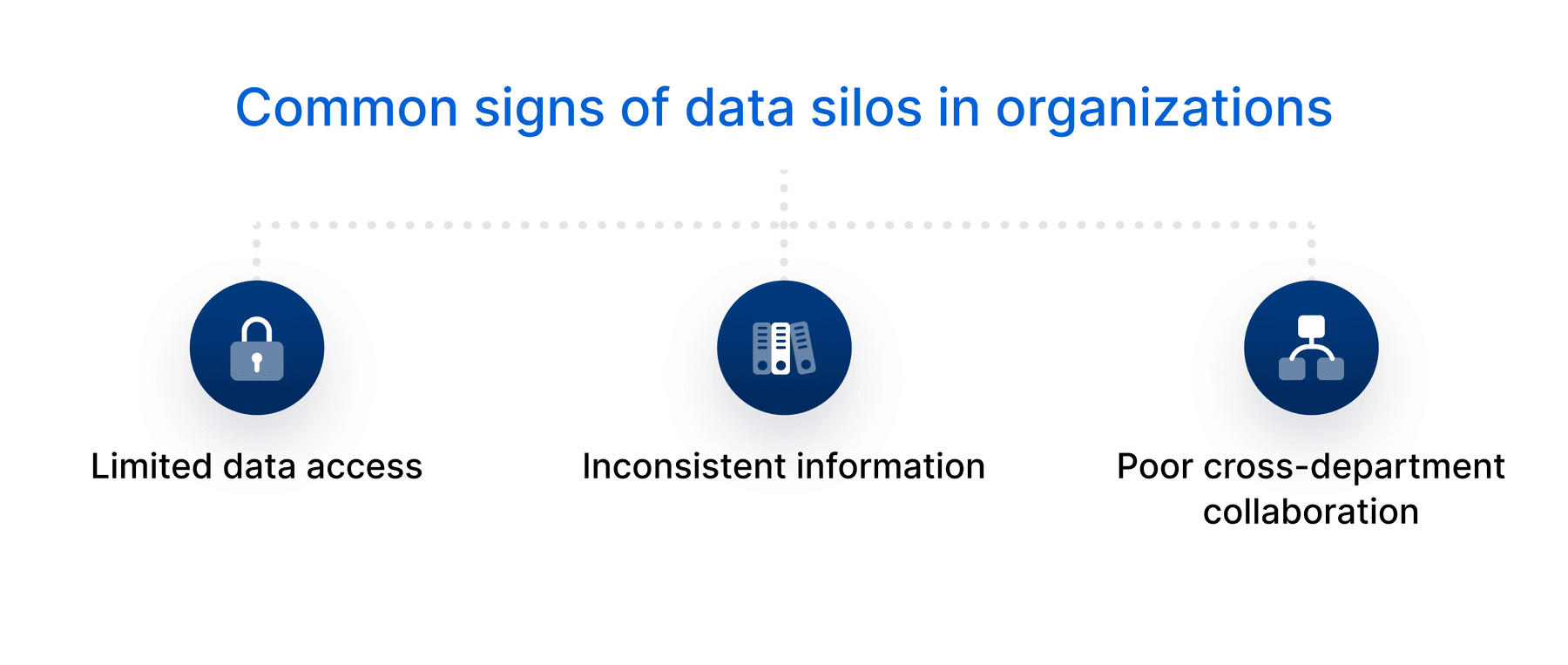
Watch for these signs of information silos in your business.
- Limited data access: Team members spending a lot of time chasing down reports or requesting files from other departments is a sign of data fragmentation
- Inconsistent information: If different departments have their own versions of product details or sales figures, they’re likely working in silos
- Poor cross-department collaboration: When areas rarely share insights, and projects take longer, groups aren’t communicating and pooling resources effectively
Keep in mind: The need to eliminate data silos usually points to deeper organizational challenges. Fixing the silo mentality requires a targeted strategy to overcome communication barriers and unite teams.
2. Audit siloed data and assess tech gaps
Once you’ve listed all the places where information doesn’t flow between areas (including tools, databases, and spreadsheets), check for the quality and structure of your data, as well as the technology each data silo depends on. Here are audit questions to consider.
| Challenge | Questions to address during the audit |
| Data types |
|
| Data quality |
|
| Integration readiness |
|
| Silo priorities |
|
| Compliance risks |
|
Conducting this audit helps build a clear map of how teams use siloed data and if our current tech stack supports integration.
3. Choose a centralized, interoperable data storage
Breaking down data silos requires a reliable source of truth, but the type of storage solution makes all the difference. If you choose an interoperable platform with cloud app integration, you can connect and share information across tools and systems.
Prioritize features and capabilities like:
- Flexible APIs and cloud connectors for seamless interoperability, so you don’t have to replace apps that already work well
- Cloud syncing for real-time updates on any device
- Scalable cloud data storage to manage growing data volumes without extensive reengineering
- AI workflow automation to reduce manual processes and extract insights from unstructured data
- Cloud migration to simplify the transition from legacy systems without disrupting your business operations
Dive into the benefits of moving to the cloud with content migration tools.
4. Roll out governance and secure access
Consolidating the silos of data you have across different locations is only effective if people can trust and use it securely. Implement data governance policies detailing:
- How employees should classify, store, and protect data within the chosen enterprise content management (ECM) platform
- Who controls file and folder permissions, and under what conditions system administrators grant access to specific data
- Standards to ensure data quality, such as categorizing documents using consistent naming conventions
- A clear records management system for keeping or deleting files securely
- Best practices to share files with clients, including encryption and other measures to protect data and stay compliant with regulatory requirements
When setting security controls, customize rules to meet each department’s needs. For example, finance typically requires stricter access to data due to regulatory compliance, while marketing often needs broader sharing capabilities to work with external partners and agencies.
5. Encourage team collaboration and user feedback
Even an Intelligent Content Management platform needs buy-in to succeed. People must adopt new practices to break down data silos. Encouraging collaboration helps bridge communication gaps and builds a culture where everyone shares responsibility.
How to put collaboration into practice:
- Feedback channels: Set up digital forms and meetings where people can talk about their challenges and discuss how integration is going
- Collaboration software: Provide tools that support real-time communication and data sharing — where users can co-edit documents securely, automate version tracking, and keep projects moving with shared workspaces
- Employee training: Create a structured program with workshops on data protection, providing support channels for easy troubleshooting
- Iterations: Act on feedback to update processes, focusing on improving integrations between systems and continuously adapting as workflows evolve

Break down data silos across your organization with Box
Business data is the lifeblood of your organization, so you need a platform that keeps it secure and accessible across teams and departments. With Box, the leader in Intelligent Content Management, you not only centralize and protect your files but also leverage the power of AI to get more value from your information.
By giving you a single source of truth for your documents, records, and data assets, you can easily:
- Manage files with unlimited online data storage and robust governance controls
- Safeguard data with enterprise-grade security and compliance
- Automate content workflows with a suite of AI-powered capabilities via Box AI
- Share files with anyone thanks to our built in collaboration tools
- Use APIs and integrations to connect your content with 1,500+ apps
Looking for a solution to consolidate data silos? Contact us to get started.
Frequently asked questions (FAQs)
What is an example of a data silo?
A common example of a data silo is when product teams track feature requests in one system and customer support log complaints in another — and neither team can easily access the other’s data. Without integrations or shared reports, the product team might miss recurring issues, while support stays unprepared to address questions about new features or bugs.
While each team benefits from its specialized apps, these systems can easily connect via APIs or by using a shared cloud workspace with access to documentation and insights.
Are data silos good or bad?
Data silos tend to be more harmful than helpful. They might offer short-term convenience for certain teams, but they keep others from seeing the bigger picture. Imagine a legal department restricting access to confidential contracts. While it’s an easy way to prevent unauthorized disclosure, it could also leave the finance team in the dark about pending liabilities.
To improve collaboration without risking security, file sharing software allows teams to view, modify, and download only the data relevant to their roles.
What are the disadvantages of data silos?
There are many disadvantages of data silos, including:
- Lack of visibility: Imagine a sales team unable to see billing history because that information lives in other systems. This gap makes it harder to detect churn risks or identify upsell opportunities.
- Inaccurate information: When different teams restrict access to their own platforms, they define and record data differently, leading to conflicting reports.
- Higher costs due to disconnected systems: Not integrating files through cloud content management platforms forces businesses to spend more on storage and software licenses, not to mention extra expenses from manual work.
*While we maintain our steadfast commitment to offering products and services with best-in-class privacy, security, and compliance, the information provided in this blog post is not intended to constitute legal advice. We strongly encourage prospective and current customers to perform their own due diligence when assessing compliance with applicable laws.