Insurance is an industry that runs on documents. Any given underwriting submission might include loss runs, supplemental forms, financial statements, inspection reports, and other materials. A claims file can bring together incident reports, medical records, photos or video of damage, adjuster notes, repair estimates, and invoices from all kinds of sources.
Insurers have a lot riding on all these documents, but manual document intake and review takes time away from the specialized work of underwriting and claims teams. The hours adjusters put in reviewing paperwork increase expenses and can negatively impact customer experience.
AI-enabled automation can speed up content-based processes dramatically. AI can take a five-year loss run that’s hundreds of pages long and break it down for an underwriter in seconds, for instance. The potential of automation is huge. So why hasn’t every single insurance company implemented it?
Plenty have experimented with automation, but there’s a chasm between ideas that test well in pilot and workflows that can be automated in production. In a recent conversation, Chris Belle, president of ITS (an insurance consulting and services firm specializing in the design, implementation, and use of technology to optimize critical business workflows), shared his insights about successful AI-enabled workflow automation in the insurance industry.
Key takeaways:
- Successful automation requires redesigning the end-to-end workflow around business goals rather than focusing solely on AI technology configuration
- Production success should be judged by whether manual steps and handoffs are truly eliminated across real operational exceptions
- AI should assist with intake and preparation, while human experts must retain final authority over complex coverage and claims decisions
Start with the workflow, not the AI configuration
Yes, an AI tool can read a document in seconds, but reading the document is only one step in an insurance workflow. Information still needs to reach the right people in the right order, incorporating tasks like exception-handling, permission checks, and e-signatures. This is why underwriters and adjusters spend time chasing documents, manually reviewing them, rekeying in details, routing specific information to colleagues, and following up on isolated tasks within larger workflows.
Real transformation happens when the daily work becomes simpler, faster, more visible, and more consistent.
For insurance companies piloting AI, the goal isn’t just to show that AI can process a file but to make workflows easier to complete from end to end. “Technology implementation alone does not create transformation,” Belle says. “A project can go live on time and still leave people dependent on manual handoffs, duplicate entry, emails, spreadsheets, disconnected documents, and workarounds. Real transformation happens when the daily work becomes simpler, faster, more visible, and more consistent.”
His advice for embarking on workflow automation is to begin with the business result you hope to achieve, and how the workflow can enable it. Actual AI configuration should be secondary to this mission.
Breaking it down, Belle’s advice before embarking on an AI pilot is to::
- Map how the process works today and which systems are involved
- Identify which information and files come into each step of the process, and from where
- Determine who handles that information and what decisions are made at which step
- Note the types of exceptions that may arise, and how they’re handled
This groundwork gives teams a clearer way to evaluate a use case. Instead of asking only whether AI can extract information from a document, ask what that information should enable.
How Box supports this effort: For insurers exploring AI, Box can support document-heavy workflows by bringing content, AI-assisted work, and governance together so teams can evaluate how information moves from intake to action. Box helps teams organize insurance content and connect document work to the people and processes that need it.
Judge production by what changes in the process
A demo can show that AI reads or summarizes a file. A production use case has to deliver at scale with all kinds of different variables. Belle says, “Insurance operations are defined by exceptions and escalations, approvals, missing information, and handoffs across internal and external parties. Insurers should test those situations and ask whether the platform simplifies them or simply moves the manual work somewhere else.”
When evaluating workflow automation, these are some of the key boxes to check.
Does the information reach someone who can act on it?
Extracted details are useful only when they reach the right employee or downstream process. For example, information from a submission needs to become accessible to the underwriter responsible for assessing it.Does a manual step go away?
Look at whether the process reduces document chasing, repeated review, rekeying, or avoidable handoffs. Faster document processing matters most when it reduces friction elsewhere in the workflow.Are exceptions visible and manageable?
Insurance files can be incomplete, unclear, or unusual. Teams should know how those cases are identified, who reviews them, and how corrections are made.- Is there a measurable improvement?
Some benefits to consider: reduction in manual effort or cycle time, increased accuracy, throughput, visibility, and customer experience. Select measures that fit the workflow and compare them with a baseline established before implementation.
The answers to these questions can help teams assess whether an AI use case is changing the work or adding another step to it. “If the number of systems and manual steps an adjuster or underwriter has to navigate hasn’t materially changed,” notes Belle, “the organization may have modernized technology without modernizing the work.”
How Box supports this effort: When evaluating Box in a workflow, insurers can test whether it helps reduce manual document handling, route information to the right people, and make exceptions easier to review.
Keep people accountable for decisions
The role of AI in a workflow needs clear boundaries, with AI used as a tool by humans, who are ultimately in charge. Belle says, “AI can add value by preparing work for the adjuster — organizing the file, extracting facts, identifying missing content, and producing a reviewable summary. But human judgment should remain central for coverage, interpretation, liability, fraud, complex injury, litigation, settlement, and sensitive customer communication.”
Human judgment should remain central for coverage, interpretation, liability, fraud, complex injury, litigation, settlement, and sensitive customer communication.
Keeping this distinction at the forefront gives teams a starting point for designing AI oversight. They can determine which tasks AI supports, which outputs require review, who can correct an output, and how the process will be monitored as the technology changes.
The right boundary will depend on the workflow and the decision involved. The important thing is to continually evaluate the automated workflow rather than simply automating every single task and assuming “it’s better that way.”
How Box supports this effort: Box can support human review by making AI-assisted work available for employees to check and correct, while leaving coverage and claims decisions with qualified professionals.
Address the foundations early
AI implementation can expose problems that were already present in a process: unclear sources of truth, inconsistent content, gaps in data quality, or uncertainty about who owns a step. Belle warns that projects can get stuck when integration, metadata governance, or change management aren’t addressed early enough.
He recommends addressing access, retention, audit requirements, integration failures, and human exception paths early in the work. He says: “Involve the people doing the work in the design and testing. Give them a way to see, challenge, and correct the output. Adoption is not a communication exercise at the end of the project; it’s a design requirement from the beginning.”
The most successful AI projects may be the ones users stop noticing because the work simply gets easier.
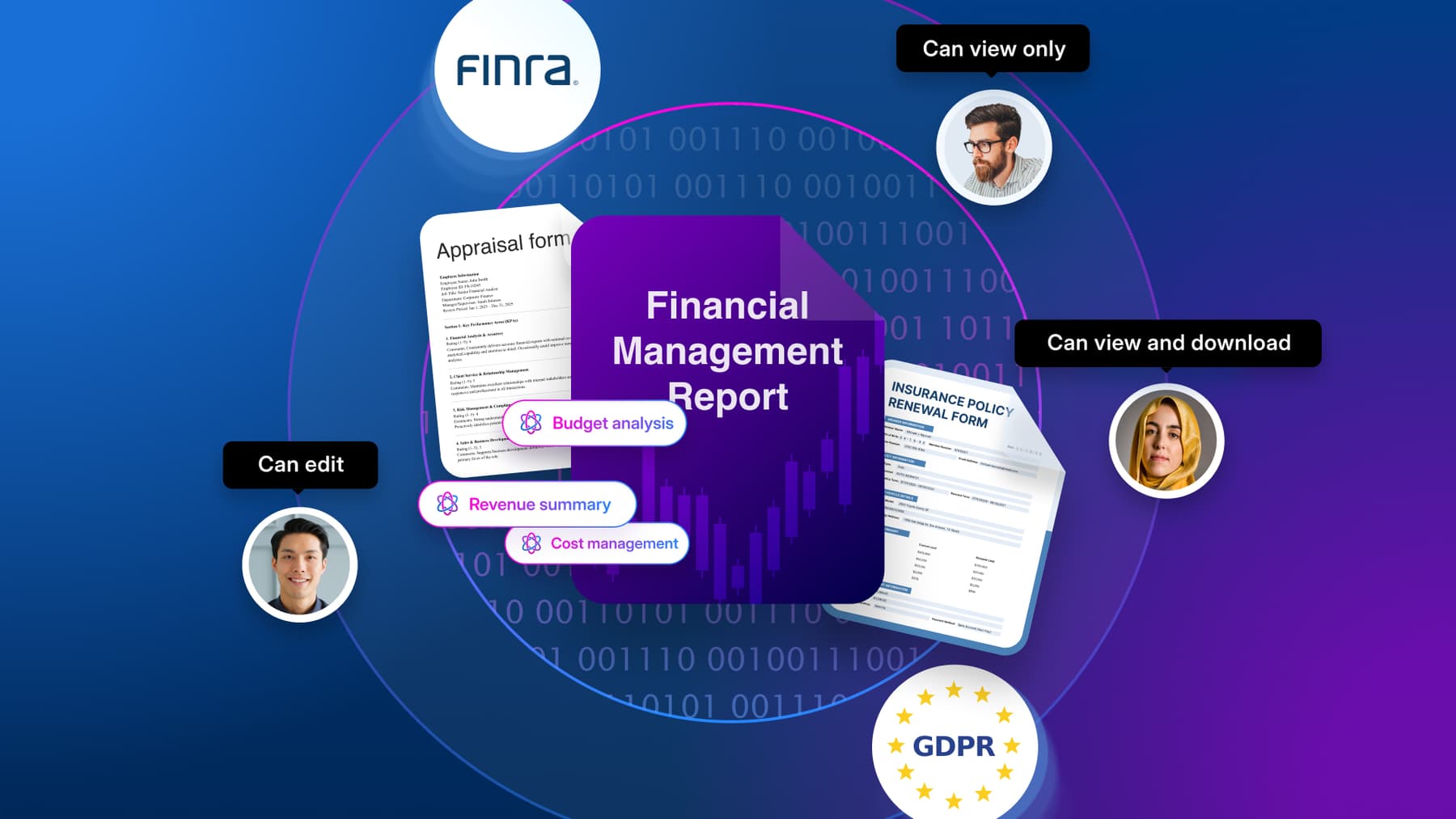
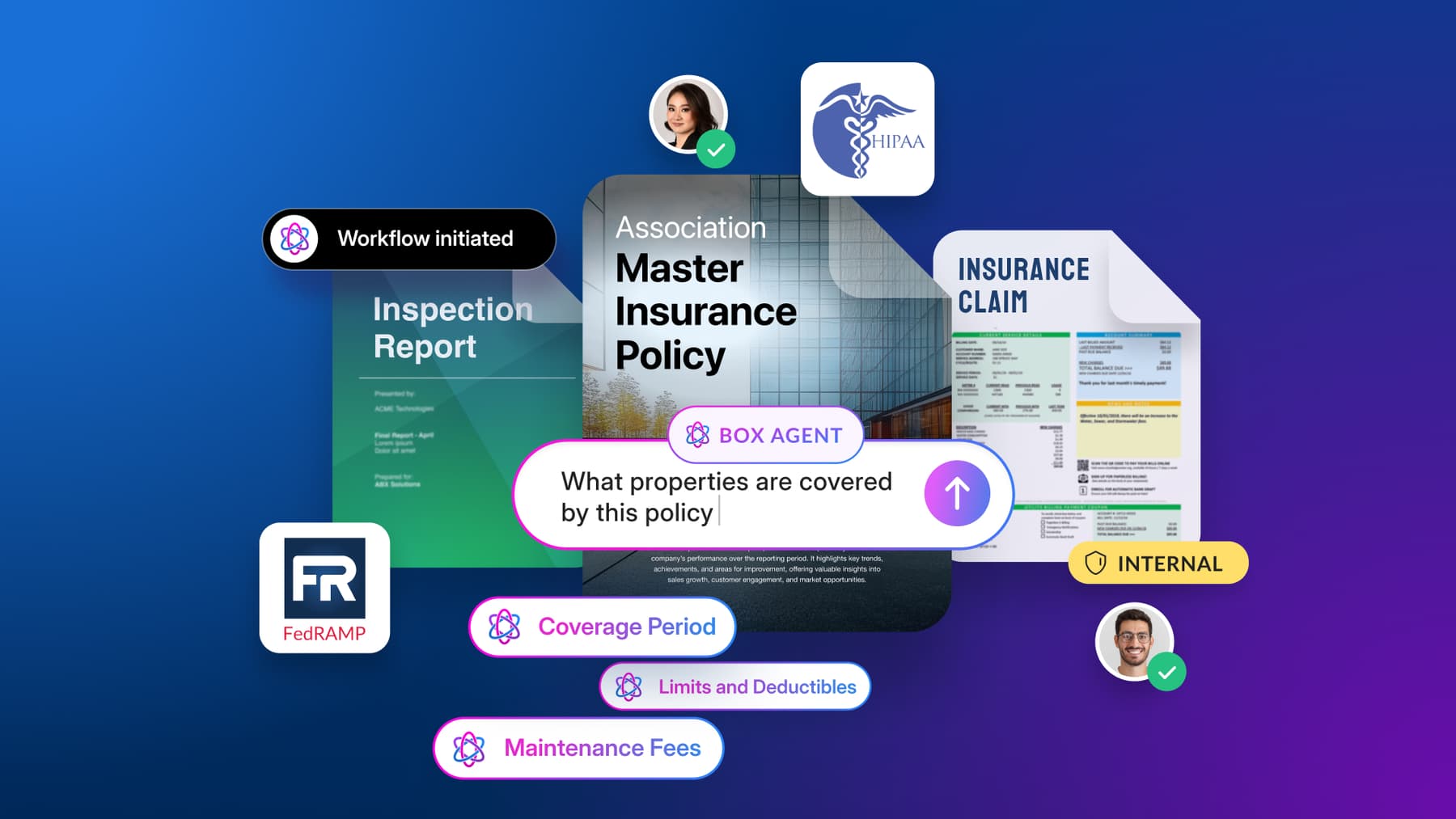
How Box supports this effort: Box helps insurers manage access to content through permissions, maintain audit records of activity, apply retention policies, and connect content workflows with other systems through integrations. Together, these capabilities can help teams govern documents as they move through review and processing.
Shelter Insurance is cutting the claims cycle time from weeks to hours with Box AI
At Shelter Insurance, handling incoming First Notices of Loss (FNOLs), adjuster notes, and voluminous attorney demand packets required adjusters to perform tedious manual review and record entry. By testing automated metadata extraction through Box AI, Shelter is transforming these intensive intake workflows and targeting a reduction in claim payout cycles from two weeks down to just hours.
The initial results from the pilot demonstrate how intelligent automation from Box can eliminate manual bottlenecks across claims intake, document review, and underwriting reconciliation. AI automatically extracts crucial details (such as settlement offers and medical billing figures) directly from unstructured documents into core system records via Box integrations.
Shelter’s pilot is primed for seamless production success because it builds directly on an established, enterprise-grade architecture. Rather than introducing isolated point solutions, Box serves as the unified, operational content layer supporting Shelter’s policy, billing, claims, and digital workflows, complete with prebuilt integrations for Guidewire Cloud that eliminate custom development overhead.
Backed by native governance; compliance with NAIC, GLBA, and HIPAA regulations; and automated classification via Box Shield, this secure foundation ensures that AI-driven automation can scale effortlessly into the live environment.
A practical test for your next AI use case
For an insurance team evaluating an AI pilot, the next step can be to map one workflow from intake through action. Identify where documents enter your workflows, how information is reviewed and routed, where exceptions go, and who remains responsible for decisions. Then establish a baseline and choose a small set of operational measures to track.
If the pilot processes documents but the workflow still depends on the same manual handoffs, that’s useful information: the work may need redesign before the AI can make a meaningful difference. If information reaches the right people, exceptions are handled, and the process improves against an agreed measure, the team has stronger evidence that the use case is ready to grow.