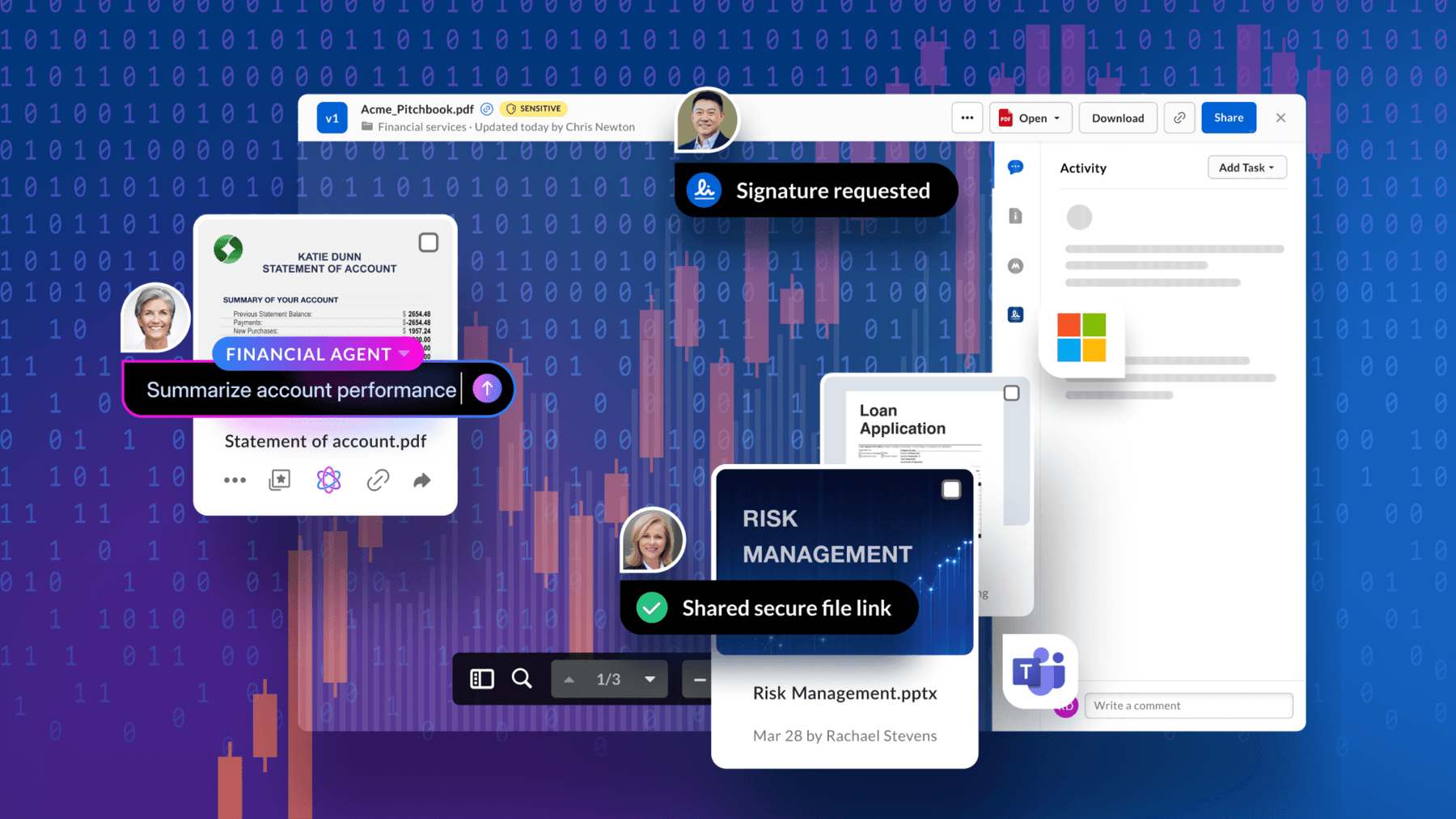
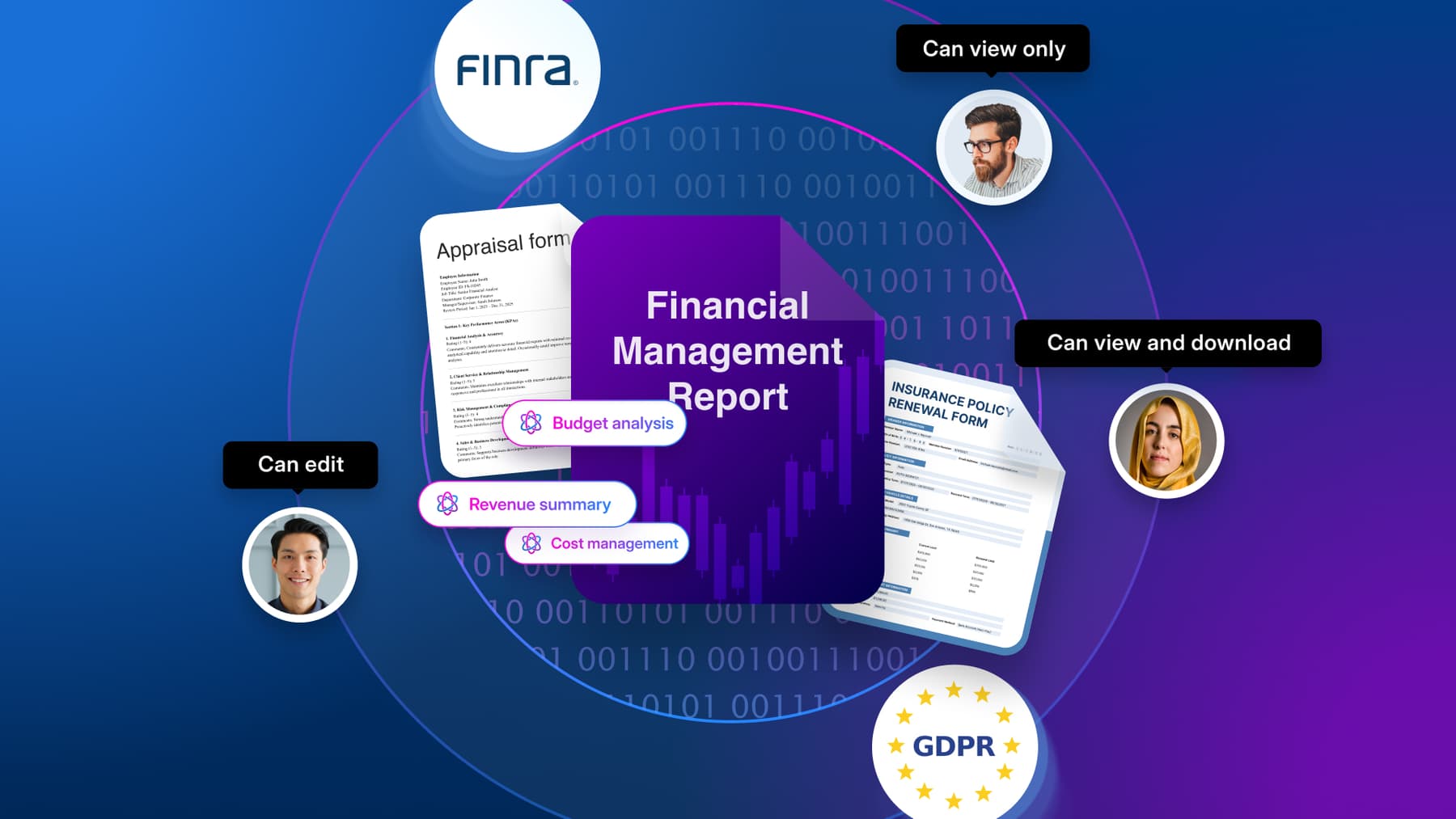
While you might think data security is strictly a concern of large organizations, the reality is that attackers and other bad actors regularly target small businesses. In fact, according to Verizon’s 2026 Data Breach Investigations Report, small organizations were disproportionately impacted by ransomware this year.
Content is critical to small businesses. It includes all kinds of files: customer account records, employee tax information, client proposals, financial records, intellectual property, and login access information. With all of this critical (and often regulated!) information at stake, a clear data protection plan can help your team reduce exposure, maintain compliance, and handle sensitive information responsibly.
In this guide, we’ll walk you through what data protection means for small companies, the main risks of not having strong defenses against threats, and the best strategies to safeguard your operations.
Key highlights:
- Data protection for small businesses combines cybersecurity and compliance practices to prevent data breaches, loss, or misuse
- Small business data protection is critical for reducing the risk of cyberattacks, regulatory penalties, financial loss, and operational downtime
- A robust framework for small business data security includes clear data policies, strong access controls, and training employees on cybersecurity hygiene

What is small business data protection?
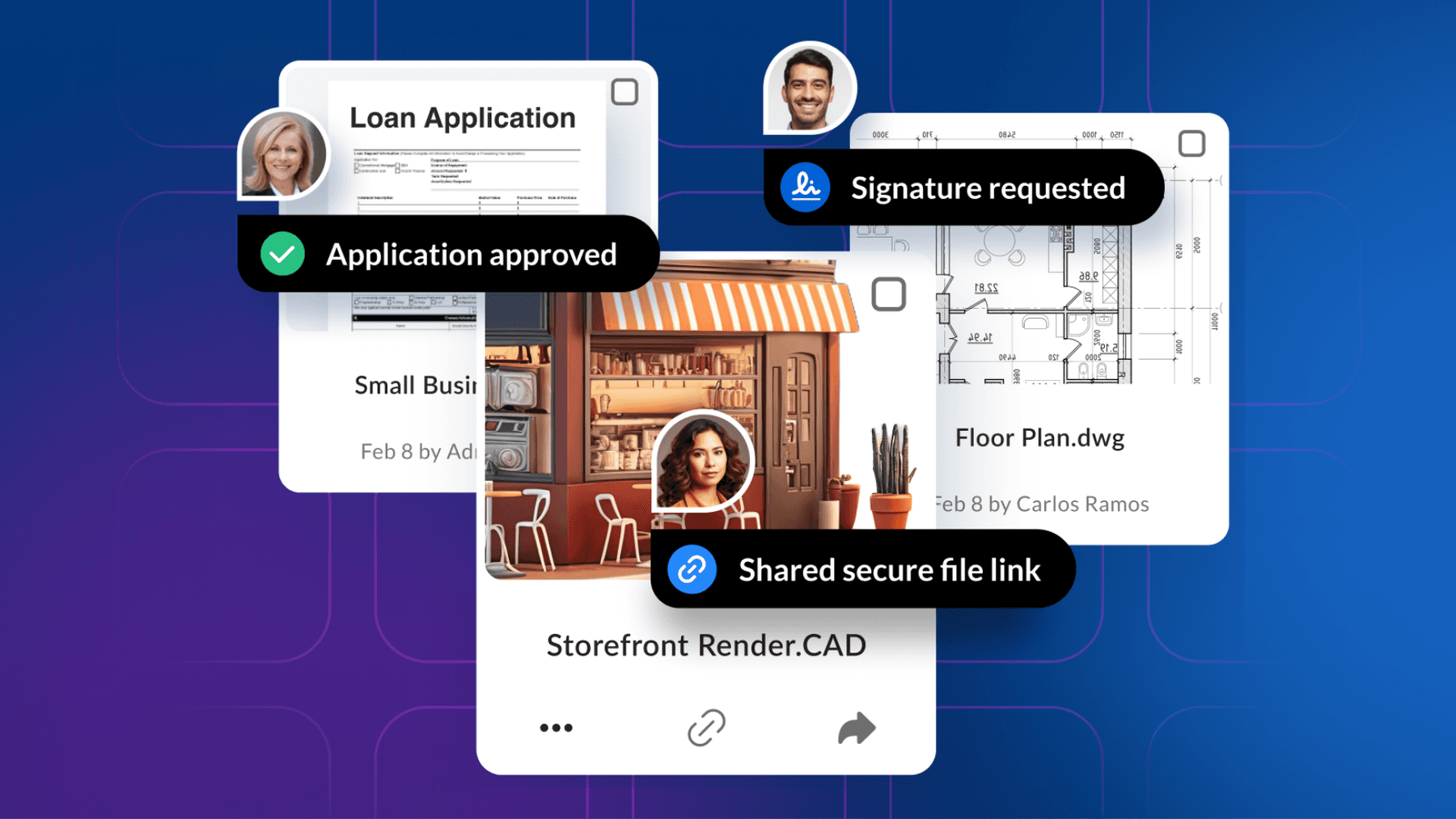
Small business data protection is a comprehensive framework of processes and practices to safeguard your company’s information from loss, theft, and unauthorized access. This framework includes technical cybersecurity measures and legal compliance requirements to protect:
- Email addresses
- Phone numbers
- Names
- Medical information
- Bank and credit card details
- Home addresses

Unlike enterprises that invest in full-scale security teams, small businesses work with tighter budgets and lean teams to focus on cost-effective strategies.
What is the importance of data protection for small companies?
Data protection helps small businesses safeguard sensitive information and maintain customer trust. Without robust cybersecurity practices, these businesses face higher risks of cyberattacks and disruptions that can be difficult to recover from.
In Sophos’s 2025 Annual Threat Report, ransomware accounted for 70% of the incident-response cases involving small business customers. The methods vary, including ransomware, unauthorized remote access, extortion, or direct theft. And if you run a small organization and assume you’re not a target, this mindset can lower your guard and increase your exposure to threats.
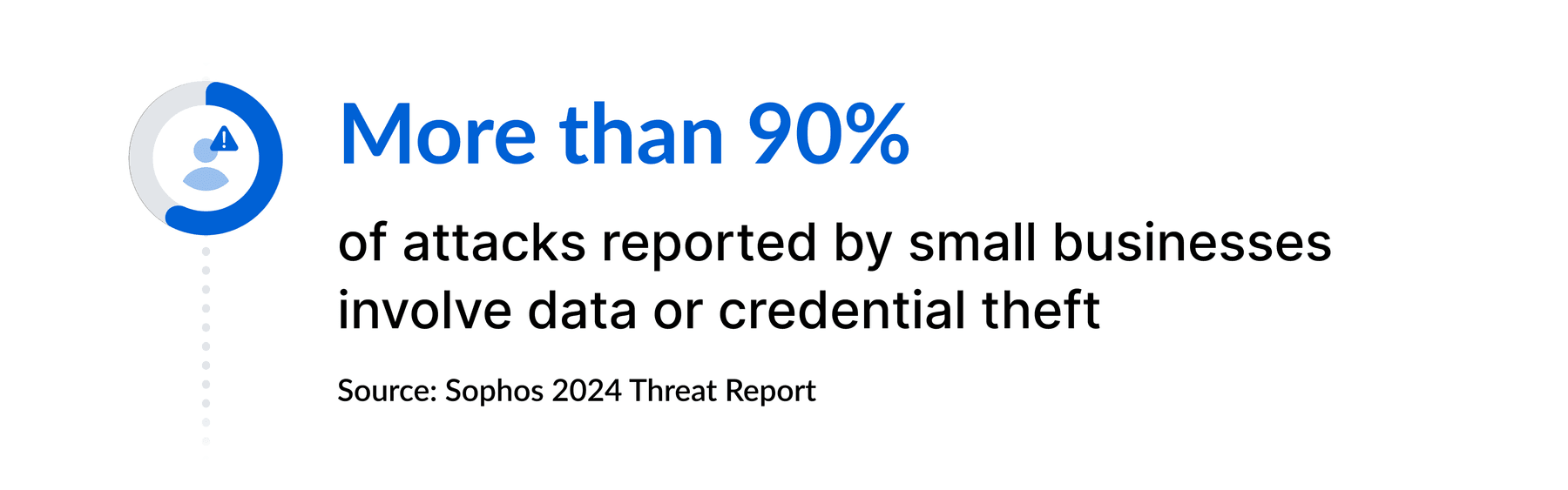
As more businesses move to the cloud and handle daily transactions online, the amount of data they manage keeps growing. Malicious actors constantly look to compromise information security at small businesses for their own ends. Data breaches often aim to steal content from a company, selling it to others or using it to commit acts of fraud.
Since organizations handle a great deal of personally identifiable information (PII) from their customers and stakeholders, a breach can do a great deal of harm. Some of the most potentially damaging effects come from incidents that steal sensitive PII, such as social security numbers and passports. If a criminal gets their hands on this information, they can drain financial accounts and file fraudulent claims, putting the business and its customers at risk.
Data protection for small businesses is also important because data breaches and losses can cost a significant amount of money. If a company exposes customer records, such as names and payment details, clients lose trust, and the business may face hefty fines for non-compliance with data protection and privacy regulations.
Compare data privacy vs. data protection to grasp the differences.
Understanding the risks of not protecting small business data
When organizations don’t take cybersecurity for small businesses seriously, they open themselves up to many risks. Take a look at the five primary risks of not protecting small business data.
1. Credibility issues
One of the biggest risks of not investing in data security for small businesses is losing credibility among your clients and customers. Even when a ransomware attack or data breach doesn’t specifically affect a customer, a single incident can make clients hesitant to continue working with you. Even if clients stay, public perception can shift quickly when frustrations spread on social media or attract media coverage.
2. Financial losses
In the most extreme 2.5% of small business breach cases, according to Verizon’s 2026 Date Breach Investigations Report, financial losses exceeded 7% of the business’s revenue. For a small business, a data breach can disrupt operations and put customer relationships at risk.
Not protecting small business data can lead to significant expenses, often stemming from:
- Paying out compensation to customers affected by the breach
- Purchasing new data security controls
- Covering legal fees, including those from regulatory investigations and lawsuits
- Paying for an investigation to discover how the breach happened
- Losing revenue due to damaged customer trust
- Experiencing operational downtime during recovery
- Facing fines for non-compliance with data protection laws
- Spending on PR or crisis management to repair reputation
- Rebuilding or replacing compromised systems and infrastructure
3. Legal action
To adhere to data protection regulations, small businesses must protect their customers’ and employees’ personal information. When a company’s data is compromised and stolen, affected individuals can take legal action seeking compensation.
Besides compensation costs, such incidents can also trigger audits or investigations by regulators, pulling focus and resources away from business operations.
4. Data loss
Cyber threats aren’t the only risk to your business information. Other factors that can cause data loss include:
- Hardware failures, like a server crashing or a hard drive wearing out
- Power outages or software crashes that corrupt files
- Improper cloud migrations, where a lack of testing can result in missing or inaccessible data
- Fires and floods in data centers
- Theft or loss of devices that store sensitive data
Regardless of the type of data lost, your organization can spend a significant amount of time retrieving files from backups or recreating documents from scratch.
5. Operational downtime
Once a disruption occurs, whether from a data breach or system failure, a small company must act quickly to contain the issue and find out what caused it. Even a few hours of downtime can disrupt operations and lead to lost revenue. Having a disaster recovery plan in place helps you respond faster and get systems back online with less stress.
Core elements of data protection for small and medium companies
To build a robust defense against data loss, theft, and downtime, review the key elements of data protection for small and medium companies.

1. Official data protection policy
One of the best ways of securing small business data involves creating a policy that clearly defines how your team manages, protects, and recovers data across the organization. Detail and clarify these policies to ensure employees know what’s expected of them.
A well-planned data protection policy for small businesses typically includes:
- Guidelines and security controls for file and folder permissions
- Steps to secure devices and networks against threats
- Procedures for regular data backup and recovery
- Rules for handling sensitive customer and employee information
- Corrective actions to take in case a security incident happens
If you’re building your first formal plan, you can use a small business data protection policy template or follow trusted authorities and regulators.
2. Staff training and education
Employee training on data security best practices helps strengthen your first line of defense against threats like phishing attacks and malware infections. These training sessions will often cover cybersecurity basics, with information about:
- How to send documents securely using encryption and link-sharing best practices
- Strategies to create and manage strong passwords across multiple accounts
- Secure collaboration tools that teams can use to share files with clients
- How to recognize suspicious links and emails to avoid falling victim to scams
You can regularly send staff reminders about how they should handle sensitive data and provide refresher courses.
3. Data backups
Without online backups, a small company has no reliable way to recover information after a breach, system failure, or natural disaster. This gap can delay customer service and increase the impact of the incident, especially if no recent copy of the data exists to fall back on.
Part of an effective strategy to protect small business data involves regularly backing up files to a secure location. Many companies turn to cloud storage solutions, which keep redundant copies across multiple data centers and automate the backup process, reducing the risk of losing critical information.

4. Data encryption
When you encrypt documents, an algorithm turns text characters into unreadable formats that unauthorized users won’t be able to decipher. If someone intercepts the file, they won’t see anything useful unless they have the decryption key.
By including encryption in your data security best practices, you make it much harder for attackers to misuse sensitive information, even if they manage to access your systems. When evaluating a content management system, check how it protects files in storage and during transfer, and whether its controls support your specific regulatory obligations.
Understand why security matters in small business content management best practices.
5. Data monitoring and reporting
Data monitoring means continuously watching how data moves and is accessed across your network. With this practice, you can test data protection rules for small businesses and make sure they’re effective. Many companies create a read-only copy of network activity logs so no one can change the records.
Besides tracking data use, good monitoring systems send regular reports to team members responsible for small business IT security. Some reports highlight suspicious activity or potential threats for quick review, allowing companies to take action against breaches and other threats early on.
Learn the types of information security and how they protect your business data.
6. Secure software
To put all your small business data protection efforts into practice, you need secure software to store and manage your content. To identify potential vulnerabilities before they cause breaches or loss, you need solutions with advanced security controls and threat detection.
Not sure about which features to look for? Here’s a breakdown.
How to keep data secure when running a small business
Now that you know the basics, it’s time to focus on how to keep data secure without slowing down your operations. Start with the files your team shares most often, like client contracts or employee records. Check who can access them, how they’re shared, and whether access should be removed when it’s no longer needed.
Follow these four steps to strengthen data protection in your company.
1. Avoid holding onto unnecessary data
Storing data you don’t need expands the amount of information cybercriminals can target and makes compliance harder to manage. For example, keeping outdated employee records means more sensitive files to secure, increasing the chance that forgotten information contributes to a larger attack surface.
Implementing information governance with a clear records management system helps you regularly review and delete data you no longer need. You can assign retention periods to each file type and trigger checks to dispose of expired information securely.
2. Choose reputable cloud providers with transparent security standards
If you’re protecting small business data in the cloud, it’s probably to take advantage of scalable cloud data storage or simplify how your team secures information. More than looking for key features to support efficient data protection, choose a provider with a strong reputation.
Trust matters when small businesses choose technology: 81% of small business leaders surveyed by Salesforce say they would spend more on technology from vendors they trust. Trust comes from factors including:
- Clear data privacy best practices and security measures
- Strong customer reviews from other small companies
- Responsive support and reliable technical assistance
3. Enforce access control and strong authentication
Knowing how to protect your small business from data breaches starts with controlling who can access your data. Permission control prevents unauthorized access, which reduces the exposure of sensitive data to internal and external threats.
Verizon’s 2026 Data Breach Investigations Report found that credential abuse was an initial access vector in 13% of breaches involving small and medium-sized businesses. Strong authentication gives a new layer of security even if passwords get compromised.
Together, these steps strengthen your defenses. For example, if a client accidentally tries to access a document using a personal account, permission controls prompt them to switch to the correct account. If that account has a weak password, MFA requires a second verification (like a code sent to their phone) before granting access.
4. Maintain small business data security habits
To keep your small business data secure, remember to:
- Update software and devices regularly to patch security vulnerabilities
- Use strong passwords and change them regularly
- Enable encryption for emails and sensitive communications
- Update security policies to stay ahead of new threats
- Monitor user activity and access logs to catch unusual behavior early on
Level up data protection in your small business with Box
Box is the leading Intelligent Content Management platform that powers businesses of all sizes with unstructured data storage, secure document management, and AI capabilities to build automated workflows. Box gives small and growing businesses access to enterprise-worthy data protection, allowing you to:
- Share files securely: Set permissions for employees, clients, and partners, and use controls such as watermarking to help limit unwanted distribution
- Control access with Box Shield: Apply security policies to help detect suspicious activity and reduce the risk of unauthorized access to sensitive content
- Classify and protect sensitive files: Use classification and policy controls to identify sensitive content and help govern how it is accessed and shared
- Manage content over time: Use Box Governance to apply retention and disposition policies, support audit readiness, and manage records through their lifecycle
Contact us and discover how to simplify data protection for small businesses with Box.