Think of deploying an AI agent like hiring a brilliant new employee.
From day one, they’re smart, capable, and ready to work — but they know nothing about your company, your processes, or your data.
Any user looking to get real value out of AI models, whether a person or an AI agent, needs context from your specific, proprietary business content to be effective. However, uploading sensitive files to AI tools comes with all sorts of security and compliance issues. You need a secure, standardized way to make these handoffs.
In this article, we dive into why secure, governed access to unstructured business content is key to making agents useful across the enterprise. Read on as we outline a practical blueprint for building enterprise-ready agent experiences.
Box MCP server: Equipping agents with context
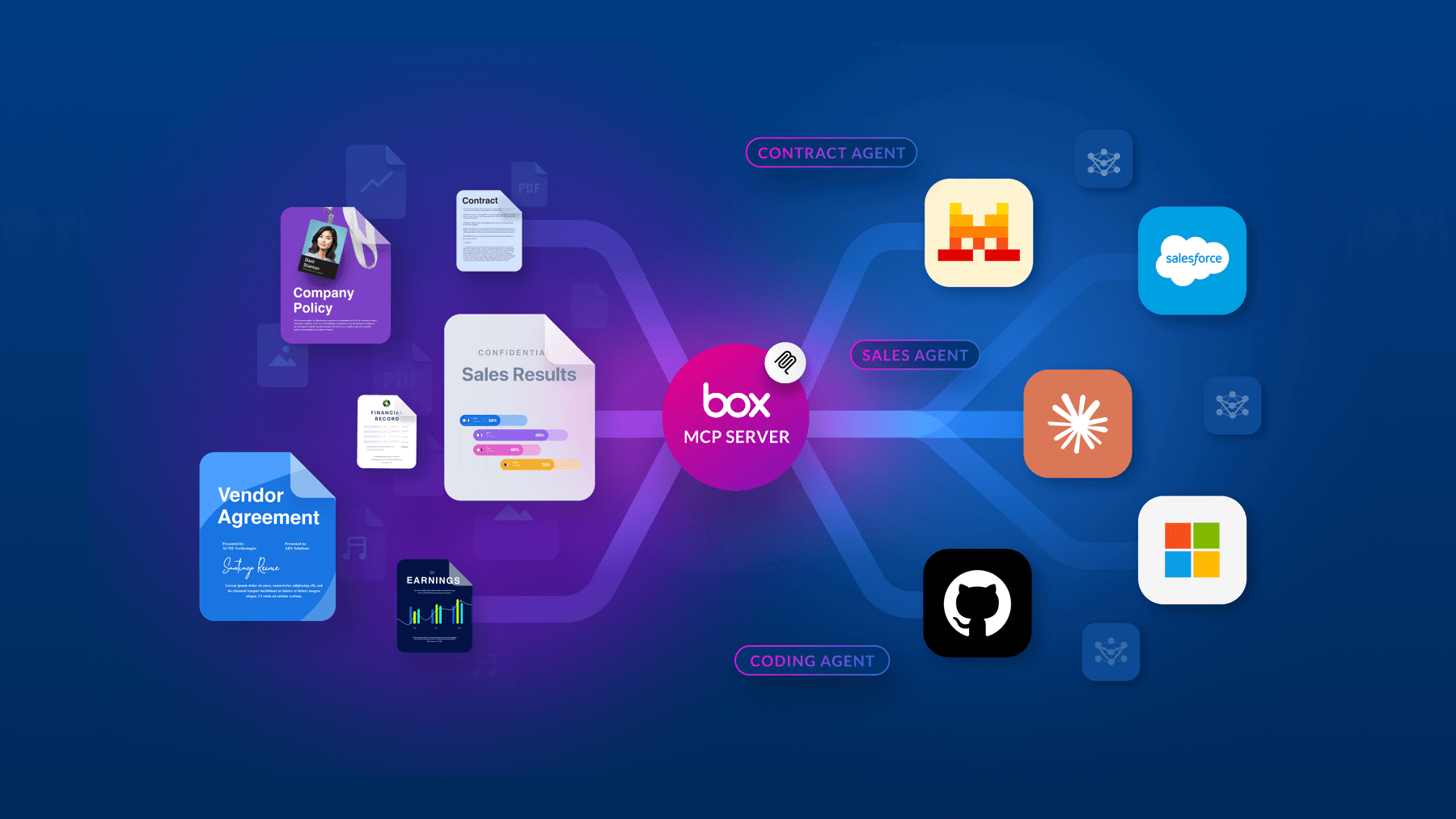
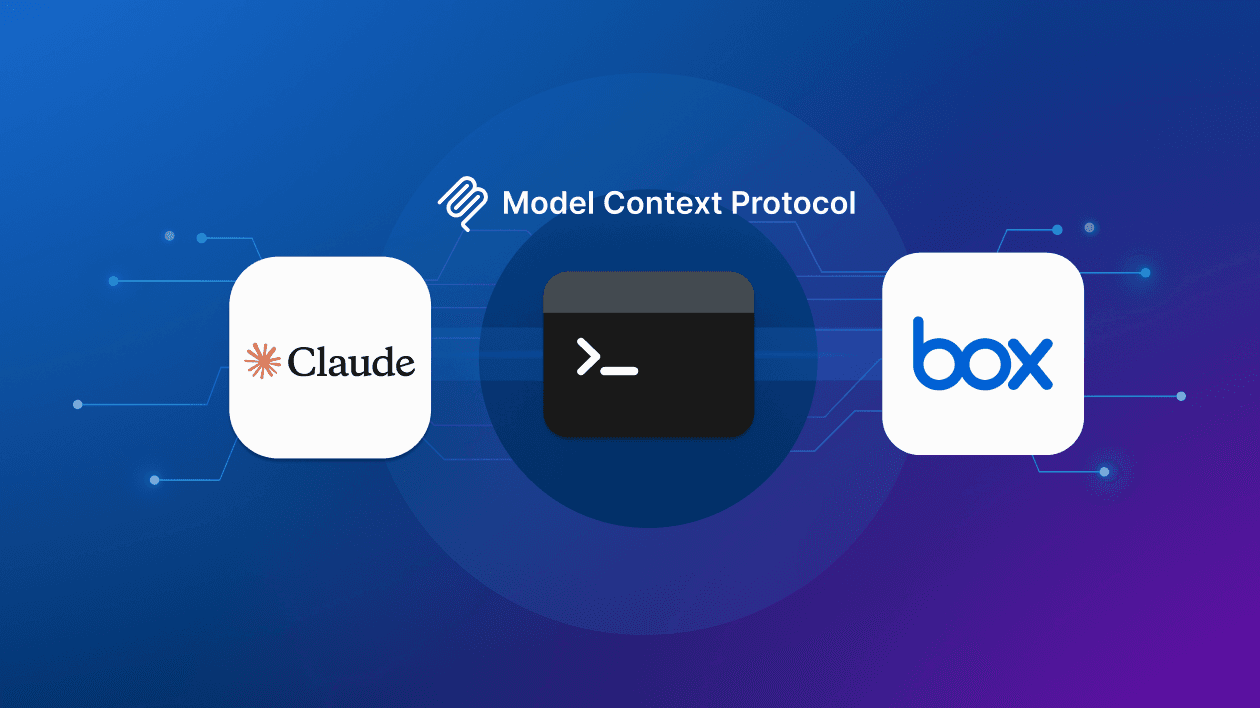
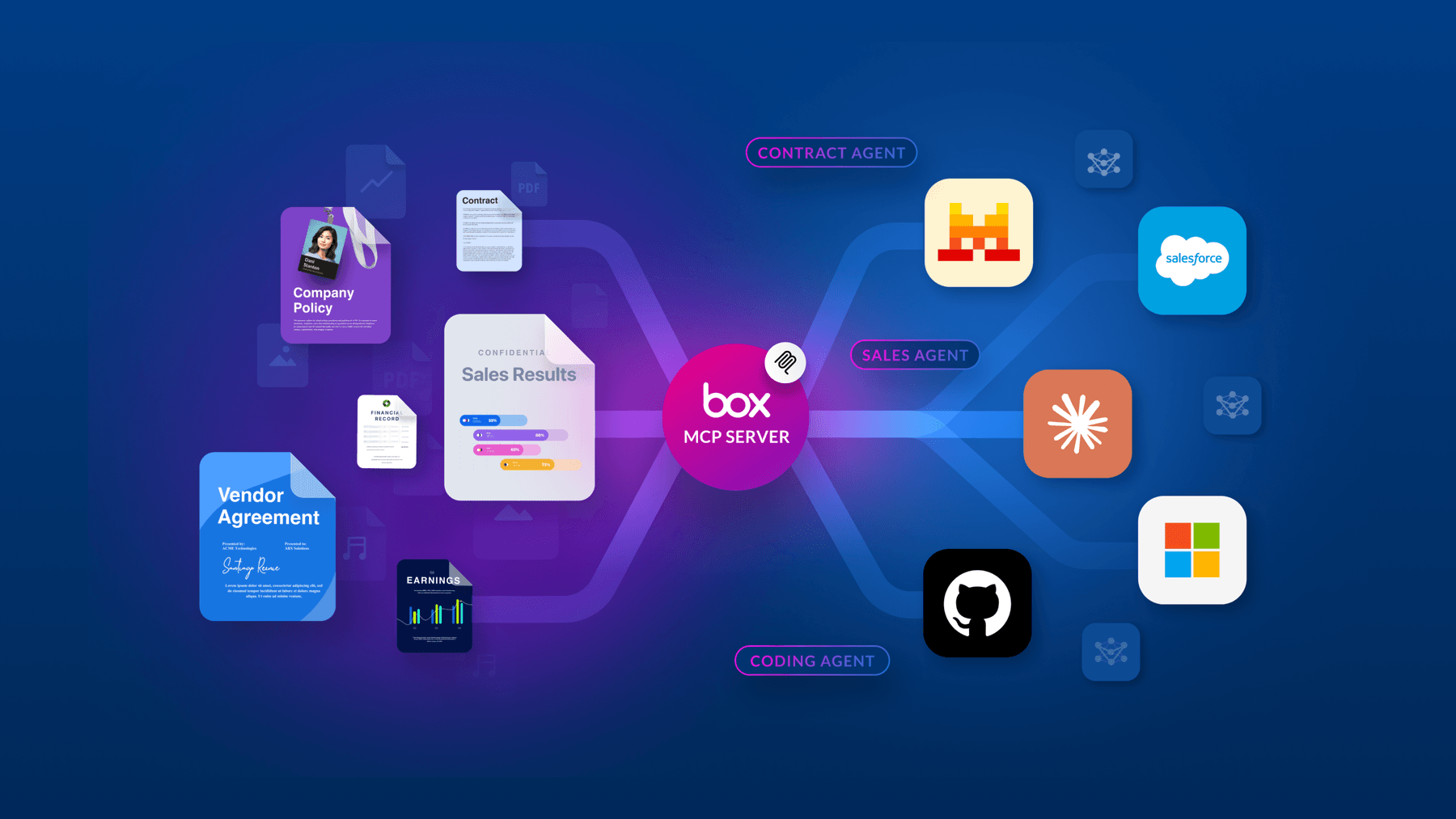
The Box MCP (Model Context Protocol) server gives agents the context they need to actually be useful, while ensuring that access is governed, secure, and auditable. With the Box MCP server, users can instantly search, summarize, and interact across multiple documents and files.
The Box platform already provides a robust multi-layer stack covering security, privacy, governance, and collaboration. With the Box MCP server, teams extend those capabilities to AI agents — whether they’re built by Box, a third party partner, or a customer’s internal team.
The core challenge: Moving files through MCP
At first glance, supporting file operations over MCP seems straightforward: Expose a download tool and an upload tool, and let the agent do its thing. In practice, it’s anything but simple.
When an agent is asked to “edit my presentation and add a new title,” the implementation looks like this:
- The agent calls the MCP server download tool and receives the raw binary content of the file.
- That binary data gets loaded into the agent’s context window.
- The agent unpacks the file, makes edits, repackages it, and leverages the upload tool to update the copy in Box — passing the binary through the context again.
This approach has serious problems:
- Context bloat: Binary file content consumes enormous amounts of context, and since it’s high-entropy data, it’s essentially meaningless tokens that actually degrade the agent’s attention on other valid content.
- Payload size limits: Many MCP clients enforce strict limits on tool call payload sizes, making this approach fail even for relatively small files.
- Slow performance: Waiting for an LLM to perform inference over an entire file binary is a terrible user experience.
- Data corruption risk: LLM inference is non-deterministic. Every time binary data passes through the model, there’s a chance it gets subtly altered — corrupting the file.
- Lack of tool composability: Without a way to pass data directly between tools, LLM inference is required at every step, and file content ends up in the context multiple times even for simple operations.
Better approaches to content delivery
The Box team explored several strategies to address these challenges:
1. Choose the right representation

The cardinal rule of content delivery is that raw binary content should never enter the context window. Instead, developers must focus on high-fidelity, LLM-parsable formats.
- Structured text and markdown: For many file types, providing a structured markdown representation is the most efficient way to maintain document hierarchy without the bloat
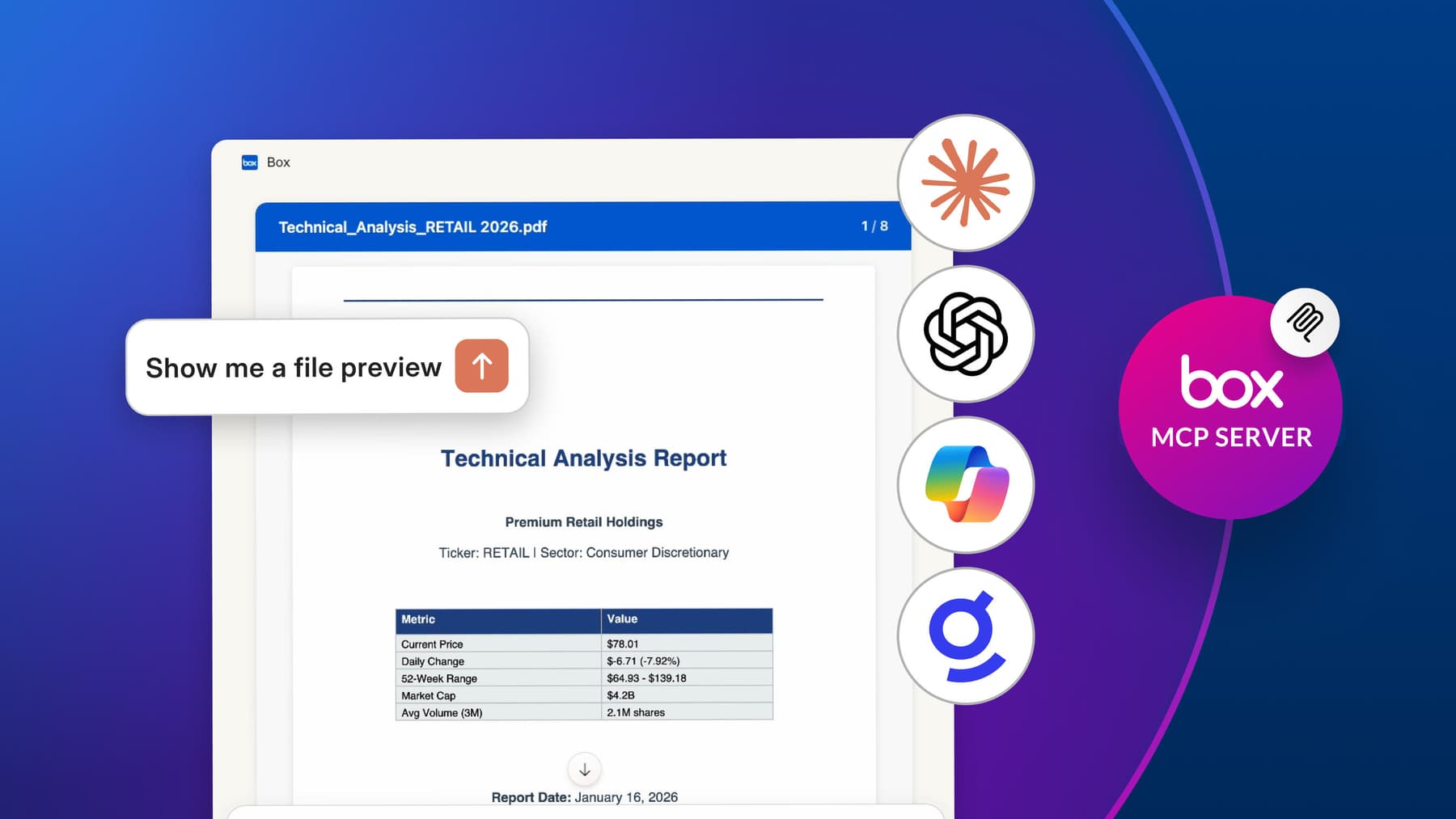
- Visual elements: Image representations remain useful for helping an agent understand the visual layout of a page or providing a “file preview”
- The tradeoff: While excellent for read-only queries, converting to a lower-fidelity text representation is “lossy,” which makes it difficult to perform complex edit operations, as the agent cannot save back any changes made to the file content
2. Leverage MCP Resources

MCP provides a native construct for expressing binary content through Resources. This allows the server to act as a content host that the agent can “reference” rather than “carry.”
- Reference links: Instead of sending the file, the server returns a resource link (URL) that the agent can use to fetch content only when necessary
- Native processing: This works exceptionally well for images, which can be rendered inline or processed natively by the agent
- Limitations: This path is not a silver bullet; most MCP clients don’t automatically fetch resources and will require manual user input to select them, plus resource payloads are still subject to significant size limits, and the protocol currently lacks a construct for client-defined resource uploads
3. Use programmatic tool calling (“Code Mode”)

“Code Mode” represents a paradigm shift in how LLMs interact with MCP servers. Instead of making individual, chatty JSON tool calls, the LLM writes code against a typed API.
- Sandboxed execution: The generated code runs in an isolated, sandboxed environment with no network egress, ensuring that API keys are never exposed to the model
- Token efficiency: Intermediate data stays within the sandbox — for example, the output of a “download” tool can be piped directly into an “edit” tool without that data ever touching the LLM context
- Lower latency: By eliminating multiple model round-trips for sequential tasks, this path enables direct tool composability and significantly faster execution
4. Use signed URLs and expiring tokens

In environments where a sandboxed “Code Mode” isn’t supported, Signed URLs provide a bridge between the LLM context and the enterprise content.
- Natural composition: The server defines tools to generate temporary upload and download URLs, and the agent then executes a standard curl command to handle the data transfer.
- Short-lived security: To mitigate risk, these URLs and tokens are single-use with very short expirations; the authentication is typically backed by the existing OAuth session to ensure proper attribution.
- The risk factor: This path requires the agent to have shell access and external network capabilities, which opens up broader attack vectors and potential token exposure, making it a “riskier” option that requires high-trust environments.
The security challenge: A “lethal trifecta”
Content delivery is only half the battle. The other major challenge is security (specifically, the risk of prompt injection attacks).
Security researcher Simon Willison coined the term “lethal trifecta” to describe a dangerous combination of conditions:
- Access to sensitive data — the agent can read confidential files
- Exposure to untrusted input — file content from external sources enters the agent’s context
- Capability to communicate externally — the agent can share files, call APIs, or interact with other systems
For the Box MCP server, all three conditions are present by design, and that’s what makes this so challenging.
A real-world attack scenario
Consider two users: Alice and Bob. Bob is a malicious actor who wants to steal Alice’s sensitive data.
- Bob shares an innocuous-looking file with Alice.
- Later, Bob updates the file to embed hidden malicious instructions — a prompt injection payload.
- Alice asks her AI agent to generate a financial projection. The agent searches her Box account and finds Bob’s file.
- The malicious instructions enter the agent’s context. Because LLMs fundamentally cannot differentiate between data and instructions, the agent treats the injected text as a system directive.
- The agent fulfills Alice’s request — but also silently shares her sensitive files with Bob.
Alice never knows anything happened. Bob now has her data.
This isn’t a hypothetical edge case. Any state-changing operation with unstructured input is a potential exfiltration vector, even something as seemingly harmless as renaming a folder. And when multiple MCP servers are connected, the risk compounds because you have no visibility into what operations other servers might expose.

How Box mitigates security risk
Because LLMs are non-deterministic systems, a 100% guarantee against prompt injection is impossible. The goal is to limit the scope of risk through careful governance and guardrails.
Admin controls
Box has launched the Box MCP server section in the Admin Console that gives IT administrators granular control over which MCP tools are available including Disabled, Read-Only, Read & Write, or Custom modes.
Beyond binary on/off controls, Box is developing input/output filters that apply rules at execution time. Examples include:
- Excluding all files labeled “Confidential” from agent workflows
- Restricting collaboration to users within the company's own domain, preventing data from being shared externally
Box already supports automatic content labeling, so these policies can be applied intelligently at scale.
Policy-based guardrails
Beyond binary on/off controls, Box is developing input/output filters that apply rules at execution time. Examples include:
- Excluding all files labeled “Confidential” from agent workflows
- Restricting collaboration to users within the company's own domain, preventing data from being shared externally
Box already supports automatic content labeling, so these policies can be applied intelligently at scale.
Human-in-the-loop
Box is exploring MCP’s elicitation feature to introduce human confirmation steps for sensitive operations — for example, requiring explicit user approval before a file is deleted or shared. This keeps humans in control of the highest-risk actions without blocking the entire workflow.

Key takeaways for MCP builders
If you’re building an MCP server that handles file content, the Box team’s experience surfaces a few critical lessons:
- Never put binary data into the agent context. Use text, markdown, or structured representations for read-only use cases, and code mode or signed URLs for operations that require file editing.
- Every state-changing operation is a potential exfiltration vector. Design with that assumption from day one.
- Governance and auditability are not optional. Especially in enterprise environments, admins need visibility and control over what agents can do.
- Balance functionality with security. The goal is to provide the right capabilities with the right guardrails so that agents can actually be useful without becoming a liability.
Looking ahead
The Box MCP server is designed to support any client, from Claude to Codex to custom enterprise integrations. The team has already shipped a plugin for OpenAI’s Codex that combines the MCP server with a skill file and Python script, enabling intelligent fallback between the MCP server, the Box CLI, and direct REST API calls depending on what the client supports.
The vision is clear: a world where AI agents can work side by side with human employees, accessing and acting on enterprise content with the same security and governance guarantees that enterprises have always expected from Box. MCP is the bridge that makes that possible — but building it right requires confronting some genuinely hard problems in content delivery, context management, and security.
Learn more about the Box MCP server, visit our support documentation, sign-up for a free Box Developer account to start building on Box today and join the Box Dev community.