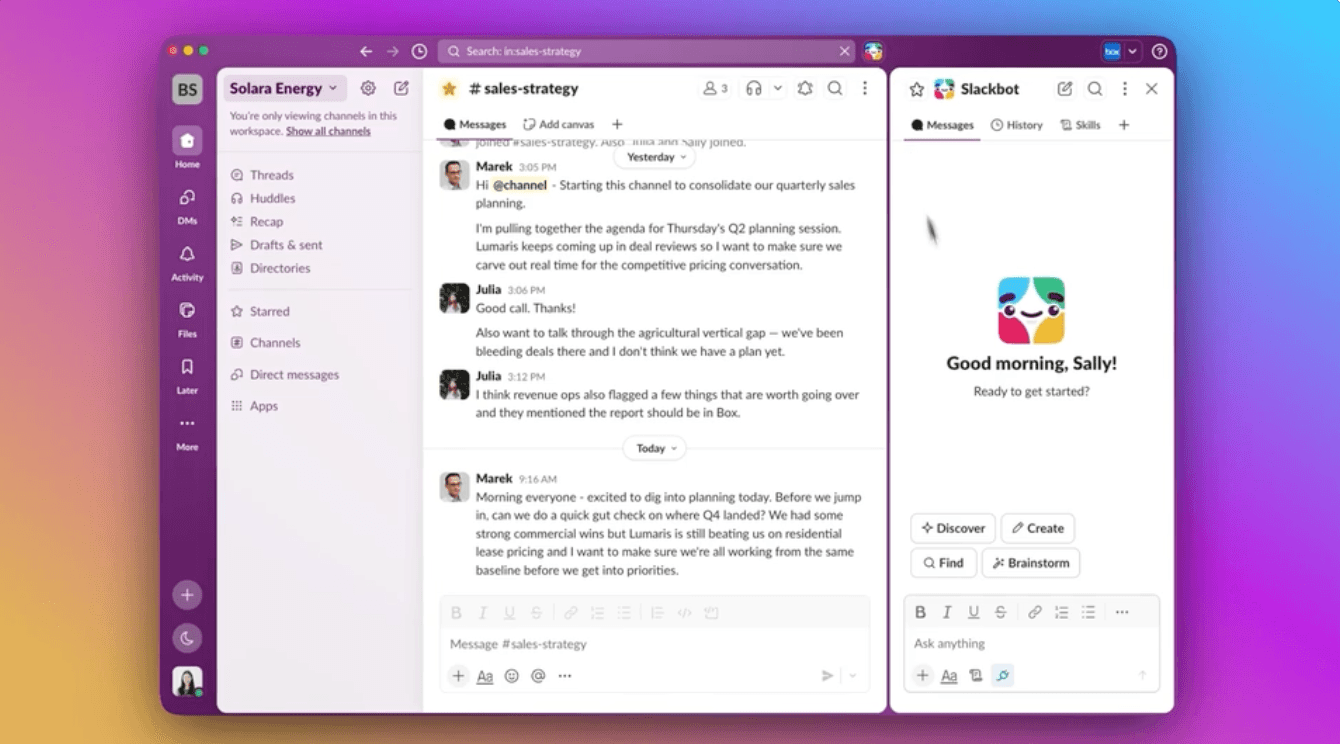
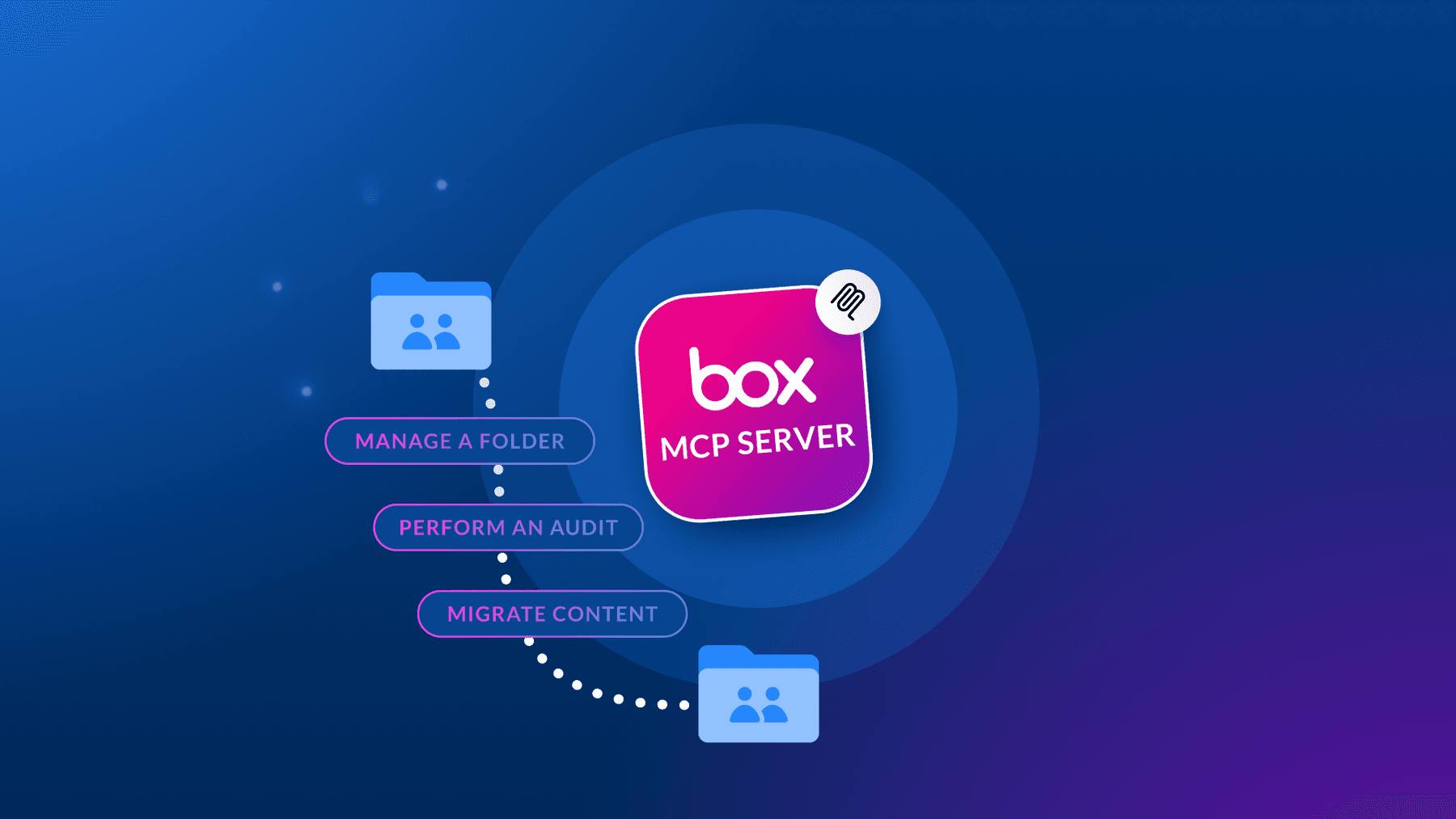
Whether you’re creating AI-powered document workflows, building intelligent search interfaces, chatbots, or automating content operations, Box MCP server makes it possible without the complexity of traditional integrations. Join us for exciting updates and new demo apps to kick off your journey with agentic workflows and Box.
Model Context Protocol (MCP), it’s an open standard that makes it simple for LLMs to access external data sources. Think of Box MCP server as a secure bridge between your AI agents and Box content.
Two Ways to Get Started
There are two options depending on your needs and priorities:
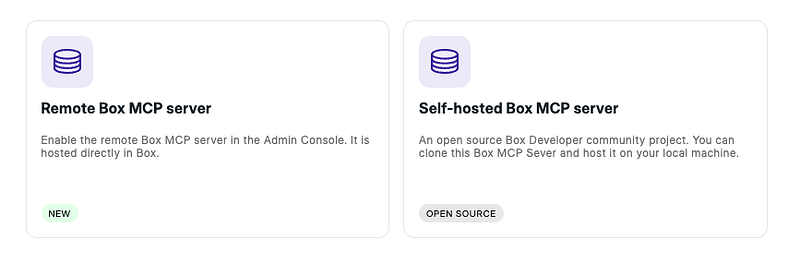
- The remote Box MCP server lives in Box and can be enabled with a few clicks in the the Box Admin Console. Perfect for admins, teams, end users who want to get up and running quickly.
- If you prefer more control, there’s the self-hosted Box MCP server — an open-source Python project you can clone and run locally or in your own infrastructure.
The available toolsets differ between the two options. Check the developer guide for details.
[NEW] Claude and Le Chat join the party
Box remote MCP server has reached general availability, with new out-of-the-box connectors to platforms like Anthropic’s Claude, Microsoft Copilot Studio, and Mistral’s Le Chat. Now it’s even easier to access Box content from your favorite AI platforms.
Be sure to enable Box AI in the Box Admin Console to fully harness all available tools with Box MCP server.
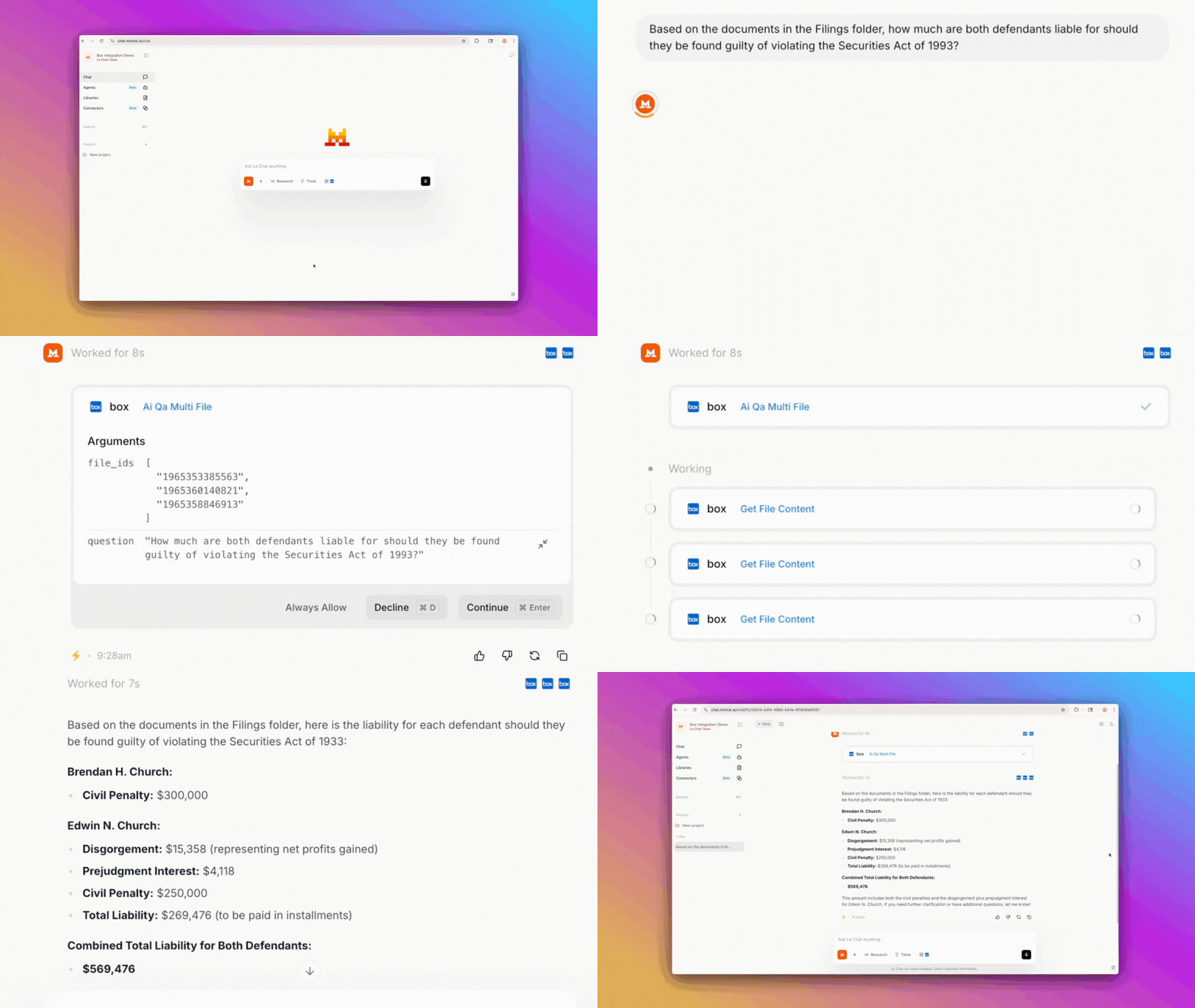
Mistral is proficient in over 50 languages— including French, English, German, Spanish, Italian, Japanese, and Chinese — making it ideal for global organizations that need to accurately query, summarize, and generate content from their multilingual document libraries. You can connect Le Chat through the connectors page or directly from the chat interface by clicking Tools, and choosing Box. Grant access to Box and you’re all set.
For Claude Desktop, go to Settings, click Connectors, select Browse connectors, and choose Box. Grant access, and you’re ready to query files, search folders, and leverage Box AI capabilities right from Claude. Check out this quick intro video.
[NEW] New tools for the self-hosted Box MCP server
Let’s switch gears and talk about the self-hosted Box MCP server, which received significant upgrades. There are new, comprehensive metadata management tools that let you create templates, set metadata on files, and build sophisticated classification systems.
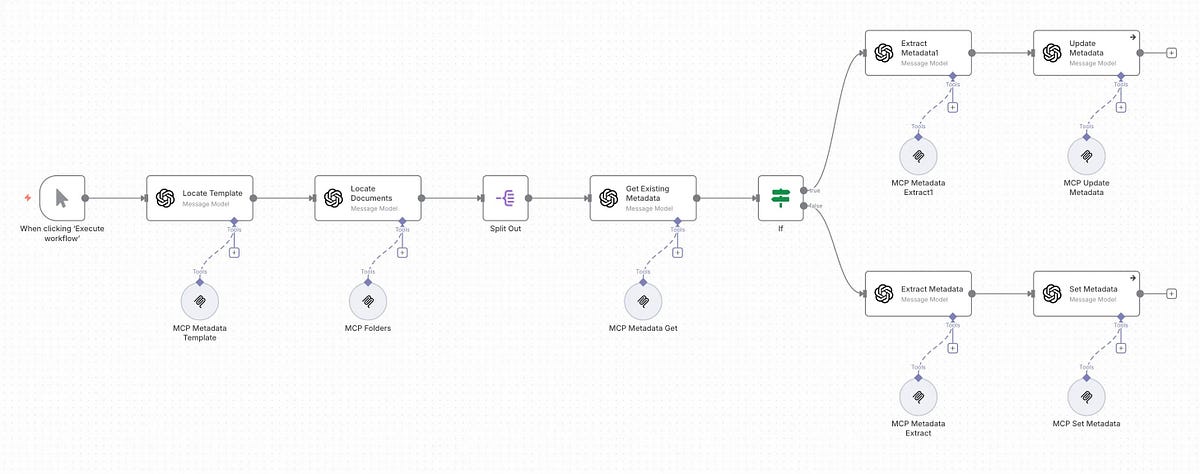
The second set of new tools is connected to Box Doc Gen, and will help you handle everything from template management to batch document creation.
If you’re still exploring use cases or what’s possible, we have a great demo project with n8n created by Rui Barbosa. It’s really exciting to see it in action.
Also, if you’d like to use Box MCP server while developing and debugging your custom apps, there is a video tutorial of using the self-hosted Box MCP server in Cursor.
Demo chatbot app
Imagine building an AI assistant that can search across thousands of documents, extract structured data from invoices, answer complex questions using Box AI, and generate personalized proposals — all without moving a single file out of Box or calling an API endpoint within your codebase. That’s the power of MCP.
We have created a sample demo project in React, that leverages the remote Box MCP server. Watch a video, clone the repo, add your credentials, and you’ll have a working AI assistant connected to Box in under 10 minutes.
As you can see, the possibilities are endless. We are excited to launch new connectors soon, so stay tuned for upcoming announcements. We can’t wait to see what you build with Box MCP server.
Box MCP FAQs
What is the Model Context Protocol (MCP)?
The Model Context Protocol (MCP) is an open-source, standardized protocol that allows developers to build secure, bi-directional connections between AI models and their data sources. Instead of writing custom, fragile integration code for every single AI tool or large language model (LLM) you want to use, MCP provides a universal standard. It acts like a USB port for AI, letting you plug different models directly into your secure data repositories.
How does the Box MCP server secure my enterprise content?
Security is built directly into the foundation of the Box MCP server. When a thirdparty AI agent queries your files, the server uses OAuth authorization to enforce your existing Box security, compliance, and role-based access controls (RBAC). This means an AI agent can only search, retrieve, or interact with the exact files that the active user has permission to see. Sensitive files never leave your secure Box environment, and raw file content is never exposed to external platforms.
Can I connect Anthropic Claude to my Box files?
Yes. Anthropic Claude is one of our primary launch partners. By running the Box MCP server, you can securely ground Claude in your specific business content—such as contracts, financial records, and intellectual property. This allows Claude to answer questions, summarize documents, and extract metadata with complete, real-time context from your files, all while maintaining strict Box governance.
What are the main security risks of manual file uploads to AI tools?
Manually uploading proprietary documents to external AI chatbots creates severe security and compliance vulnerabilities. Once a file is uploaded, it often leaves your organization's secure perimeter, risking data leakage, intellectual property exposure, and "shadow IT" adoption. Furthermore, manual uploads bypass your corporate retention policies, access controls, and audit trails. The Box MCP server eliminates this risk by establishing a secure, on-demand bridge that queries content in place without moving files.
How does the Box MCP server integrate with Microsoft Copilot?
We have partnered with Microsoft to support seamless integration. You can connect the remote Box MCP server directly to Microsoft Copilot Studio. This enables your custom Microsoft Copilot agents to securely search, query, and extract insights from your unstructured data in Box, allowing your teams to leverage Microsoft's AI tools without compromising on content governance.
Why is data freshness important for enterprise AI agents?
Many traditional AI integrations rely on asynchronous data transfer, where files are indexed and synced to external databases on a schedule. If a file is updated between syncs, the AI agent works with stale, outdated information. The Box MCP server uses an on-demand approach, fetching the latest version of a file in real-time. This ensures your AI agents always generate answers based on fresh, accurate business data.
Does the Box MCP server support Salesforce Agentforce?
Yes. Support for Salesforce Agentforce is coming soon to our growing partner ecosystem. This integration will allow your Salesforce AI agents to securely access and reference customer documents, contracts, and case files stored in Box, streamlining your customer service and sales workflows directly within the Salesforce interface.
How do you connect external AI tools to secure business files?
Historically, connecting AI tools to business files required building complex, expensive, and hard-to-maintain custom integrations. The Box MCP server solves this by acting as a single, standardized, and secure bridge. It uses the Model Context Protocol to connect popular thirdparty AI platforms—including Anthropic Claude, GitHub Copilot, Mistral Le Chat, Glean, and Microsoft Copilot Studio—directly to your content in Box with minimal setup.
What is the difference between the Box MCP server and custom-built integrations?
Custom integrations are expensive to build, complex to manage, and difficult to scale. Every time an AI platform updates its API, your custom code can break. The Box MCP server provides a standardized, out-of-the-box solution using a ubiquitous protocol. It eliminates the maintenance burden and high development costs of custom-built sync processes, freeing up your developers to focus on building innovative AI experiences rather than maintaining data pipelines.
Can developers use the Box MCP server with GitHub Copilot?
Yes. GitHub Copilot is a key integration partner. Developers can use the Box MCP server to securely connect GitHub Copilot to their technical documentation, coding standards, and project files stored in Box. This allows developers to ask questions and generate code that is perfectly aligned with their organization's internal guidelines and repositories.
How does role-based access control (RBAC) work with AI agents?
With the Box MCP server, AI agents do not get blanket access to your corporate repository. Instead, the server enforces role-based access controls (RBAC) based on the specific user interacting with the agent. If a user does not have permission to view a sensitive financial spreadsheet or HR policy in Box, the AI agent will not be able to access or reference that document when answering that user's prompts.
What thirdparty AI platforms are currently supported?
We launch with a robust and growing ecosystem of partners. Currently, the Box MCP server supports Anthropic Claude, GitHub Copilot, Mistral Le Chat, Glean, and Microsoft Copilot Studio, with support for Salesforce Agentforce coming soon. This model-neutral strategy gives your organization the flexibility to use the industry's leading AI tools while keeping your content securely centralized in Box.