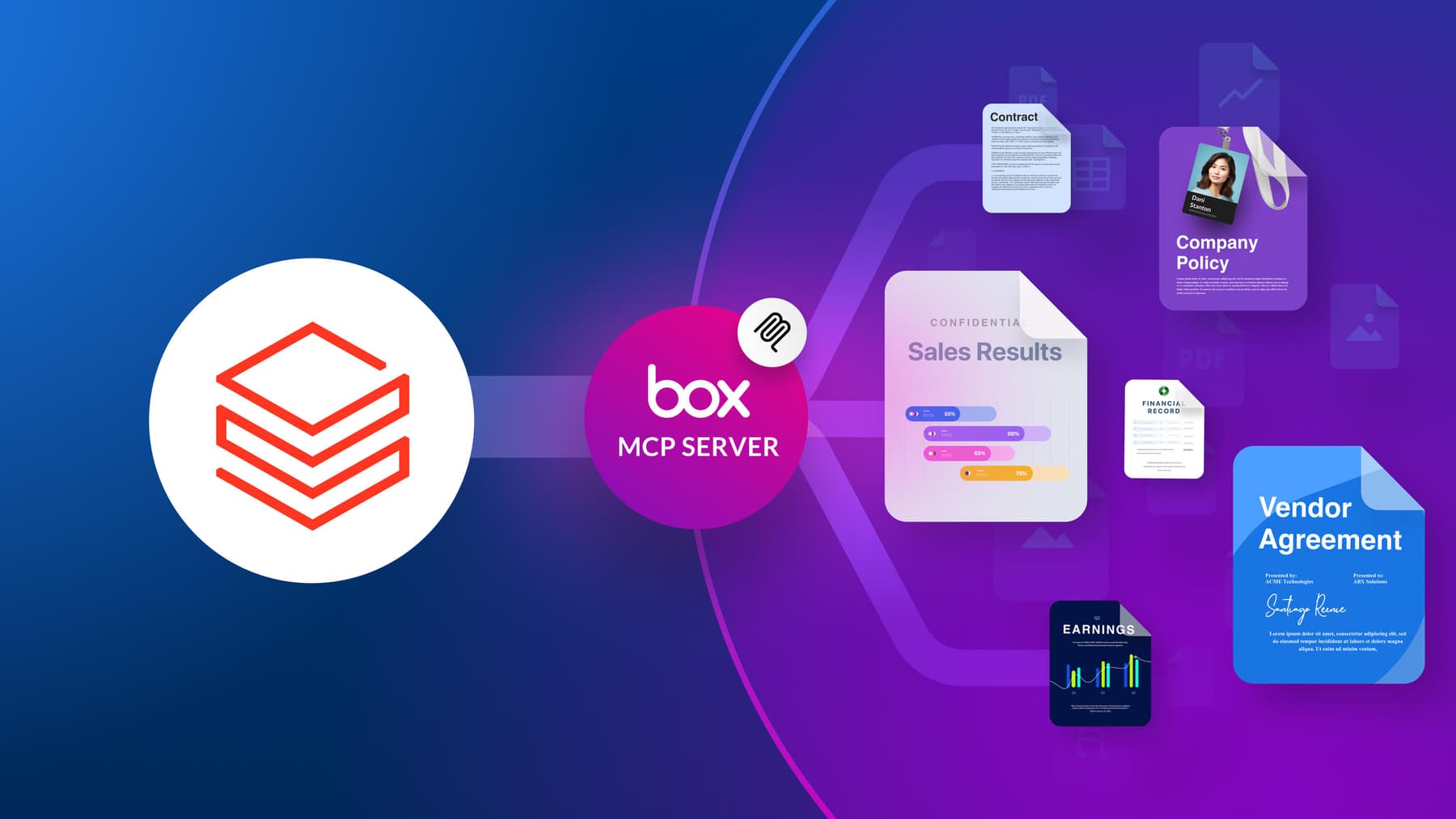
Give your Databricks agents secure, permission-aware access to the content in Box, without copying your data into a second system.

Most real work involves both structured and unstructured data.
Enterprise context rarely lives in one place. Structured data like transaction records, operational metrics, security telemetry, and customer data tends to sit in a data platform like Databricks. But the material that puts that data in context usually lives in unstructured content: the contracts, presentations, reports, policies, and research documents your teams keep in Box.
Most real work involves both structured and unstructured data.
An agent evaluating a supplier needs both delivery metrics and the terms of the contract. A security agent investigating an incident needs telemetry from the lakehouse plus documented response procedures. A customer intelligence workflow needs behavioral data alongside the research reports, campaign briefs, and feedback that explain the numbers.
The external Box MCP server connects these two types of environments. Rather than pre-copying every document into another repository, your Databricks agents retrieve the Box content they need at the point of work and combine it with the structured data already on the platform. Here’s how a request moves through the system.
1. The request starts in Databricks
A user begins in a supported Databricks experience, such as Genie or the AI Playground. The Databricks application reads the request, determines whether it needs something stored in Box, and selects the appropriate capability exposed by the external Box MCP server.
Databricks stays in charge throughout. It orchestrates the workflow, combines the returned Box content with the data already available on the platform, and produces the final result. The Box MCP server doesn’t replace Mosaic AI Agent Framework or your Databricks agent. It adds governed content access to a workflow that Databricks continues to drive.
2. Unity Catalog governs the connection
Installing the Box MCP server integration from Databricks Marketplace creates a Unity Catalog connection to the external server. That connection is the securable Unity Catalog uses to govern which users, applications, and agents can invoke it.
This gives you one centrally governed connection instead of a patchwork of separate integrations built by individual teams. Administrators can make the connection available only to approved identities and workloads. This is the first authorization boundary in the architecture: Databricks controls who can use the connection.
Permission to use the connection is not permission to see everything in Box. That’s the next check.
3. The request crosses into Box
Once approved, the request travels through the Unity Catalog connection to the external Box MCP server. Depending on the operation, your workflow might ask Box to search for files, retrieve content or metadata, analyze documents, extract structured fields, or perform an authorized content action.
Your Databricks application doesn’t have to implement any of that itself. Authentication, search, retrieval, content processing, and content operations all stay centralized behind the Box MCP server. The result is a clear division of responsibility:
- Databricks decides when Box context is needed
- The Box MCP server exposes the relevant content capabilities
- Box executes the underlying operation
4. Box enforces your content permissions
When the request reaches Box, it arrives under an authenticated user or application identity, and Box evaluates it against your existing permissions. Can this identity open the requested file or folder? Can it perform the requested operation?
This is the second authorization boundary. A request that Databricks approves can still be denied by Box if the identity doesn’t have access to the underlying content. The effective access available to any workflow is the intersection of four things:
- Permission to use the Unity Catalog connection in Databricks
- The capabilities the Box MCP server exposes
- Permission to access the requested content in Box
- Permission to perform the requested operation
Box remains the authority on file- and folder-level access, so you don’t have to recreate and maintain those permissions inside another system.
5. Box retrieves and processes the content
Once access is settled, the Box MCP server performs the requested operation against the content stored in Box. Your source files stay where they are, along with their folders, metadata, versions, collaborators, and governance controls.
The server provides four capabilities:
- Secure access keeps every operation subject to Box authentication, permissions, and enterprise security controls
- Intelligent retrieval locates the right files and information using the content, metadata, and organizational context already in Box
- Contextual understanding makes what’s inside your documents available to the Databricks workflow as text, metadata, extracted fields, summaries, or other structured outputs
- Seamless integration gives your Databricks applications and agents a shared content layer, so each experience doesn’t have to build its own Box connector
The original file never leaves its governed home. Only the information the current task needs crosses the boundary between platforms.
6. The result returns to Databricks
The Box MCP server returns the permitted content, metadata, analysis, or operation status to the Databricks experience that requested it. Databricks then combines that result with the structured, operational, and analytical data already in the workflow, and the Box content becomes another input to the running agent.
A workflow can also come back for more. It might retrieve related documents, request deeper analysis, or perform an authorized content action. Each request is evaluated independently by both Databricks and Box. When a workflow creates or updates content, Box executes the operation and remains the system of record for the resulting file, its permissions, its metadata, and its version history.
Where this fits in the Databricks Data Intelligence Platform
This request flow operates within the existing capabilities of the Databricks Data Intelligence Platform. Users initiate requests through experiences such as Genie and the AI Playground, while Databricks handles agent orchestration, context assembly, tool selection, and execution.
Installing the integration from Databricks Marketplace creates a Unity Catalog connection to the external Box MCP server. Unity Catalog governs access to that connection, and Box independently governs access to the content behind it. The Databricks agent can then combine structured and analytical data already available on the platform with Box content retrieved as needed.
Because the connection uses MCP, Box remains available as an external content source without tying the integration to a single model, application, or agent implementation.
Access at request time, not standing replication
This architecture doesn’t require you to keep a continuously synchronized copy of your entire Box estate inside Databricks. Information still moves between the platforms, but only when a request runs and only the piece that’s needed. Content isn’t duplicated simply to make it reachable.
That matters because standing replication asks a lot of your teams: Maintain a second repository, keep document versions in sync, rebuild indexes, translate permissions, and apply a separate set of security and retention policies to the copies. With request-time access, the original file stays in Box and your workflow retrieves current, permission-aware information on demand.
This doesn’t rule out traditional pipelines. When document-derived information needs to be transformed and queried repeatedly at scale, a persistent pipeline may still be the right tool. The Box MCP server covers the complementary need: dynamic, governed access to the original content.
A governed bridge between your data and your content
The architecture produces three outcomes worth calling out:
- Inherited Box permissions: Your Databricks users and agents can reach only the content available to the identity running the Box operation
- No complex data duplication: You don’t need to stand up and maintain a full copy of your Box repository to make content available to Databricks
- Governed AI access: The integration is installed from Databricks Marketplace as a Unity Catalog connection to the external Box MCP server, with every content request also subject to Box authorization
Your content stays a single source of truth in Box. Your Databricks agents get the context they need to do useful work. And the connection stays governed from end to end.
Get started
You can bring Box content into your Databricks agentic workflows without copying your data. The Box MCP server is available now on the Databricks Marketplace, where you can install it into your workspace and put governed content access in front of your agents.
Get the Box MCP server on Databricks Marketplace
To see how the Box MCP server works across the rest of your AI ecosystem, explore the full set of connections it supports. Additionally, you can learn more about our Box/Databricks connector here.