Managing HTML files has always been messier than it should be. Teams download files to edit them locally, preview them in a separate tool, then re-upload — and somewhere in that loop, version control breaks down, shadow copies appear on local machines, and IT loses visibility into what's actually in production.
The Box HTML Editor closes that loop. Built directly into the Box platform, it lets your teams create, edit, render, and collaborate on HTML files in the same governed space where your business content already lives — no downloads, no external tools, no re-uploads.
Key takeaways:
- The Box HTML Editor is built directly into Box, allowing teams to create, edit, render, and collaborate on HTML files natively
- All files automatically inherit Box's enterprise-grade security, automatic version history, and access permissions, ensuring IT maintains full visibility
- HTML stored and edited in Box are fully accessible to Box AI, so teams can query the content and generate new layouts from simple text prompts
Why native HTML editing matters in Box
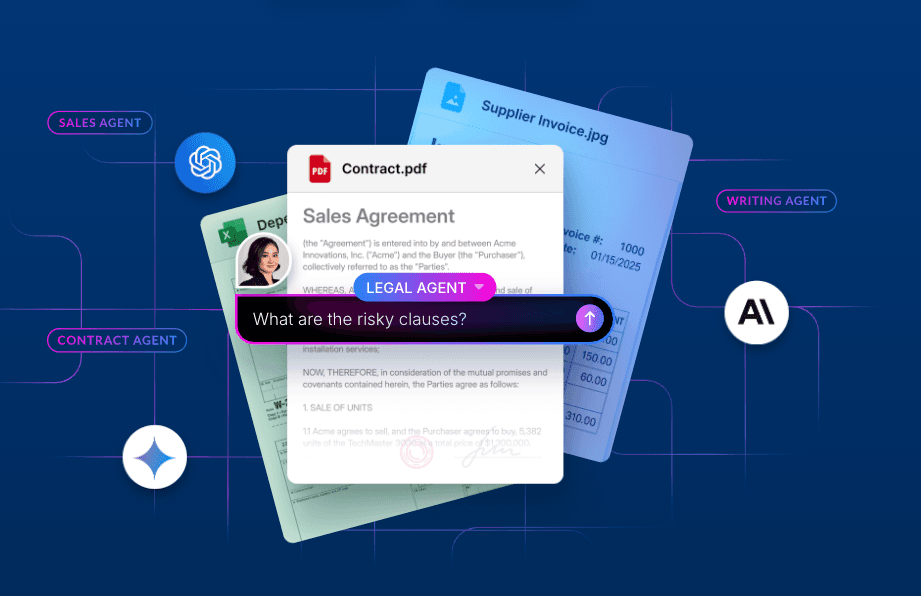
HTML is the universal standard for structured, portable web content. When HTML files live outside Box, they’re invisible to the AI-powered workflows your organization is building. Bringing HTML editing natively into Box means those files are governed, indexed, and available to Box AI so teams can query content, generate new layouts from prompts, and build AI-assisted web experiences without moving files outside a secure environment.
By keeping HTML editing in Box, your organization gets:
- Zero tool friction: Create new .html files or open existing ones directly from your Box folders without downloads, external applications, or manual re-uploads
- Centralized governance: Editing happens natively, so your HTML files inherit Box’s enterprise-grade security, automatic version history, and access permissions; the source code stays secure and shadow copies stay off local machines
- AI-ready content: HTML files stored in Box are available to Box AI, enabling teams to ask Box AI to create dashboards, web page mock-ups, and other beautiful assets, and share the HTML files with others for review or information-sharing in an easy-to-consume format
Tailored for every workflow
Whether you’re a developer writing precise code or a marketer reviewing a layout, the Box HTML Editor works with three distinct viewing modes:
- Code view: A clean environment for developers and designers who want full control over raw HTML syntax
- Preview mode: A fully rendered view that shows exactly how your HTML page, email, or report will appear to end users — useful for final reviews before publishing
- Split view: Write and edit code on one side while watching the rendered preview update in real time on the other. Particularly useful for building complex tables, nested structures, and multi-level headers
Built for teams across the enterprise
The HTML Editor unlocks immediate value across departments, not because HTML is new, but because native editing removes the friction that’s always slowed teams down:
- Marketing and design: Draft, refine, and preview promotional landing pages and campaign assets without leaving Box or having to email files back and forth for review
- Communications: Build and distribute formatted email templates and internal newsletters from a single, versioned source — so the right template is always the one that gets used
- Operations and IT: Maintain web documentation, technical specifications, and interactive reports in one place, with full version history and access controls already in place
Your web content, where your work lives
Far more than just added convenience, the Box HTML Editor is how HTML files become part of your organization’s governed content layer. When web content lives in Box, it’s secure, versioned, collaborative, and ready for the AI-powered workflows that depend on it.
More importantly, it enables users to consume content the way it was intended to be consumed, and easily interact with content in ways they haven’t been able to, from visualizing graphs and clicking through dashboards to viewing detailed marketing plans and more.