Every organization has the same problem: critical information scattered across folders, drives, and systems, forcing employees to waste hours hunting for what they need. Sales teams can’t find the latest pitch deck. New hires dig through endless folders for onboarding materials. IT fields the same questions repeatedly because documentation is buried somewhere nobody can find.
For many organizations, the challenge isn’t a lack of information—it’s the “content sprawl” that makes finding the right information feel like searching for a needle in a haystack. This fragmentation doesn’t just slow down productivity; it creates friction, leads to rework, and causes frustration for both the people creating content and those trying to consume it.
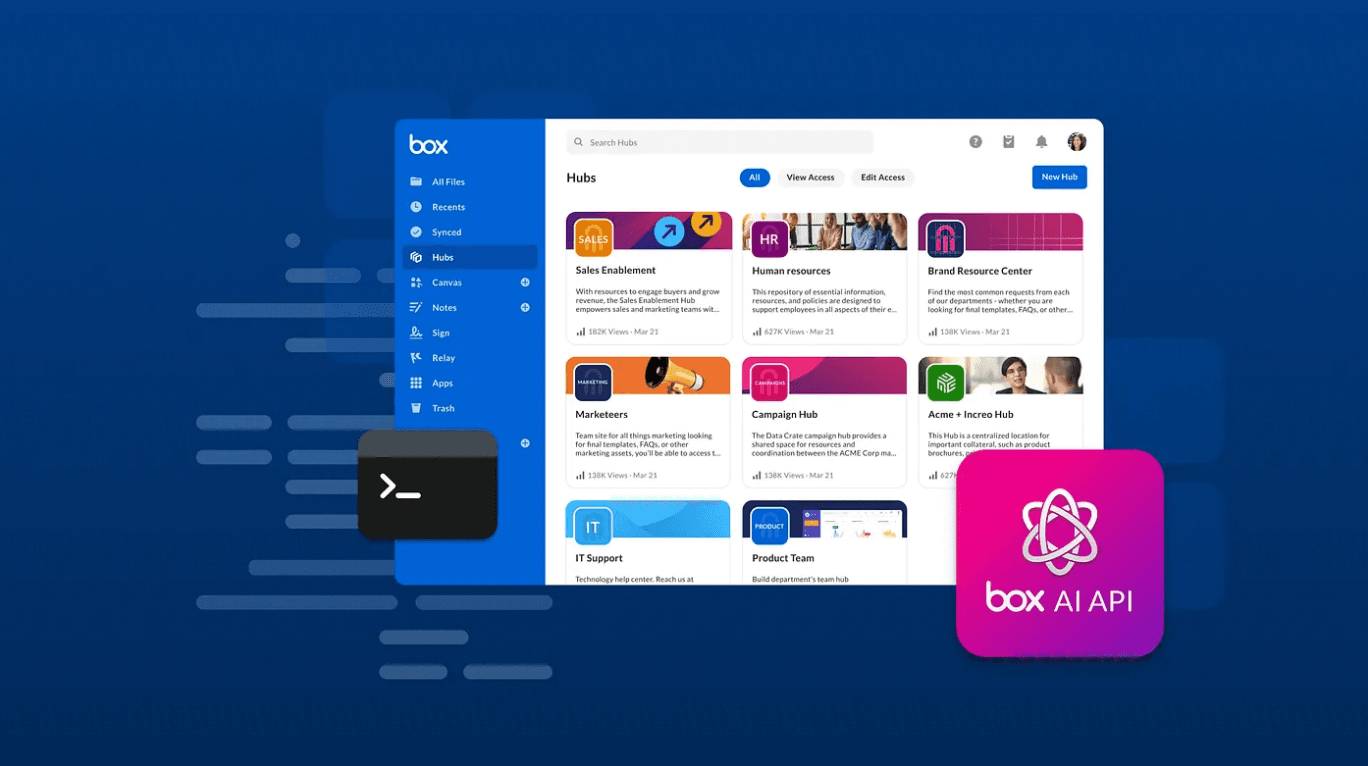
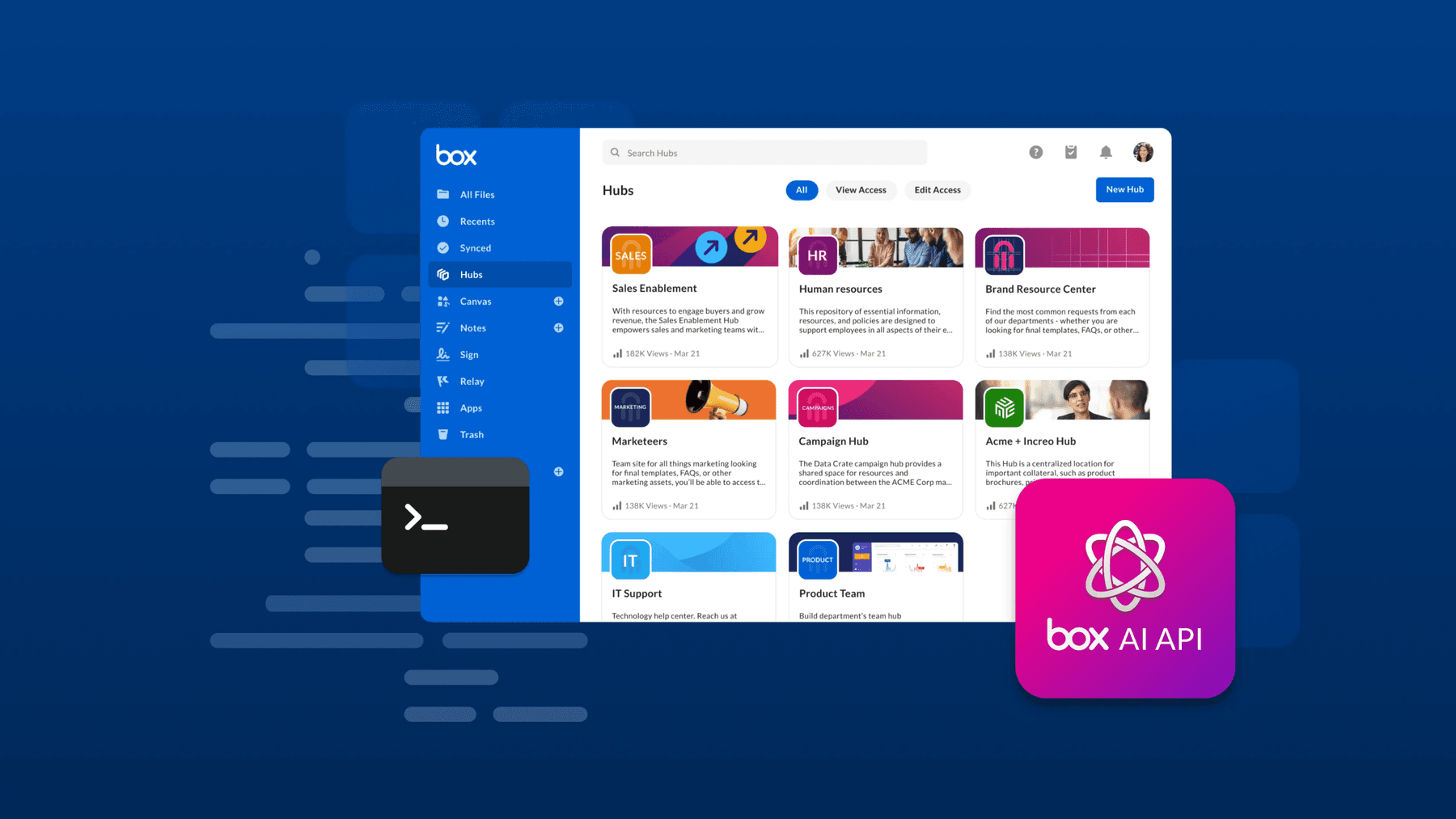
Box Hubs is a content curation and knowledge-sharing product designed to transform scattered files into centralized, organized, and searchable portals. Whether you are an operations manager building a vendor onboarding site, a marketing leader centralizing enablement materials, or an IT professional creating a security policies knowledge base, Box Hubs provides an easy, no-code way to bring order to content chaos.

What is Box Hubs?
Box Hubs is about intelligent curation. It allows you to create a professional-looking portal for your content without the need for technical expertise or IT support. Unlike traditional intranets or knowledge basesthat often require complex CMS management, Box Hubs is built directly with content stored in Box.
This means that instead of duplicating files or worrying about version control, you simply reference the content already stored in Box. When a source file is updated, that update is automatically reflected in the Hub. It’s a “single source of truth” that still maintain all the enterprise-grade security, governance, and permissions you already trust in Box.
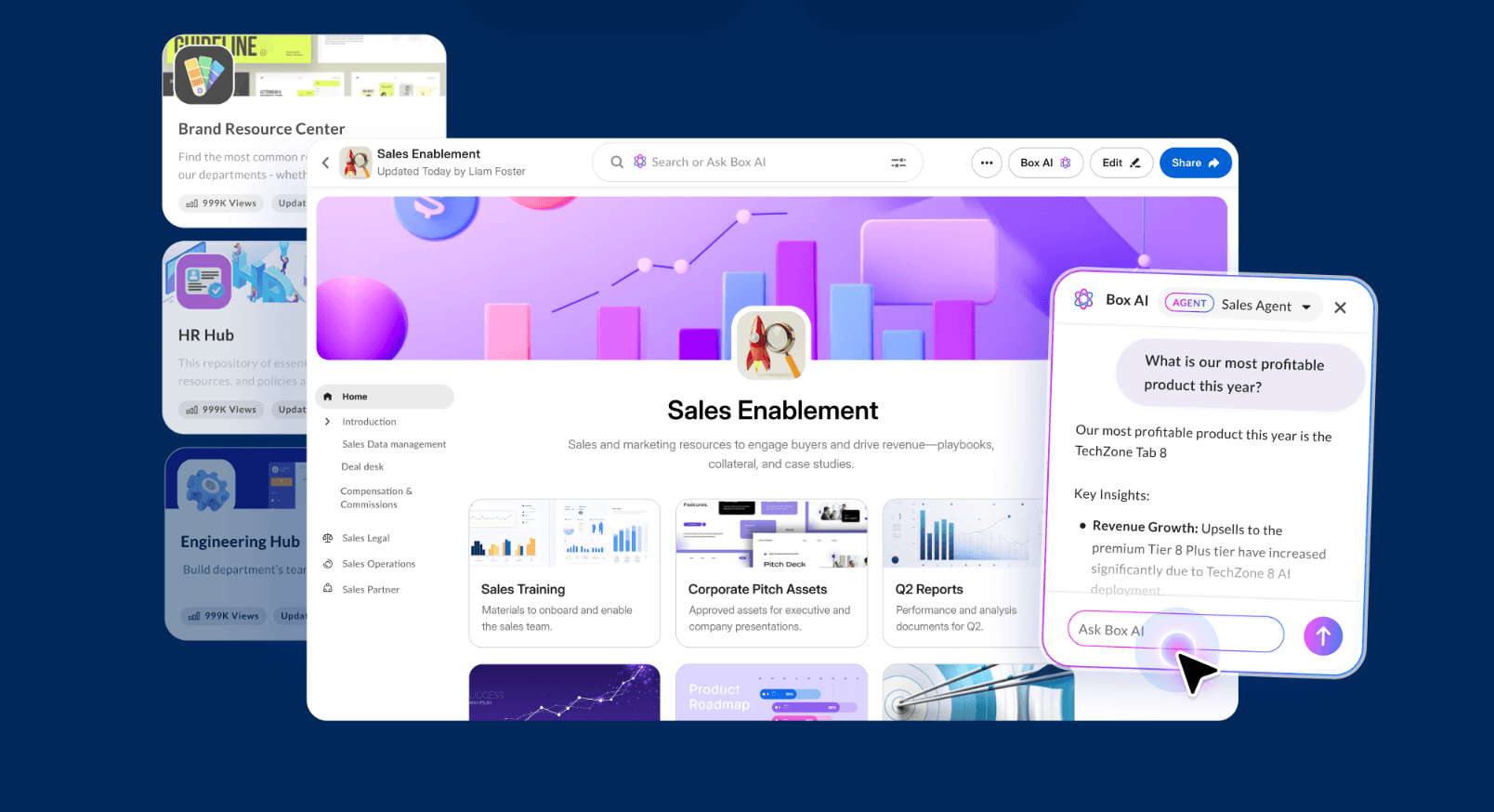
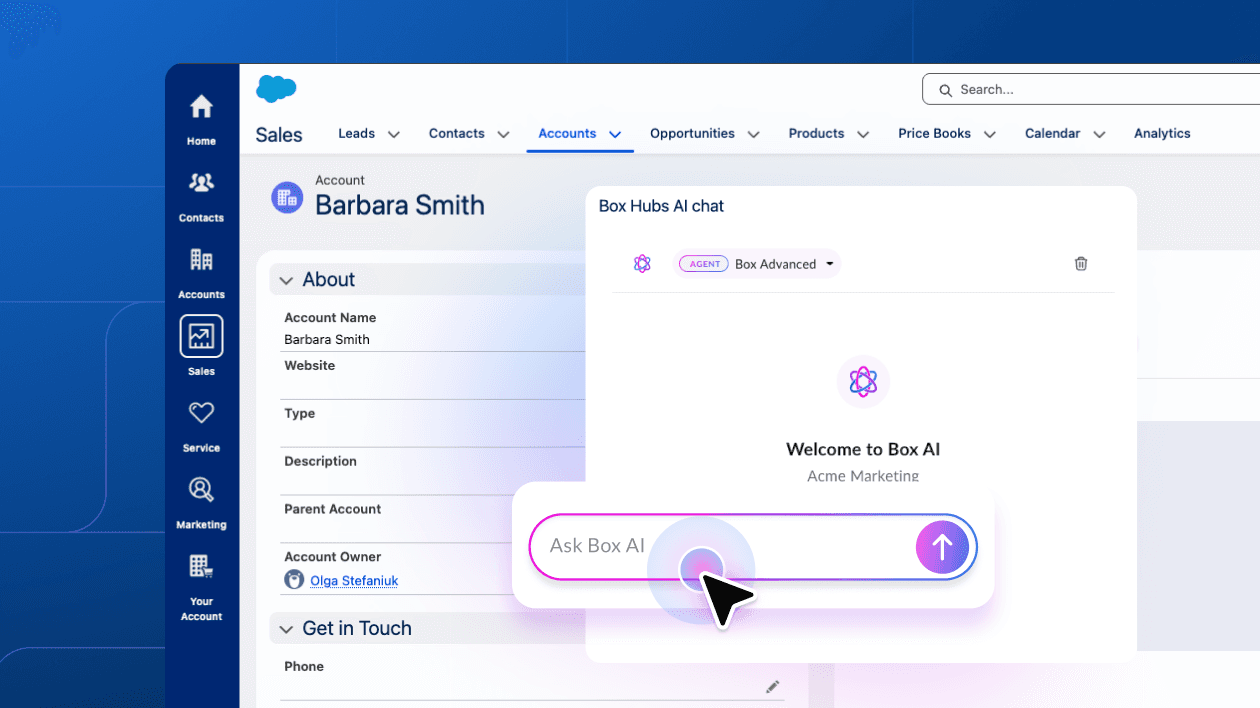
When combined with Box AI, Hubs becomes even more powerful. Viewers can ask natural language questions across all the documents in a Hub and get instant, cited answers. It turns a static repository into a dynamic, queryable knowledge base.
The creator experience: from chaos to curation
For people who are in charge of managing and maintaining content—think marketing managers in charge of enablement assets, HR teams handling new employee onboarding, or project managers tracking files and statuses of different workstreams—Box Hubs is a game-changer for productivity.
Build in minutes, not days
The biggest hurdle to sharing information is often the tool itself. Box Hubs features a new builder experience with a streamlined, intuitive interface. You can set up a Hub, customize it with branding (like header images and icons), and add content using simple drag-and-drop components. There’s no code to write and no complex permissions to navigate.
No more content duplication
One of the biggest headaches for creators is managing multiple versions of the same document. With Hubs, you aren’t moving or copying files. You are creating a curated view of existing content. This ensures that your viewers always see the latest version, and you don’t have to spend your Friday afternoon updating links across five different internal sites.
Reduced repeat questions
Creators often spend a significant portion of their day answering the same questions: “Where is the latest brand kit?” or “What is our policy on remote work?” By centralizing this information in a Hub, you empower your audience to self-serve. This frees up your time to focus on high-value work rather than acting as a human search engine.
The viewer experience: clarity at your fingertips
And for everyone else, whether you’re a teammate, an employee, a partner, a supplier, or other collaborator—Box Hubs is about removing the “search fatigue” that plagues every enterprise.
A structured, clean interface
Instead of digging through a labyrinth of nested folders, viewers can navigate through a clean, branded portal. Content is organized logically with descriptions and callouts that provide context. It’s an experience designed for consumption, making it easy to find exactly what you need at a glance.
Confidence in the source
There is nothing more frustrating than finding a document only to realize it’s an outdated version from three years ago. Because Hubs reference the live files in Box, viewers can have total confidence that they are looking at the most current, approved information.
Instant answers with Box AI
Box Hubs is even more powerful when used with Box AI. Imagine you are a new hire looking for information on benefits. Instead of opening a 50-page PDF and searching for “dental plan,” you can simply ask the Hub: “What is the coverage for dental?” Box AI will scan the documents in that specific Hub and provide a concise answer with citations, so you know exactly which document the information came from.
Real-world examples: Box Hubs in action
To understand the value of Box Hubs, let’s look at a few examples of how Hubs are used by customers today:
Streamlining research and policy access
In complex research environments, finding the right policy or literature can often feel like searching for a needle in a haystack. One organization transformed this experience by implementing Box Hubs as a centralized, self-service portal for all policy documentation and research materials. By moving away from fragmented folders and utilizing Box AI to triage content, they saw literature review times plummet from 30 hours to just 30 minutes. This shift not only reduced repetitive support requests but also empowered staff to become fully productive with just minutes of training.
Accelerating employee training and onboarding
Traditional onboarding processes, often reliant on physical binders and siloed files, can leave new hires feeling overwhelmed and slow to contribute. A public retirement system solved this by replacing manual training methods with interactive portals in Box Hubs. By allowing staff to use Box AI to ask plain-language questions about their training materials, they cut onboarding time by more than half—reducing a 6-8 month cycle down to just 2-3 months. This enables teams to provide real-time answers to member inquiries much sooner, significantly improving operational agility.
Consolidating global operations for a single source of truth
For organizations operating across dozens of countries, content fragmentation is a major hurdle to effective decision-making. An international insurance group addressed this by consolidating legacy systems into a single Box instance and creating Hubs that serve as a "single source of truth." These Hubs allow global teams to run AI queries in their native languages, breaking down communication barriers and improving operational autonomy. By centralizing fragmented content into curated portals, they’ve established a scalable model for cross-departmental collaboration on a global scale.

Tips to get started: organize and share with ease
Hubs is constantly evolving to make it the easiest way to curate and publish your content. Here are three features that significantly enhance how your teams view and use Hubs to stay organized and informed:
Pages
As your Hub grows, a single scrolling page might not be enough. The pages feature allows you to create multi-page Hubs. You can build complex knowledge sites with distinct sections and logical navigation. For example, a “Company Portal” Hub could have separate pages for “Benefits,” “IT Support,” and “Office Locations,” making it much easier for viewers to navigate large amounts of information.

Change notifications
Staying up to date shouldn’t require manual checking. With Change Notifications, collaborators can receive email updates when content in the Hub is updated. This ensures that everyone is aligned and aware of the latest changes without having to constantly refresh the page.

Link previews
Link previews display rich previews of linked content directly within the Hub interface. This allows viewers to get a sneak peek of a document or external link before they even click on it. It’s a small detail that makes a huge difference in how quickly a viewer can determine if a piece of content is relevant to their needs. It’s also great for calling attention to visual assets – one of our favorite ways to use it is to highlight new videos created by our content team.

Build your first Hub today
Box Hubs is more than just a portal; it’s a way to unlock the value of your organization’s collective knowledge. By bridging the gap between content creation and content consumption, Hubs helps teams work faster, smarter, and with more clarity.
Whether you’re looking to streamline internal communications, empower your sales team, or simplify onboarding, Box Hubs is the no-code solution that puts your content to work.
Ready to tame the content sprawl? Start building your first Hub today and see how easy it is to turn your Box files into a powerful, AI-driven destination.
Box Hubs FAQs
What is an AI-powered content portal?
An AI-powered content portal is a centralized, searchable destination where teams can organize files, documents, and resources, and can use AI to then ask questions to get instant, accurate answers from that content. Instead of hunting through folders or messaging colleagues for information, people go to one place and get what they need in seconds. Box Hubs is built exactly this way: it combines organized content with Box AI so your team can find answers from their content quickly.
How is a content portal different from a shared folder or intranet?
Shared folders give people access to files, but they don't help people find answers and aren’t always organized in a way that’s easy to navigate. Intranets can be powerful but typically require IT resources to build and maintain. A content portal like Box Hubs sits in between: it's structured enough to guide people to the right information, simple enough for any team to build without coding, and intelligent enough to answer questions directly using AI. You get the organization of an intranet without the overhead.
How is Box Hubs different from other content portals or knowledge base products?
Many content portal and knowledge base products and toolscome with real overhead: IT setup, ongoing maintenance, licensing complexity, and steep learning curves. Box Hubs is built for teams who need a knowledge base without the additional overhead or infrastructure, and exists right where you already store and manage content. There's no coding required, no separate licensing, and no additional resourcing required to maintain Hubs. And because Hubs is built on Box's enterprise-grade security framework, you don't have to rebuild your governance model from scratch.
Does Box Hubs duplicate my files?
Box Hubs references your original files and folders, it does not duplicate your files when you add content to a Hub. This means when a source file is updated in Box, the Hub automatically reflects that change. Your team always sees current information, and you never have to worry about version sprawl or outdated content living in multiple places. It's one of the most important things to understand about how Hubs works: it's a guided view of your content, not a separate copy of it.
Who can build a Hub, and do I need IT support?
Anyone can build a Hub. The no-code interface uses drag-and-drop components such as pages, blocks, callouts, headers, and more, so you can organize and publish content without writing a single line of code or filing an IT ticket. HR managers, sales ops teams, marketing leads, and operations managers all build and maintain their own Hubs independently. Box admins can retain centralized governance controls, including the ability to manage permissions at both the organization-wide and individual Hub level, but the day-to-day content curation and maintenance stays with the teams who know the content best.
How does Box Hubs handle security and permissions?
Sharing a Box Hub gives viewer permissions to the user you’ve shared a Hub with if they don’t have access to the content yet. If the collaborator already has view or higher access, the file retains the file’s original permissions. Hubs follows Box’s permissioning model: Hub‑level settings simplify who can view or collaborate, while underlying file permissions remain enforced. IT can monitor usage and manage permissions at scale, so sharing a Hub doesn’t expose files beyond authorized viewers.
Can I share a Hub with people outside my organization?
Yes. Box Hubs supports external collaboration, so you can share Hubs with agencies, vendors, partners, and other external collaborators who need to view a curated set of your content. You control access at the Hub level, and you can adjust permissions as relationships evolve without rebuilding the Hub. Box AI for Hubs is available for internal use; for questions about AI availability on externally shared Hubs, check with your Box account team for the latest capabilities.
Which Box plans includes Box Hubs, and how do I get started?
Box Hubs is available on Box Enterprise, Enterprise Plus, and Enterprise Advanced plans. Box AI for Hubs, which adds the AI-powered question-answering capability, is available for Enterprise Plus and Enterprise Advanced customers. If you're already a Box customer, your Box Admin can enable both Box Hubs and Box AI for Hubs directly from the Admin Console.