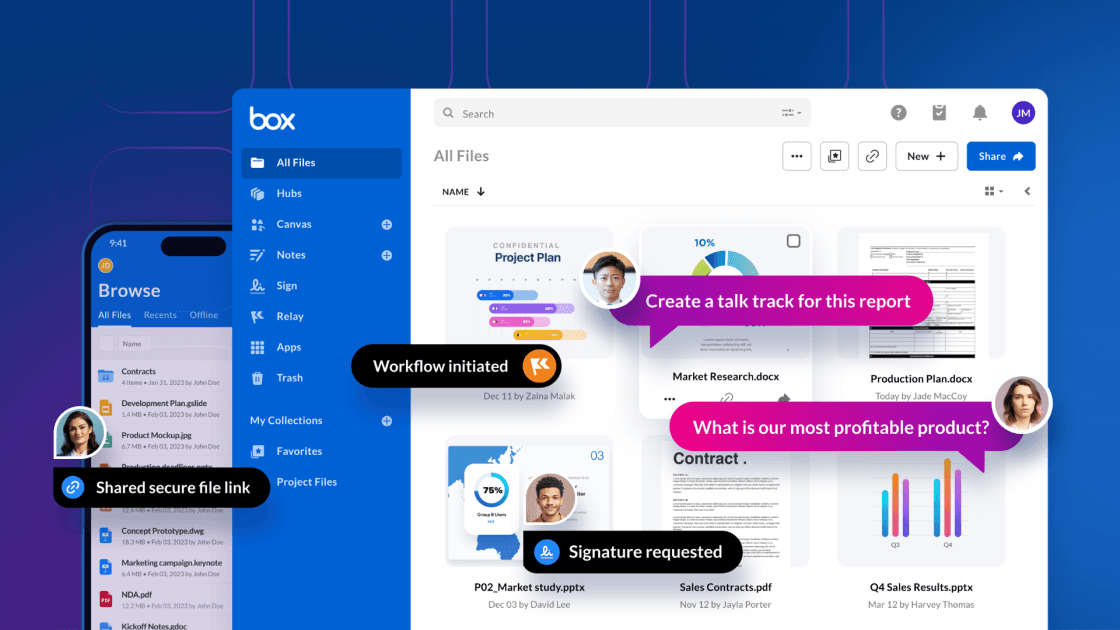
In late October, OpenAI launched company knowledge for ChatGPTbringing all the context from your connected apps together in ChatGPT, giving you answers specific to your business—so you can make decisions, take action, and get things done.
It’s an exciting development that reflects enterprise AI’s move toward intelligent systems that understand the unique context of organizational content across all platforms. This update also equips Box users with tools to build a comprehensive AI strategy that combines the best of cross-application discovery through company knowledge and deep content intelligence through Box AI.
Two complementary layers of intelligence
Think of your enterprise AI strategy as having two essential layers:
The discovery layer: ChatGPT’s company knowledge excels at pulling together scattered context, connecting the dots between a Microsoft Teams conversation, a HubSpot support ticket, a Gmail thread, and relevant documents in Box. It answers questions like “What’s the latest on the product launch?” by synthesizing information from across your entire tech stack.
The content intelligence layer: Box AI provides deep, purpose-built intelligence for your managed content repository. It goes beyond finding documents to actually working with them—summarizing contracts, extracting insights across document sets, generating content, and enabling sophisticated content workflows.
How Box AI and company knowledge work together
When you connect Box to ChatGPT’s company knowledge and use Box AI natively within the Box platform, you create a powerful, layered intelligence system. The most sophisticated users will naturally flow between both tools — using company Kkowledge for broad discovery and context-gathering across multiple systems, then shifting to Box AI when they need to dive deep into document analysis or content creation. Here’s how to guide your teams on when to use each approach:
For cross-application discovery: Connect Box to company knowledge so employees can surface relevant Box documents when they’re asking questions that span multiple systems. Someone using ChatGPT can ask “What’s our position on the Q4 pricing strategy?” and get context from Microsoft Teams discussions, Gmail threads, and strategic documents stored in Box.
For deep content work: When employees need to actually work with Box content for tasks like reviewing contracts, analyzing financial documents, preparing board materials, they can use Box AI within the Box platform. The native Box AI experience provides richer functionality and better performance than what’s possible through a connector, while maintaining the same robust security and governance controls your organization relies on. All content permissions are automatically respected. Users can only interact with documents they have access to, ensuring that sensitive information remains protected while still enabling powerful AI capabilities.
Use cases
- Market research: A product manager uses company knowledge to ask “What are customers saying about our competitor’s new feature?” ChatGPT pulls together Microsoft Teams messages from the sales team, HubSpot support tickets, and customer feedback documents stored in Box. When they want to dig deeper into the voice-of-customer research reports in Box, they switch to Box AI within the Box platform to generate executive summaries and extract key themes across dozens of research documents.
- Contract review: A legal team member uses company knowledge to get quick context: “What vendors are we currently negotiating with?” ChatGPT surfaces relevant Slack threads, Gmail messages, and contract folders in Box. Then they use Box AI within Box to do the actual legal work (summarizing contract terms across multiple agreements, identifying non-standard clauses, and extracting key dates and obligations).
- Board preparation: An executive uses company knowledge to gather context across systems: “What are the major initiatives we’ve discussed this quarter?” ChatGPT synthesizes insights from Microsoft Teams conversations, Gmail exchanges, and project management updates. Then they use Box AI within Box to work with the formal board materials (summarizing previous meeting minutes, extracting action items, and compiling insights from strategic planning documents).
Understanding OpenAI company knowledge connectors
Company knowledge uses two types of connectors to access your Box content, each with different performance characteristics:
- Chat connectors (on-demand search): With chat connectors, your content stays in Box and is queried in real-time when you ask questions. While this provides immediate access, you'll likely experience slower response times and less comprehensive results compared to synced connectors.
- Sync connectors: Sync connectors pull and index your Box content into ChatGPT's retrieval system, enabling faster searches and more robust company knowledge behavior.
When you first connect Box to company knowledge, both connector types are set up automatically:
- A chat connector (on-demand) becomes immediately available for use
- A sync connector is created in the background and becomes ready once the initial content sync is complete
- The system automatically switches from the chat connector to the sync connector once syncing is complete, giving you the best possible performance without any action required
For users who prefer to maintain content exclusively in Box, advanced settings allow you to configure a chat connector only. However, keep in mind this may result in a slower company knowledge experience.
You can learn more through OpenAI’s documentation.
Better together
Ready to see Box AI in action? Discover how Box AI transforms content workflows with intelligent summaries, multi-document insights, and secure collaboration—all native to the platform where your critical content lives.Learn more here