In our recent exploration of overcoming MCP file, security, and access challenges, we discussed the "lethal trifecta" of AI security, where an agent’s access to sensitive data, state-changing capabilities, and external communication can create significant risks if left unmanaged. We outlined that while the Model Context Protocol (MCP) is the bridge to useful AI agents, building that bridge correctly requires confronting hard problems in governance and auditability.
Today, we’re making major enhancements to solve those challenges. We’re excited to announce new Admin Controls for the Box MCP server, providing enterprises with the essential guardrails needed to safely manage how AI agents interact with their proprietary content.
The challenge: Balancing "write" actions with risk
As enterprises look to automate more complex business processes, they require a safe way to enable "write" actions, such as moving files, applying classifications, or updating metadata. However, any state-changing operation with unstructured input can become a potential exfiltration vector if not properly governed.
Our previous blueprint for enterprise-ready agents emphasized that governance is not optional. These new controls allow IT administrators to tailor agent capabilities directly to their organization's specific risk tolerance and compliance needs.
What’s new: Precision control in the Admin Console
With this release, we’ve launched a dedicated Box MCP server tab within the Admin Console. Admins now have a centralized view to oversee and restrict the tools available to third-party AI platforms.
Key features include:
- Granular access tiers: Quickly set access for entire tool categories such as Files and Folders, Search, or Collaboration to Disabled, Read-Only, Read & Write, or Custom
- Custom tool configuration: Go beyond binary on/off switches and use the Custom configuration to enable or disable specific individual tools within a group, ensuring agents only have the exact permissions required for their tasks
- Invisible guardrails: Tools disabled by an admin are automatically hidden from end-users within their AI agent's context window, reducing confusion and preventing unauthorized action attempts before they even start
- Full auditability: Every configuration change is logged, allowing admins to track exactly who changed a tool's status and when
Building the future of intelligent work
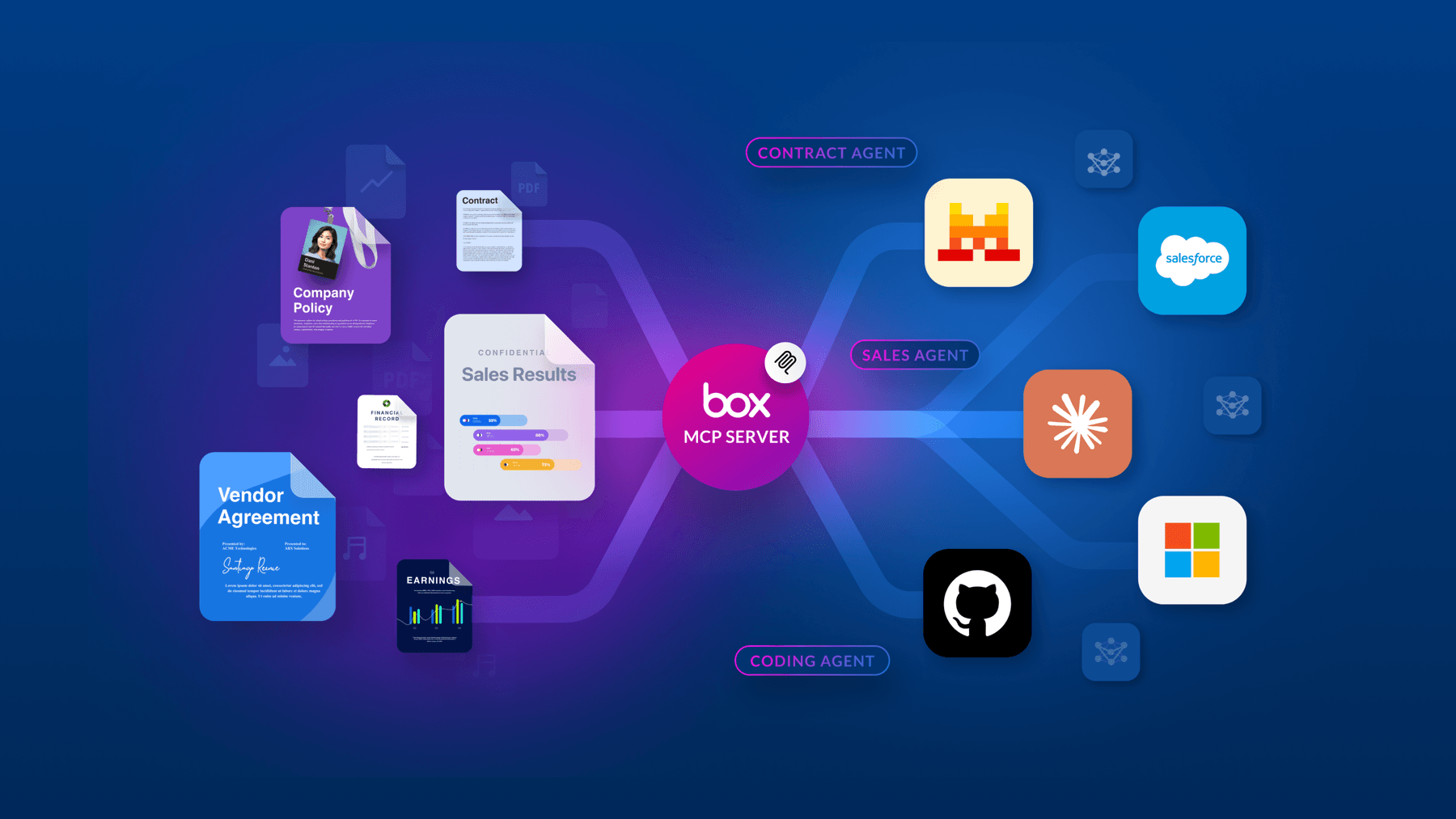
The Box MCP server is designed to support any client, from Claude and ChatGPT to custom enterprise integrations, ensuring that AI agents can work sidebyside with human employees. By providing these administrative guardrails, we’re enabling teams to extend Box’s robust security and governance stack to the next generation of AI agents.
To learn more about how to leverage the Box MCP server and to enable it for your organization, visit our documentation.