The Rockland County Department of Law leverages Box + Salesforce to accelerate critical legal workflows, streamline contract management, and securely scale its operations. Box AI gives the department the advantage of speed as it scales.
Every year, the attorney’s office for Rockland County, New York opens 10,000 files, executes 1,000 contracts, and fields a growing flood of Freedom of Information Law (FOIL) requests. All of this is taken care of in-house, supporting 35 county departments, for a population of 350,000 that keeps getting bigger.
“My staffing is not going up as fast as the work is going, and that's the sign of success,” says Thomas Humbach, County Attorney at the Rockland County Department of Law.
With growth comes the challenge of scalability.
To stay ahead of the curve, Humbach’s office adopted Box for Intelligent Content Management. The capabilities of Box allow a lean legal team to handle the workload of a much larger one, something that’s important to Humbach, who says, “I’m a fan of good government. If it's not operating properly and not doing things efficiently, we’re wasting people’s money. And people don't like that. I don't like that. I pay taxes too.”
With Box, Rockland County has been able to:
- Manage growing transaction volumes, such as FOIL requests and contracts, without needing to increase staff proportionally
- Secure sensitive, protected information like PII, HIPAA, and FERPA with Box FedRAMP and GovRAMP High certification, and with AWS GovCloud qualification, encryption, and robust permission groups
- Streamline workflows, eliminate version control issues, and use Box AI to quickly distill large volumes of internal documents
More work, new compliance issues, same team
Humbach oversees a department that handles nearly every legal document a county government touches, including road construction contracts, health clinic agreements, purchasing, finance, bonding, litigation, and board resolutions.
Even as the number of transactions increases, the department carries strict compliance obligations. As an attorney’s office, roughly 90% of its documents comprise protected internal records. The team manages personally identifiable information (PII), HIPAA-regulated health data, and FERPA-protected records from the local college.
We’re able to organize our security such that other people can’t look into it. And that's something that’s very important to us.
Before Box, the department’s document environment was, in Humbach’s own words, “a real Frankenstein system.” File storage, collaboration, and signatures were handled through a patchwork of tools with real limitations, including a 5-gigabyte file-size cap on the county’s internal network that made sharing large case files with outside counsel cumbersome.
Any content platform Rockland County adopted had to meet their strict compliance requirements, as well as providing strong encryption and access isolation as a legal and regulatory baseline. With Box, Humbach says, “We’re able to organize our security such that other people can’t look into it. And that's something that’s very important to us.”
A tight integration with Salesforce
As important as security and governance are, content management is useless if it doesn’t make working with content easy. While the broader county used a legacy document management tool, the Rockland County Department of Law had moved to Salesforce as its primary matter management system. Partnering with Box allowed the department to stick with Salesforce, and core workflows now run through a tight integration between Salesforce and Box.
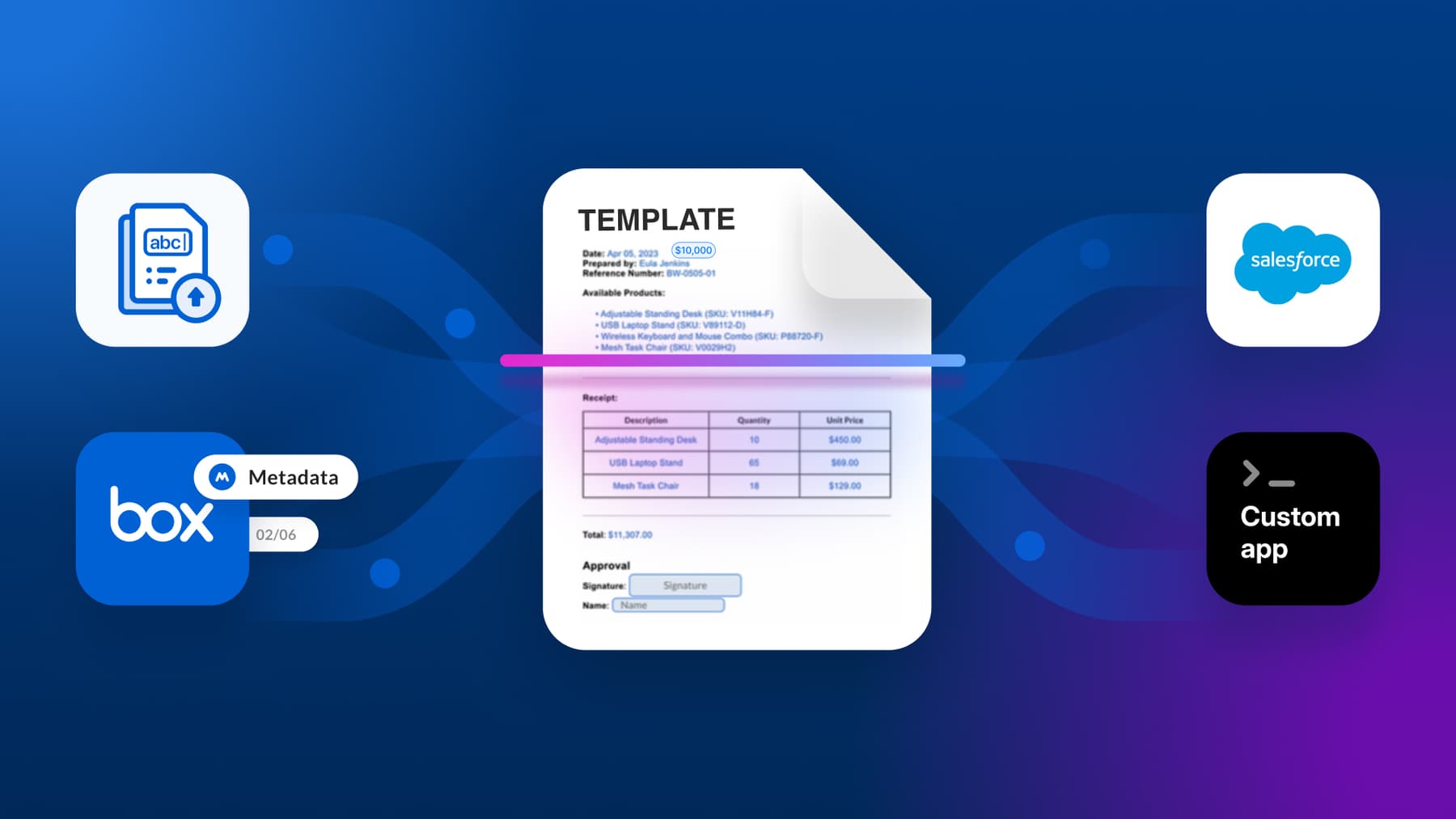
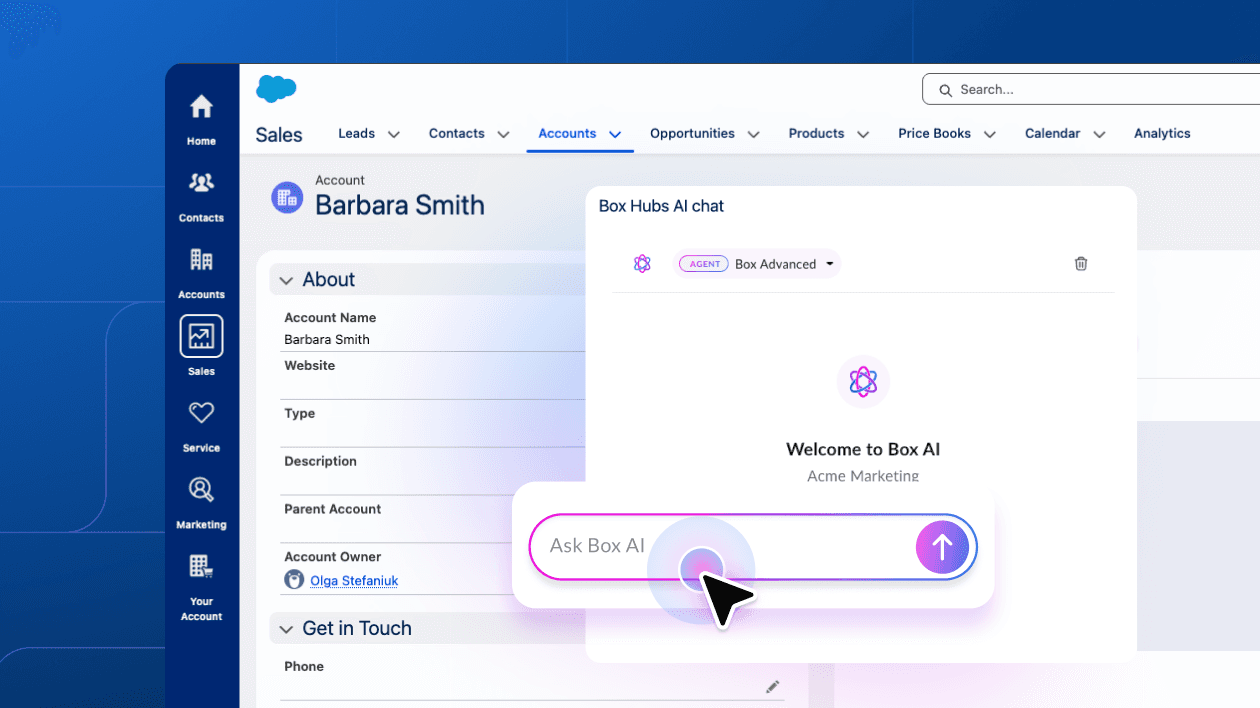
Salesforce still serves as the primary matter management system, handling the creation of law matter numbers and tracking cases across the department’s wide range of work, while Box handles the content layer. When a new matter is opened in Salesforce, Box automatically provisions a corresponding folder structure, separating original drafts from amended versions and mapping security groups directly to matters and sub-matters.
“Having these auto-created file folders ready to go when our attorneys begin working on a matter helps establish a secure, consistent workspace from day one, allowing us to focus entirely on the legal work at hand,” Humbach says.
One of the reasons Box is useful to us is because it segregates our data from the rest of the county and the general county IT
Within the system, only authorized attorneys and support staff can access sensitive case files, litigation documents, and evidence. When staff changes happen or someone earns a promotion, access can be updated without disrupting the broader file structure. “One of the reasons Box is useful to us is because it segregates our data from the rest of the county and the general county IT,” Humbach says, “which has also given us cloud access, which the rest of the county doesn't really have.”
Integrating critical apps enables seamless workflows
For contract work specifically, Box Sign has replaced the rigid, paper-based signature process the department previously relied on. In legacy systems, once a document entered a workflow it couldn’t be changed without restarting the entire process, which created a significant bottleneck for attorneys who regularly revise contracts during negotiations.
For contract work specifically, Box Sign has replaced the rigid, paper-based signature process the department previously relied on.
Now, attorneys can co-author contracts in real time using Microsoft Word directly within Box, with full version history preserved throughout. Box Sign provides legally binding e-signatures, and routing can be adjusted dynamically based on factors like contract value or department, without breaking the workflow.
“Box allows us to do a lot of the functions with contracts and signatures and distributions and links,” Humbach noted. “I just sent a file out to outside counsel, and I can just click a few boxes and send them all the files all at once. We don’t have to worry about file-size limitations.”
Box AI and the filesystem for AI innovation
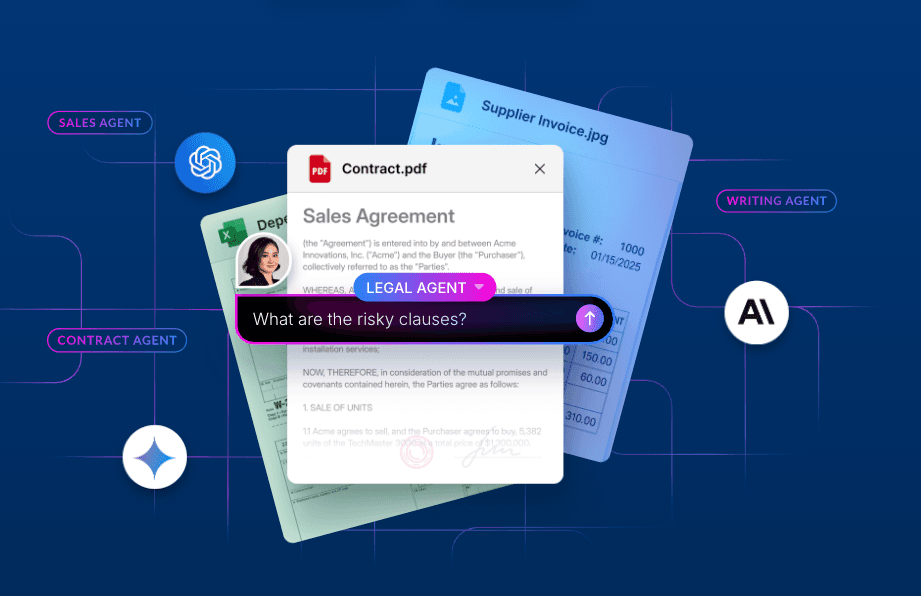
Box AI has become an increasingly important part of the department’s toolkit as well. The team uses it to search and summarize large document sets (annual reports, series of resolutions, policy libraries, etc.) that would otherwise require multiple people manually reviewing pages.
“AI, to me, is great at sifting through documents. It’s the equivalent of having 10 people in a room flipping pages,” Humbach says. Sometimes, that means using the specialized tool Lexis AI to research highly specific legal cases — useful because it’s built specifically to prevent legal hallucinations and has access to a comprehensive database of case law outside of his agency.
The department used Box AI to help staff quickly find answers within internal policy documents like workplace conduct guidelines without having to manually search through repositories.
But he appreciates Box AI for most other research, administrative, and operational management tasks. The advantage of Box AI is that it acts on Rockland County’s specific internal content and data, and it’s integrated directly inside the agency’s secure system. Humbach says: “Box AI has been an absolute advantage because it’s integrated directly inside our secure system, so we don’t have to worry about security and data access compliance when querying sensitive internal documents.”
The department has also used Box AI to help staff quickly find answers within internal policy documents like workplace conduct guidelines without having to manually search through repositories. Humbach sees further potential in using AI to help draft routine legal documents, such as repetitive litigation pleadings where the structure is consistent but the details vary.
Why this matters for similar organizations
Rockland County’s experience reflects a challenge that legal departments inside county and municipal governments face everywhere: the volume of work is growing, compliance requirements are strict and varied, and adding headcount isn’t always an option.
The county attorney’s office built a workflow where Salesforce handles matter management and Box handles the content layer: file storage, version control, access permissions, e-signatures, and AI-assisted document review. And it all happens within a FedRAMP, GovRAMP, and GovCloud-certified, HIPAA- and FERPA-compliant environment.