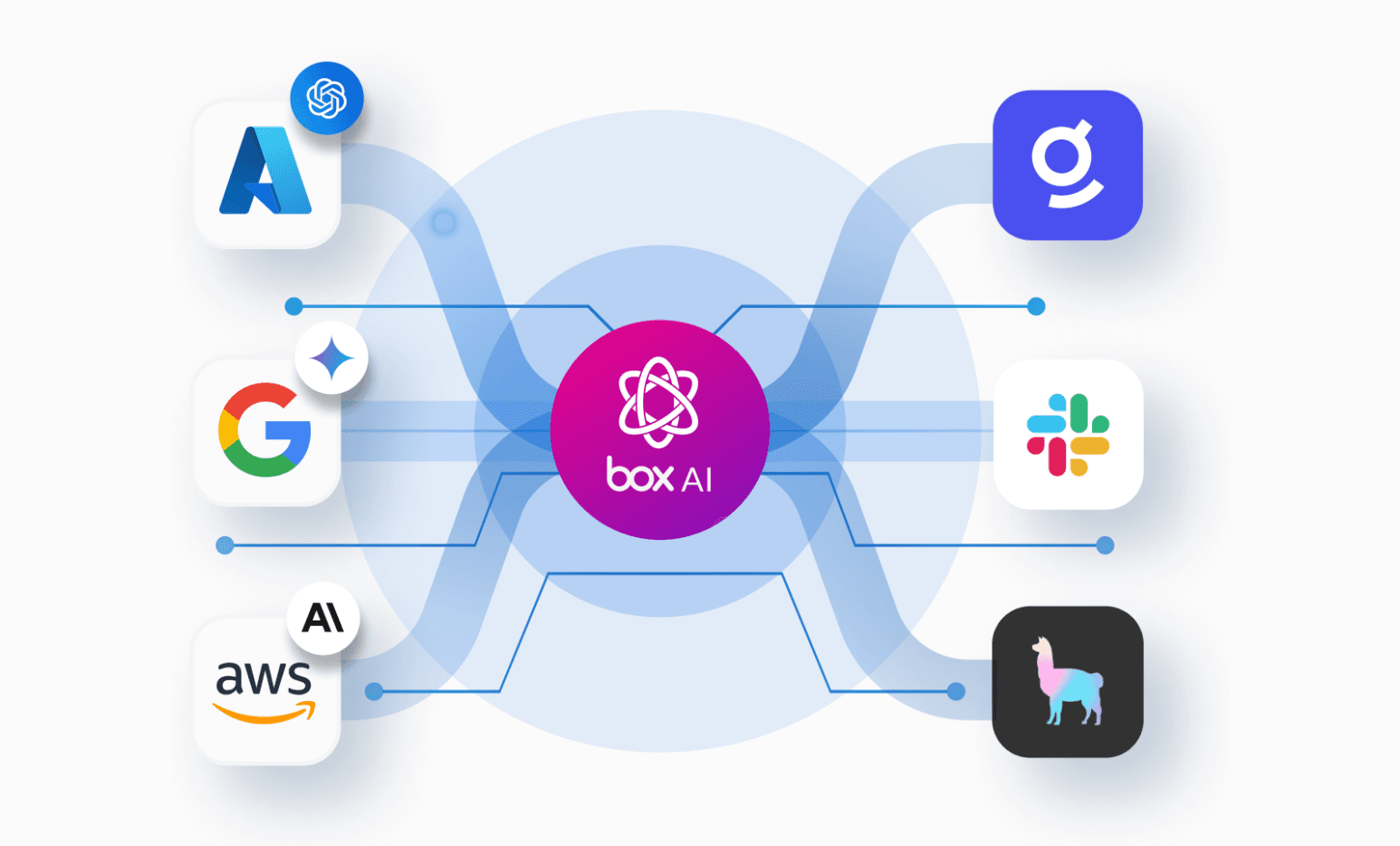
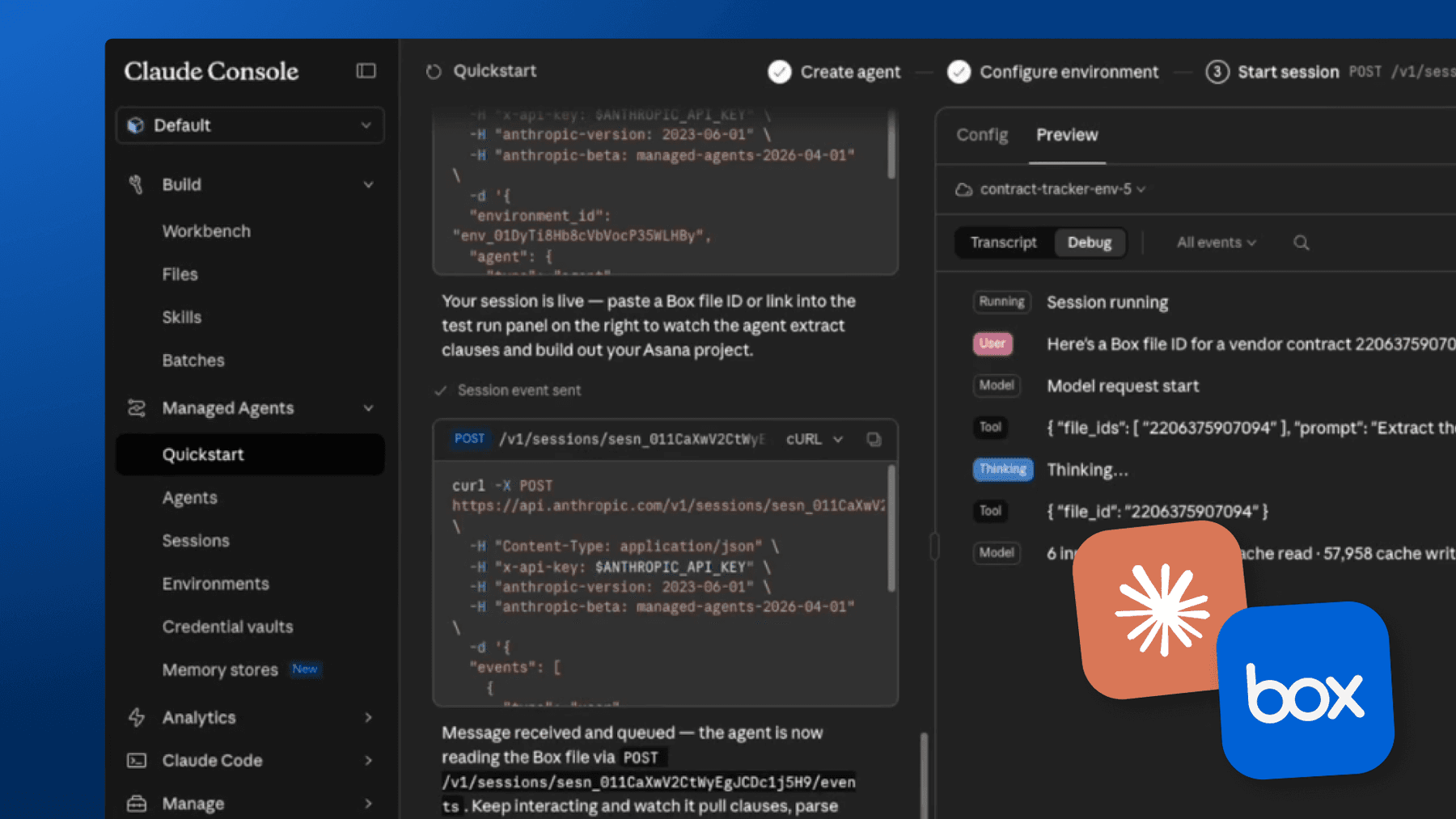
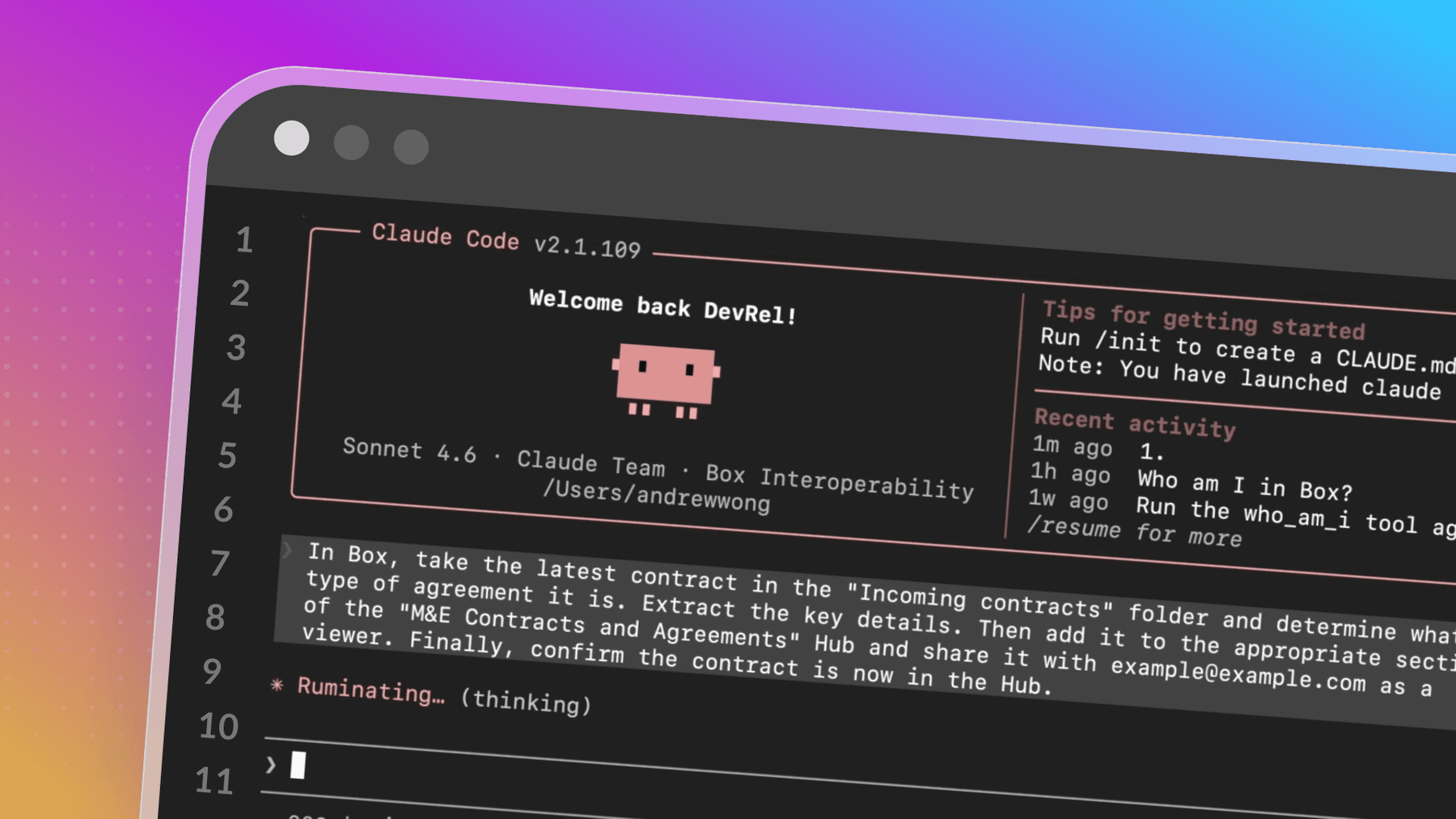
If you want to build an AI agent around enterprise content, the biggest question is not just which model to use. It is how much control you have over the harness itself. In practice, a harness is the application layer around the model. It decides how a request comes in, which model runs, which Box tools are exposed, how authentication works, what instructions the agent follows, and how the answer is returned.
This matters even more for enterprise content. A useful agent should not just start generating an answer. It should investigate first, using the right content and tools, and stay grounded in Box as the source of truth. For example, it should also be able to respond in a way that matches the user’s context, whether that means language, locale, region, or another piece of application data passed into the request.
What is Flue?
Flue Framework is a programmable TypeScript agent harness for building AI agents developed by Fred K. Schott, a former Box engineer and co-creator of Astro. Flue bundles agents into an HTTP server that can be deployed anywhere. It is designed to stay small and explicit, giving developers control over the runtime around the model. That flexibility makes it a strong fit for enterprise use cases where developers need to shape how the agent behaves around internal content and user context.
How can it work with Box?
Box provides the content layer. Through Box MCP, an agent can access Box tools for search, files, folders, metadata, Box AI workflows, and more. Flue provides the harness around that tool layer.
Together, this creates a useful pattern for enterprise assistants. Box gives the agent access to the right content. Flue gives developers control over the rest of implementation.
In this sample project, the agent accepts a POST request with a question, connects to the remote Box MCP server using BOX_ACCESS_TOKEN, initializes a model with Box tools, and returns a grounded answer. The implementation also supports lightweight personalization by passing user context such as locale, region, department, or timezone in the request.
What are we building?
This example is a lightweight enterprise content assistant. The goal is simple: take a user question, investigate the relevant content in Box, and return an answer that stays grounded in enterprise content rather than relying on the model alone.
At the same time, the harness can shape the response using request-level context. That makes it possible to adapt answers for a particular region, department, or preferred response style without changing the underlying Box content.
This is a small example, but it shows the core idea clearly: Box supplies the content and tools, while Flue gives developers control over how the agent behaves around them.
If you'd like to follow along and test this agent locally make sure you sign up for a Box free developer account. You’ll also need an LLM API key. This demo is based on the Anthropic model, but you can customize it to your own needs.
const DEFAULT_MODEL = 'anthropic/claude-sonnet-4-6';The core implementation
The entry point lives in .flue/agents/box.ts. At the top level, the file defines a webhook-triggered Flue agent:
import { connectMcpServer, type FlueContext } from '@flue/sdk/client';
import { InvalidRequestError } from '@flue/sdk/internal';

export const triggers = { webhook: true };
That webhook trigger is what allows the agent to be called over HTTP. The request payload is intentionally small, with three main pieces:
- question, which is the user’s request
- userContext, which allows the harness to shape the response
- includeBoxUserProfile, which tells the agent to call who_am_i when helpful
That structure is small, but it already shows why the harness matters. The model is not just receiving a prompt. It is receiving content access and application context.
type UserContext = {
  locale?: string;
  language?: string;
  region?: string;
  department?: string;
  role?: string;
  timezone?: string;
  responseStyle?: string;
};

type BoxPayload = {
  question?: string;
  userContext?: UserContext;
  includeBoxUserProfile?: boolean;
};
Connecting to Box MCP
The next step is establishing the Box MCP connection. This is the key integration point. The agent connects to the hosted Box MCP endpoint and authenticates using BOX_ACCESS_TOKEN defined in the .env file.
const open = (sse: boolean) =>
  connectMcpServer('box', {
    url: 'https://mcp.box.com',
    clientName: 'box-remote-mcp',
    headers: { Authorization: `Bearer ${token}` },
    ...(sse ? { transport: 'sse' as const } : {}),
  });
The implementation also supports transport fallback:
const t = env.BOX_MCP_TRANSPORT;
const box = await (
  t === 'sse'
    ? open(true)
    : t === 'streamable-http'
      ? open(false)
      : open(false).catch(() => open(true))
).catch((e) => {
  throw new InvalidRequestError({ reason: e instanceof Error ? e.message : String(e) });
});
If no transport is forced, the harness tries streamable HTTP first and falls back to SSE. This is a good example of what belongs in the harness rather than in the model: transport behavior, connection policy, and error handling.
Building the prompt with user context
The prompt assembly is also handled explicitly in code. This is one of the most important parts of the implementation. The harness is not only passing a raw user question to the model. It is shaping the instructions around that question:
- the agent must investigate content in Box
- the agent can optionally use Box user identity
- the response can be adapted for locale, department, or timezone
- the agent should avoid guessing when the content is incomplete
function buildPrompt(question: string, userContext: UserContext, includeBoxUserProfile: boolean): string {
  const contextLines = [
    userContext.locale ? `- Locale: ${userContext.locale}` : undefined,
    userContext.language ? `- Language: ${userContext.language}` : undefined,
    userContext.region ? `- Region: ${userContext.region}` : undefined,
    userContext.department ? `- Department: ${userContext.department}` : undefined,
    userContext.role ? `- Role: ${userContext.role}` : undefined,
    userContext.timezone ? `- Timezone: ${userContext.timezone}` : undefined,
    userContext.responseStyle ? `- Preferred response style: ${userContext.responseStyle}` : undefined,
  ].filter(Boolean);

  const instructions = [
    'You are an enterprise content assistant grounded in Box.',
    'Investigate Box content before answering and use Box as the source of truth.',
    includeBoxUserProfile
      ? 'Call the who_am_i tool before answering so you can personalize the response with the current Box user profile when it is relevant.'
      : 'Use Box tools when they help you verify the answer or gather relevant content.',
    contextLines.length
      ? `Tailor the response to this user context:\n${contextLines.join('\n')}`
      : 'Keep the response clear, concise, and directly tied to the Box content you find.',
    'If locale, language, or timezone are provided, use them for formatting and phrasing.',
    'If the Box content is insufficient or ambiguous, say so clearly instead of guessing.',
    `User question: ${question}`,
  ];

  return instructions.join('\n\n');
}
Putting it all together and initializing the agent
Once the MCP server is connected and the prompt is built, the harness initializes the Flue agent with Box tools:
export default async function ({ init, payload, env }: FlueContext<BoxPayload>) {
  const token = readTrimmedString(env.BOX_ACCESS_TOKEN);
  if (!token) throw new InvalidRequestError({ reason: 'Missing BOX_ACCESS_TOKEN' });

  const question = readTrimmedString(payload.question);
  if (!question) throw new InvalidRequestError({ reason: 'Missing payload.question' });

  const open = (sse: boolean) =>
    connectMcpServer('box', {
      url: 'https://mcp.box.com',
      clientName: 'box-remote-mcp',
      headers: { Authorization: `Bearer ${token}` },
      ...(sse ? { transport: 'sse' as const } : {}),
    });

  const t = env.BOX_MCP_TRANSPORT;
  const box = await (
    t === 'sse'
      ? open(true)
      : t === 'streamable-http'
        ? open(false)
        : open(false).catch(() => open(true))
  ).catch((e) => {
    throw new InvalidRequestError({ reason: e instanceof Error ? e.message : String(e) });
  });

  try {
    const userContext = readUserContext(payload);
    const includeBoxUserProfile = payload.includeBoxUserProfile !== false;
    const model = readTrimmedString(env.BOX_AGENT_MODEL) ?? DEFAULT_MODEL;
    const agent = await init({ model, tools: box.tools });
    const prompt = buildPrompt(question, userContext, includeBoxUserProfile);
    const answer = (await (await agent.session()).prompt(prompt)).text;

    return {
      answer,
      appliedContext: {
        includeBoxUserProfile,
        model,
        userContext,
      },
    };
  } finally {
    await box.close();
  }
}
You can clone the whole code directly from an open-source Github repository. Make sure you have:
- Node.js 24.x
- Box free developer account
- Box MCP enabled
- a valid BOX_ACCESS_TOKEN
a model provider key such as ANTHROPIC_API_KEY
npm install
cp .env.example .env
// Add your developer and LLM API key
npm run dev
Testing the flow
The project runs as a simple HTTP server, and the agent accepts POST requests. A minimal request looks like this:
curl -sS -X POST http://localhost:3583/agents/box/tutorial-1 \
  -H 'Content-Type: application/json' \
  -d '{
    "question": "Who am I in Box? Use the who_am_i tool.",
    "includeBoxUserProfile": true,
    "userContext": {
      "locale": "en-US",
      "department": "Operations"
    }
  }'
A more realistic request can include localization and response preferences:
curl -sS -X POST http://localhost:3583/agents/box/tutorial-1 \
  -H 'Content-Type: application/json' \
  -d '{
    "question": "Summarize the conference travel reimbursement policy.",
    "includeBoxUserProfile": true,
    "userContext": {
      "locale": "de-DE",
      "language": "German",
      "region": "Germany",
      "department": "Finance",
      "timezone": "Europe/Berlin",
      "responseStyle": "short formal summary"
    }
  }'
And just by passing those details, your agent now is capable of accessing Box though the MCP server and provides responses tailored to the passed user data.
Future possibilities
This sample is intentionally small, but the pattern can be extended in many directions.
A Box-powered agent like this can support much more than a simple content assistant.
- In life sciences, it could help teams investigate study documents, SOPs, and quality records to answer questions that require grounded, document-level context.
- In retail, it could help employees navigate store operations guides, merchandising plans, or supplier documentation across regions and business units.
- In housing or real estate, it could help teams work across leases, inspection reports, vendor agreements, and property records to answer operational questions more quickly.
That is where the harness becomes especially important. Different industries need different context, different instructions, and different response formats. Some workflows may require region-specific policies. Others may need role-based guidance, structured outputs, or integrations with downstream systems.
The core pattern stays the same: Box provides the content layer, while the harness controls how that content is accessed, interpreted, and returned to the user. Once that foundation is in place, the agent can evolve from a simple question-answering flow into something much more tailored to the needs of a specific team or industry.
Clone the repository and try it yourself.