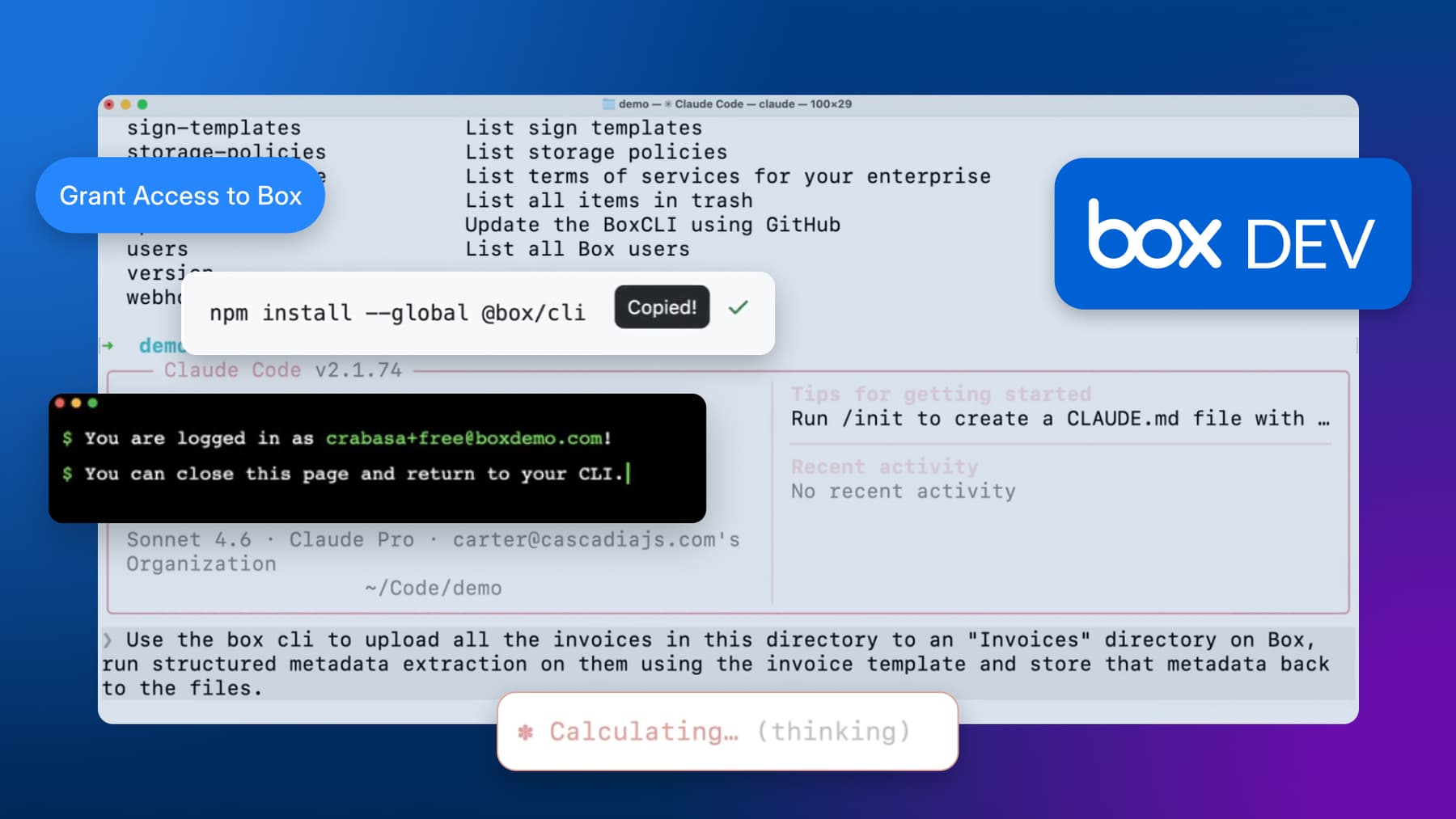
Box CLI v4.8.0 is now available, bringing the latest improvements to the Box command-line experience for developers and agents. If you’re already using Box CLI in your daily workflows, this is a good time to update and get started with new Box Hubs commands.
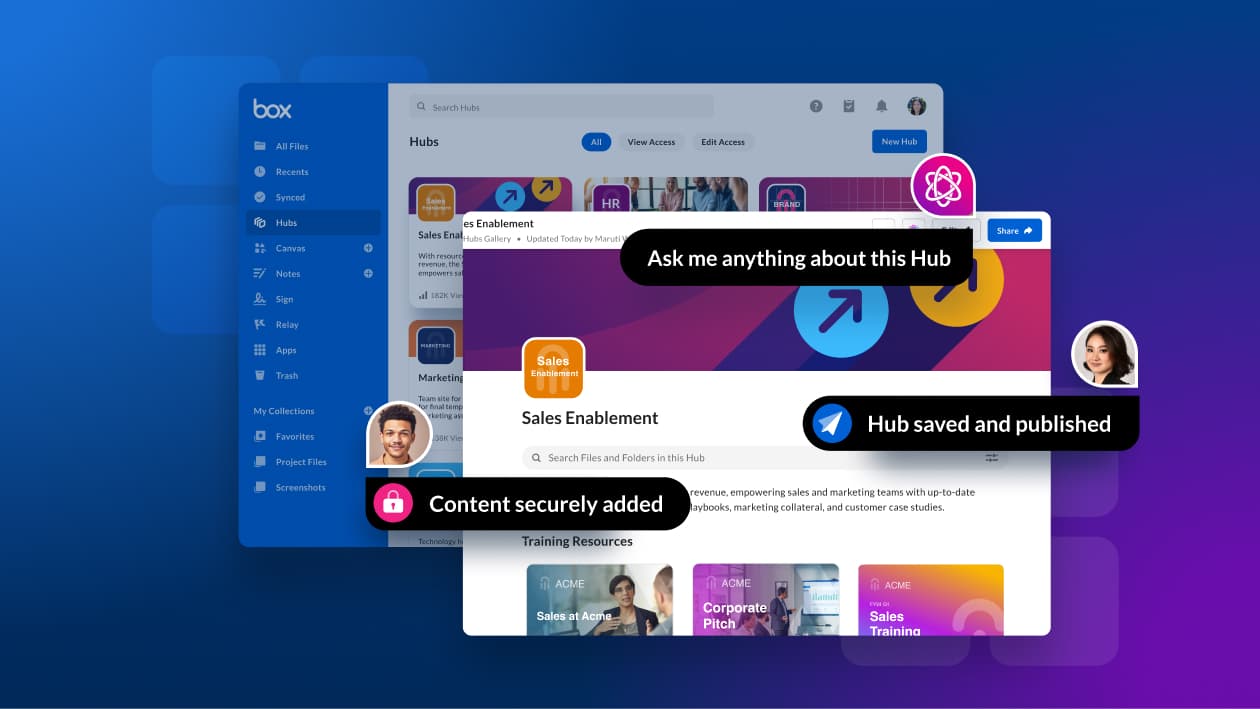
Box Hubs help teams organize files, folders, and web links around a shared purpose, whether that is a department, a project, or a specific initiative. Because Hubs are integrated with Box AI, they also support more focused and relevant content experiences grounded in the right information.
The release also fits into a broader shift described in Box CLI: the content CLI for developers and agents, where Box highlights the growing role of the terminal as a workspace for both developers and AI-assisted tooling. Box CLI makes it easier to securely access, manage, and automate content workflows directly from the command line.
With Box CLI and terminal-based coding assistants, developers can bring Hub-related content into terminal workflows and automate the work around it more easily. That can include organizing supporting files, preparing content for downstream processes, or connecting curated Hub collections to scripts and agent-based tools.
For teams that need deeper control, the Box Hubs API supports creating, listing, updating, copying, and deleting hubs, as well as managing Hub items and collaborations programmatically.
Together, Box CLI and Box Hubs offer a practical way to manage content intelligently: Hubs provide the structure, and the CLI provides a fast, flexible interface for working with that content where developers already spend their time.
Check out the video demo and see it in action:
Update your CLI to v4.8.0 and learn how to connect it to Claude Code.