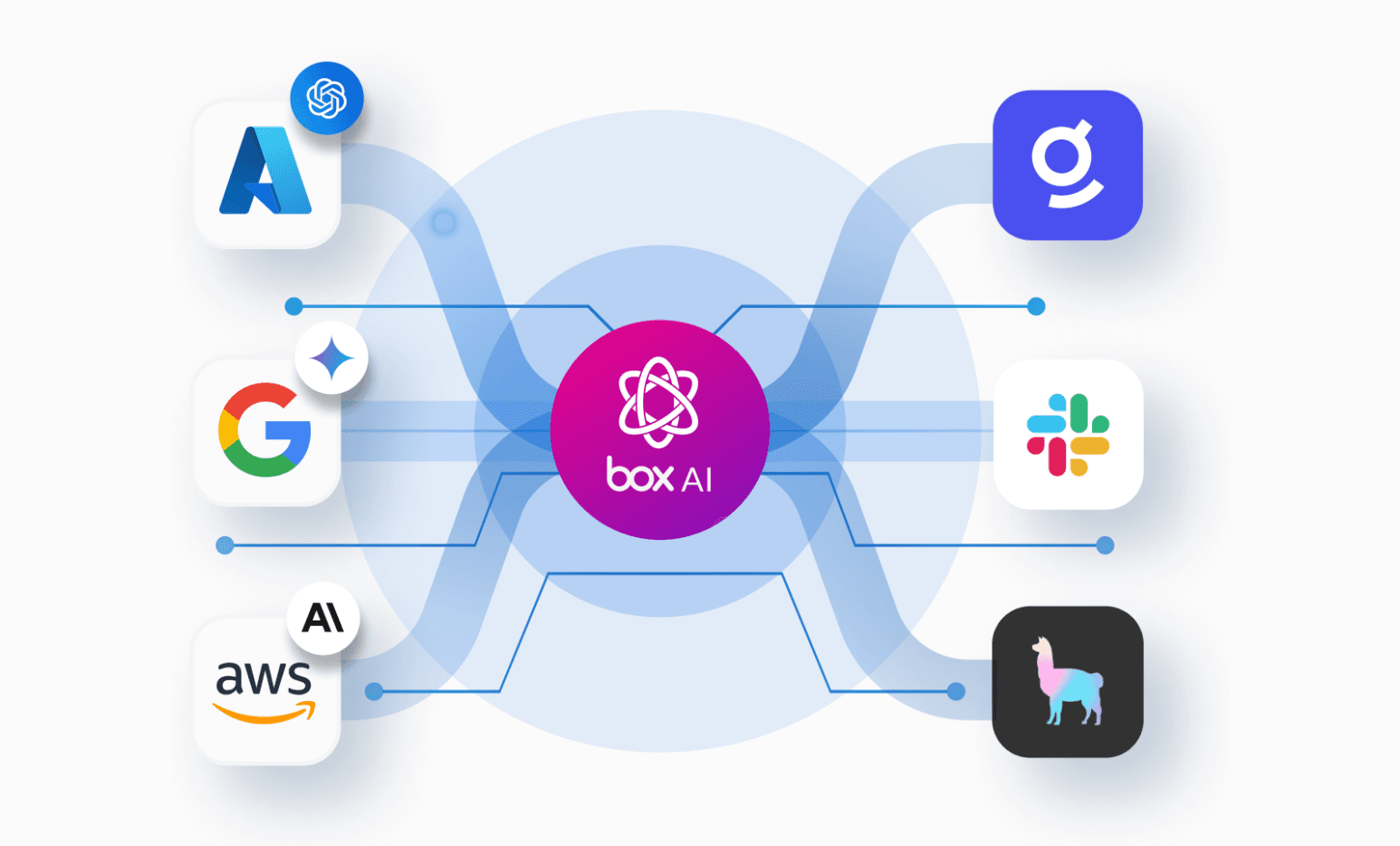
AI agents need a file system where they can securely access, act on, and save enterprise content. Box provides that governed content layer, turning an organization’s content into a company brain for agents while preserving existing permissions and access controls.
Box and Nous Research have partnered to bring this company brain to developers building with Hermes. The official Box skill is now included with every new Hermes Agent installation.
What you can do with the Box Hermes skill
Hermes skills are operating instructions that teach the agent how to complete a class of work. The Box skill teaches Hermes to use the official Box CLI for everyday content work, use box request when the CLI has no dedicated command, and choose an official Box SDK when a developer is building an application. Hermes can install the official Box CLI when needed and guide the user through connecting their Box account with OAuth.
That includes guidance for:
- Managing files, folders, uploads, and file versions
- Searching content, extracting document data, and working with metadata
- Asking questions and generating grounded text with Box AI and Box Hubs
- Managing sharing and processing approved batches with confirmation and verification
- Building Box-backed applications, webhooks, and event consumers
The skill also carries the operational details that are easy to miss in a one-off integration. It verifies the current Box user before acting, prefers Box item IDs over reconstructed paths, keeps command output narrow, asks before permission changes or destructive operations, and reads each write back with the same user to confirm the result.
Let’s get started!
From a governed company brain to a finished briefing
This walkthrough creates a renewal copilot for a fictional customer called Northstar Systems. It uses a curated Box Hub as the source of truth, asks Box AI to prepare a cited briefing, and saves the result back to Box as a Box Note.
Before starting, install or update Hermes Agent, connect the Box account that should run the demo, and confirm that the account can use Box Hubs and Box AI for Hubs. Availability depends on the organization's Box plan, configuration, permissions, and available AI units.
1. Prepare the source documents
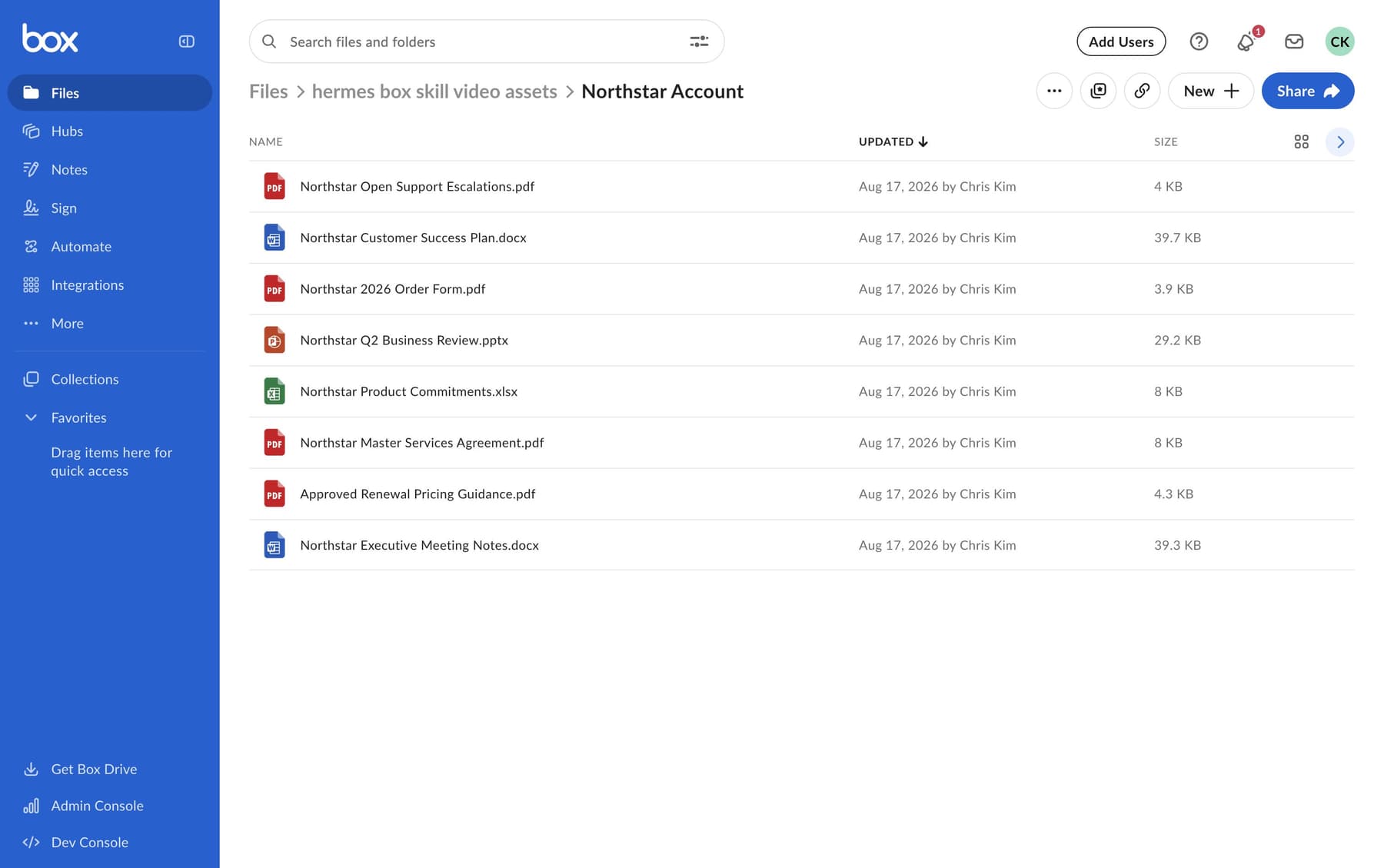
Create a `Northstar Account` folder in Box and add these eight fabricated documents:
1. `Northstar Master Services Agreement.pdf`
2. `Northstar 2026 Order Form.pdf`
3. `Northstar Q2 Business Review.pptx`
4. `Northstar Customer Success Plan.docx`
5. `Northstar Open Support Escalations.pdf`
6. `Northstar Product Commitments.xlsx`
7. `Approved Renewal Pricing Guidance.pdf`
8. `Northstar Executive Meeting Notes.docx`
2. Create the Customer 360 Hub
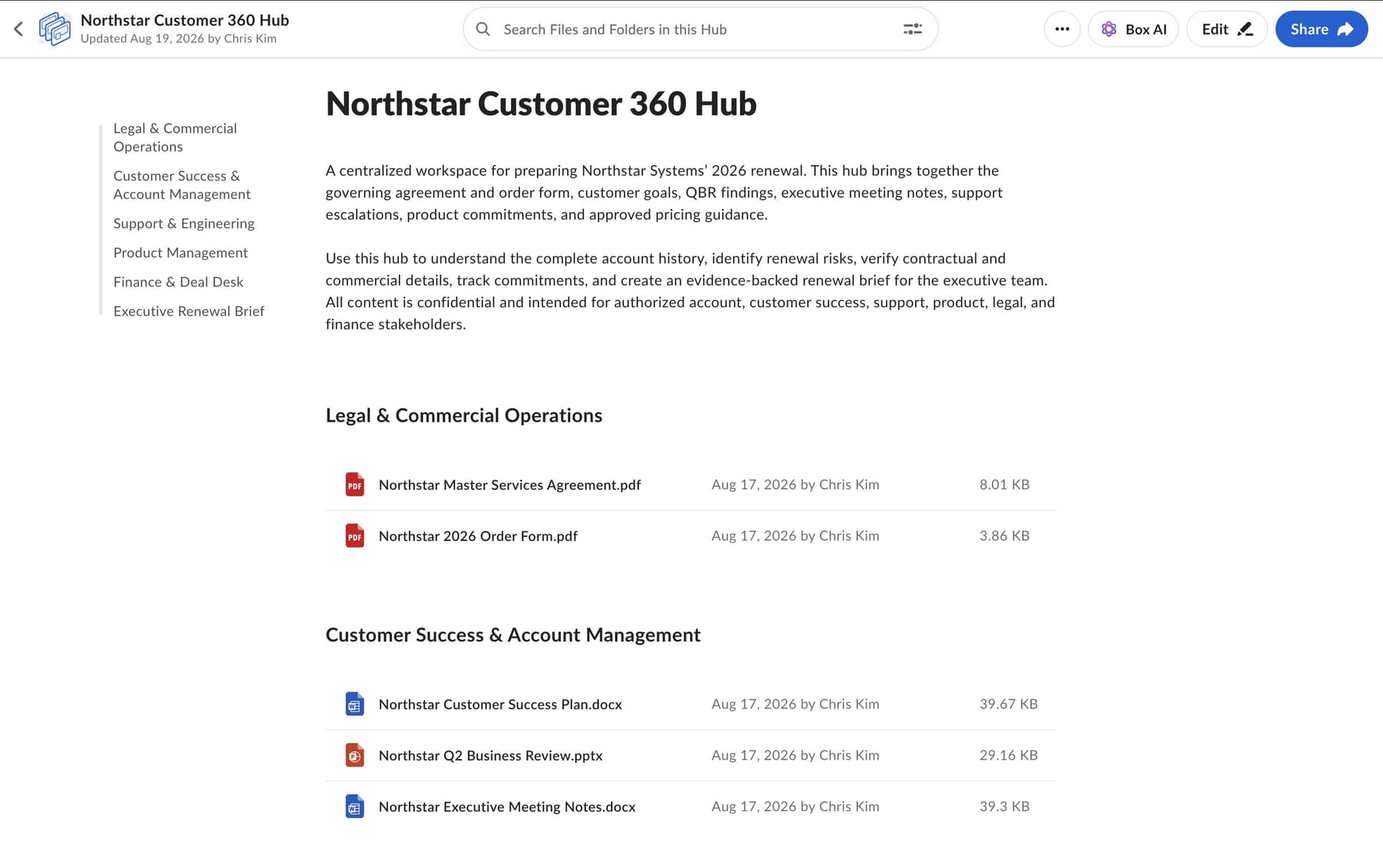
Make sure Box AI for Hubs is enabled before creating the Hub. Create a Hub named Northstar Customer 360, add the eight source documents, and wait for Box to index them. The Box account connected to Hermes must have access to the Hub and its underlying files.
3. Create the Northstar account copilot
In the Hermes desktop app, create a bot named `Northstar Account Copilot`. Use the following description:
You are the Northstar account team's renewal copilot. Treat the
Northstar Customer 360 Hub in Box as the source of truth. Use Box AI
for cross-document questions, cite every important claim, and flag
missing or conflicting evidence instead of guessing. Work within the
connected user's permissions and confirm consequential changes. Turn
grounded analysis into concise renewal briefs and store approved work
back in Box. Be practical and direct.
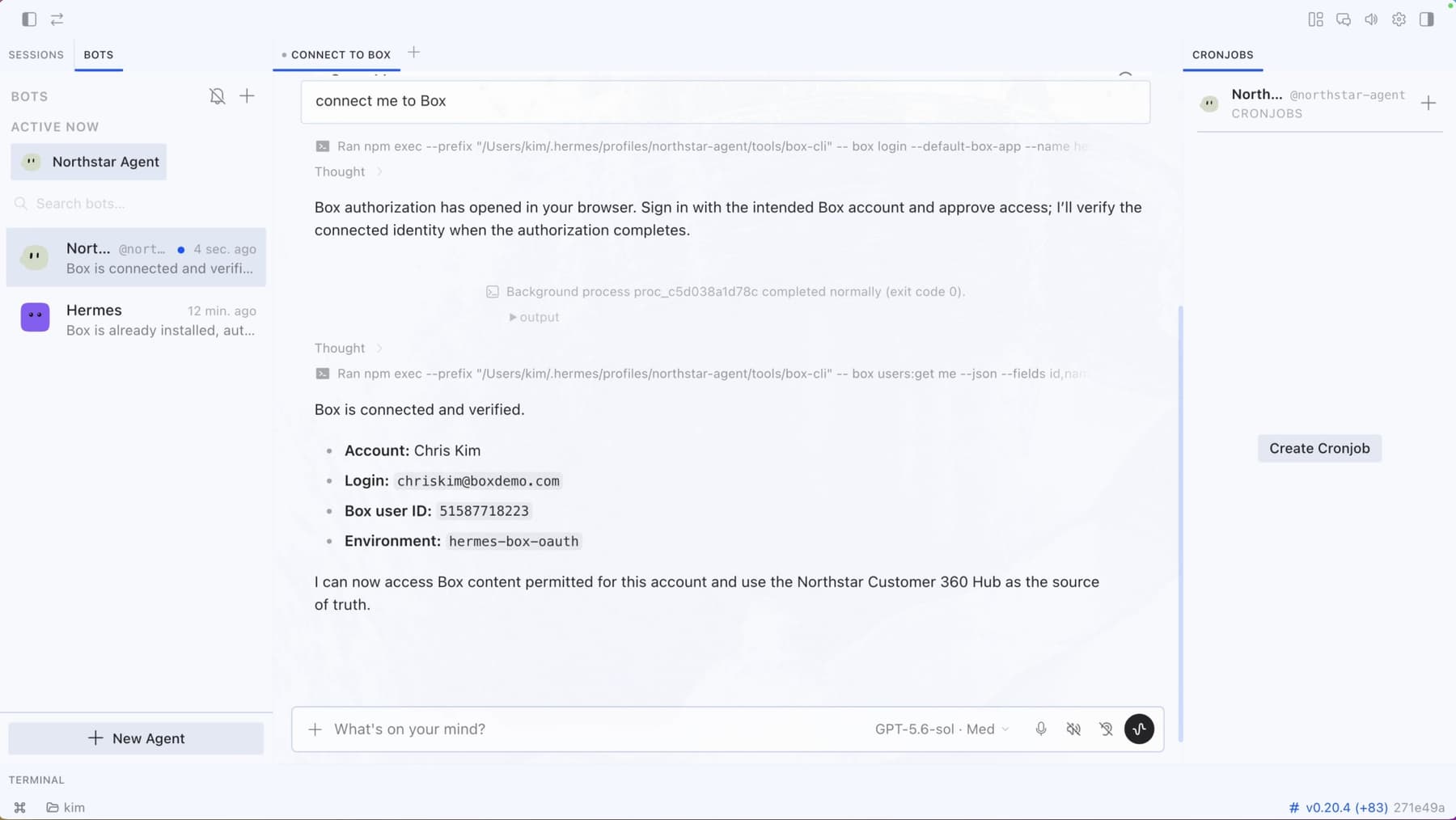
4. Verify the Box account and Hub
Open a conversation with the new bot and prompt:
Connect to Box as my currently authenticated user and tell me which
Box account is active. Find the existing Hub named "Northstar Customer
360," confirm whether Box AI is enabled, and list the Hub's source
documents. Do not create, move, download, or modify anything.
Confirm that Hermes reports the intended Box user, the correct Hub, Box AI availability, and eight accessible sources before continuing.
5. Generate the cited renewal briefing
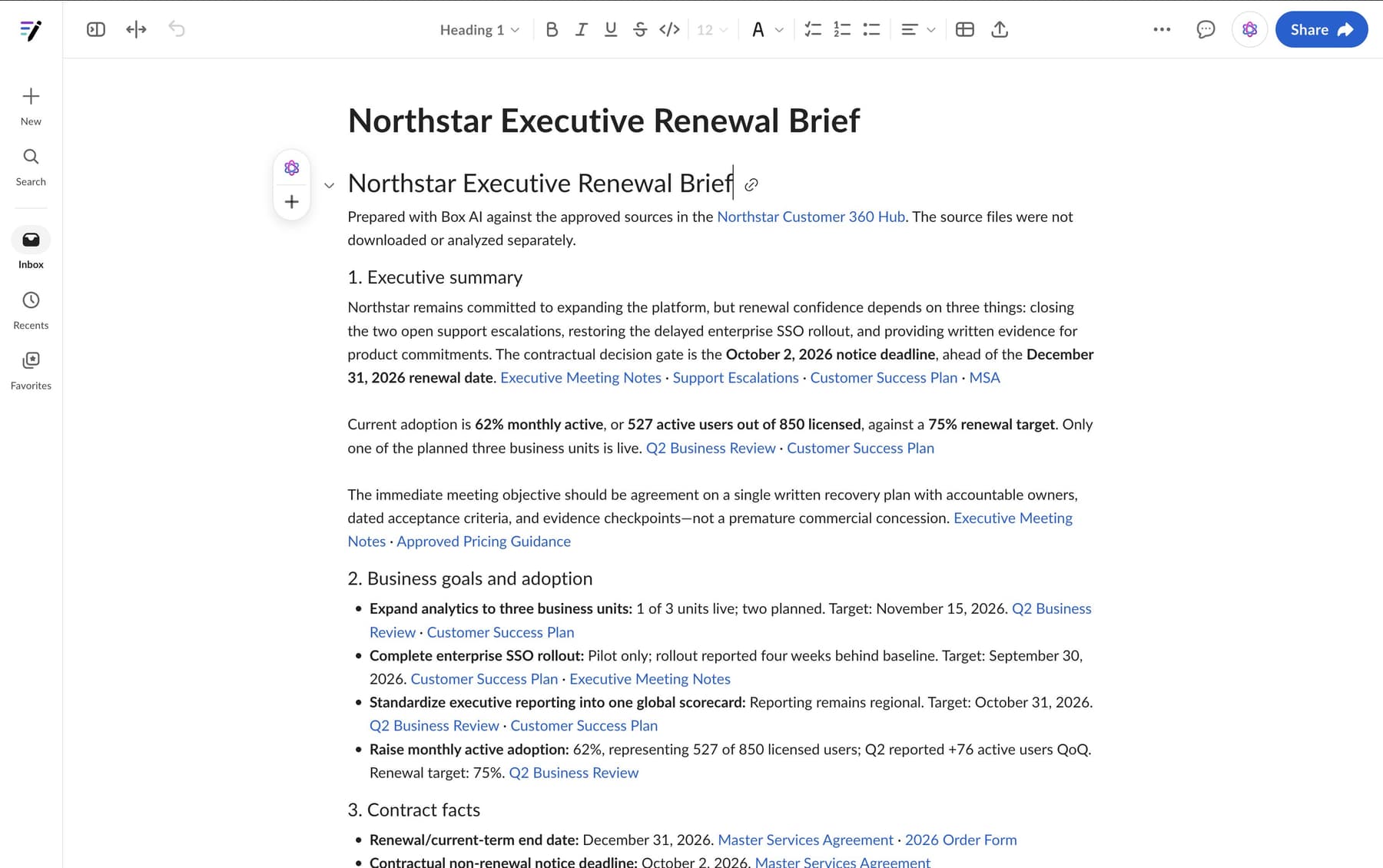
Ask Hermes to prepare the meeting brief:
Use Box AI with the "Northstar Customer 360" Hub to prepare me for
tomorrow's renewal meeting. Use only the approved sources in this Hub;
do not download the source files for separate analysis.

Include:
1. A concise executive summary.
2. The customer's business goals and current adoption status.
3. The renewal date, notice deadline, contract value, and user count.
4. Every unresolved support, delivery, or product risk, including its
   owner and committed date when available.
5. The commercial flexibility already approved for this renewal.
6. Five recommended discussion points for the meeting.

Cite the source document for every material fact. If the sources
conflict or do not answer something, call that out instead of guessing.
Review the answer for citations to the agreement, support report, success plan, product tracker, and pricing guidance. Box AI analyzes the approved Hub content without requiring Hermes to download the source documents for separate processing.
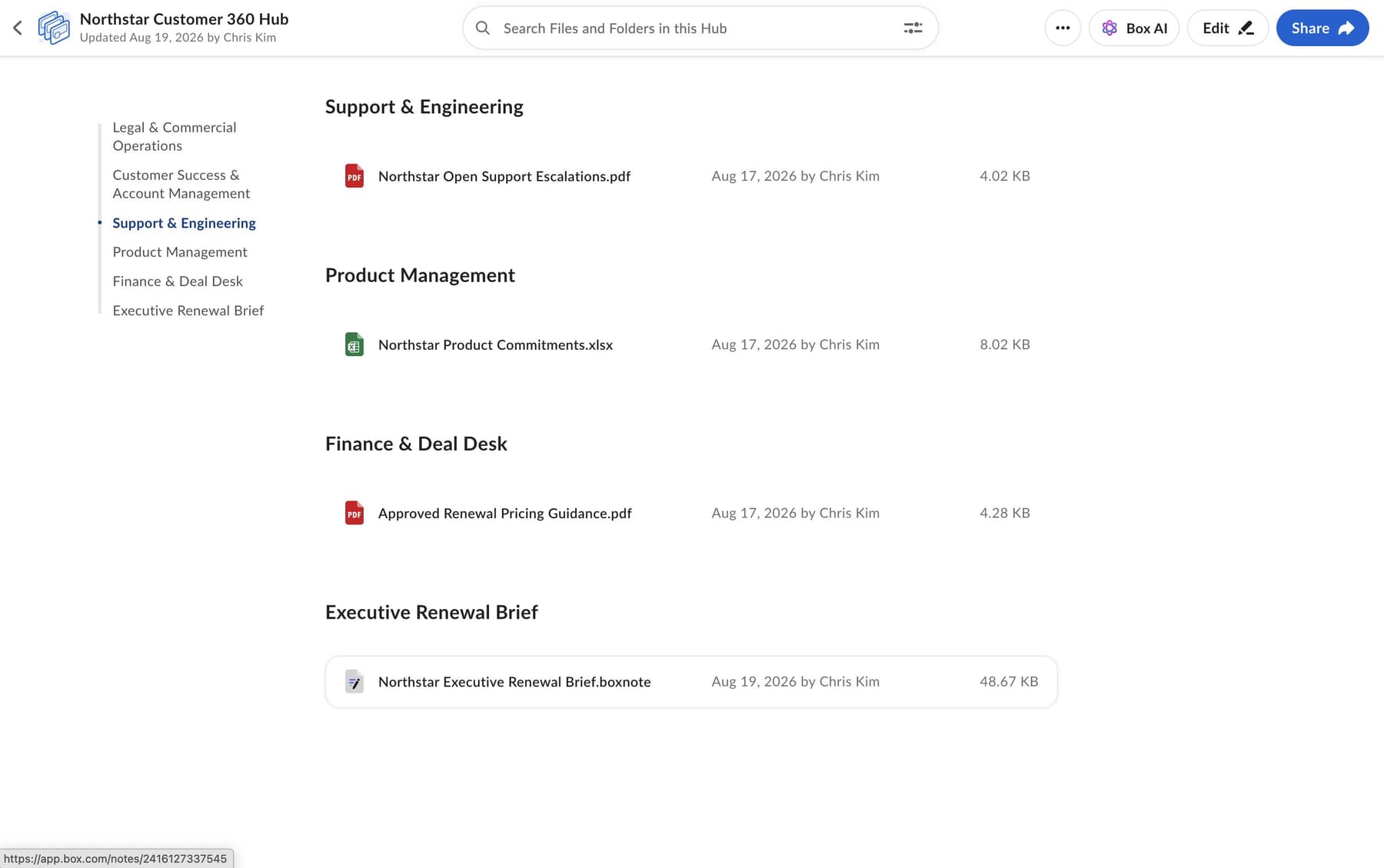
6. Save the briefing as a Box Note
Turn the result into a document the account team can reuse:
Create a Box Note named "Northstar Executive Renewal Brief" in the
Northstar Account folder. Include the cited analysis, five recommended
discussion points, risks and owners, and the renewal timeline. Add the
new Box Note to the "Northstar Customer 360" Hub, then verify both the
note and its membership in the Hub.
Hermes should report the new Box Note's ID, location, connected user, and verification result. Open the note in Box, confirm that it contains the briefing and source references, and check that it appears in the Northstar Customer 360 Hub.
The answer and Box Note can contain sensitive information even though access remains bounded by the connected Box user's permissions. Use fictional data for a public demo and follow the organization's normal content-handling rules for real workflows.
More workflows you can build with the Box skill for Hermes
The company brain demo is one pattern. Developers can use the same skill to prototype and automate other Box workflows, including:
- Grounding answers in approved content, such as explaining an employee policy with citations from a Box Hub
- Extracting structured data from files, writing it to Box metadata, and verifying each field
- Comparing agreements against an approved legal playbook and identifying clauses that require review
- Uploading file revisions and confirming the new version ID and checksum
Hermes can also help developers build Box-backed applications with an official Box SDK, implement webhook and event handlers, or process approved batches with recovery logs. The skill routes each task to the appropriate Box interface—the CLI, box request, or an official SDK—and loads the relevant instructions only when needed.

Get started
Connect a Box account through OAuth, then ask Hermes to work with the content your teams already maintain in Box.