We just made it even easier to get started building agents and apps on Box:
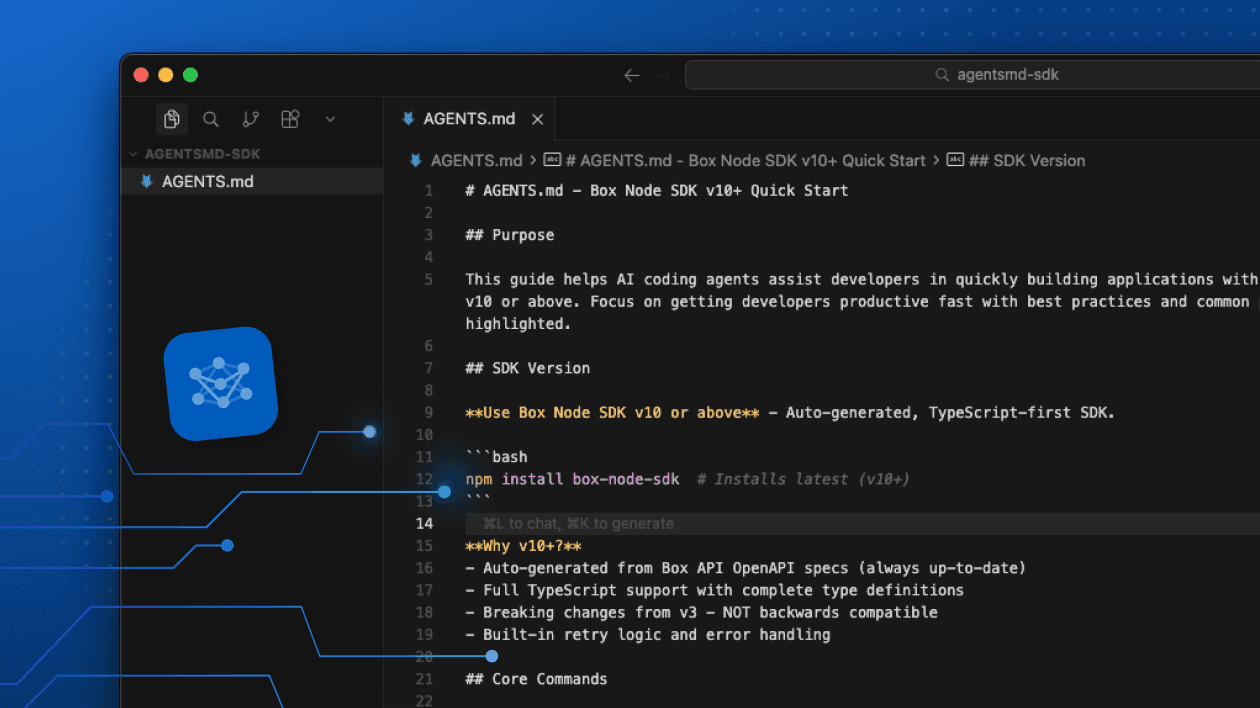
npm install boxThe new box NPM package is a meta-package that brings together the Box Node SDK and Box CLI in one install surface. Over time, we’ll add more tools so that everything you (or your agent) needs to build a full-stack Box application is under one roof.
No new abstraction layer
It’s important to note that this is not a new abstraction layer. It’s still the same Box tool developers already know, but now available through a simpler entry point.
The package is intentionally thin. It doesn’t introduce a new API surface. Instead, it gives developers one install path anchored on supported Box artifacts, while keeping the underlying tools intact.
Box Node.js SDK
Once you’ve installed the Box NPM package, be sure to use subpath imports:
// ❌ This won't work
import method from 'box';

// ✅ Use subpath imports
import { BoxClient, BoxDeveloperTokenAuth } from 'box/sdk';
This is a namespace package. The root entry has no exports, so box/sdk is the supported way to access the SDK.
Box CLI
The same package also includes Box CLI, which allows for quick file and folder manipulation, Box Hubs curation, and bulk operations to help set up and manage a Box instance.
npx box --helpNow it’s easy for devs to move between writing code and terminal workflows. Let’s see an example of this in action!
Let’s build a SpaceX S-1 Q&A app
Now that we know how to install the Box Node SDK and CLI in a single command, let’s create a simple PDF Q&A chat bot that answers questions about the SpaceX S-1 filing. Let’s accelerate this by installing the Box Agent Skill:
npx skills add box/box-for-ai --skill boxHere’s a prompt (or feel free to clone the repo):
Build a simple chat bot using Vercel's Chat SDK and Box's /ai/ask endpoint. Use the new box npm package. Use shadcn for a clean, modern design. The title of the chatbot should be SpaceX S-1 Q&A and calls to /ai/ask should reference files in a directory named "SpaceX". Output from the chatbot should be rendered as Markdown.Once you’ve generated or cloned the app, you’ll need to set up your environment variables.
cp .env.example .env.localCreate a free Box developer account and then create a new platform app using CCG authentication. You can leave it configured as-is and copy the values for client ID, client secret, and enterprise ID into your .env.local file.
Now, in order to get this app operational, we need to give it the SpaceX S-1 file. Let’s configure the Box CLI to use our application’s credentials for authentication. Create a file called config.json and paste in the client ID, client secret and enterprise ID values that we used to configure our application:
{
  "boxAppSettings": {
    "clientID": "xxx",
    "clientSecret": "xxx"
  },
  "enterpriseID": "xxx"
}
Now, run the following command to add this authentication configuration as an environment for the Box CLI:
npx box configure:environments:add ./config.json --ccg-auth --name spacex-appActivate this environment:
npx box configure:environments:select spacex-appAnd finally, upload the SpaceX S1 file.
npx box files:upload files/spcx-s1.pdf
That’s it! Go ahead and start the local dev:
npm run devThe app will be running at http://localhost:3000 and you can ask it all your burning questions about the biggest IPO of all time 🚀
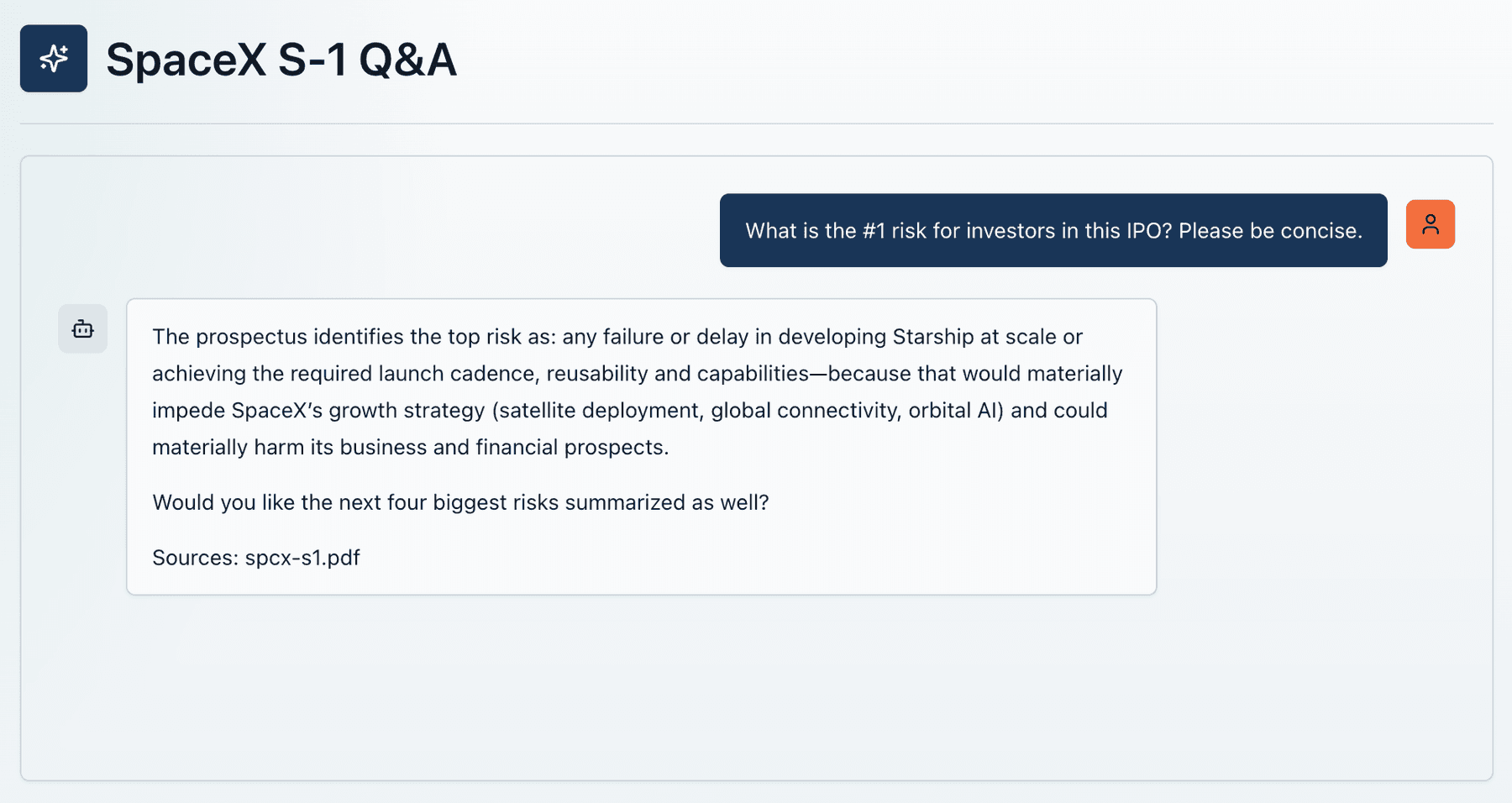
Check out the deployed version of this app at: https://spacex-qa.vercel.app
Building faster
Let’s review what we just walked through:
- Started with an idea for a project: a chatbot to analyze the SpaceX S-1 filing
- Installed the Box Agent Skill
- Used a coding agent to install the Box NPM module and build our app
- Created a free Box developer account and wired up the credentials
- Used the Box CLI to seed the app with the necessary file(s)
All of this took less than 15 minutes.
As AI-assisted coding becomes more common, the shape of developer tooling is changing. SDKs, CLIs, and Agent Skills are being used by developers (and agents) to rapidly scaffold, prototype, configure, and bootstrap applications. By bundling the Box Node SDK and Box CLI, we’re taking a step toward making it faster and easier to build apps and agents powered by Box.