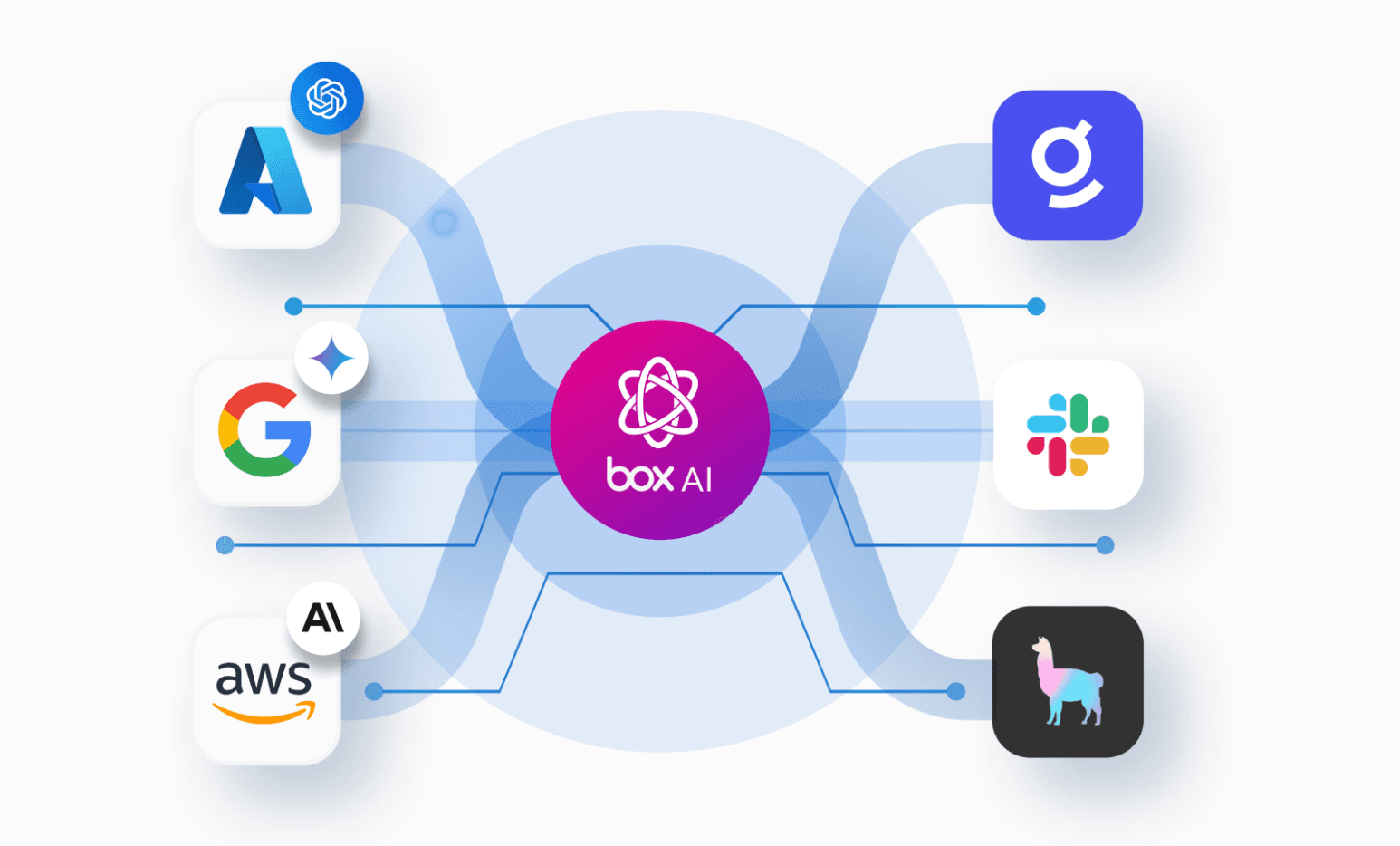
I’ve been trying out the Box Agents API (A2A), starting with a small question: what would it look like to bring the Box Agent into an app and work through a document over a few requests?
The API lets your code call the Box Agent to search, analyze, and work with content in Box, using the caller’s permissions. It uses the open A2A protocol, so the caller can also be another compatible agent.
For this demo, I kept the setup small: a fictional contract in Box and two requests in Postman. The first asks for a review. The second adds a detail that changes what to focus on next.
That follow-up is the part I wanted to explore. I pass back the contextId from the first response, along with the new question. The file and earlier discussion are already part of the conversation.
Here’s how it works.
Get a token and a file
In the Box Developer Console:
- Create a platform app and configure authentication.
- Enable Manage AI and Read all files and folders stored in Box.
- Save and authorize the app. If you added scopes to an already-authorized app, reauthorize it.
- Generate a developer token for testing. It expires after one hour.
Your Box admin also needs to enable Box AI and API access. For a deployed app, use user OAuth or a backend authentication flow such as JWT.
Upload a document to Box and grab its file ID from the URL. The authenticated user or service account needs access to that file.
First request: review the document
I’m using a fictional MSA between Acme and Northstar. It includes a few terms worth a closer look, so I’m asking for a short review from Northstar’s perspective.

The fictional Acme–Northstar MSA in Box, ready for the first request.
This request calls the default Box Agent. Replace YOUR_ACCESS_TOKEN and YOUR_FILE_ID with your own values:
curl 'https://api.box.com/a2a/message:send' \
  --header 'Authorization: Bearer YOUR_ACCESS_TOKEN' \
  --header 'A2A-Version: 1.0' \
  --header 'Content-Type: application/json' \
  --data '{
    "message": {
      "messageId": "'"$(uuidgen)"'",
      "role": "ROLE_USER",
      "parts": [
        {
          "text": "Review this fictional MSA from the perspective of Northstar, the customer. Identify the biggest concern in each of these areas: liability, data use, and termination. For each, cite the section number, briefly state what the contract says, and explain the practical concern. Use three short bullets and keep the full response under 180 words."
        },
        {
          "data": {
            "id": "YOUR_FILE_ID",
            "type": "file"
          },
          "mediaType": "application/vnd.box.source-reference+json"
        }
      ]
    }
  }'
The body has two parts: the prompt and a reference to the file in Box. The mediaType tells Box to treat that data part as a content reference.
messageId is generated by your client. This cURL example uses uuidgen; in Postman, set it to "{{$guid}}" instead. Either way, generate a fresh ID for each message.
There’s no contextId yet. Box creates the conversation on this first request.
What comes back
The response contains a task. Here are the identifying fields from my run, with the rest omitted:
{
  "task": {
    "id": "0314f771-28ad-47c8-a899-26ab4050fccb",
    "contextId": "438658103904",
    "status": {
      "state": "TASK_STATE_COMPLETED"
    }
  }
}
The answer lives in task.artifacts, inside the artifact named response, under parts[].text.
In this run, the agent flagged liability, data-use rights, and termination terms, with section numbers I could check against the document.
The distinction to remember:
- task.id identifies this run.
- task.contextId identifies the conversation.
Once the task is completed, copy the contextId for the follow-up.
Second request: add a new constraint
Now suppose Acme says its liability cap has to stay, but other terms are open for discussion.
I want to see how that changes the review. In Postman, I send another POST to the same endpoint, with the same headers and this body:
{
  "message": {
    "messageId": "{{$guid}}",
    "role": "ROLE_USER",
    "contextId": "CONTEXT_ID_FROM_REQUEST_1",
    "parts": [
      {
        "text": "Acme now says its one-month supplier liability cap is non-negotiable, but it is open to changes elsewhere. Based on your review, which two changes should Northstar push for next to reduce its exposure? For this exercise, do not propose edits to Section 7. For each change, reference the relevant section, explain how it would help, and state what risk would remain. Clearly distinguish proposed changes from existing terms. Keep the full response under 180 words."
      }
    ]
  }
}
Replace CONTEXT_ID_FROM_REQUEST_1 with the value from your response. {{$guid}} is Postman syntax; in application code, you could generate the message ID with JavaScript’s crypto.randomUUID().
There’s no file reference in this request, and I haven’t pasted in the previous answer. The shared contextId connects the follow-up to the earlier work.
The second response has a new task ID and the same conversation ID:
{
  "task": {
    "id": "5f7172ab-cdc2-4c26-8292-32a036510aaa",
    "contextId": "438658103904",
    "status": {
      "state": "TASK_STATE_COMPLETED"
    }
  }
}
This time, the agent suggested changes to indemnification and data rights. It separated the existing terms from proposed changes and called out remaining risks.
Those suggestions still need a person’s review. What I like about the flow is that I can add information and keep working through the same document without rebuilding the conversation in each request.

Where this could fit
The contract is just the example. A support tool could follow up with what a customer already tried. A project app could explore how a changed timeline affects a launch plan. Another agent could ask Box to research a question, then dig into part of the answer.
Two requests in cURL/Postman are enough to try the pattern: give the agent some work, keep the contextId, and add the next question.