Box Mount is now available in private preview.
If you’re building an AI agent that runs inside a sandbox, getting the model to do useful work is only part of the job. The agent still needs documents to work with, tools to run against them, and somewhere to put the files it creates.
At first, moving those documents around might look like a few API calls: download the input, run the agent, and upload the result. That layer gets more complicated once files can change during the workflow, people need to review the output, or several agents share the same content. Now you’re also handling synchronization, versions, conflicts, and retries.
Box Mount is built for that part of the workflow. It gives an agent sandbox a POSIX-compatible Box workspace, allowing code and tools inside the sandbox to work with Box content through familiar file paths. Box Mount handles movement in both directions, while Box remains the governed system of record.
When Box Mount is the right fit
Box Mount isn’t meant to replace every Box API or MCP call. If your agent only needs to retrieve a document and add it to a prompt, those interfaces may already give you everything you need.
The difference is whether the documents are simply context or part of the agent’s working environment.
Imagine an agent that reviews a folder of contracts, runs document-processing tools, creates a review memo, and then waits for an attorney to make changes. Or an RFP workflow that pulls from a library of approved responses, creates a draft, and sends it back for legal and security review.
In these cases, the agent is doing more than retrieving content once. It is working with a collection of files inside an external runtime.
That is the pattern Box Mount targets: a developer provisions an agent sandbox, brings Box content into that environment, and returns the agent’s work to Box.
See Box Mount in action
This short demo shows a contract-review app using Box Mount to bring Box content into an E2B sandbox, run an agent against that workspace, and synchronize the finished review back to Box for human review.
A familiar workspace inside the sandbox
After a Box folder is mounted, the agent sees an ordinary directory:
/mnt/box
├── Incoming/
│   └── Acme-MSA.docx
├── Playbook/
│   └── approved-contract-playbook.md
└── Reviewed/
From there, existing libraries and command-line tools can work with the content without needing a Box-specific tool for every operation. A Node application, for example, can use the same filesystem APIs it would use for local files:
import { readFile, writeFile } from "node:fs/promises";

const playbook = await readFile(
  "/mnt/box/Playbook/approved-contract-playbook.md",
  "utf8",
);

const review = await reviewContract({
  contractPath: "/mnt/box/Incoming/Acme-MSA.docx",
  playbook,
});

await writeFile(
  "/mnt/box/Reviewed/Acme-MSA-review.md",
  review,
);
That last write is just a normal file operation from the application’s point of view. Box Mount synchronizes the new review to Box, where a person can open it, edit it, assign a task, or create another version.
If someone updates the file in Box while the sandbox is still running, that change can flow back into the mounted workspace for the agent’s next step. This creates a shared working environment for agents and people without requiring developers to build custom movement and synchronization logic around every file.
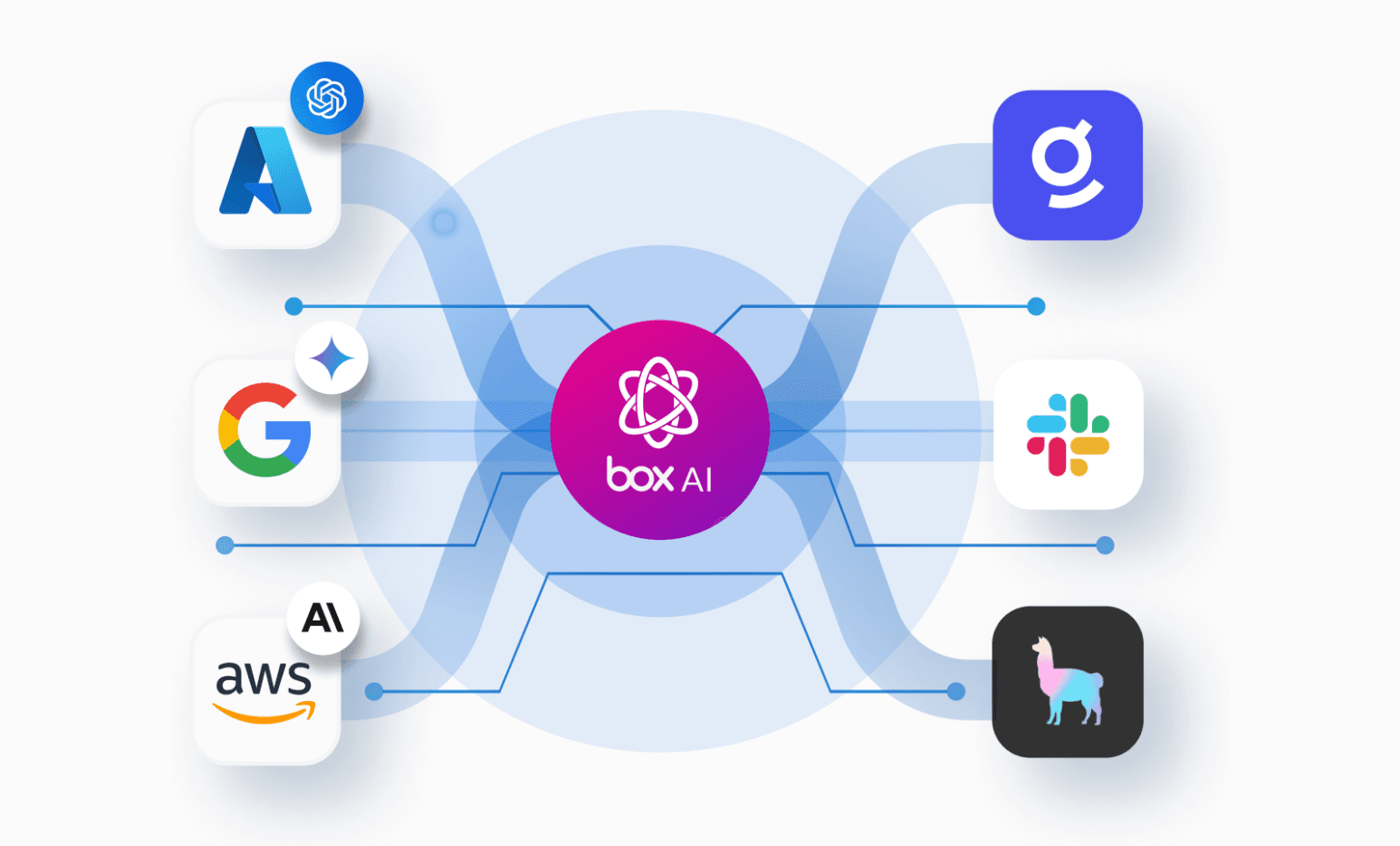
It also makes the workflow less dependent on any particular model or agent framework. The sandbox might run an OpenAI agent, an Anthropic agent, LangGraph, CrewAI, a Python script, LibreOffice CLI, or a combination of tools. As long as the tool knows how to work with files, it can work with the mounted workspace.
How the pieces fit together
Your product or orchestrator is responsible for provisioning the sandbox and running the agent. Box Mount runs inside that sandbox as a headless synchronization component, providing the filesystem interface and communicating with Box through the Box APIs.
The agent works through the mounted path rather than calling Box for every document operation. Box Mount keeps the folder current, uploads changes, detects conflicting updates, and completes a final synchronization when the workspace is unmounted.
Box continues to provide the content layer, including permissions, versions, classifications, retention, Shield protections, and audit history. The sandbox contains a synchronized working copy, so developers should still manage that environment and its local data according to their own security requirements.

The customer’s product provisions the sandbox and runs the agent. Box Mount connects the agent’s filesystem workspace to Box through the Box APIs.
Using Box Mount
The basic Box Mount workflow is only a few commands. First, configure your Box credentials:
box-mount configMount a Box folder into the agent’s sandbox:
mkdir -p /mnt/box
box-mount mount "/mnt/box" "<box-folder-id>"
Once mounted, the agent can use ordinary filesystem tools:
find /mnt/box -type f
cat /mnt/box/Playbook/approved-contract-playbook.md
cp generated-review.md /mnt/box/Reviewed/
You can check the active mount while the agent is running:
box-mount statusWhen the run is finished, unmount the workspace and complete the final synchronization:
box-mount unmount "/mnt/box"Authentication and provisioning will depend on how your application launches its sandboxes. The private-preview documentation included with the binary covers the available configuration options.
What could you build?
Contract review is one example. An agent can compare incoming agreements with an approved playbook, write its findings back to Box, and hand the result to an attorney. If the attorney changes the review in Box, the agent can see the updated file in its working environment.
The same pattern can support proposal and RFP drafting, deal-room analysis, executive briefing creation, research synthesis, compliance review, and other document-heavy workflows. Several agents can also work through a shared Box folder—for example, one creating a draft, another reviewing it, and a person making the final call.
The model and workflow can change, but the underlying pattern stays the same: Box content enters an external sandbox, becomes part of the agent’s working environment, and the resulting work returns to Box.
Explore the example app
The Box Mount contract-review example shows a complete workflow using E2B.
The app creates a sandbox, installs Box Mount, mounts a Box contract workspace, and runs either Box AI or an OpenAI agent. It then synchronizes the generated review back to Box, optionally assigns it to a human reviewer, and leaves the sandbox running so developers can inspect the result before tearing it down.
The repository is currently private and does not include the Box Mount binary. Private-preview participants will need access to the repository and must place their supplied binary in the project’s private/ directory before running the example.
Join the private preview
Box Mount is still early, and we’re looking for developers who are building (or beginning to explore) agent workflows that run in sandboxes and work with Box content.
If that sounds like your architecture, we’d like to learn how you’re moving content today, what runs inside your sandbox, and where the current approach starts to become painful. Private-preview participants will receive the Box Mount binary and setup guidance so they can try it with their own workflows.
https://bit.ly/box-mount-preview
If Box content needs to become part of your agent’s working environment, we’d love to see what you build.