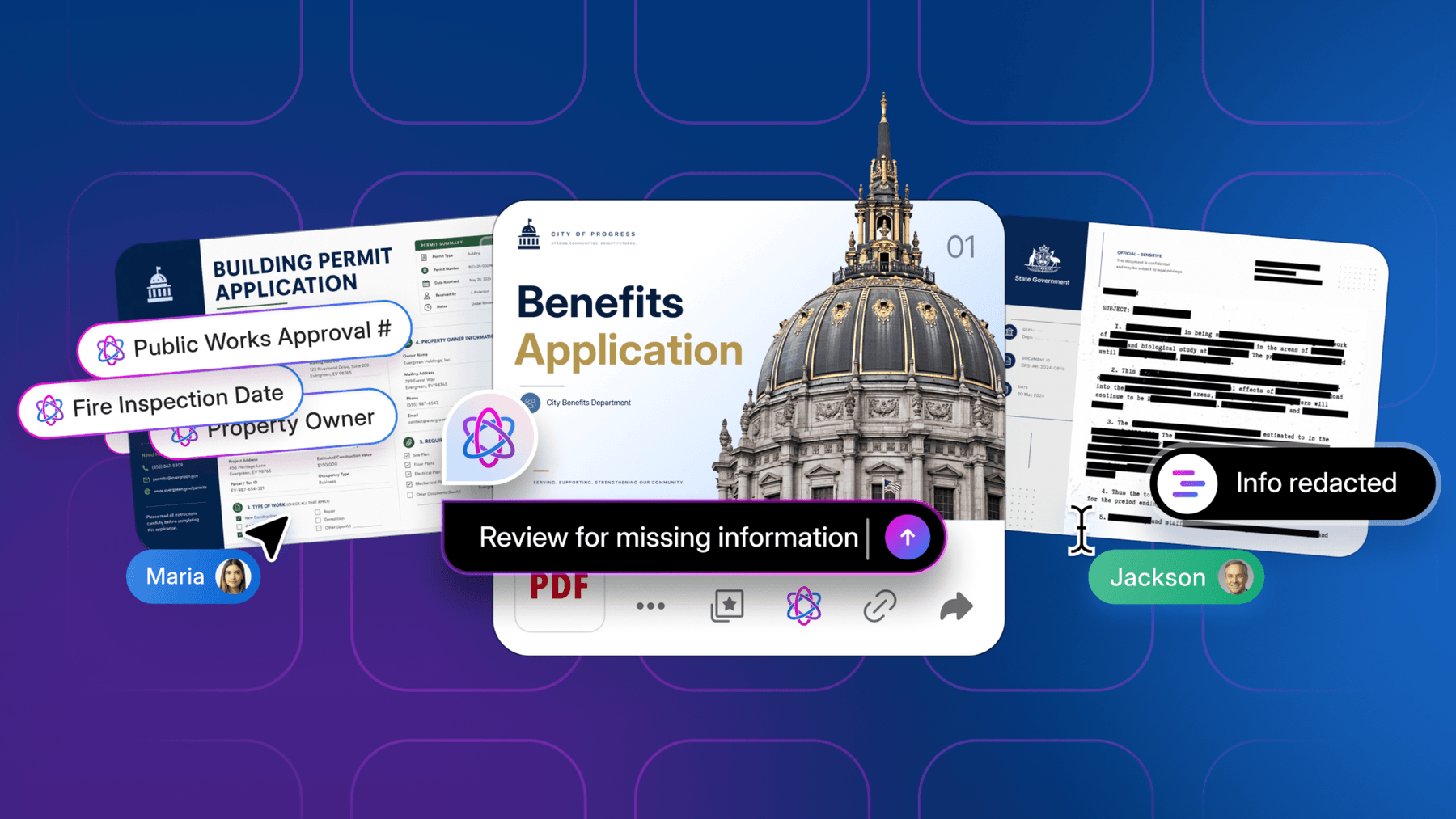
Managing documents throughout their lifecycle seems simple until inefficiencies start to grow. Outdated versions circulate. Compliance reviews lag, and teams waste time searching for the right files. In fact, a Gartner survey found that 47% of digital workers struggle to find the information and data they need to perform their jobs effectively.
Document lifecycle management (DLM) helps you standardize how your team creates, reviews, stores, shares, and retires information over time. Intelligent Content Management principles are transforming how organizations approach DLM, bringing AI-powered insights and automation to every stage.
In this guide, you’ll learn what effective document lifecycle management looks like today, practical strategies to make it work across your organization, and how to raise the bar with Intelligent Content Management.
Key highlights:
- Document lifecycle management is a structured approach that governs how files are created, reviewed, stored, shared, and retired — helping teams maintain compliance, reduce risks, and work more efficiently across all departments
- Automating key document management processes minimizes manual effort, improves data accuracy, and keeps every file version secure and accessible
- Integrating AI and connected tools enhances information management, enabling smarter search, classification, and compliance, while reducing redundant tasks
- With document lifecycle management software from Box, organizations simplify workflows, accelerate collaboration, and gain complete visibility and control over their content ecosystems
Understanding the document lifecycle stages
A document lifecycle is the series of stages a file goes through, from creation and use to storage and eventual disposal. Each stage has its own purpose, stakeholders, and potential risks if not properly managed.
These are the seven key document lifecycle stages that define how information moves through an organization.

1. Creation
Every document begins somewhere, whether you’re drafting a proposal, recording a meeting summary, or uploading a scanned contract. Inconsistent naming, version labeling, or folder structure at this stage make it difficult to identify the latest file version or trace ownership. Clear templates and centralized, high-capacity cloud storage bring order from the start, making new documents easy to find and manage later.
2. Approval
Once created, many documents enter an approval cycle. Without standardized workflows, reviews often stall in email threads or disappear in chat messages. Manual steps, like forwarding file attachments for feedback, slow progress and cause duplicate reviews.
Digital workflow automation streamlines the process by sending each file to the right person as soon as the previous task is complete — for example, forwarding a proposal to a manager for sign-off or a finalized contract to legal for archiving.
3. Storage
After approval, documents need structured, secure storage. This stage should protect information while keeping it searchable and compliant. Effective document categorization groups files by purpose, owner, or sensitivity, improving visibility and retrieval speed. Cloud platforms unify all content in one governed space with encryption, version tracking, and role-based access that reduce risk without slowing collaboration.
Learn to choose the best cloud-based storage for small businesses.
4. Distribution
Businesses need to share documents with the right people, both internally and externally. Without proper document controls, internal teams risk sending outdated versions or exposing confidential data. Centralized file sharing tools with permissions, watermarking, and audit trails keep collaboration efficient and compliant at this stage.
5. Retrieval
When team members need to locate a file in large repositories, duplicate names, outdated versions, and missing metadata make retrieval one of the most time-consuming document lifecycle stages. A robust DLM system lets users search files by both content and title, scanning text and comments to surface the latest approved version. This process reduces back-and-forth, shortens review cycles, and helps teams stay productive.
6. Change control
Documents are rarely static. Policies change, teams amend contracts, and processes evolve. A strong document lifecycle management system tracks each modification before replacing the previous file. Clear version histories, permissions, and approval paths prevent duplication and conflicting edits, helping users maintain a single source of truth.
7. Obsolescence
Some files lose business or regulatory relevance with time. At this stage, teams decide which existing documents to keep and which to remove through archiving or destruction. Automated retention policies and logs keep the process consistent and traceable. For regulated industries that follow frameworks such as ISO 9001, maintaining detailed records of retention and deletion supports ongoing compliance and readiness for audits.
Within the greater category of document lifecycle management, Intelligent Content Management unifies all content in one governed space with encryption, version tracking, and role-based access that reduce risk without slowing collaboration. All seven of the stages of the document lifecycle can then be handled by one single platform.
What is document lifecycle management?
Document lifecycle management is the process of controlling how a document is created, reviewed, stored, shared, and securely disposed of over time.

This approach provides a structured framework for how organizations handle information from start to finish. For example, for a legal team managing hundreds of contracts, a document lifecycle management system ensures that every version is reviewed by the right stakeholders, stored in a secure repository, and flagged for renewal or deletion based on retention policies.
Intelligent Content Management takes this framework further by incorporating AI, automation, and advanced security to make document processes smarter and more efficient.
The business value of streamlined document lifecycle management
Streamlined document lifecycle management saves significant time and effort across every stage of work. According to the Box-commissioned Forrester Total Economic Impact™ Study, enterprises using cloud-based solutions for document management achieved $14.5 million in end-user productivity savings. These results highlight how automated content management drives measurable business value by reducing inefficiencies and speeding up operations.

Document lifecycle management best practices
Follow these six document lifecycle management best practices to organize, protect, and control documents from creation through storage and final disposal.

1. Define clear data retention policies from the start
Effective document lifecycle management begins with well-defined data retention policies. Establishing rules for how long teams should store files prevents unnecessary data buildup and supports compliance with internal and regulatory standards. Integrating data lifecycle management principles helps enforce those policies automatically — archiving, retaining, or deleting content based on predefined timelines to maintain compliance and reduce storage risk.
2. Protect files with granular access controls
Strong access controls keep sensitive content secure throughout its lifecycle. Team leaders should define who can view, edit, or share specific files based on role, department, or project. Granular folder and file permissions reduce unwanted exposure. They help organizations keep information confidential and meet compliance requirements.
3. Automate document workflows across all lifecycle stages
Document workflow automation routes files to the right stakeholders, sends reminders for approvals, and applies retention policies without human intervention. Automated processes save time, improve accuracy, and help teams maintain consistent file lifecycle management practices across departments and systems.
Intelligent Content Management solutions enhance automation by learning from document patterns and user behaviors to suggest optimized workflows and routing paths.

1.Maintain version control and full audit trails
Accurate version control keeps teams aligned and ensures everyone works from the latest file. Strong document management processes should maintain visibility into who made changes and when, while audit trails provide verifiable proof of compliance.
A reliable document management system (DMS) centralizes these records, linking every update to a user and timestamp so organizations can track edits, maintain accountability, and meet audit requirements.
See why you need to implement document version control at your organization.
2. Integrate document management with your existing tools
Disconnected systems slow productivity and make collaboration harder. According to a Box-sponsored IDC report, the typical employee uses 14 software applications, 21 online tools, and 13 back-office systems to complete daily work. Switching between so many platforms wastes time and fragments information across silos.
Integrating document management software with your existing business tools simplifies your approach to managing content. A unified content lifecycle management strategy keeps files accessible and secure within the tools teams already use, reducing friction and maintaining a single, governed source of truth.
3. Use AI to improve search, classification, and compliance
Intelligent Content Management leverages AI to improve search, classification, and compliance by helping teams identify, label, and organize files based on context rather than manual tagging. This intelligent automation reduces the time spent classifying or locating content, making it easier to maintain accuracy across the entire document management lifecycle.
For highly document-based organizations, AI also strengthens compliance by flagging sensitive data and applying the right retention or access policies. Centralized document storage combined with AI-powered insights ensures that critical information is secure, discoverable, and governed according to business and regulatory needs.
Find insights to improve your business strategy with Content + AI.
Improve collaboration with the best document lifecycle management software
As organizations evolve their document strategies, Intelligent Content Management becomes the foundation for connecting content, people, and processes in ways that traditional document management cannot achieve.
Box gives you a cloud-native platform to create, review, store, share, and retire documents securely. As the leader in Intelligent Content Management, Box helps organizations simplify complex document workflows, ensure compliance, and reduce operational risk with built in security and automation.
With Box, you get:
- Cloud-based data storage with enterprise-grade security
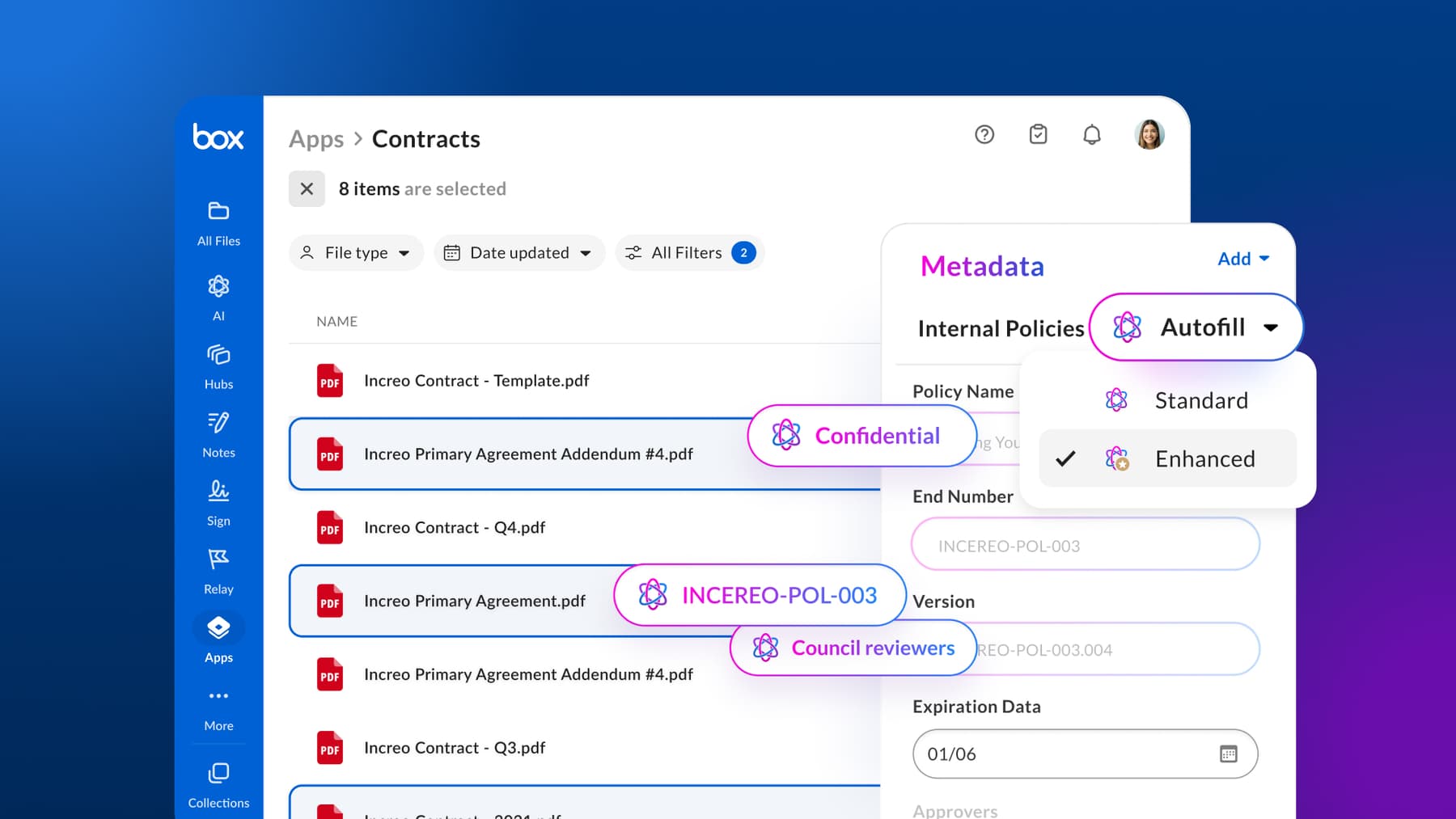
- Box AI, our suite of tools that extracts insights, automates routine work, and accelerates content discovery
- Box Hubs, customizable portals that make collaboration effortless across teams and departments
- Native integrations with the tools your team already uses, keeping workflows connected and efficient
Contact us to see how Box document lifecycle management software helps to simplify processes and improve collaboration across your content ecosystem.
Frequently asked questions
What ISO standards require document lifecycle controls?
ISO 9001 and ISO 27001 both require document lifecycle controls for managing and preserving information. These standards guide organizations in establishing consistent document control, retention, and audit practices that align with broader regulatory requirements and quality assurance goals.
How do document lifecycle management processes protect sensitive data?
Document lifecycle management processes protect sensitive data by applying access controls, encryption, and activity tracking to limit visibility to authorized users. Automated audit trails and retention policies further safeguard confidential information and intellectual property, ensuring that files remain secure and compliant throughout their lifecycle.
Explore top use cases for encrypted file sharing.
What role does access control play in a document lifecycle management system?
Access control defines who can view, edit, or delete files across different teams and projects. In a compliant record management system, this capability prevents unauthorized changes, ensures accountability, and maintains a verified version of the documents for every stage of review or approval.
What are the benefits and drawbacks of cloud vs. on-premise document lifecycle management?
The benefits and drawbacks of cloud vs. on-premise document lifecycle management include:
Which document lifecycle management software offers the best collaboration features?
The Box document lifecycle management software offers secure collaboration features by combining real-time editing, granular permissions, and automated version tracking in one governed space.
Teams can co-edit files, comment directly within documents, and share content externally without compromising data protection. Features like watermarking, access expiration, and audit trails ensure every interaction stays compliant, giving organizations full visibility and control over how information is shared.
See the benefits of real-time document collaboration for teams.