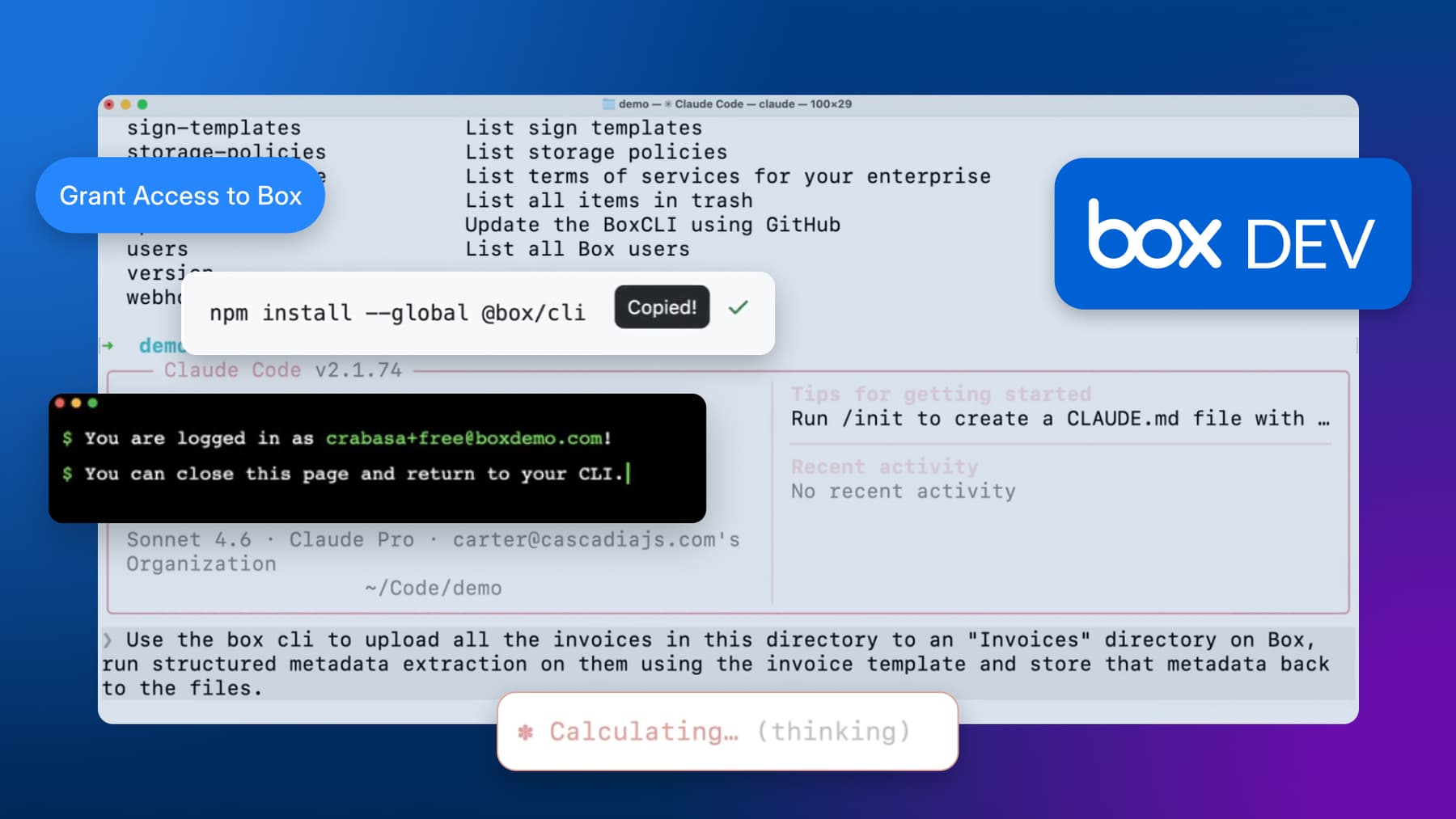
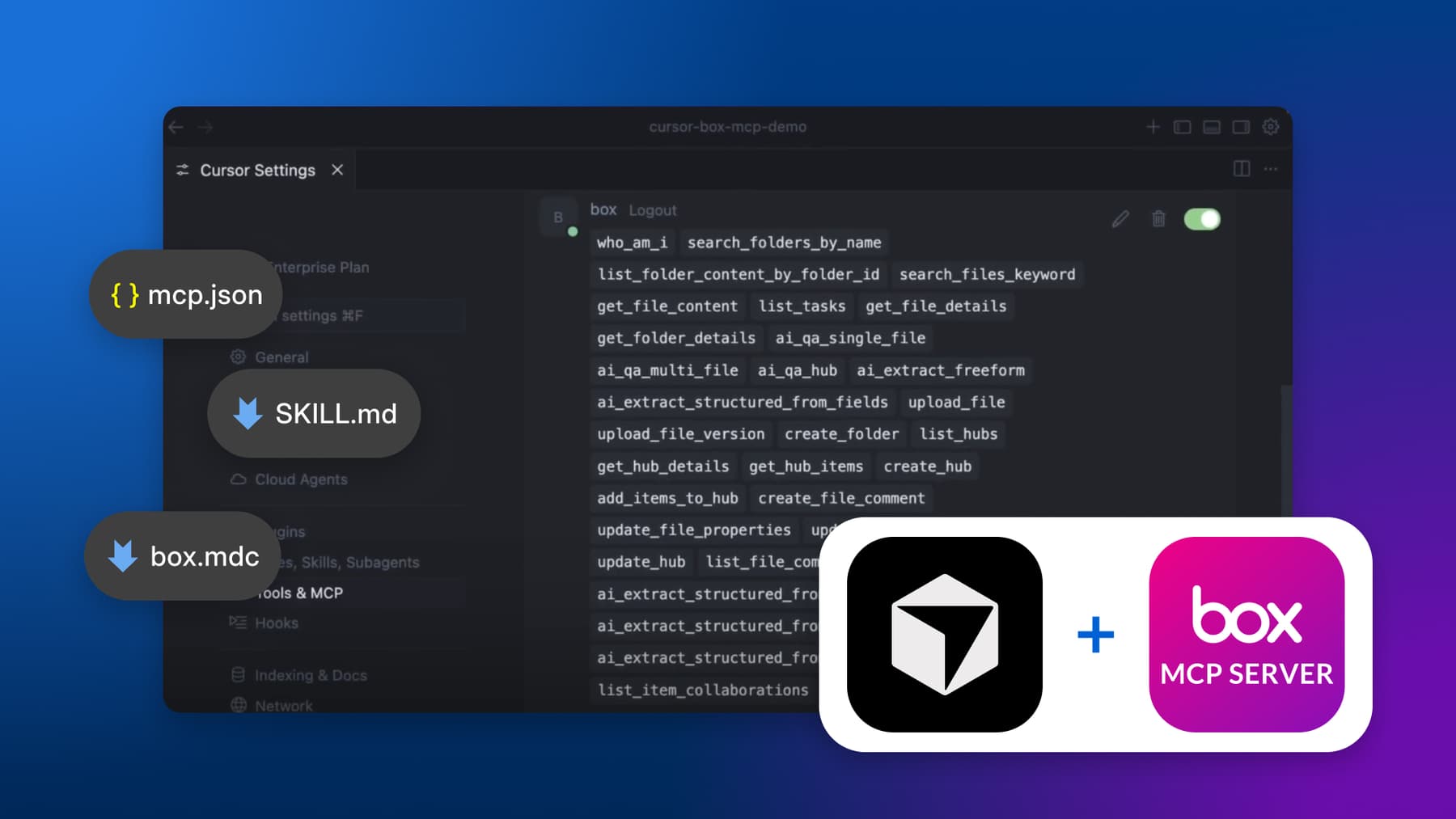
AI coding agents are already great at writing code, reasoning through problems, and working across large codebases. Give them the right context about a specific platform, and they can go even further: building integrations, organizing content, and handling workflows that would normally take hours of reading docs and writing boilerplate.
That's what skills do. They give an agent the domain-specific knowledge it needs to work with a platform the way an experienced developer would.
We built a Codex skill for the Box Content API, and the results speak for themselves. With the right guardrails and reference material, Codex can authenticate, call the right endpoints, use Box AI to classify documents, and organize hundreds of files, all from a single natural-language prompt.
This post walks through what a skill is, how the Codex skill works, and how you can try it yourself.
What is a Codex skill?
A Codex skill is a structured knowledge package that teaches OpenAI Codex how to handle a specific domain. Instead of relying on the agent's general training data (which may be outdated or incomplete), a skill provides:
- A
SKILL.mdentry point with workflows, guardrails, and routing logic - Reference docs loaded on demand, so the agent only reads what's relevant to the current task
- Bundled scripts for verification and common operations
When you invoke a skill with $skill-name in a Codex conversation, the agent loads SKILL.md and follows its instructions instead of improvising.
Think of it as the difference between asking a new hire to "figure out Box" versus handing them your team's internal playbook. Same person, dramatically different results.
How the Box Content API skill works
The skill lives in a single repo (box-community/codex-box-skill) and installs with one command:
cp -r box-content-api ~/.codex/skills/The routing table
At the core of the skill is a routing table in SKILL.md that maps what the user needs to which reference docs the agent should read:
1 | If the user needs...             | Read first                      |
2 | -------------------------------- | ------------------------------- |
3 | Uploads, folders, shared links   | references/content-workflows.md |
4 | Organizing or batch-moving files | references/bulk-operations.md   |
5 | Search, Box AI, extraction       | references/ai-and-retrieval.md  |
5 | 401, 403, 429 errors             | references/troubleshooting.md   |
This is progressive disclosure. The agent doesn't load 2,000 lines of docs up front. It reads the routing table, picks the relevant reference, and loads only that. This keeps the context window focused and the agent's behavior grounded in the right material for the task at hand.
Guardrails that actually steer behavior
Generic advice like "handle errors appropriately" doesn't change how an agent behaves. We learned that guardrails need to be specific, unambiguous, and tested against real agent runs. Here's one that took several iterations to get right:
1 When a task requires understanding document content (classification,
2 extraction, categorization), use Box AI (Q&A, extract) as the first
3 method attempted. Box AI operates server-side and does not require
4 downloading file bodies. Fall back to metadata inspection, previews,
5 or local analysis only if Box AI is unavailable, not authorized, or
6 returns an error on the first attempt.
Early versions said "prefer Box-native methods," and the agent found reasons to skip Box AI every time. The word "prefer" gave it too much latitude. Changing it to "use as the first method attempted" with explicit fallback conditions made the difference. Lessons like this only surface when you test skills against real tasks and read the agent's reasoning traces, not just its final output.
Box AI classification via CLI
One of the most useful parts of the skill is teaching Codex to use Box AI for content understanding. Instead of downloading files and running local OCR, the agent classifies documents server-side:
box ai:ask --items=id=12345,type=file \
--prompt "What type of document is this? Reply with exactly one of:
invoice, receipt, contract, report, other." \
--json --no-color
Or extract structured fields:
box ai:extract --items=id=12345,type=file \
--prompt "document_type, vendor_name, date" \
--json --no-color
The skill also teaches a sample-first strategy for bulk classification: classify 5–10 files to validate the prompt, check if filenames or metadata can sort the rest, then only use AI for the ambiguous files. This keeps API usage low while still getting accurate results.
The bulk operations workflow
For organizing files at scale, the skill prescribes a step-by-step workflow:
Inventory → Classify (if needed) → Plan → Execute (serial) → VerifyTry it: organize a messy folder
Here's a real prompt you can use after installing the skill:
Use $box-content-api. Classify Box folder <YOUR_FOLDER_ID>.
It contains dozens of mixed invoices and receipts.

Produce:
1. An inventory with category (e.g., office supplies, meals, etc.) + confidence for each file
2. A proposed folder structure
3. A full move plan

Do not create folders or move files until I confirm.
The agent will:
- List everything in the folder
- Sample a few files with Box AI to discover document types
- Classify the remaining files
- Present a structured plan for your approval
Files don't move until you confirm.


Once you've reviewed the plan and everything looks good, just tell it to go:
Looks good. Go ahead and create the folders and move the files.The agent will create the folder structure, move each file serially, and verify the results.

Get started
- Sign up for a free Box developer account at account.box.com/signup/developer
- Clone the skill from github.com/box-community/codex-box-skill
- Install it into your Codex skills directory:
cp -r box-content-api ~/.codex/skills/- Install the Box CLI from developer.box.com/guides/cli and run
box login -dto authenticate - Start a Codex conversation and invoke the skill with
$box-content-api
The skill covers uploads, downloads, shared links, collaborations, metadata, webhooks, search, bulk operations, and Box AI, all with guardrails that keep the agent from making mistakes you'd have to clean up.
If you build something interesting with this skill, we'd love to hear about it.