AI in the IDE used to mean code suggestions. You'd type a function signature and get a completion. That era is already fading.
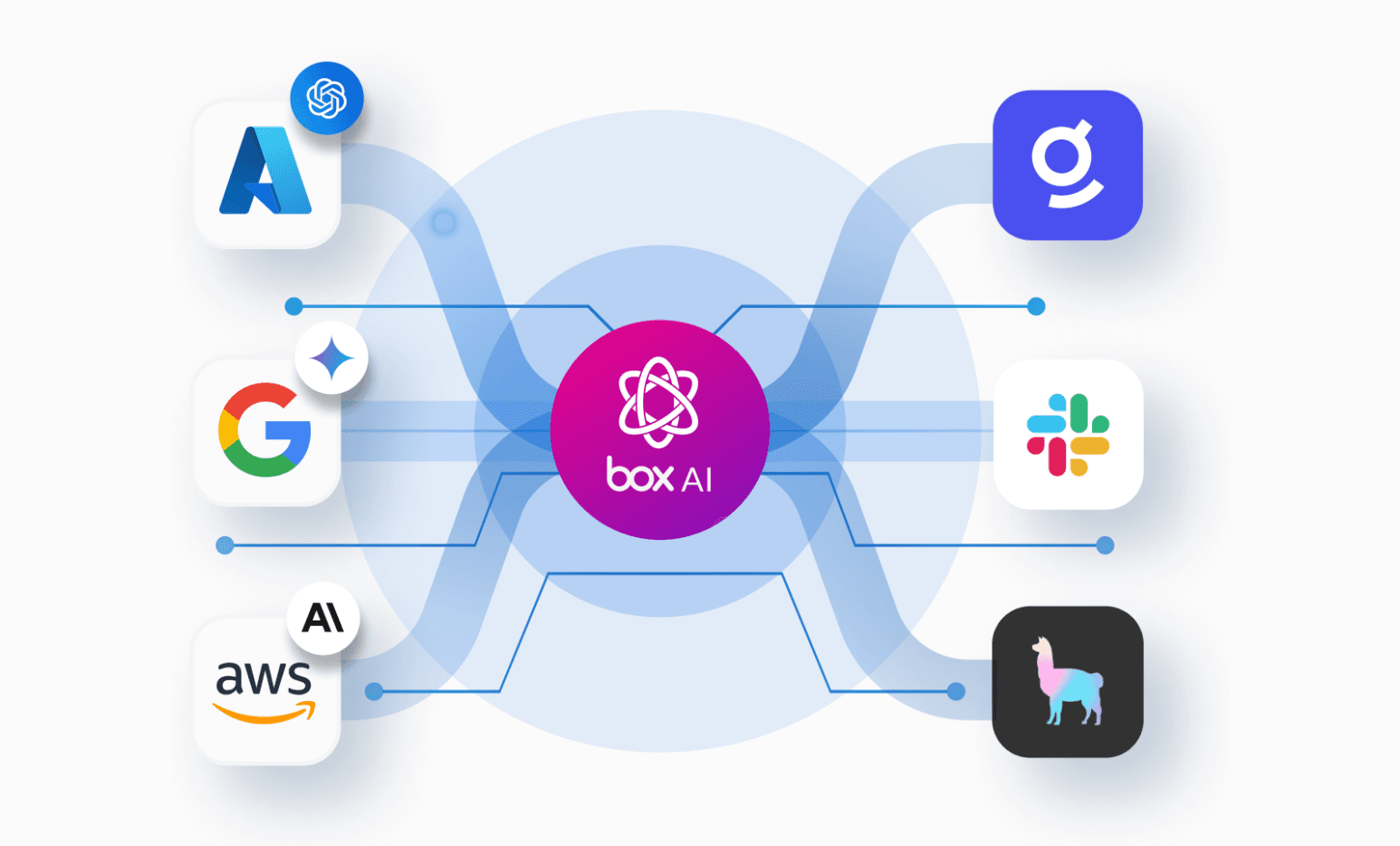
Today's AI coding agents don't just suggest code. They take actions. They run commands, call APIs, read files, and make decisions across multi-step workflows. And with the Model Context Protocol (MCP), those agents can now reach beyond the local filesystem into external platforms.
This changes everything for enterprise content. A developer can say "find the latest MSA in the Priority Review folder and summarize the key terms," and the agent will search Box, retrieve the document, and use Box AI to produce the summary. There’s no context switching, no manual downloads, and no copying-and-pasting.
But this raises a question every enterprise team should be asking: When an AI agent has access to your contracts, financials, and IP, how do you make sure it behaves?
That's the problem we set out to solve with the Box Plugin for Cursor.
What's a Cursor plugin?
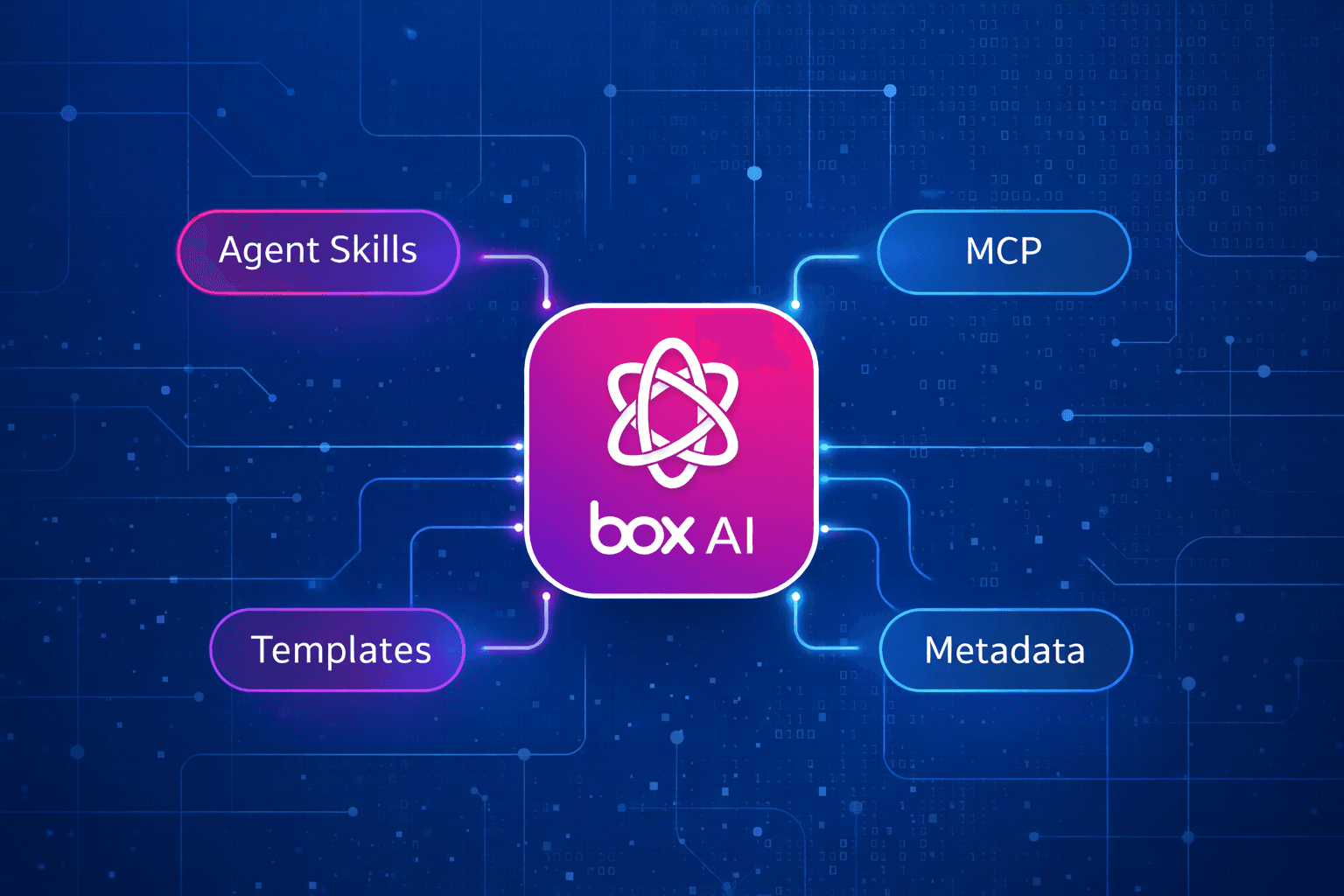
A Cursor plugin is a lightweight package that extends what the AI agent can do. Ours bundles three files:
- mcp.json — Tells Cursor where to find the Box MCP server
- SKILL.md — Teaches the agent best practices for working with Box
- box.mdc — Enforces mandatory safety guardrails the agent cannot override
There are otherwise no SDKs, complex build steps, or long lists of dependencies. Together, these three files give the agent access to Box tools and the knowledge to use them responsibly. Let's look at a few key parts.
The connection: mcp.json
{
  "mcpServers": {
    "box": {
      "url": "https://mcp.box.com",
      "auth": {
        "CLIENT_ID": "${BOX_CLIENT_ID}",
        "CLIENT_SECRET": "${BOX_CLIENT_SECRET}"
      }
    }
  }
}
That's the entire connection layer. The Box MCP server is remote, and Cursor connects directly to https://mcp.box.com and authenticates via OAuth. Credentials come from environment variables, so nothing sensitive lives in the repo.
This single file connects Cursor to the Box MCP server, which exposes tools for files, folders, search, metadata, Box AI, and more. The MCP server handles the rest.
The skill: SKILL.md
MCP gives the agent access to tools. The skill teaches it how to use them well. Here's a section that encodes a search strategy:
## Search - When the user refers to a folder by name, use "search_folders_by_name" first to resolve the folder ID, then scope subsequent file searches to that folder. - Prefer "search_files_metadata" over keyword search when the user's query maps to known metadata fields or templates — it returns more precise results.
## Search
- When the user refers to a folder by name, use `search_folders_by_name` first
  to resolve the folder ID, then scope subsequent file searches to that folder.
- Prefer `search_files_metadata` over keyword search when the user's query
  maps to known metadata fields or templates — it returns more precise results.
Without this guidance, the agent might default to keyword search every time. This works, but misses the precision of metadata search and might return results from a different folder. The skill encodes the workflow a Box power user already knows intuitively.
Same idea for metadata extraction. The skill steers the agent toward structured extraction with templates rather than freeform, and toward the right Box AI tool for each situation (ai_qa_single_file for one document, ai_qa_multi_file for cross-file analysis, ai_qa_hub for Hubs).
Here's what I find most interesting about this file: It's prose, not code. You're shaping agent behavior through natural language that encodes domain expertise. This is developer experience expressed as domain expertise: If you know how a platform should be used, you can teach an agent to use it that way.
What this looks like in practice
To see how this plays out, imagine a developer asking the agent:
Find the latest contract in the Priority Review folder and extract the renewal terms.
With the Box MCP server connected and the skill in place, the agent can execute the workflow automatically:
- Resolve the folder ID for “Priority Review” using a folder search tool
- Search for files within that folder to find the most recent contract
- Call the appropriate Box AI extraction tool to pull structured information from the document
- Return a summary of the renewal terms along with a link to the file
None of this requires the developer to open Box, download the document, or copy text into another tool. The agent performs the workflow directly inside Box while respecting existing permissions and governance controls.
The guardrails: box.mdc
The rules file is where it gets interesting from a governance perspective. Unlike the skill (which offers guidance), rules are mandatory. The agent must follow them, every session, regardless of what the user asks. Here's the one that governs destructive actions:
## Destructive actions require initial confirmation
Before the first call that overwrites, moves, or deletes content — including
`upload_file_version`, `update_file_properties`, `update_folder_properties`,
and `create_docgen_batch` — describe what will change and wait for the user to
confirm. Then ask if they want confirmation every time or if future actions of
that type should proceed automatically.
This is a tiered confirmation model. The agent always asks the first time, then adapts to the user's preference. The same pattern applies to file comments (visible to all collaborators) and Hub modifications (visible across the organization).
Then there's the governance rule:
## Prefer Box AI for in-platform processing
When the task requires AI processing of a file — Q&A, summarization,
extraction — prefer Box AI tools. Box AI respects enterprise file permissions,
data governance policies, and audit controls. If the user explicitly requests
local processing, explain this trade-off and proceed if they confirm.
This keeps sensitive content within Box's security perimeter by default. The agent won't silently download a contract and run it through an external model. It uses Box AI, which inherits the file's existing permissions and policies. But if the user explicitly needs local processing, the agent explains the trade-off and lets them decide.
What's really going on here
Step back and look at what this plugin actually is: three small files, almost entirely natural language, plus a five-line JSON config. There are no SDKs, no build steps, and almost no code.
The entire value is encoded as prose instructions that shape how an AI agent behaves when it interacts with enterprise content. The connection gives it reach. The skill gives it competence. The rules give it constraints.
If you've spent time building developer tools, this should feel like a shift. We're not just wrapping an API anymore. In other words, the plugin doesn't just give agents access to enterprise content — it teaches them how to interact with it safely.
Try it
Check out the plugin in the Cursor Marketplace. The plugin is open source and takes about five minutes to set up. Clone the repo, set your Box OAuth credentials, open it in Cursor, and start chatting:
https://github.com/box-community/cursor-box-plugin
If you don’t already have a developer account, you can create one for free at account.box.com/signup/developer