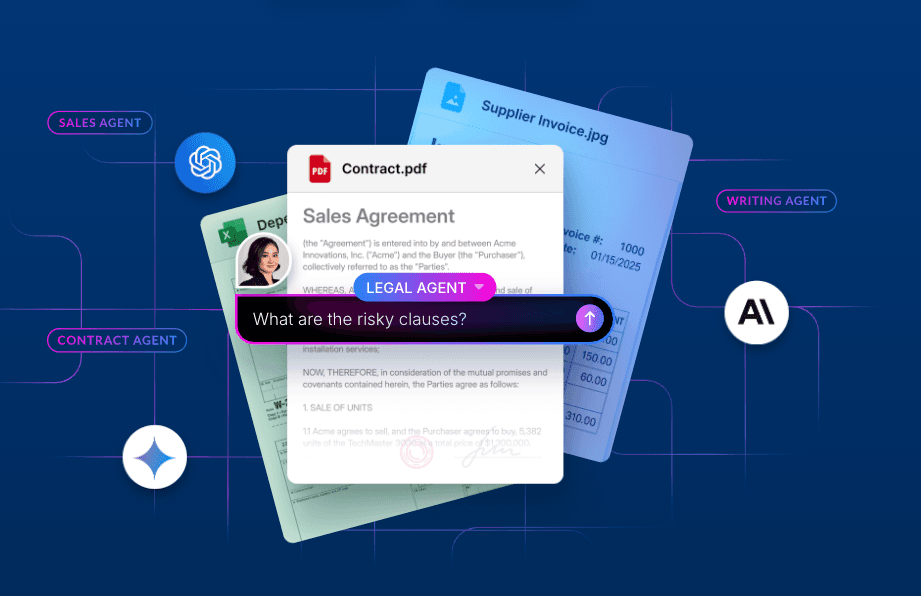
Today, in partnership with Anthropic, we are excited to announce support for MCP Apps within the Box Connector in Claude. This major update brings visual interfaces to AI interactions, transforming how you engage with your enterprise content and bridging the gap between conversational AI and tangible work.
Breaking the text barrier
Until today, Model Context Protocol (MCP) servers were limited to exchanging text and structured data. While effective for simple queries, this created significant friction for complex enterprise workflows.
For example, without UI support, asking an AI agent to find a specific diagram often resulted in an awkward exchange of text descriptions or raw JSON data. The host application had to guess how to render that data, or simply displayed it as text. This lack of standardization created a risk of ecosystem fragmentation and forced users to constantly switch context between the chat window and their content.
Visualizing your content in Claude
The introduction of MCP Apps with interactive UI changes this dynamic entirely. The updated Box Connector in Claude is now available, bringing visual elements directly into your chat experience.
Now, when you search for a file or ask for a specific document, the Box Connector presents a rich visual representation of your content. This makes it significantly faster to identify the right image, graph, or slide deck without ever leaving the conversation. It solves a key user pain point by ensuring that high-value content—like diagrams and rich documents—is presented intuitively, keeping you focused on the task at hand.
A complete toolkit for intelligent work
The addition of visual UI elements complements the robust set of tools already available within the Box MCP server. We have designed these tools to help you solve complex problems by connecting your unstructured data to leading AI models across five key pillars:
- Content Management: Manage your critical business documents directly through the agent. Use tools like upload_file, create_folder, and get_file_details to organize and maintain your content lifecycle without switching apps.
- Box AI: Unlock deep insights from your data. Leverage ai_qa_multi_file to ask complex questions across multiple documents, or use ai_extract_structured to automatically pull specific metadata from contracts, invoices, and forms.
- Search: Find exactly what you need, faster. With search_files_keyword, agents can perform advanced searches using keywords and metadata filters to locate specific files in your enterprise repository.
- Collaboration: Keep your team in sync. Use tools like create_file_comment and list_tasks to drive workflows forward, assigning tasks or leaving feedback on documents directly from the AI interface.
- Hubs: Curate and access knowledge at scale. With list_hubs and ai_qa_hub, you can ground your AI agent in the curated, high-value context of a Box Hub, ensuring answers are relevant and accurate.
Visit our developer documentation for a comprehensive set of tools that enable AI agents like Claude to interact with Box content and features.
Get started today
The updated Box Connector in Claude, with support for MCP Apps, is now available. To see the new visual features in action and leverage the full power of the Box MCP Server, simply connect to Box within the Claude interface.
The Box MCP server is designed to work seamlessly with the tools your teams already use including Anthropic Claude, OpenAI Agent Builder, Mistral Le Chat, GitHub Copilot, Microsoft Foundry, Microsoft Copilot Studio, and coming soon for Salesforce Agentforce. To learn more about how to leverage the Box MCP server and to enable it for your organization, visit our developer documentation.