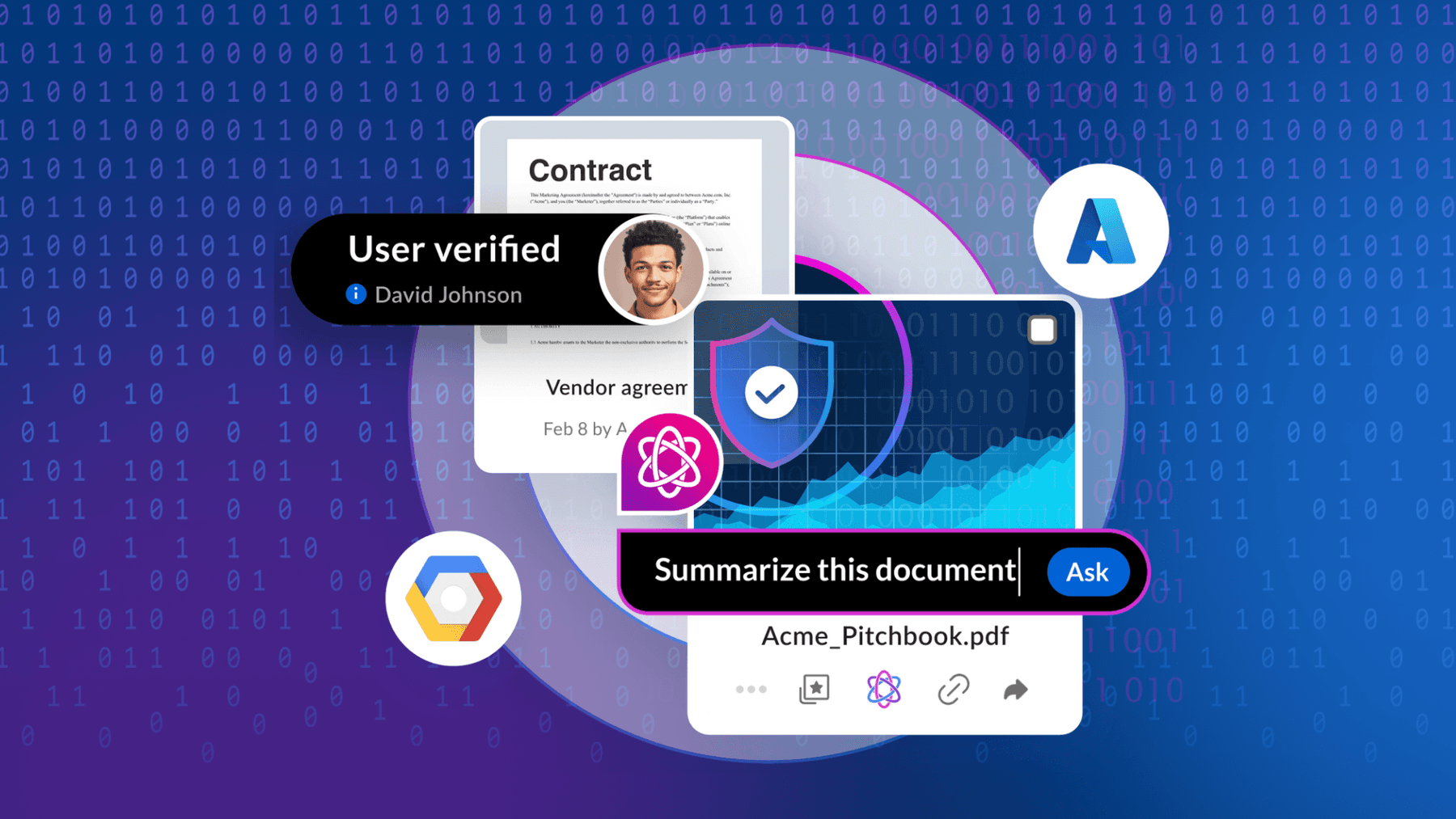
As organizations create and share content across multiple tools and departments, information often becomes scattered, duplicated, or hard to control. An electronic document management system (EDMS) centralizes and secures files, making it easier to store, track, and retrieve them.
In this guide, you’ll learn how EDMS software supports compliance, collaboration, and document control — and how Intelligent Content Management expands these capabilities with AI and automation.
Key highlights:
- An electronic document management system (EDMS) is a digital platform that organizes, stores, and controls files across their lifecycle, replacing scattered, paper-based processes with centralized, secure access to information
- Modern EDMS solutions reduce manual effort by streamlining document creation, indexing, and version control, helping teams save time, improve compliance, and cut the risks associated with duplicated or lost files
- Intelligent Content Management extends traditional EDMS capabilities by leveraging AI and automation to classify, protect, and connect information across systems
- Box delivers the next generation of document management, combining automation, collaboration, and compliance into one secure cloud platform that helps teams simplify work and manage content intelligently
What is an electronic document?
An electronic document is any file — like a contract, invoice, employee record, or technical drawing — that stores and communicates information in a digital format rather than on paper.
Compared to paper-based files, electronic documents reduce the risk of loss, support faster collaboration, and simplify compliance through searchable formats and audit trails.
What is an electronic document management system (EDMS)?
An electronic document management system (EDMS) is a digital platform that organizes, stores, tracks, and controls documents throughout their lifecycle.

For companies managing high volumes of information, EDMS software centralizes assets, reduces duplication and data loss, and tracks who accesses or edits each file, improving security, compliance, and productivity.
Types of EDMS
Organizations choose from among different types of EDMS based on data sensitivity, scalability, and control requirements. Some teams host their systems internally to maintain full ownership and security. Others adopt cloud storage to gain flexibility and reduce maintenance work. Hybrid solutions combine both approaches, giving businesses a balance between accessibility and compliance.
Is an EDMS the same as an ECM system?
No, an EDMS is not the same as an enterprise content management (ECM) system.
- An EDMS focuses on storing, organizing, and tracking digital documents
- An ECM systemmanages not just documents, but all types of unstructured content, including multimedia files, emails, and collaborative assets
While an EDMS primarily stores and retrieves documents, an ECM integrates workflows, security and compliance controls, and content lifecycle automation to improve how information moves across the business.
Modern ECM solutions have evolved into Intelligent Content Management platforms, which use artificial intelligence and data extraction to classify, protect, and surface content more efficiently. This shift helps organizations move beyond storage to gain insights and automate document-heavy processes.

5 key EDMS software features

Key EDMS software features include:
1. Document creation
An EDMS simplifies how teams add and organize files. Instead of spending hours on time-consuming manual uploads or scattered file storage, users can create documents directly in the platform, import them from integrated apps, or scan physical records into digital formats. This process keeps all content consistent, traceable, and easy to find later.
2. Document indexing
Once users upload a file, indexing organizes its data so teams can find it quickly. EDMS systems automate much of this process, tagging documents by title, author, date, or department to reduce repetitive data entry.
3. Document search
Document indexing provides the basis for document searching. With data attached to a document, you can search for files based on attributes and content within them. For example, you can look up all documents mentioning a specific client or filter results by tags like “first-time client,” saving time on manual searching.
4. Document version control
Unlike paper documents, which lack change tracking and can cause confusion, an EDMS for document management maintains complete file version control. The system logs each edit, showing what changed, when, and by whom. This capability ensures teams always work from the latest file while meeting compliance and audit requirements — no risk of lost or conflicting versions.
5. Integrations
Corporate teams don’t use just one app to work. According to a Box-sponsored IDC report, the typical employee uses 14 software applications, 21 online tools, and 13 back-office systems to complete daily tasks. A modern EDMS connects these systems, allowing users to access documents and share content across different tools.
With built-in and API-based integrations, teams can streamline workflows, reduce app switching, and maintain secure document access from any device.
Why is it important to use an EDMS for document management?
It’s important to use an EDMS for document management because it centralizes company files, reduces time spent searching for information, and ensures version accuracy. Gartner reports that 47% of digital workers struggle to find the information they need to perform their jobs effectively. An EDMS solves this issue by making content easy to locate, share, and secure across departments.

EDMS system benefits include:
- Improved efficiency: An EDMS centralizes files and automates manual processes, helping teams focus on higher-value work
- Reduced costs: Digital workflows minimize printing, storage, and administrative expenses while reducing errors that lead to rework or compliance penalties
- Stronger compliance: Built-in access controls and audit trails help meet regulatory standards with less manual oversight, ensuring records remain secure and traceable
- Secure collaboration: Centralized access lets multiple users work on files simultaneously without version conflicts
- Better data security: Encryption, permissions, and automated online backups safeguard sensitive business information from unauthorized access or loss
Who needs EDMS technology? Industry use cases
Industries such as finance, healthcare, and government use EDMS technology to maintain document security and meet compliance demands. Common EDMS examples include managing client files in banking, clinical reports in life sciences, and public records in government agencies.
How to choose the right EDMS solution for your organization
Choosing an EDMS solution starts with building a solid electronic document management strategy to protect sensitive files, prevent data breaches, and adapt to your business needs. The right platform should secure information, support compliance, and simplify how you create, share, and store content.
To choose the right EDMS:
- Assess business needs: Identify your team’s biggest document management challenges, like collaboration or audit readiness
- Evaluate security features: Look for encryption, user permissions, and activity logs that minimize the risk of data leaks
- Check integrations: Ensure the EDMS connects with your core tools, such as customer relationship management (CRM) or enterprise resource planning (ERP) systems
- Prioritize scalability: Pick a platform that can handle growing data volumes and new users without performance issues
- Test usability: Choose an EDMS solution that’s intuitive, with simple navigation and minimal training required
- Confirm compliance coverage: Verify that the system supports frameworks such as HIPAA, GDPR, or SOX
Box: The modern alternative to electronic document management
Box offers a cloud-based platform that simplifies how organizations manage, share, and protect content. As the leader in Intelligent Content Management, Box helps you modernize your electronic document management approach by automating workflows, maintaining compliance, and reducing operational risk — all within a secure environment.
With Box, you get:
- Box AI, which extracts insights and accelerates information discovery
- Box Hubs for organized collaboration across departments and projects
- Native integrations with over 1,500 business apps for frictionless workflows
Intelligent document management software helps teams improve efficiency, security, and collaboration across the entire content lifecycle.
Contact us to learn how to simplify work with Box.
Frequently asked questions
How much do electronic document management systems cost to implement?
The cost of an electronic document management systemdepends on deployment type, user count, and features.
- Cloud-based EDMS: Usually subscription-based, starting from a few dollars per user per month, with minimal setup costs
- On-premises EDMS: These systems include costs from upfront licensing, IT resources, and maintenance fees
For most organizations, the investment in a cloud-based EDMS pays off through time savings, reduced storage expenses, and fewer compliance risks.
Keep learning:Reduce costs and fighting complexity with Box.
What are the main challenges of adopting an electronic document management strategy?
The main challenges in adopting an electronic document management strategy are:
- Data migration: Moving legacy or paper files into digital repositories
- User adoption: Training employees to shift from manual workflows
- Integration: Connecting the EDMS to tools like CRM or ERP systems
Clear governance policies and leadership buy-in help ensure smoother implementation and long-term return on investment (ROI).
Learn 7 tips for successful cloud implementation.
Can small businesses benefit from using EDMS for document management?
Yes. A cloud-based EDMS for document management is cost effective and scalable, helping small businesses replace paper files and shared drives. A modern system simplifies storage, enables secure remote access, and automates repetitive tasks like version control or approvals without the need for a dedicated IT team.
How does Intelligent Content Management improve traditional EDMS software?
Intelligent Content Management builds on traditional EDMS software by introducing AI and data-driven automation. Intelligent Content Management enhances file search, classification, and compliance through smart tagging, content extraction, and policy-based retention. This evolution helps organizations shift from basic document storage to actionable, insight-driven content management.