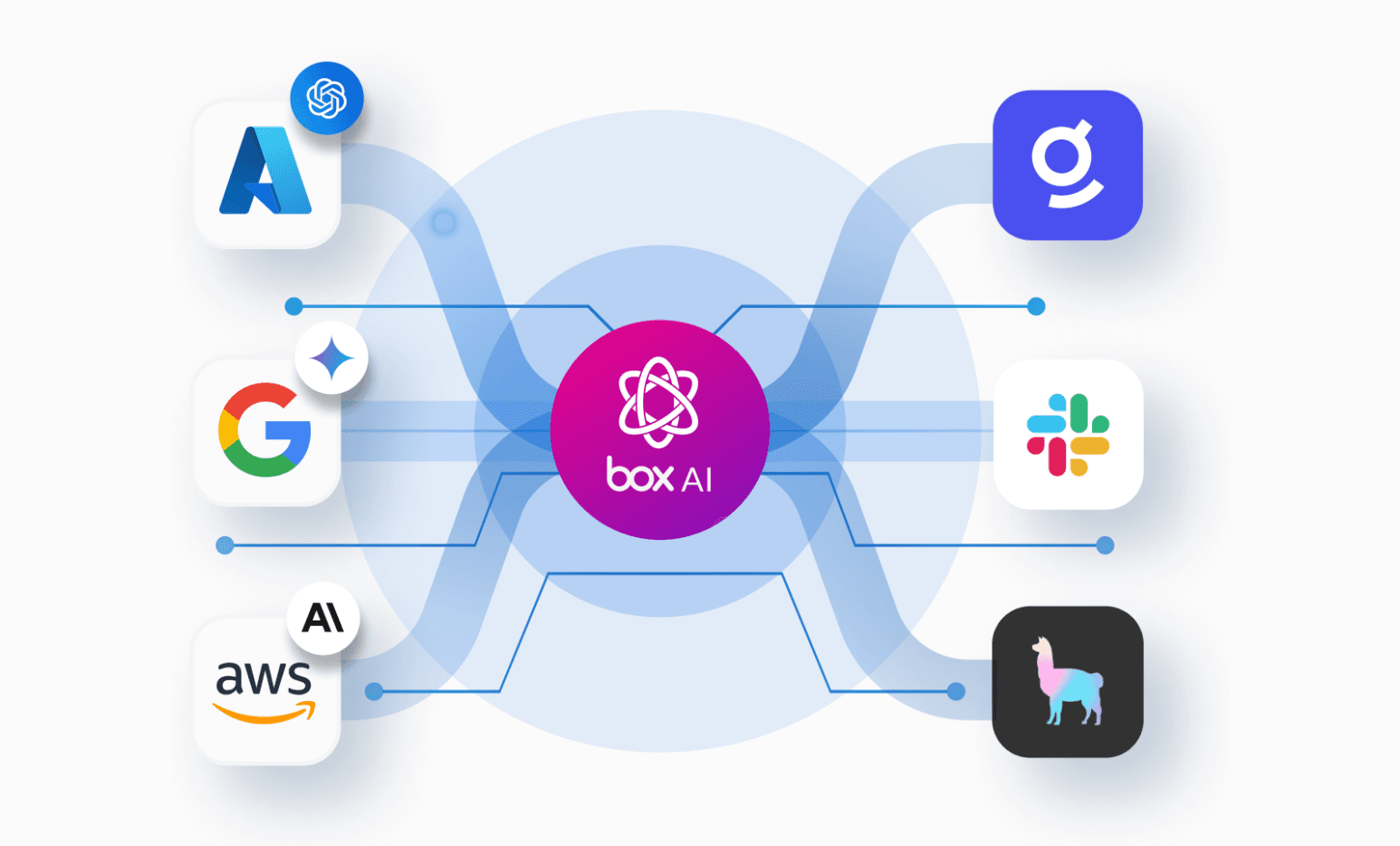
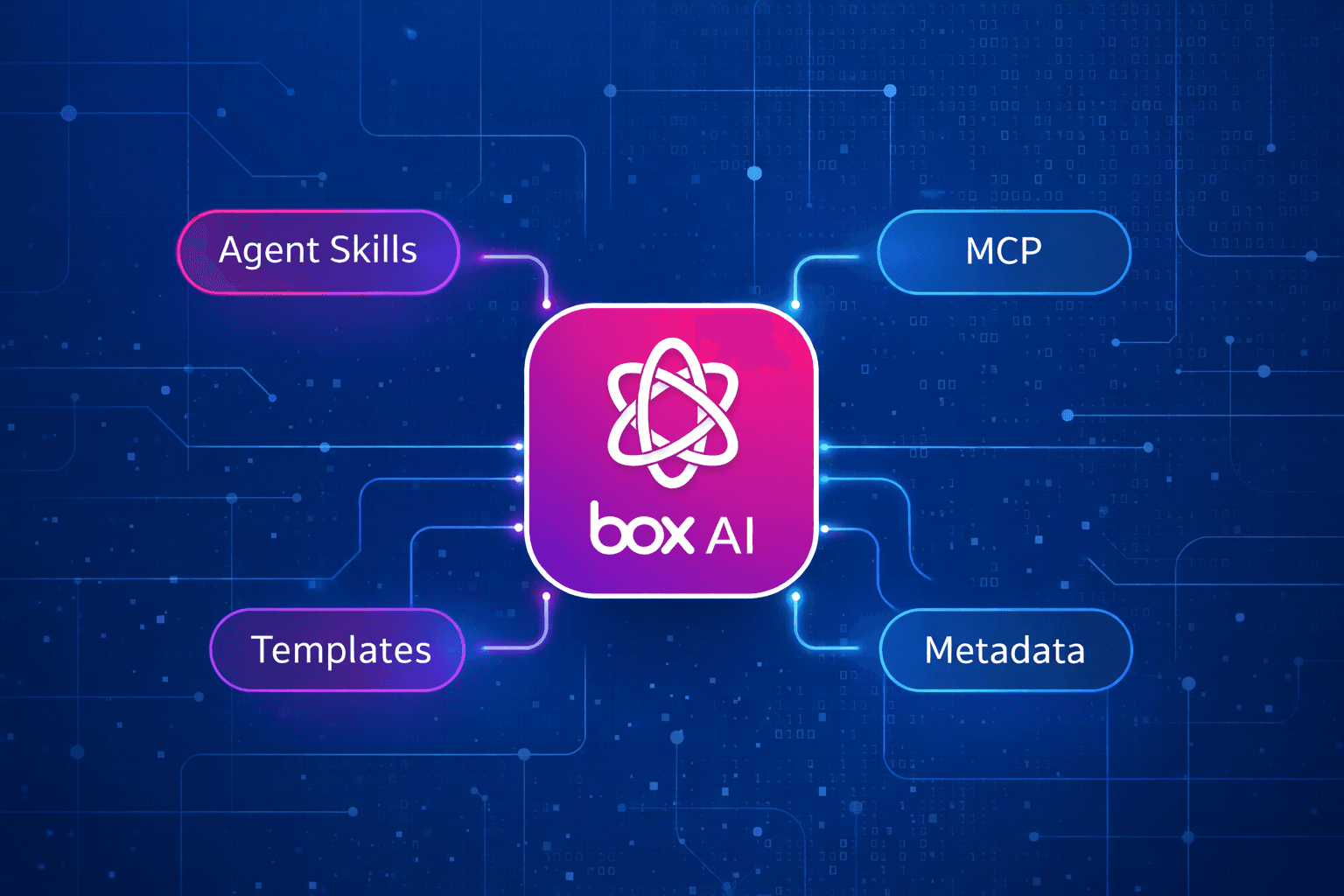
As AI models become more adept at reading documentation, navigating tools, and writing code, generic agent instructions add unnecessary noise. We’re evolving Box Agent Skills to match that progress by trimming broad guidance to focus exclusively on what matters most: actionable workflow execution, robust exception handling, and reliable verification.
For teams building on Box, practical operational knowledge is essential, whether you’re integrating uploads into an existing app, orchestrating batch operations, or optimizing API usage for high-volume sync jobs.
To support these real-world workflows, we’re introducing four new developer skills: Box CLI, Box MCP, Box SDK Development, and Box Integration Best Practices. These skills give your agents targeted, production-ready context today, built to grow into a collaborative knowledge base shaped by Box and our developer community.
Taking your enterprise context further with Box’s agent skills
A Box Agent Skill packages targeted instructions and reference patterns for specific workflows. When an AI agent supports the Agent Skills format, it seamlessly applies this specialized context to complete complex tasks.
For instance, when an agent implements Box file uploads in your app, it has to navigate your SDK version, existing authentication model, and upload verification steps. A Box Skill equips the agent with the exact logic and best practices needed to handle those decisions reliably.
Installing a Skill does not connect the agent to your Box account or grant it additional access. Live operations still require the appropriate authenticated CLI, MCP connection, or application client. The Box skills repository documents the requirements for each path.
Four new Box Skills to power your everyday developer workflows
Automate content operations with Box CLI
Use the Box CLI skill when you want an agent to work through the official Box CLI, write reproducible shell commands, or help with bulk content operations. The skill guides the agent to confirm the acting user, resolve names to Box IDs, check command syntax, and verify changes. For bulk work, it includes guidance for recording outcomes and recovering from partial failures.
Suppose you’re organizing a batch of files and some moves fail. The agent needs to establish which files moved successfully before retrying the remaining work. Restarting the whole batch could create avoidable errors.
Start with a prompt like this.
“Use the Box CLI to list the first 20 items in folder [folder ID] as JSON. Confirm which Box user is authenticated before listing.”
Work through your AI assistant’s Box connection with Box MCP
Use the Box MCP skill when your assistant accesses Box through the hosted MCP server. It covers connection setup, tool discovery, content operations, and troubleshooting.This is useful for teams that want an assistant to find content, work with metadata, or use available Box AI tools.
The skill directs the agent to discover the tools exposed by its connection, confirm the connected user, and verify operations through that same connection. Available capabilities depend on the client, administrator settings, permissions, and product entitlements. The Skill helps the agent investigate missing tools without assuming that every connection exposes the same capabilities.
Try a prompt like this.
“Use my Box MCP connection to find invoices in folder [folder ID]. Return matching file names and Box links, and tell me whether the search covered the full folder.”
Build Box capabilities into your application with Box SDK Development
Use the Box SDK Development Skill when an agent is building or debugging application code with an official Box SDK. It includes guidance for Python and TypeScript/Node.
The Skill guides the agent to inspect the project’s installed SDK version, existing client setup, authentication, and expected workload. It then addresses implementation details such as pagination, file transfers, retries, and logging.
For an existing Box application, this helps the agent fit its changes into the codebase rather than introduce a separate client or copy examples from an incompatible SDK version.
Try a prompt like this.
“Use the official Python Box SDK to add file upload to this application. Follow its existing authentication setup, check the installed SDK version, and add a verification step.”
Improve repeatable jobs with Box Integration Best Practices
Use the Box Integration Best Practices Skill when reviewing API efficiency, bulk processing, rate-limit handling, or recovery after interruptions.
This Box Skill is particularly relevant to teams maintaining sync workers, scheduled jobs, and integrations that process many files. The guidance asks the agent to trace request patterns, identify redundant calls, account for retries, and preserve completed work.
For example, if a worker retrieves details for every file after listing a folder, the review can examine whether the listing could return the fields needed for the next decision. If a job encounters throttling, the agent should assess request patterns and retry behavior before increasing concurrency.
Try a prompt like this.
“Review this Box sync worker for redundant API calls, retry behavior, and HTTP 429 handling. Explain how it resumes after a partial failure.”
You can pair this skill with SDK Development when building a service or with CLI guidance when planning a repeatable batch operation.
Start with one task
Choose a workflow you already understand so you can assess whether the agent’s result is useful. That might be adding one application feature, inspecting a folder, or reviewing an existing integration.
With Node.js/npm installed, run this command to choose skills interactively.
npx skills add box/skills
You can also install a specific skill.
npx skills add box/skills --skill box-sdk-developmentUse an agent that supports Box Agent Skills, complete the setup required for your chosen tool, and name the skill in your prompt if you want to request it explicitly. The repository’s installation guide includes individual skill and platform options.
Tell the agent which folder or application to work with, the outcome you want, and how you’ll judge completion. Review the result against that outcome. An upload task, for example, should establish that the file reached the intended folder.
Where to find Box Agent Skills
Box Agent Skills are currently available through the following directories and development environments.
For other agent runtimes that support the Agent Skills format, install skills from the Box Skills repository using npx skills add box/skills, or follow your runtime’s instructions for loading skill folders from the repository’s skills/ directory. The repository contains the current skill catalog; platform bundles may include a different selection.
A shared knowledge base that evolves with your workflows
These four foundational Bos Skills cover essential developer tasks, but the real power lies in the domain workflows built on top of them. In supplier onboarding, for instance, an AI agent might easily locate documents and extract vendor details, but production workflows demand much more: a required-document checklist, explicit rules for reconciling conflicting data, and clear checkpoints for human review.
When you implement that workflow, you uncover the critical edge cases, recovery steps, and verification checks that make it reliable. A focused agent skill captures and preserves that operational knowledge. Instead of starting from scratch, another team can review the instructions, verify prerequisites, and adapt the logic to their own stack.
That’s how we’re growing the open source Box Skills repository. As our team uncovers new developer needs, we’ll publish targeted Skills alongside community contributions grounded in real-world implementations. And as models advance, we’ll continuously refine existing guidance, streamlining instructions where models have matured and adding deeper patterns for complex failure modes.
The repository is a collaborative space for developers to share, iterate, and sharpen agent intelligence together,, whether that means contributing an industry-specific workflow, documenting recurring edge cases, or improving output verification.
Share a workflow other teams can use
If you’ve built an industry-specific agent workflow on Box, contribute your learnings to the open source Box Skills repository.Detail who the skill is for, when to trigger it, its technical requirements, and how the agent should navigate exceptions and verify outcomes. Use sanitized or fictional examples, ensuring all customer data, credentials, and confidential policies are removed.
Open an issue to discuss a workflow, or submit a pull request following the contribution guidance. Share the knowledge you wish you’d had when you started, so another developer, team, or company using Box can put it to work.