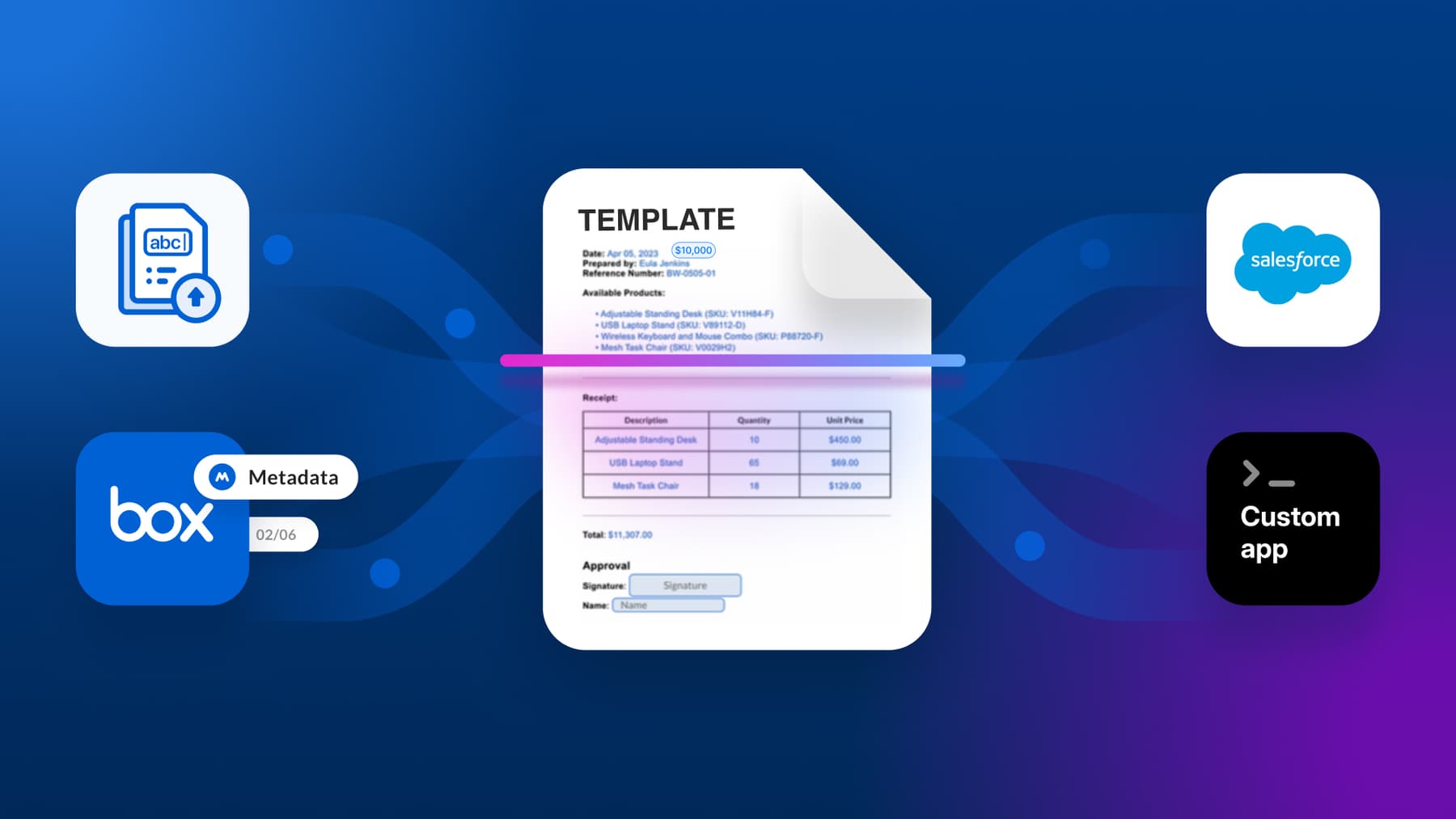
Structured metadata is one of the most powerful layers in Box. It’s what powers search, filters, retention policies, automation, and downstream workflows. With Box AI, you can extract that structure directly from unstructured documents — invoices, contracts, forms — and apply it back to files in a repeatable way.
In this post, we’ll build a small Python CLI that does exactly that: it reads files from Box, extracts a known set of fields using Box AI Extract Structured, and writes those values back as Box metadata.
The interesting part here isn’t the CLI itself; it’s how the workflow gets defined and brought to life.
Instead of driving the implementation with a long series of highly prescriptive prompts, we’ll rely on a single repository artifact — agents.md — to act as the contract between a developer and an AI coding assistant.
What we’re building
The goal here isn’t to hand-write a CLI from scratch. Instead, we’re using a small Python CLI as a concrete way to run a metadata extraction workflow end to end.
The CLI itself is intentionally simple; it exists to orchestrate a repeatable flow that reads files from Box, extracts a predefined set of fields using Box AI Extract Structured, and writes those values back to the file as Box metadata.
Once the project is in place, you can run the workflow from the repository root, for example:
1 python -m src.cli run --file-id 12345 --template-key invoiceMetadata --dry-run
2 python -m src.cli run --folder-id 67890 --template-key invoiceMetadata
In practice, this lets you point the CLI at a folder of documents — for example, a batch of invoices — and have metadata extracted and written back across all files using the same underlying logic. The rest of this post focuses on how that workflow is defined and brought to life, rather than on manually authoring each line of code.
Why agents.md?
If you’ve worked with AI coding tools, you’ve probably noticed that the quality of the output depends less on the cleverness of the prompt than on the clarity of the constraints.
An agents.md file is a simple way to put those constraints in the repository itself, instead of re-explaining them every time you open a chat. Think of it as a lightweight, human-readable spec that describes what the project should do, how it’s structured, what’s allowed, and what “done” looks like.
In this project, agents.md defines things like the expected CLI interface, the authentication method, the SDK import paths that must be used, and even the exact step-by-step output the CLI should print on a successful run. That allows the prompt to stay high level, while the specificity lives alongside the code where it belongs.
You don’t need to adopt agents.md to follow this tutorial. What matters is the idea behind it: that when a repository clearly defines its own shape and constraints, AI-assisted development becomes more predictable, easier to review, and easier to extend.
Architecture overview
At a high level, the workflow looks like this:
CLI (argparse)
  → Box client (CCG auth via env)
    → Box AI Extract Structured (per file)
      → normalize fields into plain dict
        → Box metadata (create/update instance)
The CLI is mostly orchestration glue. The real value comes from treating extract → normalize → write metadata as a stable primitive, and keeping everything else thin.
Prerequisites
Before beginning, you’ll need:
- A Box app configured for Client Credentials Grant (CCG)
- The app has access to the content you want to process (enterprise settings / scopes)
- Box AI enabled for your enterprise
- A metadata template in Box (i.e., the schema you want to populate)
If you’ve never used metadata templates before, think of the template as the schema for the fields you want Box AI to extract.
For testing, it also helps to have a folder with a few representative documents (invoices, receipts, or contracts) so you can see consistent output.
The starting point: agents.md
At the beginning, the repository is intentionally minimal. There’s no scaffolding, no Python package, and no CLI code yet. There is exactly one meaningful artifact: agents.md.
That file acts as the source of truth for the entire project. Instead of describing the implementation step by step in a prompt, it captures the decisions that don’t change from run to run — the things you’d normally find yourself re-explaining every time you generate or revise the code.
Concretely, agents.md pins down details like:
- which SDK must be used (
box-sdk-gen) - the authentication model (CCG, via environment variables)
- how the CLI is invoked (
python -m src.cli run ...) - the shape of the project (which files exist and what each one owns)
- exact schema imports for Box AI Extract Structured, including which imports to avoid
Those constraints are what make the rest of this workflow predictable. The coding assistant isn’t inferring structure from a vague description — it’s implementing a spec that lives alongside the code.
The full agents.md is available in the repo, but you don’t need to read it line by line to follow along. What matters is that at this point, it’s the only input we start from — and it’s specific enough to produce a complete, runnable project.
Run a single prompt
With agents.md in place, we give the coding assistant a single instruction:
Use agents.md as the guide and build a small CLI app that extracts information from documents in Box using Box AI and writes it back as metadata
That’s it.
The prompt is short because the intent and constraints are already encoded in the repo. There’s no need to spell out file names, module boundaries, CLI flags, or even tricky SDK import paths — those decisions were already encoded in agents.md. The assistant isn’t “guessing what I meant;” it’s implementing a spec that lives right next to the code.

Project layout
After the prompt completes, the repo now has a working project:

Here’s what the repo looks like after the prompt runs:
.
├── agents.md
├── README.md
├── .env.example
├── requirements.txt
└── src/
    ├── __init__.py
    ├── cli.py
    ├── box_client.py
    ├── extract.py
    └── metadata.py
Each module has a single responsibility. One handles environment loading and CCG authentication. Another owns structured extraction and normalization. Another writes metadata back to Box. Then the CLI wires all those pieces together.
This separation keeps the code easy to reason about and makes batch processing a thin layer on top of the single-file path.
Set up and run the CLI
Now that the project exists, you can run it like any other small Python tool.
Create a virtual environment and install dependencies:
python -m venv .venv
source .venv/bin/activate
pip install -r requirements.txt
The dependency surface area is intentionally small; just the Box Generated Python SDK and python-dotenv.
Next, copy the example environment file:
cp .env.example .envFill in your Box credentials (BOX_CLIENT_ID, BOX_CLIENT_SECRET, BOX_ENTERPRISE_ID). You can also set defaults for the metadata template key, scope, and AI model if you want to avoid passing them on every run.
Run the extraction workflow
With the environment configured, you can run the extraction workflow against an entire folder of documents.
python -m src.cli run --folder-id <FOLDER_ID> --template-key invoice
python -m src.cli run --folder-id <FOLDER_ID> --template-key invoiceThe CLI will authenticate using Client Credentials Grant, iterate through the files in the folder, extract structured fields using Box AI, and write those values back as metadata on each file.
You’ll see step-labeled output as the run progresses, including per-file status and any errors encountered along the way.

Each file is processed independently. Errors on one file don’t stop the run, which makes this suitable for real-world folders where documents may vary in quality or format.
Under the hood, every file follows the same extract → normalize → write flow. Folder execution is simply orchestration on top of that primitive.
Key takeaways
A few things are worth calling out after building this:
- Short prompts work when the repo carries the specificity.
agents.mdworks best when it’s prescriptive about structure and interfaces, not implementation details.- The reusable primitive here is extract → normalize → write metadata; everything else is orchestration.
- Keeping the dependency surface area small makes tools like this easier to trust and share.
This pattern isn’t limited to Box or metadata extraction; any workflow with a stable core and flexible inputs can benefit from the same approach. When you put the constraints in the repo, you get something you can regenerate, review, and evolve — and the assistant becomes a much more reliable collaborator.
Where to go next
From here, it’s easy to extend the CLI in pragmatic ways: selective writes, CSV summaries, retry logic, or deeper validation. The important part is that the foundation stays stable.
Once the repository knows what it is, the AI doesn’t need to be told very much at all.