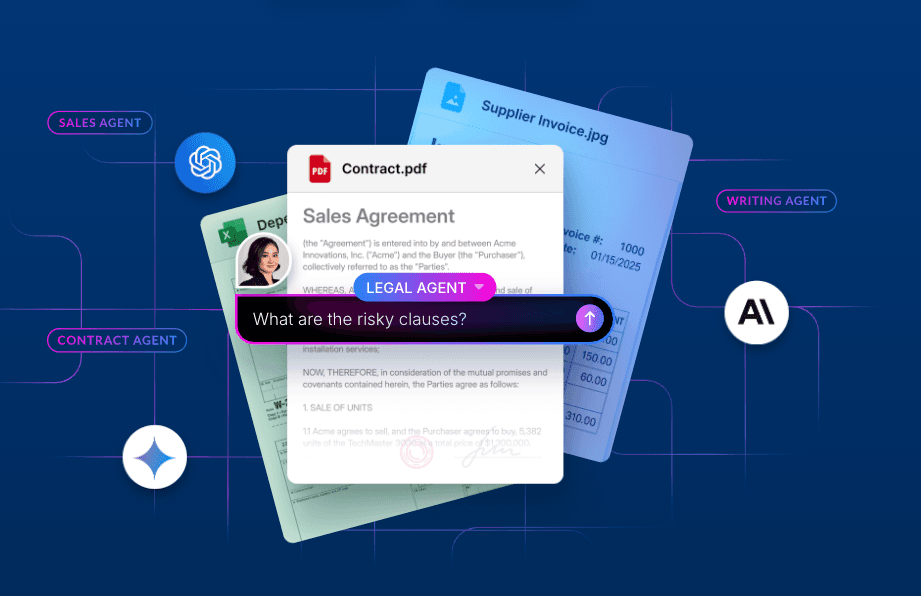
Today we’re proud to announce that Box is a launch partner for Atlassian's new MCP Gallery in Rovo and Assign to Agent feature in Jira. This partnership bridges the gap between your organization's most important unstructured data in Box and the Atlassian ecosystem, enabling a new level of connected intelligence for product, engineering, and design teams.
Contextualized, unified access with the MCP Gallery
With the launch of the new MCP Gallery, Atlassian Rovo now lets you make your agents smarter using the Model Context Protocol (MCP). The Box MCP server serves as a secure bridge, allowing Rovo — Atlassian’s AI-powered assistant — to surface Box files and their associated context directly within your Atlassian environment.
Admins can now connect Box via the MCP Gallery with just a few clicks. Once they’re connected, Box tools will be available to your agents and can be used to pull live data and take action without the need to build complex integrations from scratch. Utilizing the open MCP standard makes it easier for Rovo to search, query, and summarize Box content while strictly respecting existing enterprise permissions
Driving action with Assign to Agents in Jira
Atlassian is also introducing Assign to Agent, a new feature which allows you to integrate the Box agent, or other agents you build with Box tools, directly into your team's workflows. You can now assign work to agents, @mention them in comments, and trigger them from workflows in order to draft, summarize, or execute tasks using the secure content that’s already stored in Box. This ensures that AI-driven actions are always informed by your organization's canonical documentation.
Key capabilities include:
- Create or customize agents with Box: You can create or customize agents in Rovo; use the Box agent to query your content stored in Box; extract structured metadata to embed into your workflows; or create folders or hubs and upload files back to Box.
- Automate workflows: Configure agents to trigger on Jira eventslike issue creation or status transitionsin order to automatically generate Box artifacts or attach existing documentation.
- Collaborate seamlessly: Use @mentions to bring Box-powered agents directly into your Jira comments, so teams can instantly pull information from Box files without the friction of switching apps or manual copy-pasting.
Putting Box and Atlassian to work across your organization
The integration of Box Intelligent Content Management into Atlassian products delivers tangible benefits across your teams:
- Program managers: Automate the creation and maintenance of project documentation as issues progress through the sprint, ensuring that tickets and docs are always in sync.
- Product managers: Use Rovo and the MCP Gallery to quickly find the latest canonical post-mortem or roadmap stored in Box and link it directly to Confluence artifacts.
- Engineering leads: Monitor agent logs and rules for accuracy while enforcing templates to maintain auditability throughout the development lifecycle.
- Legal and Design: Ensure that highly sensitive specs or creative assets stored securely in Box are accessible with appropriate permissions to the broader team within the Jira environment.


Get started today
The combination of the Box MCP server and Atlassian’s new MCP Gallery and Assign to Agent features offers a powerful way to transform how your team interacts with enterprise content. By making your content actionable directly within your product tools, we’re helping you build the foundation for a truly AI-empowered enterprise. Simply connect to the Box MCP server within the Rovo Studio MCP Gallery or Assign to Agents in Jira to get started.
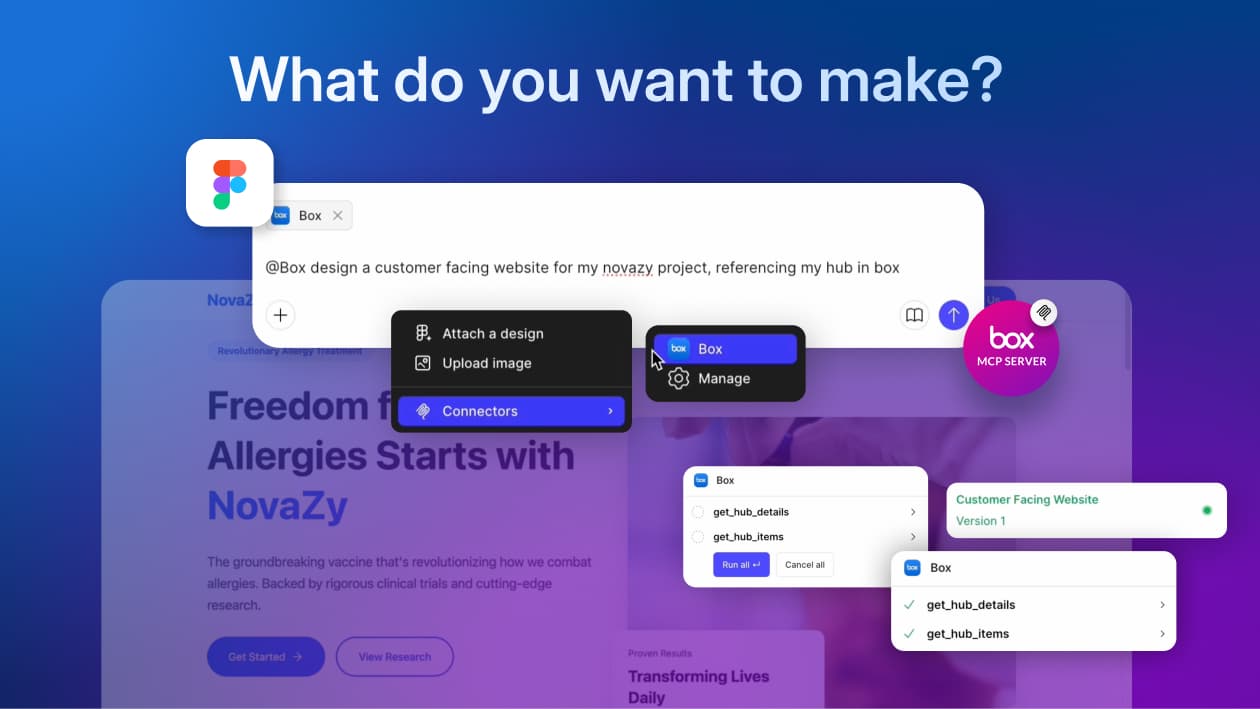
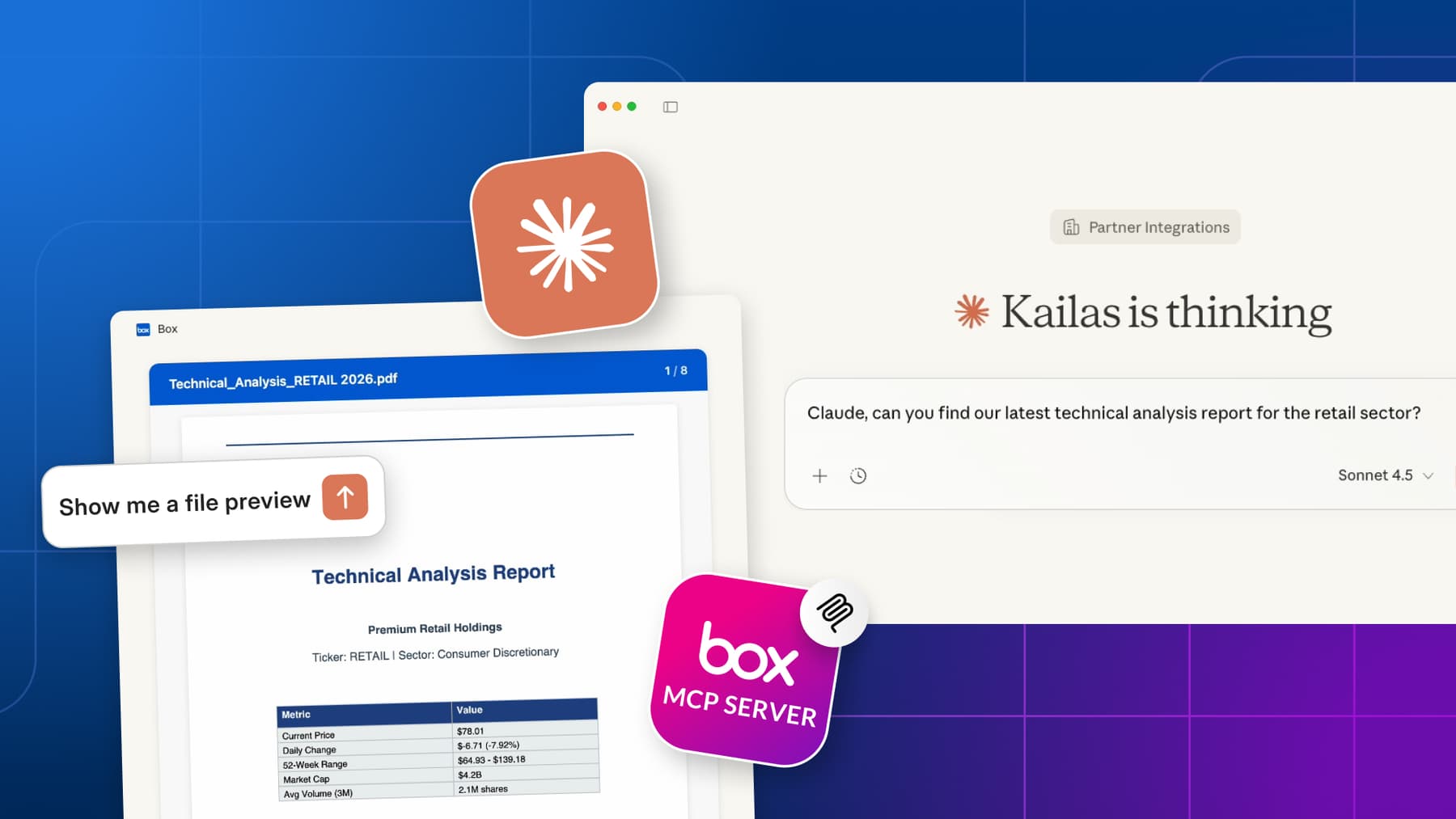
The Box MCP server is designed to work seamlessly with the tools your teams already use, including Anthropic Claude, OpenAI Agent Builder, Figma, GitHub Copilot, LangChain, Amazon Quick Suite, and (coming soon) Salesforce Agentforce. To learn more about how to leverage the Box MCP server and to enable it for your organization, visit our developer documentation.