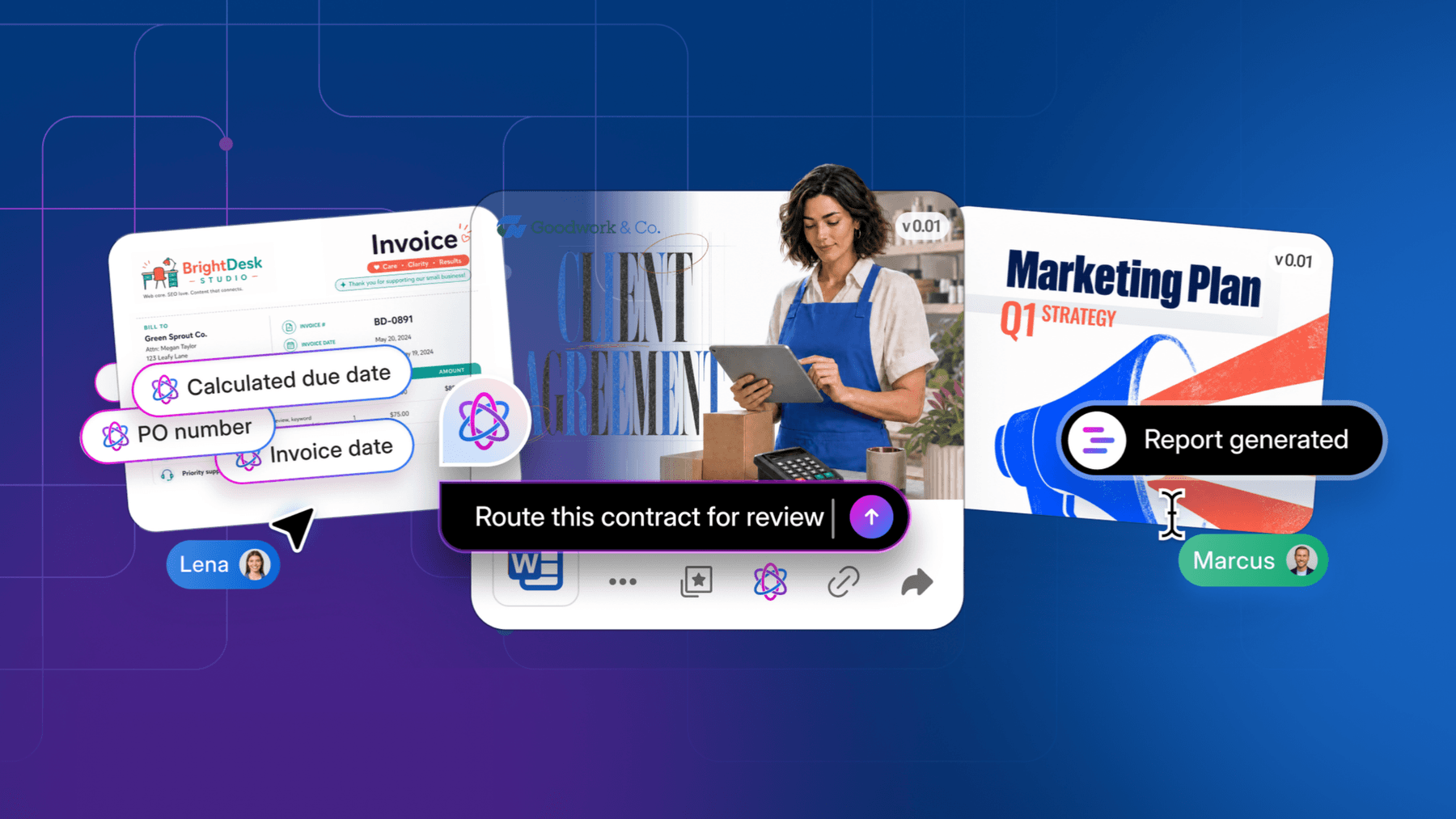
A new project means a new folder. A new hire sets all kinds of paperwork in motion. Even a routine approval requires sending attachments back and forth over email to collect comments and e-signatures.
Every day, contracts, invoices, and creative assets pile up in your file directories, across your apps, and all over your inbox, where attachments run amok. Relentless, scattered content is the status quo for most businesses, but as they grow, content that’s hard to find and manage creates operational friction and data-security risk.
Equally problematic is the fact that the valuable information stuck inside your content is hard for AI agents to use. AI, after all, is only as good as the information it can access. For small businesses concerned with saving time, reducing manual work, scaling without adding complexity — and using AI to succeed at all of the above — the first area to address is content.
A single, organized content platform keeps everyday work organized and gives you the power of content, workflows, and AI agents in one place, so growing teams can scale their work without sacrificing security, compliance, or visibility.
How to know when it’s time to make the switch? Here are seven signs you need a smarter content system, right now.


1. People can’t find what they need when they need it
A customer asks for a proposal, and employees scramble through email, shared folders, and chats to surface the right data. A manager rebuilds a report from scratch every quarter because they can’t find last quarter’s source files. “Can you tell me where to find the file?” is an all-too-familiar refrain.
Contracts, proposals, client records, project files, and policies hold tons of valuable business context and relevant details that aren’t organized into rows and columns. This unstructured data makes up 90% of the average organization’s content. If you can’t find the information you need within your folders, shared drives, and project files; if employees are needlessly repeating work; if leaders have a hard time making quick decisions because they can’t quickly access the data they need to do so — these are all signs you have a content problem.
2. Teams create unsanctioned workarounds to move work forward
A similar but more alarming issue: when content is spread across disconnected sources, employees have to rely on unsanctioned manual workflows to get their jobs done.
They’re copying files to their laptops and sending them via email, even if it constitutes a security risk and creates version-control issues. They’re using unapproved consumer file-sharing apps to share ideas with clients or collaborate with partners with less friction. They’re copying key figures out of core systems into random spreadsheets just to put together basic updates or track sales.
When folders and tools don’t fit the processes, people create additional manual steps: copying files, re-entering information, creating secondary tracking docs that live outside the approved flow. Those workarounds add friction and make processes harder to manage as the business grows. They also create content security and governance risks.
3. Every app you add solves one problem and creates another
When in doubt, teams add more single-purpose software solutions. The average small or mid-market business uses an astounding 87 different apps in the daily course of work. In the SaaS era, “there’s an app for that” has long been a misguided mantra.
A new tool may help with one task, but every disconnected system adds another place to store information, manage access, oversee compliance, and train employees. For a lean IT team, tool sprawl can mean more administrative and security work and far less visibility.
This isn’t to say that you need to abandon the idea of using multiple standalone apps. The inability to securely connect all your content, even while producing and accessing content with multiple tools, is one of the most solvable “red flags.”
Legacy content management tools don’t typically allow for seamless integration between all these apps, but newer Intelligent Content Management tools like Box connect the content and data these apps create into one secure, centralized content layer.
4. You’re forced to make decisions about whether to prioritize collaboration or security
Another red flag for smaller businesses is the seemingly unresolvable puzzle of collaboration versus security. This shows up when a contractor’s project ends but no one remembers to cut off their access to files and folders, or when an employee who needs to get information to a client circumvents the standard secure sharing settings and simply emails an unencrypted attachment.
Bypassing secure processes for the sake of quick collaboration is endlessly tempting. And when content sits in many places, security practices can vary from tool to tool. Access, retention, and activity tracking become harder to oversee, increasing the chance that sensitive information is exposed or kept longer than intended.
5. Workflows depend upon manual handoffs
A customer agreement gets emailed back and forth between your sales lead, outside counsel, and the business owner, with new attachments each time.
To onboard a new hire, your HR person has to manually track down every single signed offer letters, tax form, and NDA.
Project approvals live in email or Slack threads, but if someone neglects to reply or is out for a few days, the entire project stalls.
Manual handoffs require each person in the chain to be quick and attentive; if one person drops the ball, the entire workflow stalls. Prior to AI agents, there wasn’t a good alternative. But no-code AI tools that automate repetitive document steps mean deals don’t get stalled. Teams now have the ability to automate content-based workflows (which, frankly, is most workflows) and ensure they don’t go sideways. One of the biggest prerequisites of automating workflows is an accessible content layer that AI can access across the steps of a process.
6. Employees are using unsanctioned AI tools
We used to worry about shadow IT, and the problem of employees using unsanctioned technologies has gotten a lot worse with shadow AI. This looks like an employee pasting confidential text into a public generative AI tool to summarize a long contract or draft a response when approved tools can’t access the source files. Employees know they aren’t supposed to use a public ChatGPT app, but it just works.
Unfortunately, employees using generative AI tools straight from the internet are feeding your company’s proprietary, sensitive, and regulated data to public databases. AI turns shadow IT from a security problem to a SECURITY PROBLEM.
7. The AI tools you’re trying aren’t delivering real results
As helpful as ChatGPT might be to format a letter or conduct some quick industry research, it can’t tell you anything about your own business. It doesn’t know, for instance, the number of potential customers in your current pipeline or what a recent survey showed they care about.
The real context of your business lives in your proprietary content, and if AI doesn’t have access to it, it can’t help you truly move the needle. Content that’s scattered, poorly organized, or inconsistently governed makes it tough for even the best AI models to find the knowledge they need in order to perform. AI readiness starts with knowing where your information lives, who can access it, and how it’s managed.
The good news? When they do it right, smaller organizations actually achieve faster AI financial returns because their lean structure allows them to quickly adopt and implement workflow changes. Box’s State of AI Report found that 45% of the smallest businesses (those with 100–300 employees) report realizing measurable business impact within 6 to 12 months of deploying AI.
Connect the signs and close the content gap
These aren’t seven separate app problems, by the way. They all point back to a singular issue: how your content is organized and managed. For most smaller businesses, automated workflows, usable AI, and efficient work in general begins with the right content management.
A unified, governed content system can reduce the friction employees face every day and create better collaboration, simpler workflows, and stronger security, while creating the foundation for AI that’s useful, secure, and scalable.
Intelligent Content Management addresses all of these issues with:
- One secure platform to store content that makes it easy for both humans and agents to find the information they need quickly
- Less friction within workflows so people aren’t forced to find ungovernable workarounds for everyday tasks
- Integration between all your apps so you can access content in one secure place regardless of which app created it
- Collaboration that keeps content secure and governed without creating friction around sharing and collaborating
- The ability to automate workflows so they don’t stall out or get held up
- No more shadow AI — employees don’t need access to consumer tools when sanctioned, approved tools actually work
- Liftoff for your AI pilots, with content secure, governed, and connected across the company, so AI can access the context of your business and make a real impact on your mission
For small businesses, the shift to intelligent content management lays the foundation for business growth. In turn, lean teams operate with more consistency and visibility as the business grows.
Learn more about Box for small business to explore practical ways to manage business content as your team grows.