The idea that every employee within a company has to work in the same office is an antiquated one. Companies today might have employees located around the world. Team members work from their homes, co-working spaces, in coffeeshops, and just about anywhere else you can think of. Thanks to technology, they stay connected and collaborate as if they were in the same physical location.
For this reason, the distributed workforce is now a common model for all kinds of organizations. Read on to learn more about how to make a distributed team more productive, collaborative, and effective.
Distributed vs. remote work
A distributed team is not the same thing as a remote team. The difference lies in who is being talked about. Usually, remote work refers to something employees do. "Distributed team" refers to the company as a whole. Remote work is on the individual level, while distributed work is on the organizational level.
What is a distributed work environment?
If your company adopts a distributed work environment, you have employees in several different locations. You might have a team that works from the home office or company headquarters five days a week. But you might also have another team of employees that works out of a satellite office in another town, state, or country.
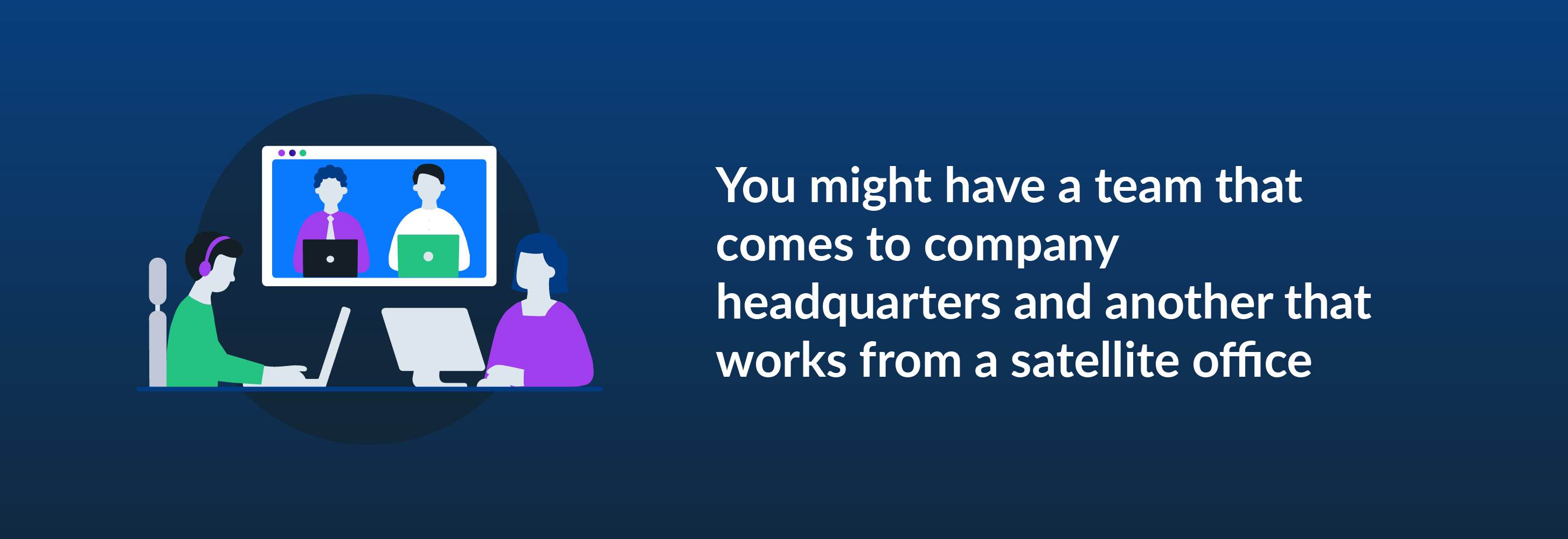
Some members of your distributed workforce might work from home, while others work in an official office. They all belong to a distributed team.
Within a distributed workforce, employees' work locations are sometimes based on their department. For example, you might have your customer service team working on one side of the world while your executives operate from headquarters on the other side. Your IT team members might work from their individual homes, while your legal department gathers in a co-working space.
Within a distributed workflow model, members of the same department or who hold the same role might even work in different geographical locations. For example, you might decide to hire US-based customer service reps to take care of customer calls during daytime hours. A team of agents in Asia or Australia might then handle overnight calls. Similarly, your legal team or marketing department might be distributed, with employees collaborating across the country or world.
What does remote work mean?
Working remotely means an employee works from a location your company doesn't own and manage: their home, a local cafe, a co-working space they lease, a library.
Remote work can apply to an individual or an entire team. Any time a business has team members distributed geographically — either in multiple places or because of remote staff — the workforce is a distributed workforce.
The two building blocks of distributed work
Distributed work wouldn't be possible or efficient without certain foundations. For example, in the days before telephones, it would have been tough for team members in different locations to stay in touch throughout the day and keep tabs on each other's progress. Regular in-person meetings and check-ins were necessary to keep projects moving along and allow for collaboration.
While telephones certainly helped connect distributed teams, the internet made an even bigger impact. Over time, evolving technology has laid the foundation for efficient distributed work. The two technology-related building blocks of distributed work are connectivity and transparency.
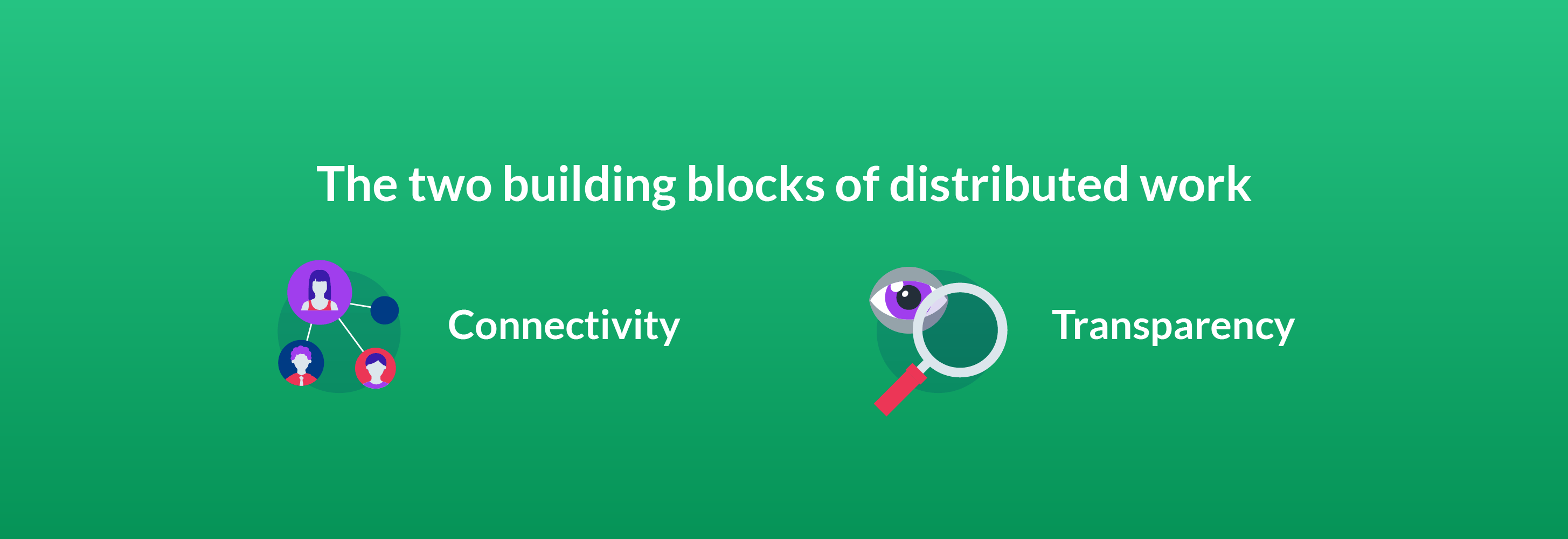
Connectivity
Distributed teams need to stay connected for work to flow. Connectivity takes multiple forms.
On one hand, it refers to connecting employees throughout the day — for instance, enabling them to message each other through texts, emails, or instant messaging platforms or connect via phones or video-conferencing software.
But connectivity goes beyond video chatting and messaging to collaboration in the flow of work. Without the ability to seamlessly collaborate in real time, version issues become a barrier to productivity. For example, Employee A needs to see what changes Employee B has made to the draft of a whitepaper. If Employee A doesn't have access to the latest draft, they might accidentally make changes that override or contradict Employee B's.
Connectivity also goes hand in hand with engagement. Distributed employees need to be connected to their co-workers and the company to feel engaged in their work. If they experience a disconnect or believe what they do matters less than what their co-workers do, they tend to tune out. A disconnection like this can lead to a drop in productivity and overall work quality.
Transparency
Transparency is another building block of a distributed workforce. Transparency means employees trust their employer to be open and honest with them.
One of the keys to being transparent is keeping distributed teams in the loop regarding what's going on with the company and its projects. For example, you might schedule check-in calls to provide project updates. A company newsletter can let people know about significant developments or policy changes.
Transparency also means holding the company accountable. Distributed team members might have feedback or advice. Listening to their feedback and applying it to the business demonstrates your company's transparency. You might collect feedback through anonymous surveys or ask for it during quarterly or annual reviews with your team members.
The challenges of distributed work
Distributed work has many advantages for companies, including:
- Enabling hiring beyond state or country borders
- Helping businesses cut costs
- Helping companies scale across locations
- Providing workforces with better options and more flexibility
It also has some challenges. Moving past the obstacles of distributed work requires a strong plan and plenty of forward-thinking.
Lack of in-person interaction
Depending on the geographical distribution of a distributed work team, there may be limited person-to-person interaction between team members who aren’t located in the same place. For example, if the team manager works from the company's headquarters, but manages people working in other states, they might never meet face to face.
Even if some members of a distributed team work in the same physical location, they might not get the chance to meet or interact with other colleagues who work elsewhere.

Increased distractions
Both remote and distributed team members are equally likely to experience distractions as they go about their workdays. For example, remote employees working out of a cafe might have difficulty concentrating if their environment is crowded or noisy.
Employees working from home might deal with home-related distractions that reduce their productivity. For example, a parent might have a young child who keeps them from completing tasks, or an employee might put off work-related projects to take care of household chores.
Communication misfires
Miscommunication can occur both when people work in different locations. Since more steps may be involved in contacting a boss or co-worker when a team is spread out, a distributed model could lead to more miscommunications.
An example might be if an employee misunderstands the task or project and goes in a direction the company doesn't want.
Missed messages can also complicate communication. For example, a manager might want an employee to change course or work on something else, but the employee might not get the message soon enough.
An “us vs. them” mentality
When people do not work in the same location, alienation is a risk, particularly if the majority of the team works in one place while a select few work remotely. Within a distributed workforce, it’s not unusual for isolated team members to feel inferior or pressured to go above and beyond to prove their worth.
There can also be culture clash or a lack of company culture altogether when team members are distributed, making feelings of disconnection stronger.
How to solve the challenges of distributed work
Although there can be challenges in working with a distributed workforce, they aren't insurmountable. Intentional culture-building can be one effective way to combat the challenges of distributed work.
For example, you might organize events to help coworkers connect. The events might take place in person (happy hours, company summits) or virtually over teleconferencing platforms.
Culture and team-member bonding can also be built into work hours with icebreakers or social opportunities. For example, at the start of meetings, you might ask employees to share something they did over the weekend. Allowing employees to trade details about their lives makes them feel more connected to the company. It also gives them a chance to relate to others.
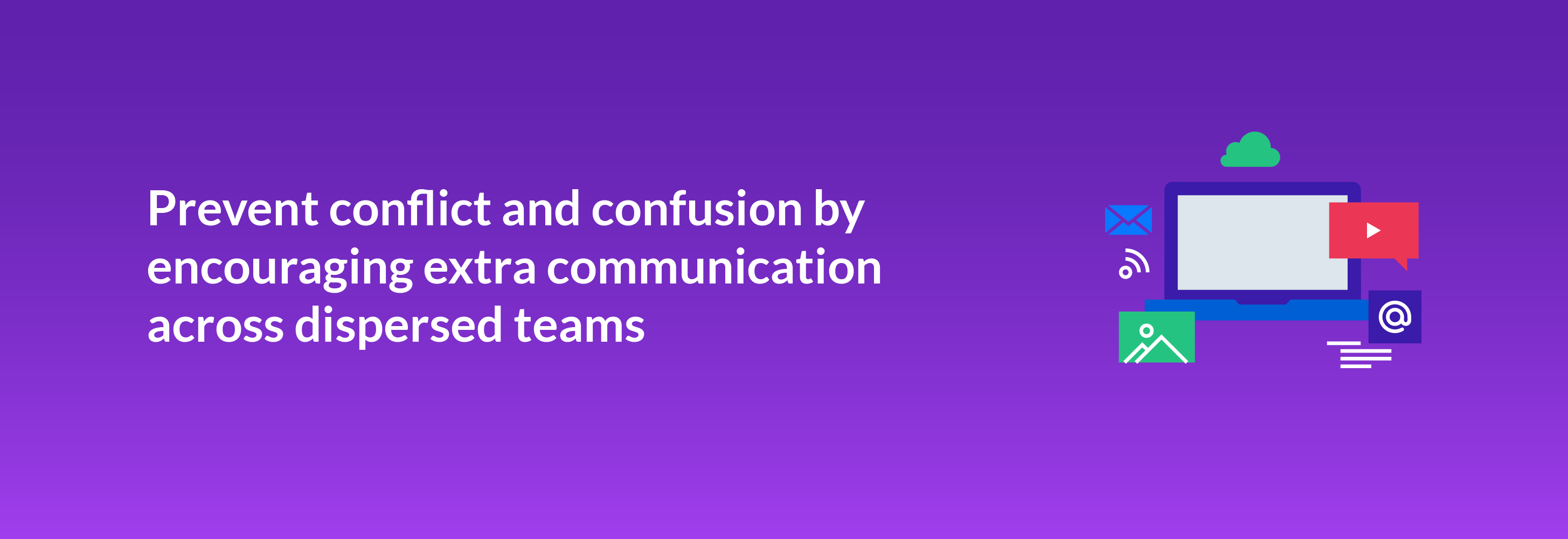
To avoid conflict and confusion, dispersed employees benefit from extra communication. For example, if you want to be confident that an employee working in a satellite office understands an assignment, you might ask them to rephrase the project and what's expected before they begin work. You might also have them verify how long the project will take and when they expect to meet certain milestonesThis gives you an opportunity to course-correct before a misunderstanding grows too vast.
You might also set up a policy for checking work emails, texts, and chats to minimize the chance of messages getting lost in the shuffle. For example, ask employees to leave their work phones on and near them during their workdays and log into messaging and chat systems when they are actively working. But be sure to give your team members the space to disconnect from work, too.
Distributed work requires the right tools
Distributed work requires the right tools. Your teams need to communicate with each other and share content seamlessly. The tech needs of a distributed workforce go beyond having communication solutions. Your team also needs to have a reliable and secure connection from wherever they're working, with a network strong enough to handle the traffic produced by distributed teams and remote workers.
Some companies use virtual private networks (VPNs), which encrypt internet traffic and allow users to send data securely, almost as if they were on the company's private network. If you go in this more traditional direction, depending on the size of your company's distributed teams, you might need to invest in a VPN with enough bandwidth to handle the demands of dozens or more users all logged in simultaneously.
The downside of VPNs is that If there's an issue with the network, productivity grinds to a halt. Installing monitoring tools helps your IT team detect any network issues before the entire system crashes and workers are locked out of their projects.
Security tools are critical to a distributed team's success. A VPN is just one solution that can help keep data safe. You also need tools that verify users' identities before they log into the network and require them to have the appropriate permissions before they can access company content.
Restricting who can log into company video conferencing platforms and messaging apps helps with security. You don't want to have an important meeting Zoom-bombed by an unauthorized third party or give a bad actor access to your company's chat program. Requiring authentication, such as usernames and passwords, is one way to keep your communication tools secure.
Using the cloud
The cloud makes many of today's remote and distributed work teams possible and has replaced VPNs for many companies. In the cloud, employees can work anywhere and on any device. Intelligent Content Management platforms like Box have built-in security measures that minimize the chance of data getting into the wrong hands or being intercepted by bad actors.
Intelligent Content Management can support your distributed team as well as individual remote workers by allowing them to:
- Work at any time
- Work from anywhere
- Work on any device
- Collaborate quickly
- Communicate seamlessly

To use the cloud, all an employee needs is an internet-connected device like a laptop, desktop, or smartphone. Since the cloud is never offline, work can happen at any time.An employee can work while they're in a satellite office or at a client's headquarters. They can also take their work home with them in the cloud.
The cloud streamlines collaboration and communication. Authorized users can see their co-workers' content changes in real time. They can request changes to content, such as a new paragraph added to a whitepaper or a minor adjustment made to a video's runtime, and have those requests reach their colleagues instantly.
An Intelligent Content Management platform can integrate with the apps your company already uses. For example, your distributed team members can share cloud content through a messaging app or email client. They can then collect e-signatures with functionality native to an Intelligent Content Management platform like Box.
Security is ensured when you choose the right cloud platform. Since all your company's data is online, it needs to be protected from bad actors or even just people who might come across it inadvertently. The Intelligent Content Management platform your distributed teams use must keep data away from prying eyes. It should have multiple features that safeguard your content.
One such feature is encryption, which scrambles content to look like gibberish. Without a decryption key, someone who accesses encrypted content can't make heads or tails of it.
Different platforms use different types of encryption, but the one to look for is 256-bit. A super-fast computer would need to try 2256 combinations before it could crack 256-bit encryption.

Password protection is another must-use security feature in the cloud. A zero-trust model is also necessary, requiring users to verify their identity even if they're logged into a trusted device. Zero trust recognizes that a device, such as a smartphone or laptop, could fall into the wrong hands. It adds an extra layer of protection to help safeguard your most critical information.
The cloud also plays a role in ensuring your company complies with governance and regulations. Depending on your industry and location, your data might need to comply with regulations and standards such as FINRA, HIPAA, and GDPR. If your company is spread across the world, its compliance requirements might be particularly tricky, as countries often have differing regulations.
Discover the power of Intelligent Content Management
With a single secure platform for all your content, Box enables you to manage the entire content lifecycle: file creation, co-editing, sharing, e-signature, classification, retention, and so much more. We make it easy for you to collaborate on content with anyone, both inside and outside your organization. Frictionless, enterprise-grade security and compliance are built into our DNA, so you get total peace of mind that your content is protected. And with 1,500+ seamless integrations — as well as a range of native capabilities, like Box Sign — Intelligent Content Management from Box provides a single content layer that ensures your teams can work the way they want.
Intelligent Content Management is a game changer for the entire organization, streamlining workflows and boosting productivity across every team. Contact us today, and explore what you can do with Box.
Learn how Intelligent Content Management helps distributed teams
**While we maintain our steadfast commitment to offering products and services with best-in-class privacy, security, and compliance, the information provided in this blogpost is not intended to constitute legal advice. We strongly encourage prospective and current customers to perform their own due diligence when assessing compliance with applicable laws.