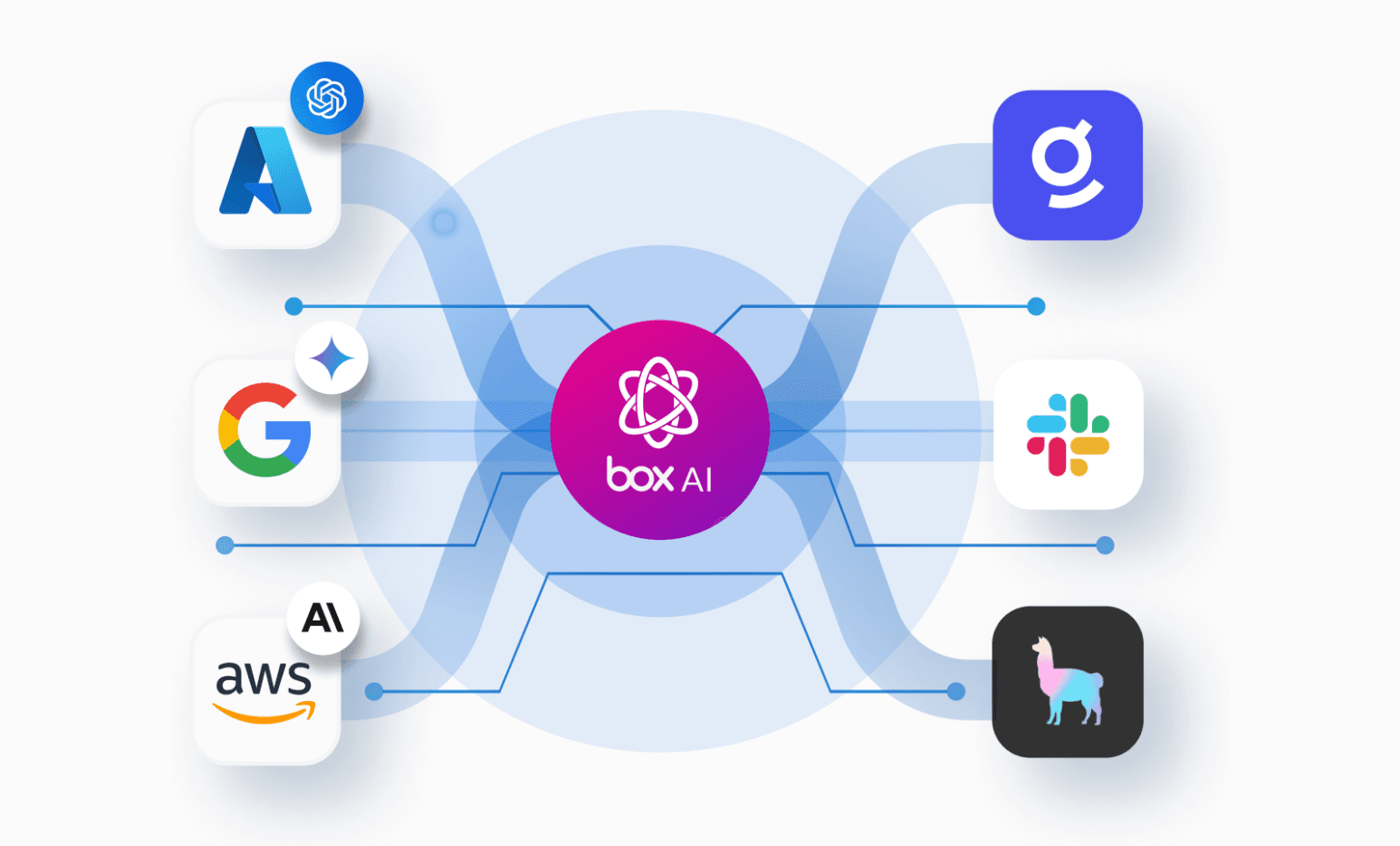
Building a real AI document pipeline means solving two things at once: getting structured data out of unstructured content, and putting results somewhere a teammate can actually act on, rather than an ephemeral JSON blob in a terminal.
This post walks through an architecture that handles both. It takes a Box folder of vendor documents — SOC 2 reports, contracts, security questionnaires — runs a multi-agent analysis, and writes a risk report back to Box with metadata on every source file and a review task for your security team. Box AI Extract Structured handles document intelligence on the way in. LangChain Deep Agents handles the reasoning in the middle. The Box API closes the collaboration loop on the way out.
Repo: langchain-deepagents-sandbox-example
How Deep Agents orchestrates the analysis
Before diving into the pipeline, it's worth understanding what LangChain Deep Agents actually brings to the table, as it shapes how everything else is structured.Deep Agents is LangChain's agent harness, built on LangGraph. For this use case, two capabilities matter.
First: subagent spawning. The orchestrator can dispatch specialized agents in parallel, each with an isolated context window. For vendor risk, that maps naturally onto three independent analysis domains (security controls, compliance gaps, and contract risk) that run concurrently before the orchestrator synthesizes a final score.
Second, a pluggable virtual filesystem: the sandbox. Rather than stuffing everything into one massive prompt, the agent reads and writes structured files. The sandbox is the coordination layer, with subagents reading vendor data from it and writing findings back to it, along with an orchestrator that reads those findings to produce a result. More on how it's loaded in a moment.
Box AI turns PDFs into typed JSON — no parsing required
The pipeline starts in Box. For binary files (PDFs, DOCXs), Box AI Extract Structured does the heavy lifting. You define a field schema and the API returns typed JSON directly from the document. Here's the schema for the SOC 2 report:
const SOC2_FIELDS = [
  { key: 'auditType',       description: 'SOC 2 audit type: "Type I" or "Type II"', type: 'string' },
  { key: 'auditor',         description: 'Name of the independent auditing firm',   type: 'string' },
  { key: 'exceptionsCount', description: 'Number of control exceptions found',      type: 'number' },
  { key: 'exceptions',      description: 'Control exceptions — each with controlArea, description, severity, managementResponse', type: 'array' },
  // ...
];
The API call is as minimal as it looks:
const raw = await this.post('/ai/extract_structured', {
  items: [{ type: 'file', id: fileId }],
  fields,
});
No OCR, no chunking, no embeddings. Box reads the document and returns the fields you asked for.
The security questionnaire is a slightly different case. That is, the answers are freeform enough that Box AI Ask works better than structured extraction. A single prompt reconstructs the questionnaire as a typed JSON array with compliance status inferred per answer. Different API, same idea.
Give the agent structured files, not raw documents
Once Box AI has turned the vendor documents into structured JSON, that data gets pre-loaded into a VfsSandbox from @langchain/node-vfs, which is in-memory virtual filesystem the agents will reason over:
const files: Record<string, string> = {
  '/profile/company.json':       JSON.stringify(profile, null, 2),
  '/soc2/summary.json':          JSON.stringify(soc2, null, 2),
  '/questionnaire/summary.json': JSON.stringify(questionnaire, null, 2),
  '/contract/summary.json':      JSON.stringify(contract, null, 2),
};

const sandbox = await VfsSandbox.create({ initialFiles: files });
Each document becomes a file at a predictable path. The summaries are compact. We get back structured JSON rather than full PDF text, which keeps each subagent's context focused. Raw text lives under /raw/ for cases where a subagent needs to verify a specific detail, but in practice they almost always work from the summaries alone.
That tradeoff is deliberate: fast first pass from structured data, selective deep-dive only when needed.
The whole agent setup is about 10 lines
With the sandbox loaded, wiring up the agent is straightforward:
const agent = createDeepAgent({
  model,
  systemPrompt: ORCHESTRATOR_PROMPT,
  backend,   // the VfsSandbox
  subagents, // security-controls, compliance-gaps, contract-risk
});

await agent.invoke({
  messages: [{ role: 'user', content: userMessage }],
});
The subagents array registers the three specialists. Each has a name, a description the orchestrator uses to route tasks, and its own system prompt with domain-specific instructions. The orchestrator dispatches all three in parallel. Each reads from the shared VFS, writes findings to /findings/, and when they're done the orchestrator synthesizes everything into a final risk score.
No custom graph code, no LangGraph nodes to wire up. The orchestration logic is a prompt. createDeepAgent handles the loop.
Five API calls, one real deliverable
After the agent run, findings come out of the sandbox and get assembled into a Markdown report. Then five Box API calls turn that into something a human can actually use:
// Create a Risk Reports subfolder
const reportsFolder = await client.findOrCreateFolder('Risk Reports', sourceFolderId);

// Upload the report
const reportFile = await client.uploadFile(reportsFolder.id, reportName, reportMarkdown, 'text/markdown');

// Stamp metadata on the report
await writeMetadataSafely(client, reportFile.id, {
  risk_level: riskScore.overallRisk,
  score: String(riskScore.score),
  recommendation: riskScore.recommendation,
  review_date: reviewDate,
});

// Generate a shared link
const sharedLink = await client.createSharedLink(reportFile.id);

// Create a review task
await client.createTask(reportFile.id, `Review ${vendorName} vendor risk assessment...`);

// Write metadata back to every source document
for (const fileId of sourceFileIds) {
  await writeMetadataSafely(client, fileId, { risk_level, review_date, assessment_url: sharedLink });
}
The last step is the one worth pausing on. After the run, every source document in the vendor folder (the SOC 2 PDF, the contract, the questionnaire) has risk_level, review_date, and assessment_url tagged on it as metadata. A reviewer browsing the folder has context before they've opened a single file.
The report is also versioned. If you re-run the analysis, Box creates a new version instead of silently overwriting it. Agent-generated artifacts accumulate history rather than clobbering previous work.
Why the separation of concerns matters
None of this required the agent to understand Box permissions, versioning, or collaboration features. It just wrote files to a virtual filesystem. The Box layer underneath handled the rest.
That separation holds in the other direction too. Because the agent only knows about the VFS, you could swap the extraction approach on the input side or change the output format entirely without touching the reasoning logic. Each layer does the thing it's actually good at, connected by straightforward data transformations.
When you're not building a document parser, a delivery system, and a collaboration layer from scratch, you can spend more time on the thing that actually matters: the analysis itself.
Try it out yourself
The repo includes a seed script that uploads two fictional vendor profiles: one medium risk, one high risk. This way, you can run the full pipeline without real documents.
You'll need:
- A Box developer account (free signup)
- A Box app configured with Client Credentials Grant
- An OpenAI or Anthropic API key
bun run seed                      # upload sample vendor docs to Box
bun run analyze <folder-id>       # run the analysis
The output lands back in Box into the same folder where the source documents live.