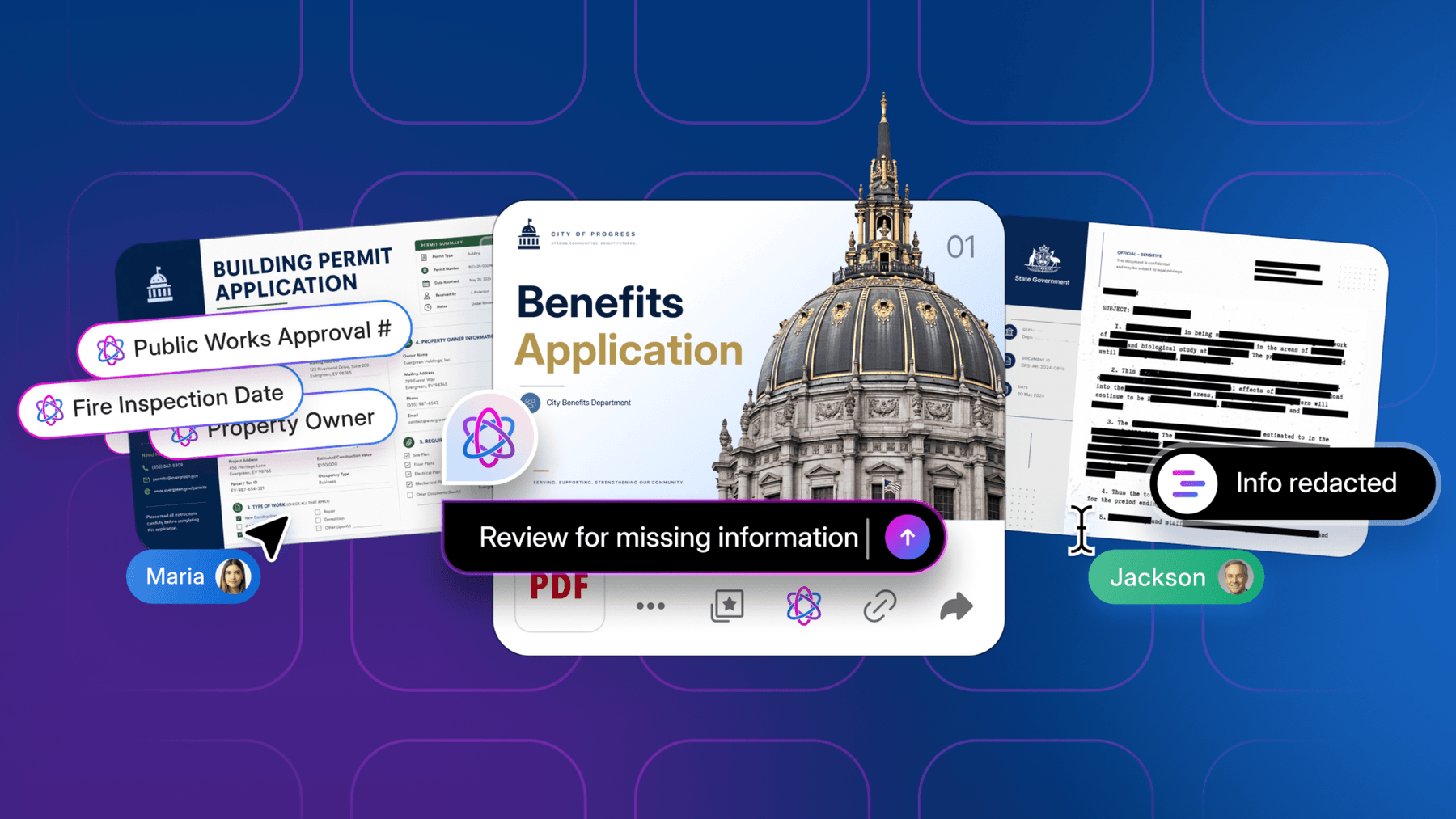
If you’re diving into Part II, you’ve already covered the foundations in Part I: understanding what AI Agents are, how they’re structured, and how to identify the right use cases for your organization.
Now it’s time to get hands-on. In this section, we’ll walk you step-by-step through designing, configuring, and deploying an AI Agent in Box AI Studio. This is where the concepts from Part I come to life, as you begin to craft instructions and connect to your content, test outputs, and scale across teams.
Chapter 1: How to build a business-ready agent in minutes
With Box AI Studio, business users can build powerful, secure agents in an easy six-step process.

Step 1: Choose your foundation (select an LLM)
You have the flexibility to use Box supported state-of-the-art models, all within the secure Box AI Studio environment.

Step 2: Grant agent capabilities (define actions)
Define what your agent can do. Grant it specific capabilities like Ask (for Q&A), Summarize (for digests), or Generate (for content creation). This ensures the agent only performs approved actions.
Step 3: Provide clear instructions
This is the agent's job description. It’s more than just a single prompt; it’s a comprehensive directive that defines the agent’s entire purpose and behavior. To translate your team’s business goals into a clear plan for your agent, use these five building blocks as your template.
The building blocks of AI Agent instructions:
1️⃣ Purpose – What’s the AI agent solving? Define the primary mission. This is the “why” behind the agent’s existence, and it should be tied directly to a business outcome.
- Example: “Your purpose is to accelerate contract reviews and reduce legal risk for the company.”
2️⃣ Context – What does it need to know? Describe the agent’s operating environment and the type of information it will handle. This helps it understand the significance of the content.
- Example: “As a helper to legal teams, you analyze new Master Service Agreements from potential vendors.”
3️⃣ Actions – What should it do? List the specific tasks the agent needs to perform. These are the verbs of the operation, often corresponding to the capabilities you granted in the previous step.
- Example: “You will scan the document, identify key clauses, compare them to our standard policy, and tag the document’s metadata with a risk level.”
4️⃣ Rules – What guidelines does it follow? Set the boundaries and constraints. Tell the agent what to prioritize, what to ignore, and how to behave to ensure the results are safe, relevant, and reliable.
- Example: “Flag any liability or data privacy clauses that deviate from our approved policy. Ignore standard terms found in the appendix. Your tone must be formal and objective.”
5️⃣ Output – What’s the expected result? Describe the final deliverable. This ensures the agent produces a consistent, useful result that turns unstructured content into structured insights for faster decisions.
- Example: “Generate a concise, bulleted list of only the non-compliant clauses in a new Box Note, ready for the legal team’s final review.”
💡 With Box AI, agents don’t just process content. They understand it, act on it, and unlock its insights.
Step 4: Test and refine (use the Box AI Playground)
Interact with your agent in an intuitive, unified workspace. The Box AI Playground lets you test prompts and see your agent’s responses, the sources it used, and its underlying logic, allowing for fast, iterative refinement.

Step 5: Deploy your agent
Once you’re satisfied, deploy your agent to put it to work for your teams.

Chapter 2: Deploy agents across your entire tech stack
Box AI is the secure native AI layer that serves as the connective tissue for content-aware AI across your enterprise. Deploy agents where your users work, without compromising on trust.
Path 1: Native deployment right where teams work
Make agents available directly within the Box UI to accelerate every part of the content lifecycle.
- Box Notes: Invoke a “Proposal Agent” to draft content while collaborating
- Box Hubs: Curate a knowledge Hub and let a “Research Agent” answer questions for your team
Path 2: Custom deployment via the secure AI platform layer
Use the Box AI API to embed your agents into any application. Because the agent’s logic and content grounding live securely in Box, you can bring intelligence to your workflows in Slack, Salesforce, ServiceNow, and more.
This enables true agent-to-agent orchestration that respects content permissions, compliance policies, and data residency, no matter where the AI experience is surfaced.
Chapter 3: Measure, improve, and scale
Deployment is just the beginning. The most successful AI strategies are built on a virtuous cycle of continuous improvement to deliver fast, trusted, and scalable AI experiences.
- Measure impact: Track agent usage within your teams and connect it to business outcomes: time saved, risk reduced, and processes accelerated
- Gather feedback: Use simple feedback tools to understand agent performance and identify areas for improvement
- Refine prompts (A/B testing): Use the AI Playground to easily tune and redeploy agents for better, more accurate results
- Drive adoption: Promote your successful agents internally to scale their impact across the organization
Chapter 4: A case study of AI in action

How a leading architecture consulting firm leveraged Box AI Agents to streamline material inspection reviews
The challenge: Hours lost in reports
The architectural consulting firm’s technical staff faced a recurring challenge: Each month they received 90+ page materials testing reports from various testing agencies, and for multiple projects. Extracting material components, identifying problems, and summarizing key risks was time-consuming and manual. This monthly effort required a high-level, and long duration, of uninterrupted focus to ensure all relevant insights were consistently identified, allowing decision-making and corrective actions to occur with minimal impact on construction progress.
Building a custom Materials Agent in AI Studio
To significantly reduce the time needed to tackle this, while maintaining their quality of opinions, the team turned to AI Studio to design a custom Materials Agent. They defined a clear objective: automatically identify all materials mentioned, summarize their condition, and flag any issues. They crafted instructions for reasoning, output format, and transparency. Iterative testing with real reports ensured accuracy, while permission-aware settings guaranteed compliance with governance and security policies.
From hours to minutes: Instant summaries
Once deployed, the Materials Agent transformed the workflow. Technical staff received concise, actionable summaries in minutes rather than hours. They could quickly see what required attention, make faster decisions, and focus on higher-value analysis. The team gained confidence in both speed and reliability, and the Agent is becoming an integral part of their monthly review process on some of the most complex commercial construction projects underway.
What’s next: Bringing AI Agents to life
Part II has taken you from understanding the foundations to seeing how an AI Agent gets designed, configured, and deployed in Box AI Studio. You’ve learned how to define purpose, craft instructions, ground an Agent in your content, and test it until it delivers reliable, actionable insights.
The real power comes when theory meets action. To accelerate your journey, you can jumpstart your own Agents with prebuilt templates from the Box AI Agent Library. Templates cover workflows across finance, contracts, clinical trials, customer support, and more, complete with ready-to-use instructions that can be copied directly into AI Studio. Adapt them to your unique content, and start delivering value immediately.

AI Agents are tools your teams can build, customize, and scale today. By combining the insights from this playbook with the resources in the Agent Library, you’ll have everything you need to turn content into intelligent workflows that drive real impact across your organization.
Need help or have questions?
If you run into challenges, want tips on refining your Agent, or have questions about Box AI Studio, visit the Box Community. There, you’ll learn how to get the most from your AI Agents with best practices from experts and peers.
Conclusion: Building your Agent-first enterprise
Imagine a future where your organization runs on intelligence, not searches. Where every team is supported by specialized AI Agents that transform content into a competitive advantage.
- You’ll work smarter in AI-powered spaces designed for collaboration and creation
- You’ll turn unstructured data into action, fueling automated workflows that drive business forward
- You’ll bring intelligence to your entire tech stack, all orchestrated by a single, secure AI platform layer
By turning your unstructured data into actionable intelligence, Box AI provides the contextual, flexible, and trusted foundation you need to build the future of work.
It's time to activate your content and build an Agent-first enterprise.
Ready to build your first Agent?
See how Box AI turns enterprise content into actionable intelligence across your business, or contact your Box account team to get started.